
Open Browser Use
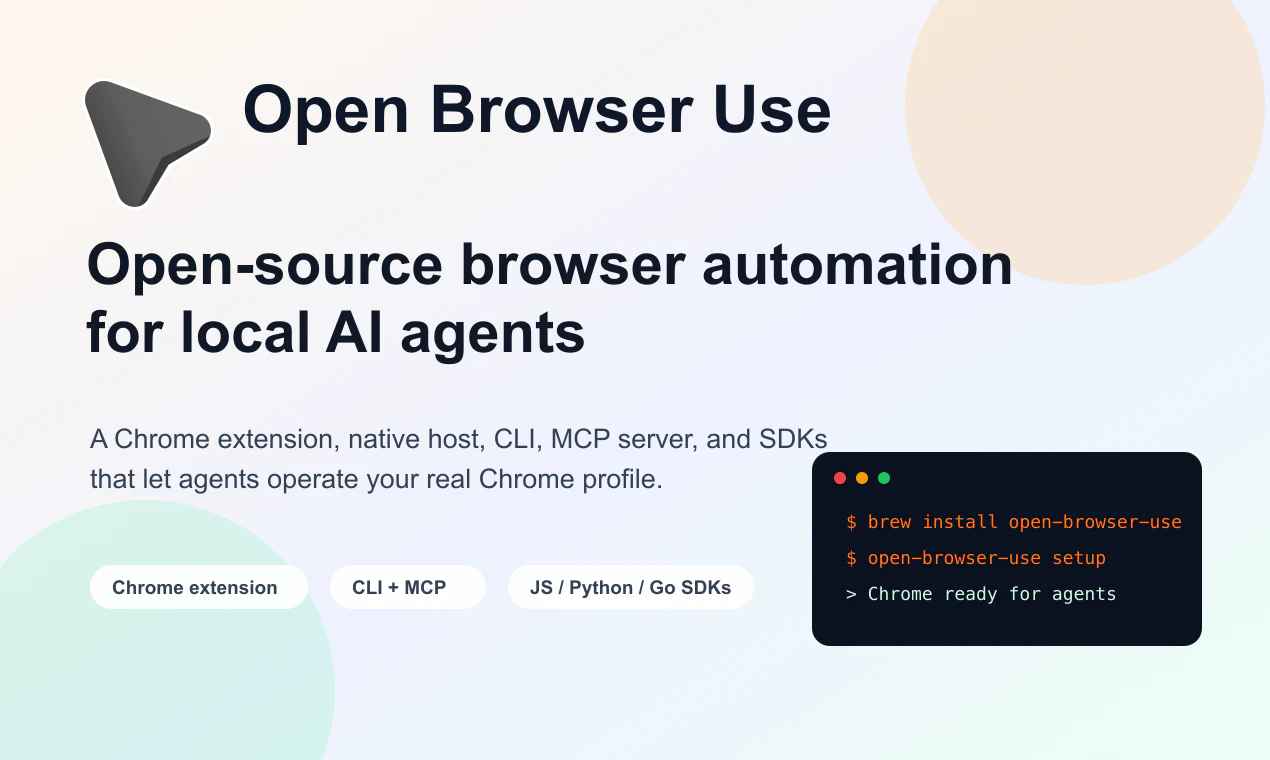
Open-source browser automation for local AI agents
About Open Browser Use
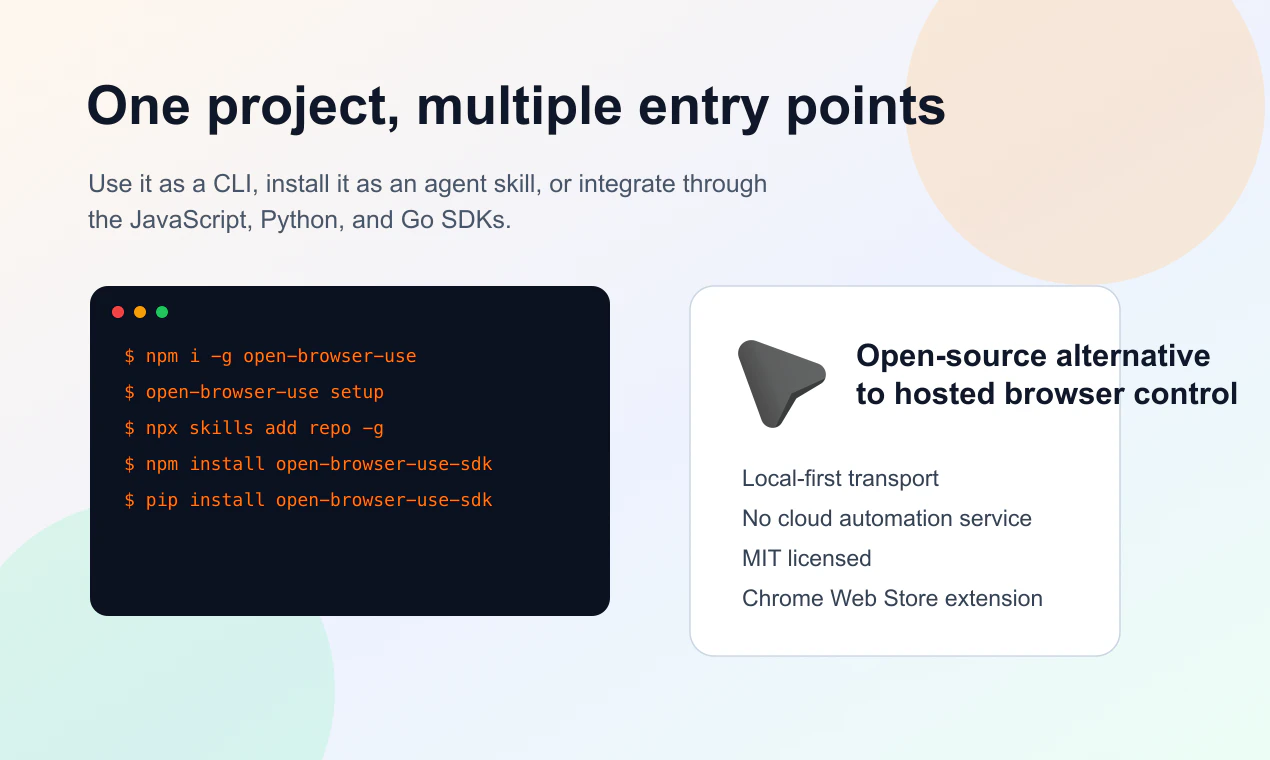
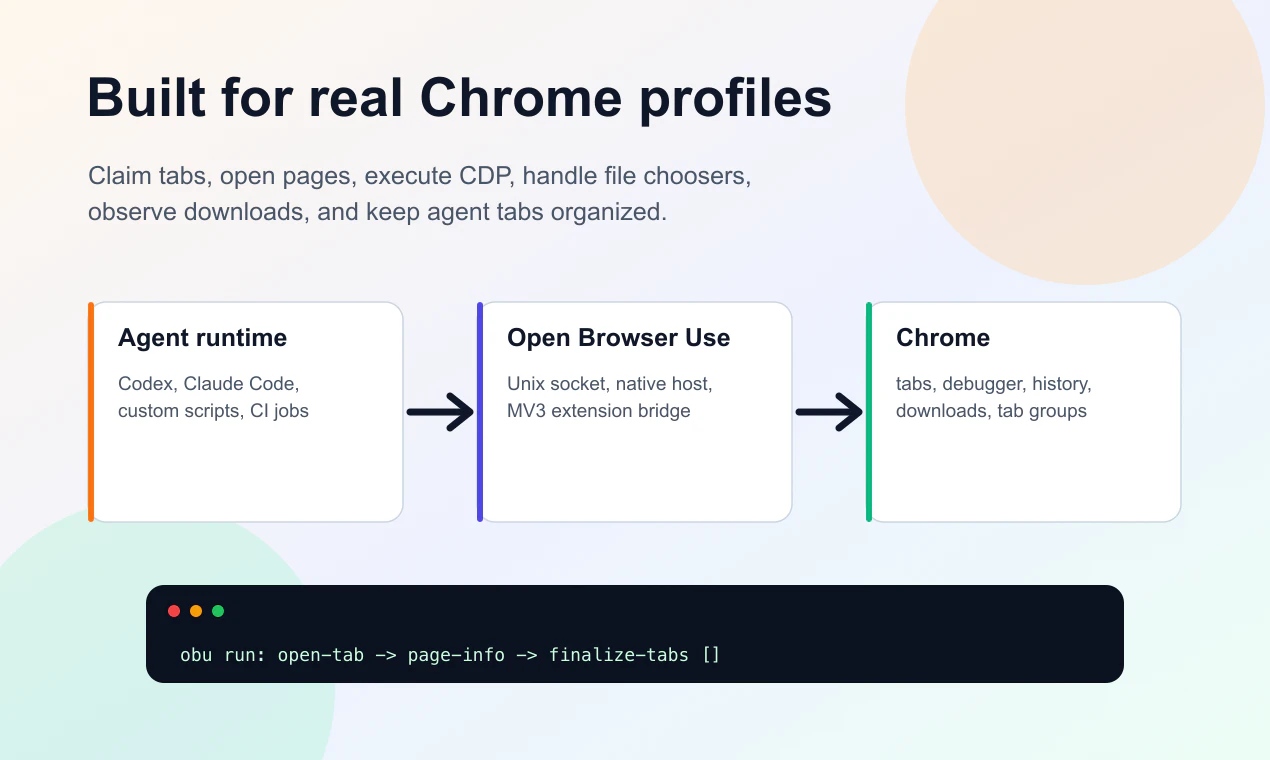
Open Browser Use is an innovative open-source solution that enables local AI agents to seamlessly interact with your Chrome browser profile. By integrating through an MV3 extension, native host, CLI, MCP server, and SDKs in JS, Python, and Go, it offers a versatile and developer-friendly environment for browser automation. Unlike cloud-based automation tools, Open Browser Use keeps everything local, ensuring greater privacy and control. It allows AI agents to open and claim tabs, execute Chrome DevTools Protocol (CDP) commands, inspect webpage states, monitor downloads, handle file upload dialogs, and organize tabs efficiently. This makes it an ideal choice for developers, AI researchers, and automation enthusiasts looking to extend their AI capabilities into real browser interactions without relying on hosted solutions. Its open-source nature and multi-language SDK support make it highly customizable and accessible for a broad range of projects, from testing to complex AI-driven browsing tasks.
Screenshots
Pros
- ✓Open-source and highly customizable, providing full control over browser automation
- ✓Supports multiple SDKs (JS, Python, Go), catering to diverse developer needs
- ✓Local setup enhances privacy and reduces dependency on cloud services
- ✓Rich feature set including tab management, CDP commands, and page inspection
- ✓No need for a hosted automation service, reducing costs and complexity
Cons
- ✗Requires technical expertise to set up and integrate correctly
- ✗Limited out-of-the-box user-friendly interface, more suited for developers
- ✗Potentially steep learning curve for non-technical users
Use Cases
Pricing
Open Browser Use is open-source and free to use, with no apparent paid tiers. It is designed primarily for developers and advanced users who prefer a self-hosted, customizable solution.
Quick Info
Topics
Alternatives
Similar Tools in Developer Tools




Embed Badge
Add this badge to your website to show that Open Browser Use is featured on Visalytica.
<a href="https://www.visalytica.com/tool/open-browser-use" target="_blank" rel="noopener noreferrer" style="display:inline-flex;align-items:center;gap:6px;padding:6px 14px;background:#7c3aed;color:#fff;border-radius:8px;font-family:-apple-system,system-ui,sans-serif;font-size:13px;font-weight:600;text-decoration:none;transition:background .2s" onmouseover="this.style.background='#6d28d9'" onmouseout="this.style.background='#7c3aed'"><svg width="14" height="14" viewBox="0 0 24 24" fill="none" stroke="currentColor" stroke-width="2.5" stroke-linecap="round" stroke-linejoin="round"><path d="M12 20V10"/><path d="M18 20V4"/><path d="M6 20v-4"/></svg>Featured on Visalytica</a>