
Onset MCP
Write and publish release notes from your AI assistant
About Onset MCP
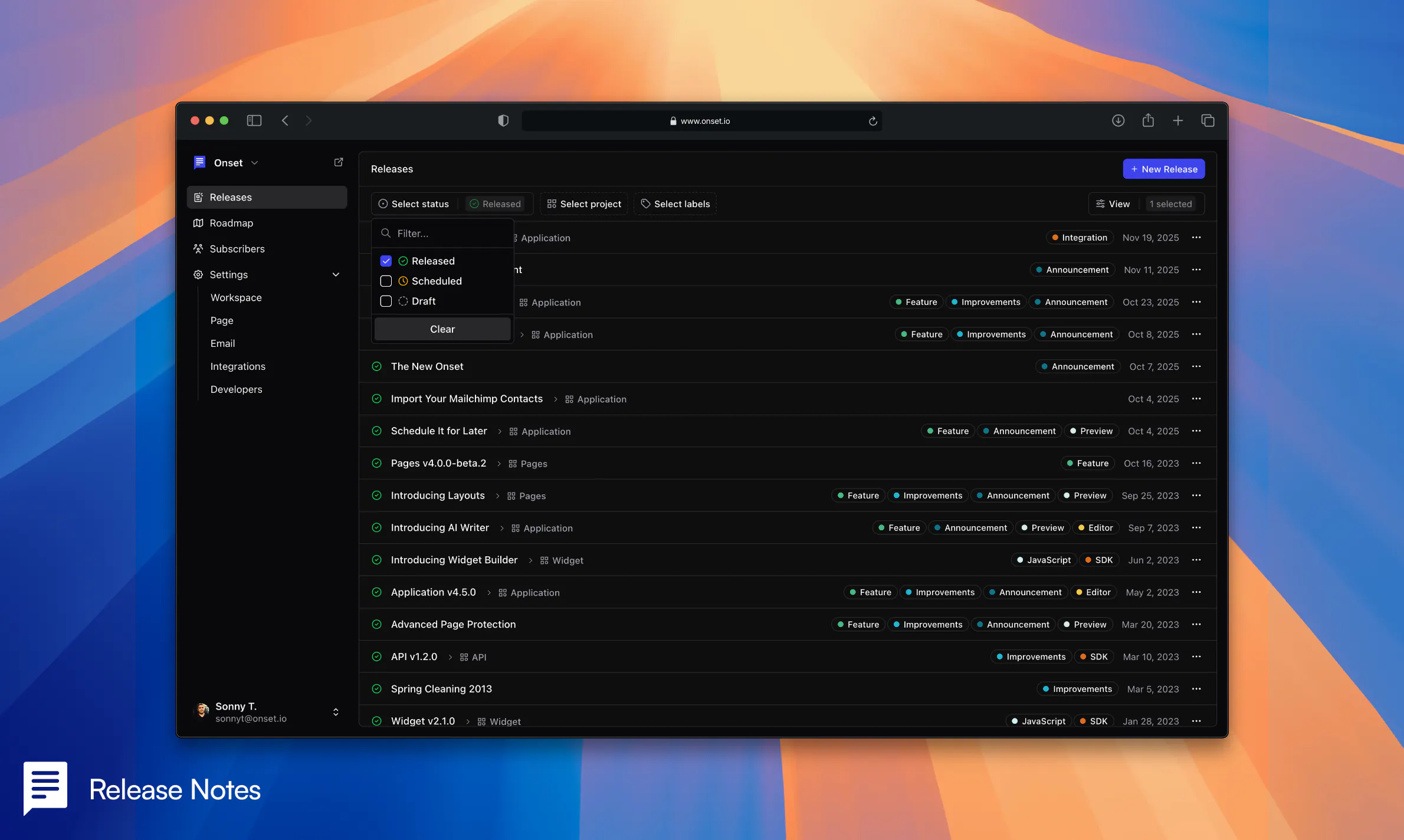
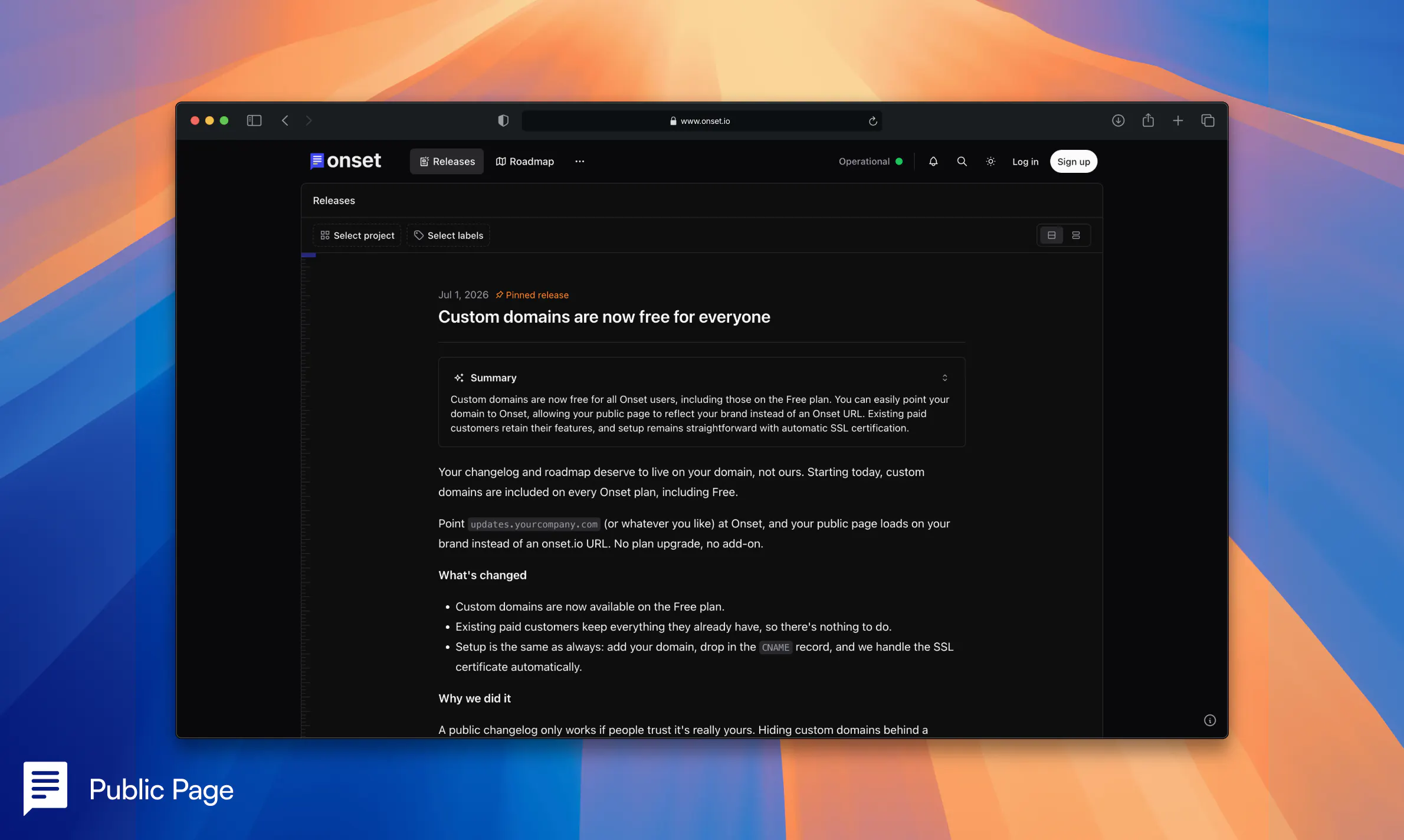
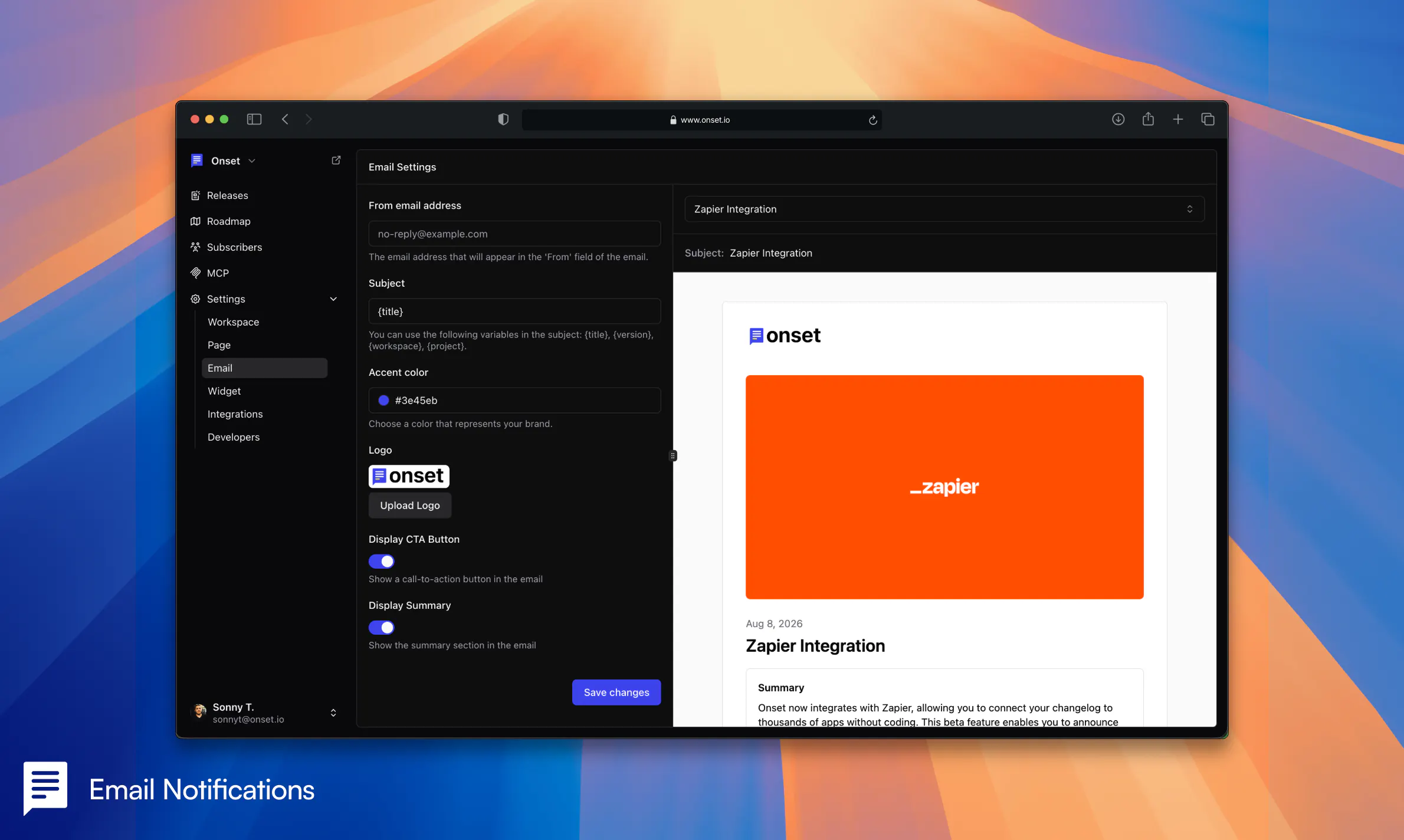
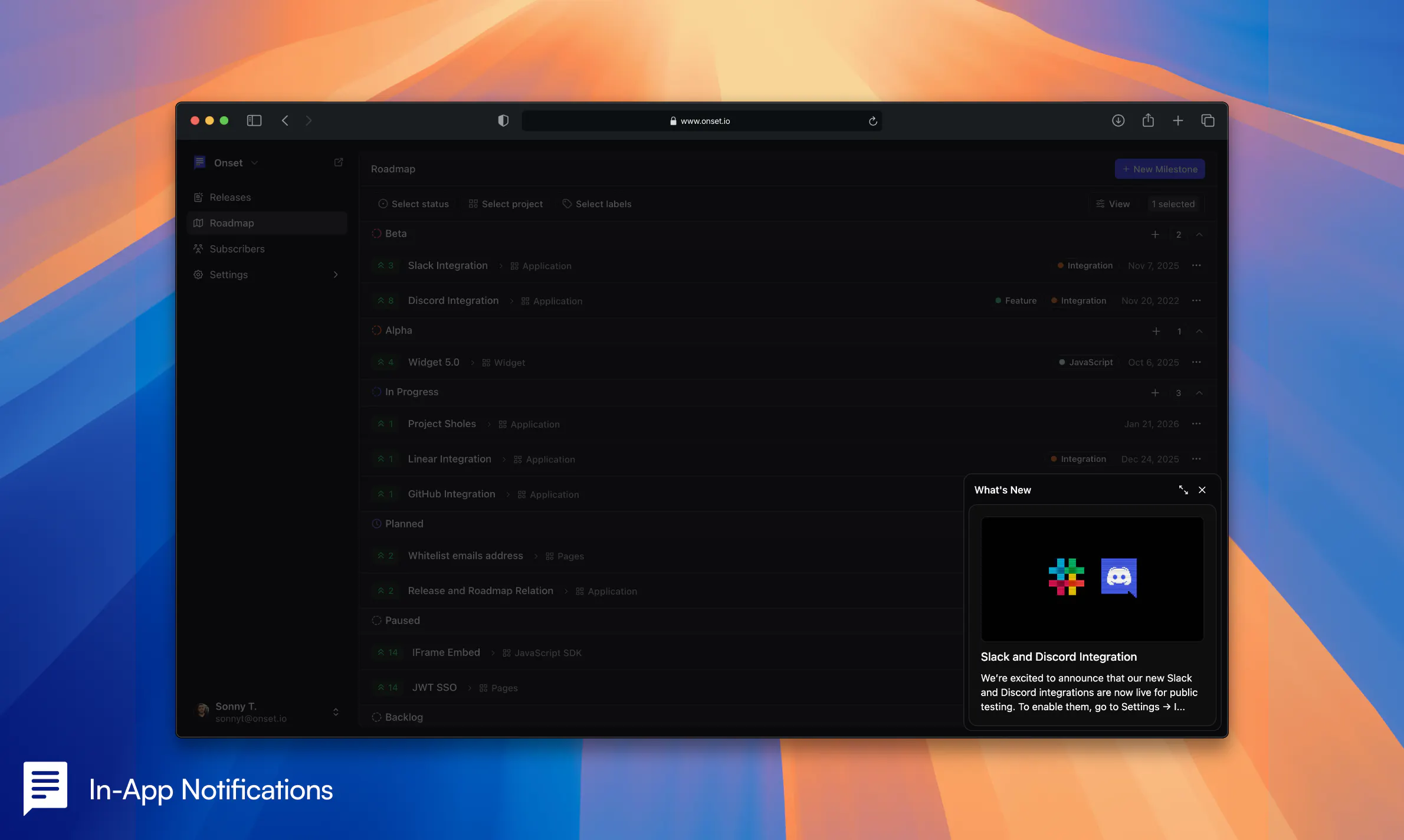
Onset MCP is an AI-powered tool designed to streamline the creation and publication of release notes. Targeted at developers and product teams, it integrates seamlessly within the coding environment, enabling users to draft, schedule, and publish changelogs directly from their editor. By leveraging AI assistants like Claude or Cursor, Onset MCP automates the often tedious task of writing release updates, saving time and ensuring clear, consistent communication with users. Its integration into the development workflow makes it a unique solution for teams seeking to automate their release documentation without disrupting their process. The availability of a free plan with no credit card required makes it accessible for teams of all sizes to test its capabilities and enhance their release management process.
Screenshots
Pros
- ✓Automates the drafting and publishing of release notes using AI
- ✓Seamless integration within the developer's editing environment
- ✓Offers scheduling features to plan releases ahead of time
- ✓Free plan available without requiring a credit card
- ✓Reduces manual effort and improves release communication
Cons
- ✗Limited information on customization or editing options
- ✗Potential dependency on AI accuracy for quality control
- ✗ProductHunt votes currently at zero, indicating limited visibility or adoption
Use Cases
Pricing
Pricing not verified

Similar Tools in AI Assistants




Embed Badge
Add this badge to your website to show that Onset MCP is featured on Visalytica.
<a href="https://www.visalytica.com/tool/onset-mcp" target="_blank" rel="noopener noreferrer" style="display:inline-flex;align-items:center;gap:6px;padding:6px 14px;background:#7c3aed;color:#fff;border-radius:8px;font-family:-apple-system,system-ui,sans-serif;font-size:13px;font-weight:600;text-decoration:none;transition:background .2s" onmouseover="this.style.background='#6d28d9'" onmouseout="this.style.background='#7c3aed'"><svg width="14" height="14" viewBox="0 0 24 24" fill="none" stroke="currentColor" stroke-width="2.5" stroke-linecap="round" stroke-linejoin="round"><path d="M12 20V10"/><path d="M18 20V4"/><path d="M6 20v-4"/></svg>Featured on Visalytica</a>