
OmniDICOM
DICOM viewing and metadata editing on Mac and Windows
About OmniDICOM
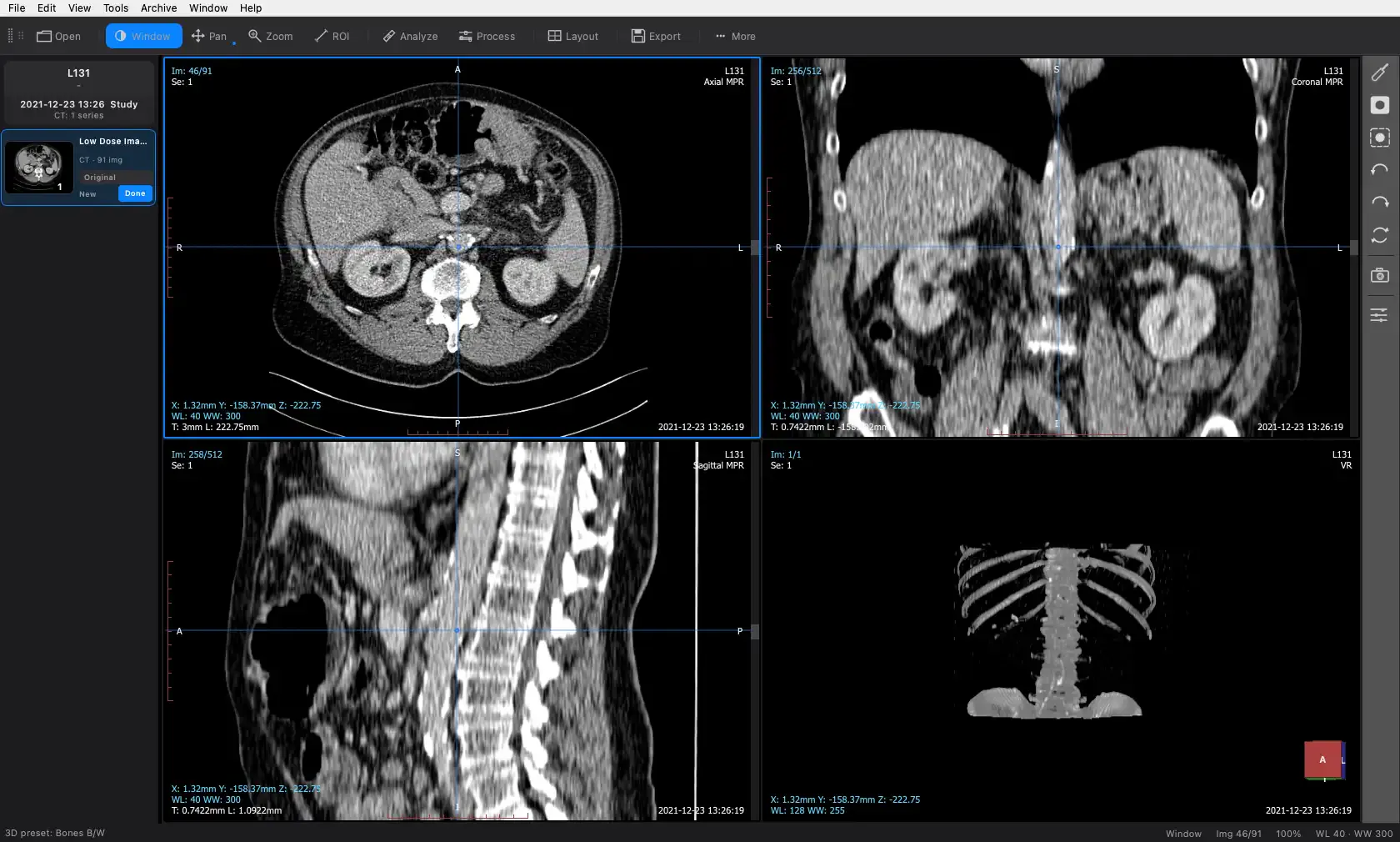
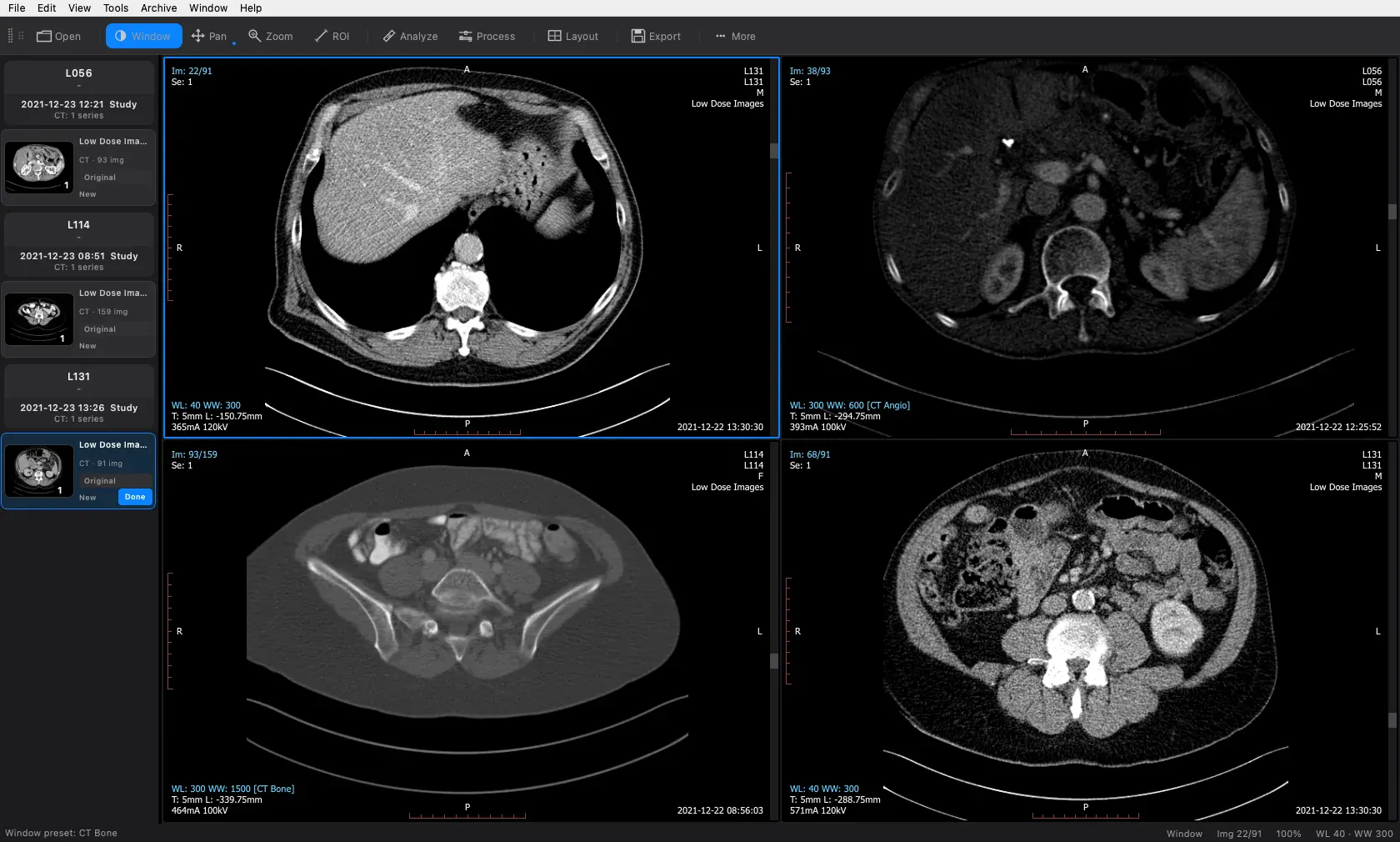
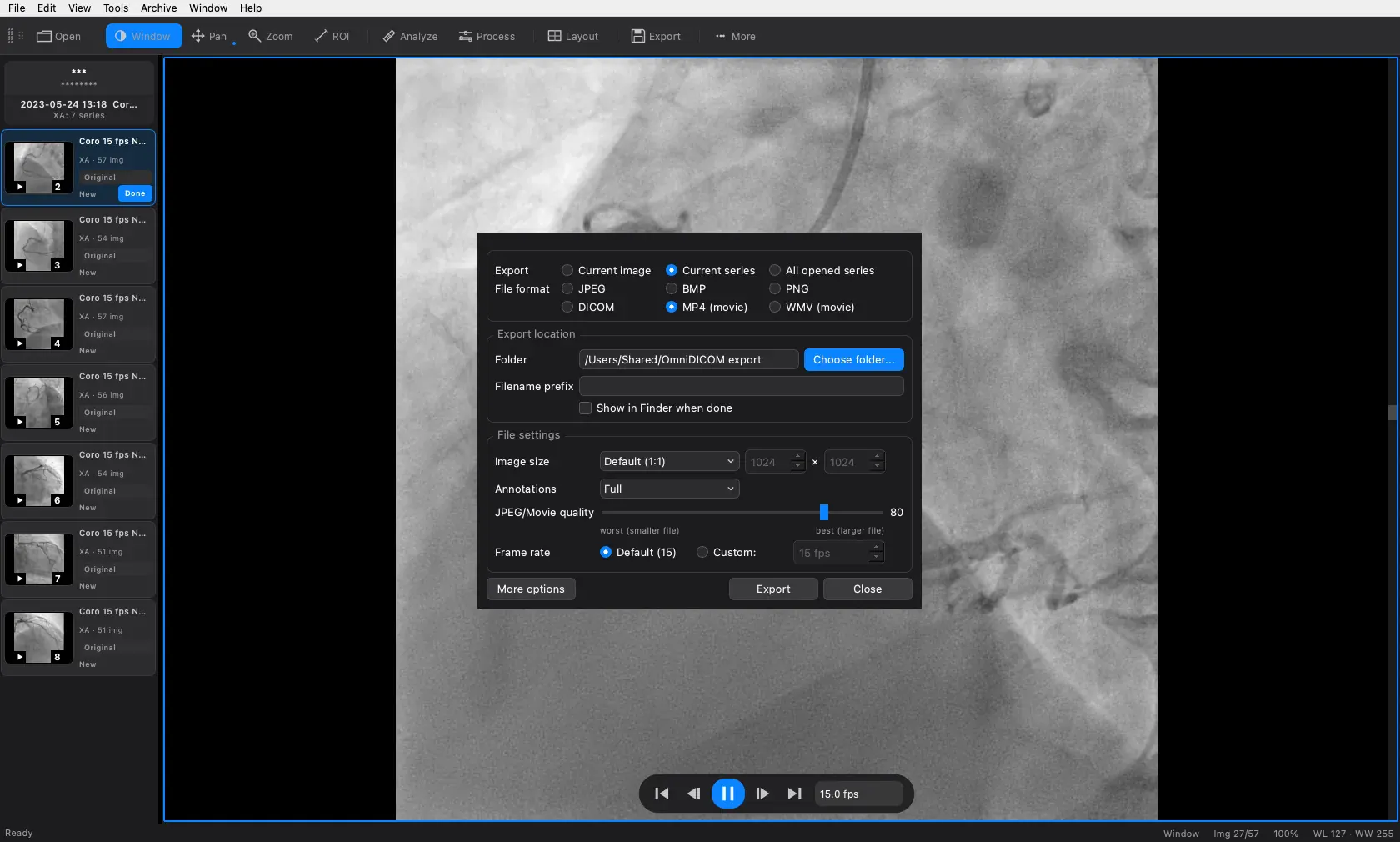
OmniDICOM is a versatile software solution designed for viewing and editing DICOM studies on both Mac and Windows platforms. It offers robust tools for opening medical imaging datasets, exploring multi-planar reconstructions (MPR), 3D volume rendering, and cine playback, making it ideal for researchers, educators, and medical professionals in non-diagnostic settings. Its capability to transfer and export via PACS/DICOMweb enhances workflow efficiency. The Professional edition further enriches the experience with stacked filters and advanced analysis tools, catering to users who require deeper data insights. With a straightforward 14-day trial and affordable starting plans, OmniDICOM aims to make medical image analysis accessible without compromising ease of use or functionality.
Screenshots
Pros
- ✓Supports both Mac and Windows, ensuring broad compatibility
- ✓Includes comprehensive DICOM viewing and editing features
- ✓Offers advanced visualization options like 3D rendering and cine playback
- ✓PACS/DICOMweb transfer and export capabilities streamline workflows
- ✓Affordable starting price point for individual users
Cons
- ✗Trial exports are limited, which may restrict full evaluation
- ✗Designed for research and education, not for clinical diagnosis
- ✗Advanced features are limited in the trial version
Use Cases
Pricing
Pricing not verified
Quick Info
Topics
Makers

Youngrak Choi
Alternatives
Similar Tools in Data & Analytics



Embed Badge
Add this badge to your website to show that OmniDICOM is featured on Visalytica.
<a href="https://www.visalytica.com/tool/omnidicom" target="_blank" rel="noopener noreferrer" style="display:inline-flex;align-items:center;gap:6px;padding:6px 14px;background:#7c3aed;color:#fff;border-radius:8px;font-family:-apple-system,system-ui,sans-serif;font-size:13px;font-weight:600;text-decoration:none;transition:background .2s" onmouseover="this.style.background='#6d28d9'" onmouseout="this.style.background='#7c3aed'"><svg width="14" height="14" viewBox="0 0 24 24" fill="none" stroke="currentColor" stroke-width="2.5" stroke-linecap="round" stroke-linejoin="round"><path d="M12 20V10"/><path d="M18 20V4"/><path d="M6 20v-4"/></svg>Featured on Visalytica</a>