
Omi Desktop
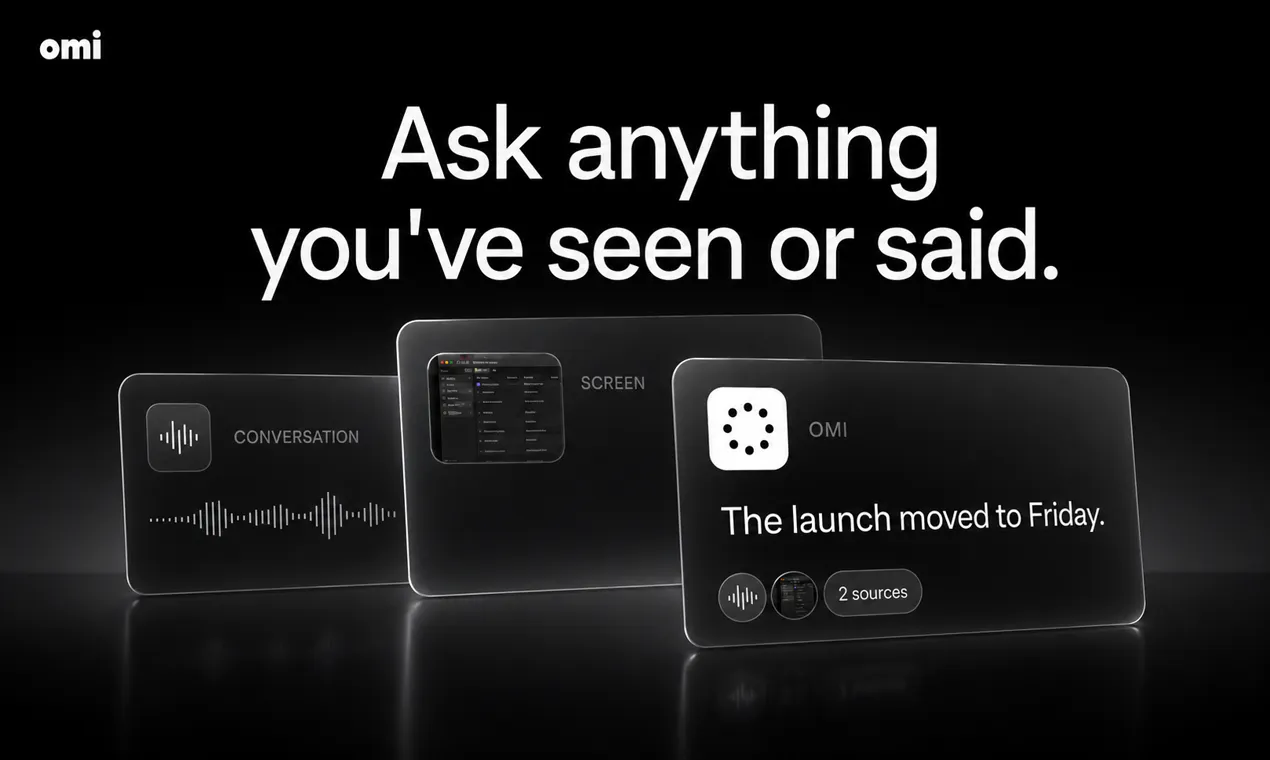
Ask your Mac anything you saw or heard
About Omi Desktop
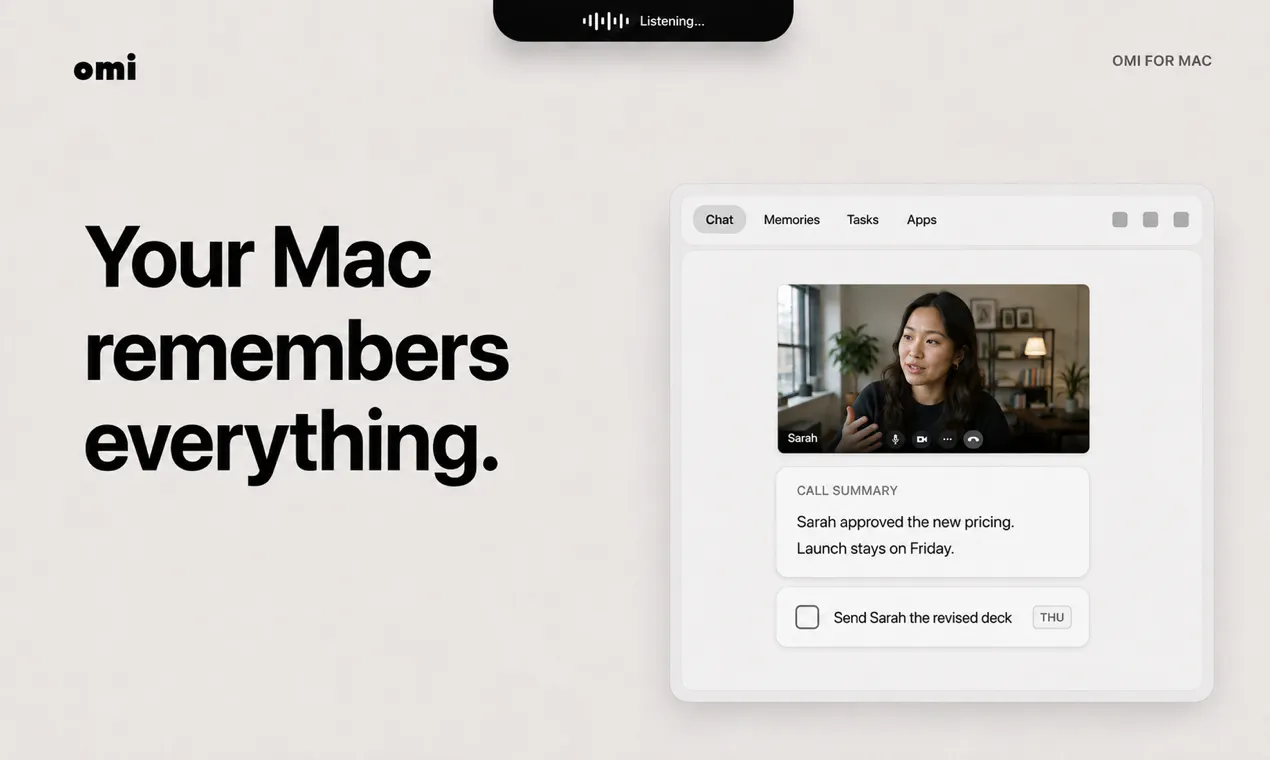
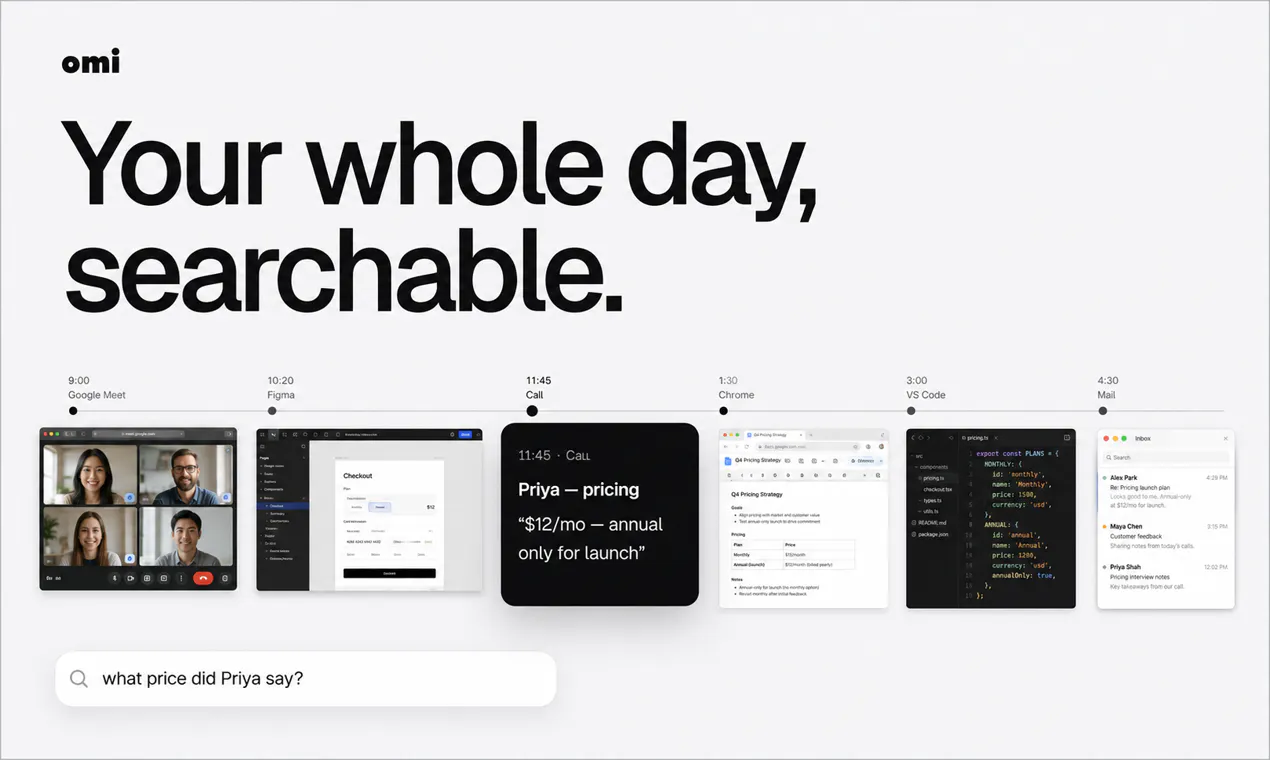
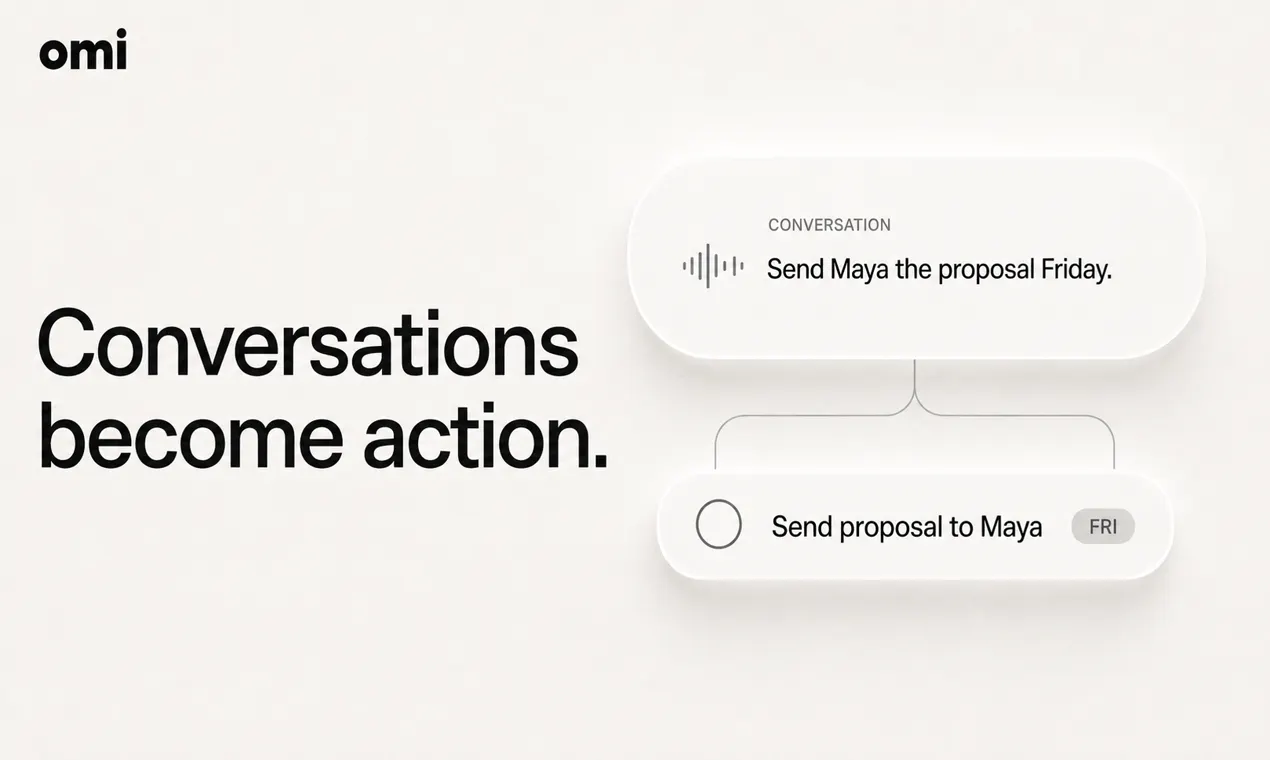
Omi Desktop is an innovative AI-powered assistant designed specifically for Mac users, aiming to streamline productivity and enhance workflow. It offers real-time meeting summaries, transcribes conversations with speaker attribution, and intuitively understands what’s happening on your desktop. Unlike generic chatbots, Omi proactively nudges users with relevant notifications, generates task lists from meetings, and provides quick answers, all while understanding the ambient desktop context. This makes it a valuable companion for professionals who need to stay organized and efficient without constant manual input. Its speed—being 10 times faster in responses and searches—ensures users get timely insights without disruption. Omi’s ability to seamlessly integrate with your workflow and assist naturally makes it a unique AI assistant tailored for Mac users seeking smarter productivity tools.
Screenshots
Pros
- ✓Proactively understands desktop context for more relevant assistance
- ✓Fast response time, 10× quicker than traditional AI tools
- ✓Automatic meeting transcription with speaker attribution
- ✓One-click summaries and task generation
- ✓Non-intrusive, useful notifications
Cons
- ✗Limited information on pricing and subscription plans
- ✗Potential learning curve for new users unfamiliar with AI assistants
- ✗Dependence on Mac ecosystem may limit cross-platform use
Use Cases
Pricing
Pricing not verified
Quick Info
Topics
Makers

Archit Lal
Alternatives
Similar Tools in AI Assistants




Embed Badge
Add this badge to your website to show that Omi Desktop is featured on Visalytica.
<a href="https://www.visalytica.com/tool/omi-desktop" target="_blank" rel="noopener noreferrer" style="display:inline-flex;align-items:center;gap:6px;padding:6px 14px;background:#7c3aed;color:#fff;border-radius:8px;font-family:-apple-system,system-ui,sans-serif;font-size:13px;font-weight:600;text-decoration:none;transition:background .2s" onmouseover="this.style.background='#6d28d9'" onmouseout="this.style.background='#7c3aed'"><svg width="14" height="14" viewBox="0 0 24 24" fill="none" stroke="currentColor" stroke-width="2.5" stroke-linecap="round" stroke-linejoin="round"><path d="M12 20V10"/><path d="M18 20V4"/><path d="M6 20v-4"/></svg>Featured on Visalytica</a>