
Ombrelle
Modern window dimming, built for focus for macOS
About Ombrelle
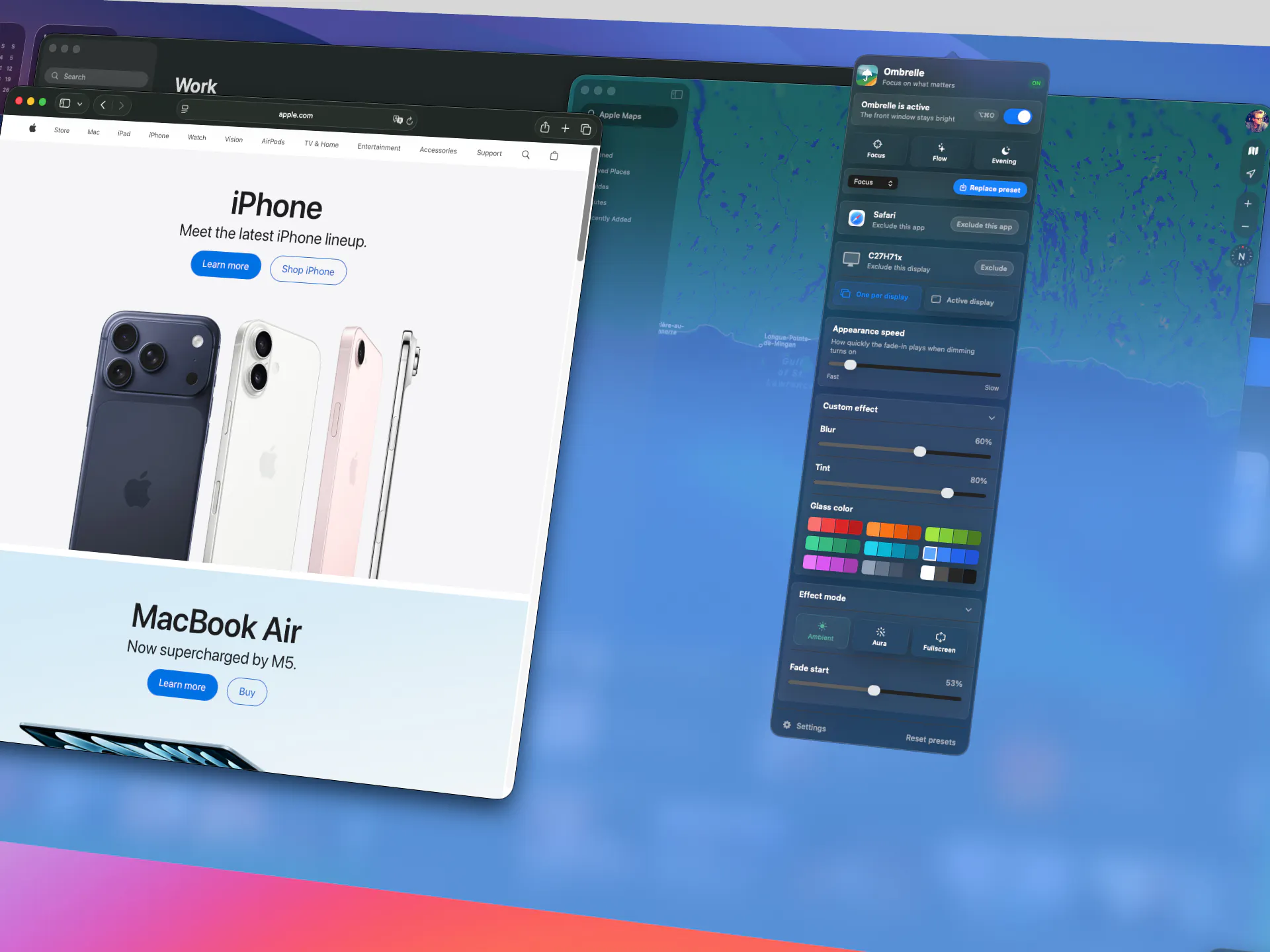
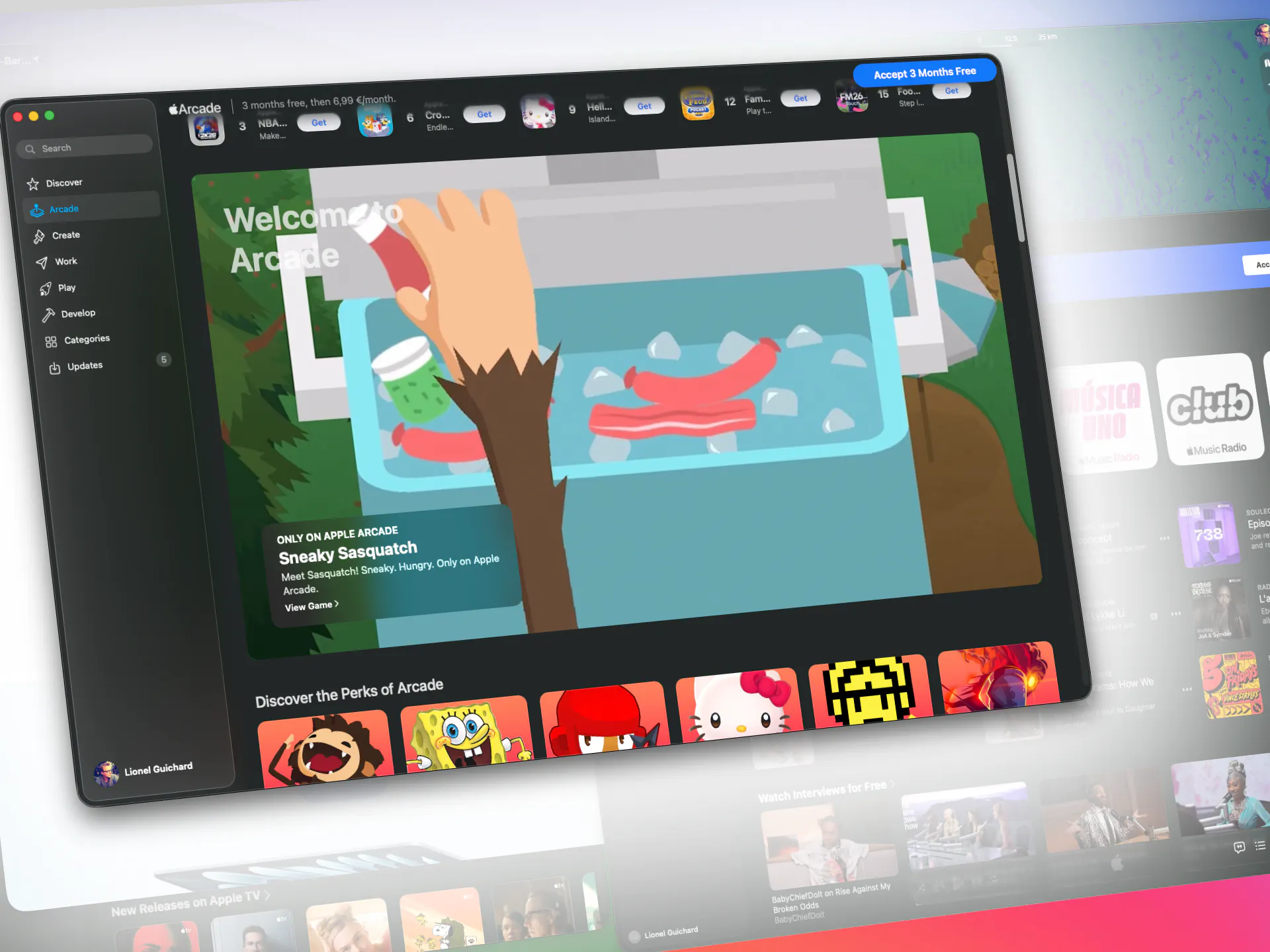
Ombrelle is a sleek macOS utility designed to enhance focus and reduce distractions by intelligently dimming everything on the screen except the active window. Ideal for professionals, students, or anyone aiming to create a distraction-free workspace, it offers a minimalist approach to window management. Users can switch between modes such as Focus, Flow, or Evening to tailor their environment to their current task, making it easier to concentrate and be productive. What sets Ombrelle apart is its subtlety—once activated, it quietly adjusts screen brightness and opacity, providing a calming visual cue that helps users stay in the zone. Its unobtrusive design ensures that users only feel the effects when turning it off, making it a seamless addition to their workflow.
Screenshots
Pros
- ✓Simple, unobtrusive interface that enhances focus without clutter
- ✓Easy mode switching for different working scenarios (Focus, Flow, Evening)
- ✓Works quietly in the background, enhancing productivity without noise
- ✓Specific to macOS, integrating smoothly with Apple ecosystem
Cons
- ✗Limited to macOS, so not available for Windows or Linux users
- ✗Features may be basic for users seeking advanced window management
- ✗No free tier or trial information available, pricing unclear
Use Cases
Pricing
Likely follows a freemium model with a free version offering core features and paid plans for additional customization or modes, though specific pricing details are not publicly available.
Quick Info
Topics
Makers

Lionel Guichard
Similar Tools in AI Assistants




Embed Badge
Add this badge to your website to show that Ombrelle is featured on Visalytica.
<a href="https://www.visalytica.com/tool/ombrelle" target="_blank" rel="noopener noreferrer" style="display:inline-flex;align-items:center;gap:6px;padding:6px 14px;background:#7c3aed;color:#fff;border-radius:8px;font-family:-apple-system,system-ui,sans-serif;font-size:13px;font-weight:600;text-decoration:none;transition:background .2s" onmouseover="this.style.background='#6d28d9'" onmouseout="this.style.background='#7c3aed'"><svg width="14" height="14" viewBox="0 0 24 24" fill="none" stroke="currentColor" stroke-width="2.5" stroke-linecap="round" stroke-linejoin="round"><path d="M12 20V10"/><path d="M18 20V4"/><path d="M6 20v-4"/></svg>Featured on Visalytica</a>