
offstage
Your computer-use agent gets a Mac account, not your screen
About offstage
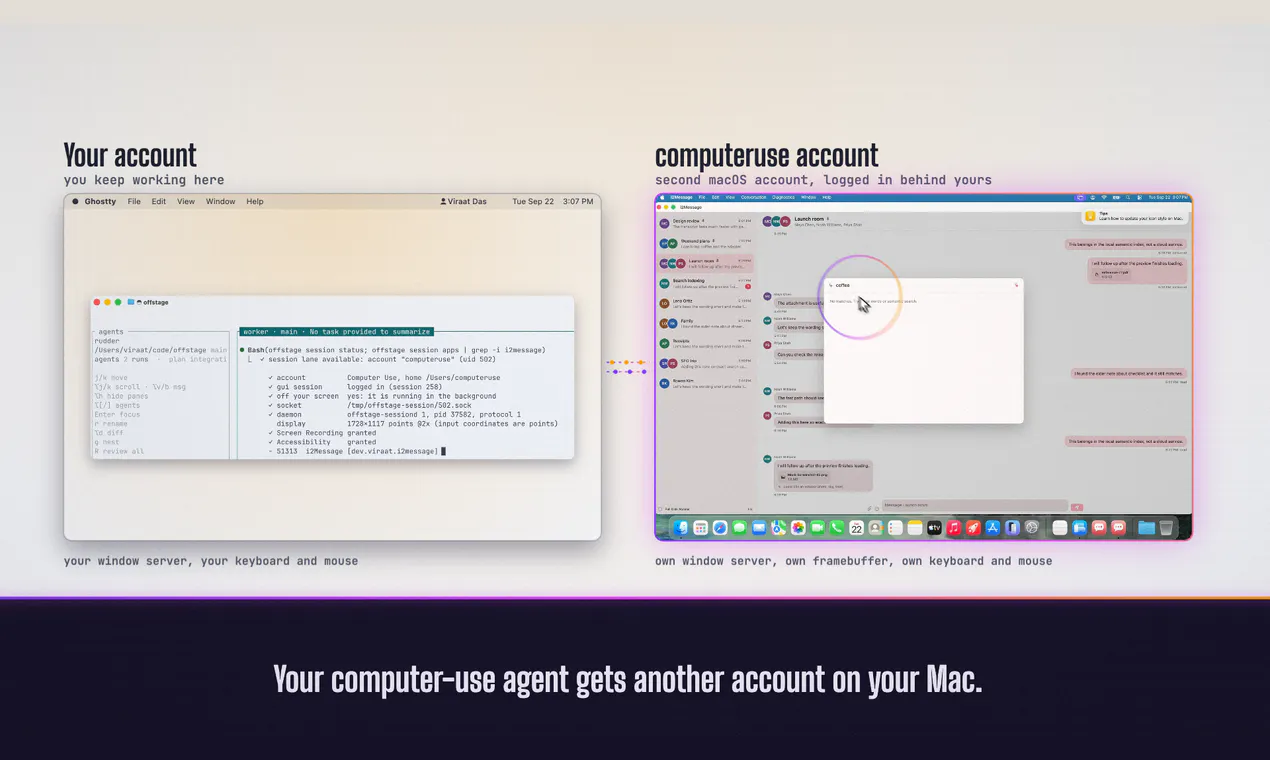
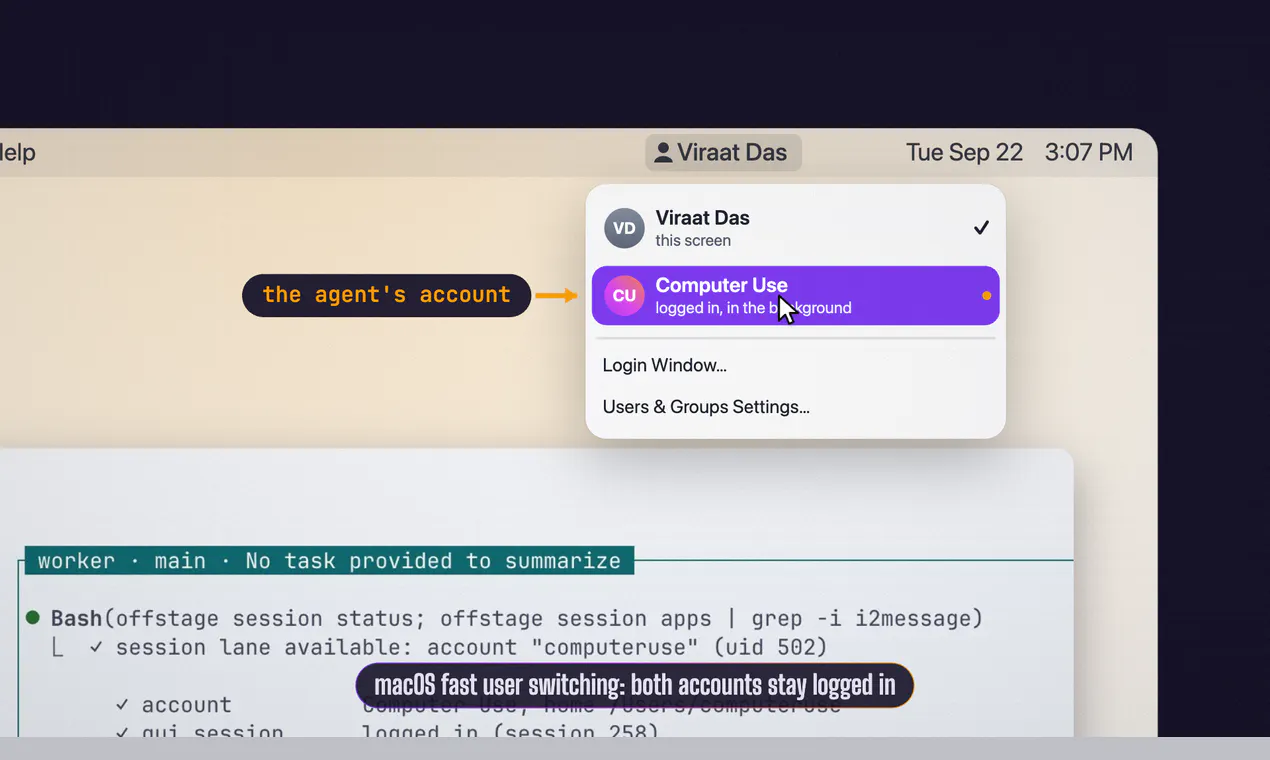
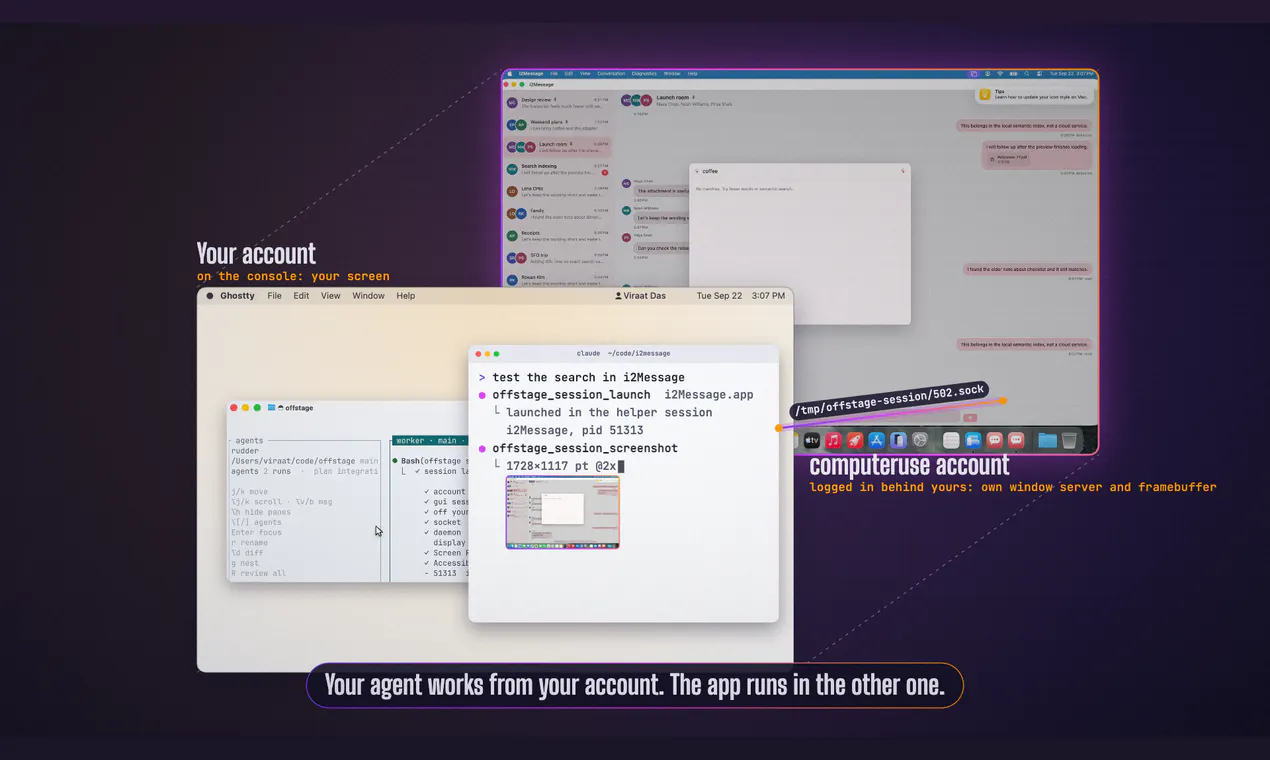
offstage is an innovative open-source tool designed for developers working on macOS who want to isolate automated tasks from their main workspace. By providing a separate, logged-in macOS account for running simulators, Xcode UI tests, or automated builds, offstage ensures that your primary screen, keyboard, and mouse remain unaffected. This separation enhances security, reduces clutter, and allows for cleaner automation workflows. Ideal for AI developers, QA testers, and CI/CD pipelines, offstage enables seamless integration with AI code assistants like Claude Code, Codex, and OpenAI's Opencode, giving these agents a dedicated environment without intruding on the user's main session. Its open-source nature on GitHub encourages community collaboration and customization, making it a versatile addition to any developer’s toolkit.
Screenshots
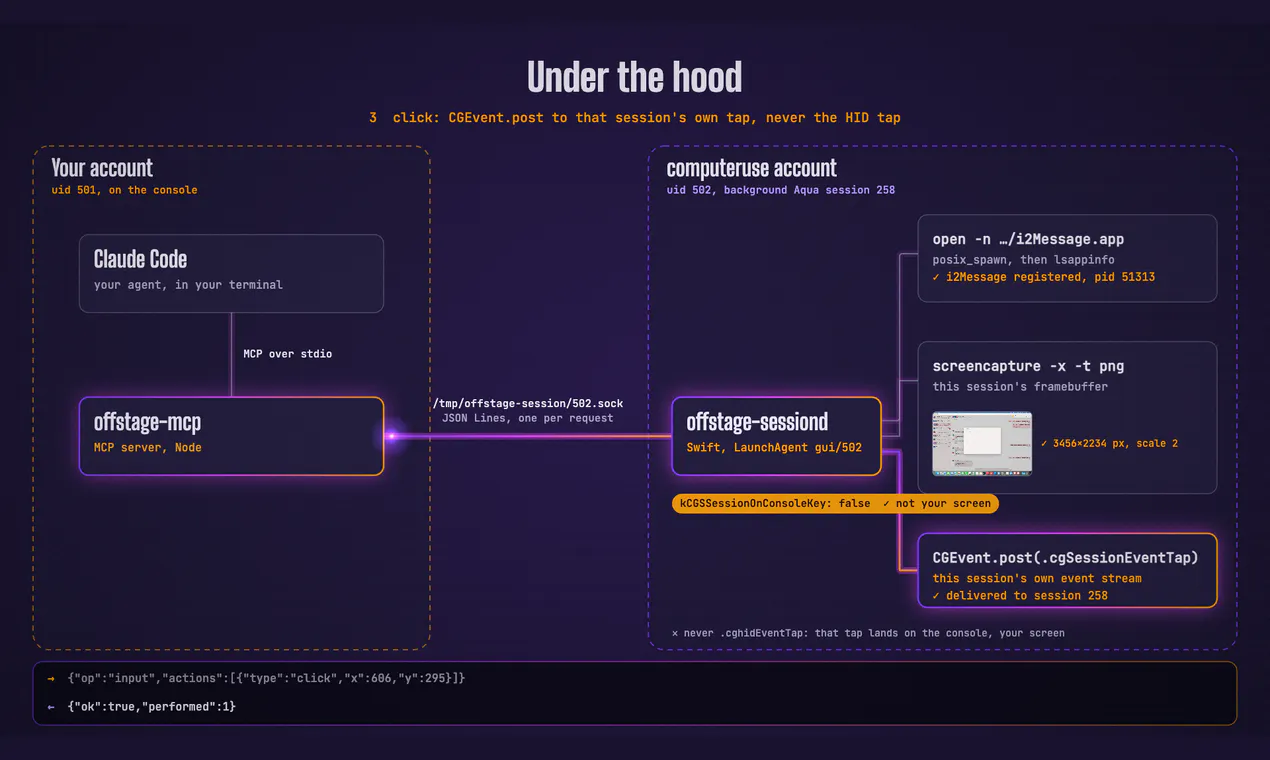

+1 more screenshots
Pros
- ✓Provides isolated macOS environments for automation and testing
- ✓Keeps user’s main workspace unaffected during automated tasks
- ✓Open source and customizable via GitHub
- ✓Enhances security by isolating automated agent operations
- ✓Supports integration with AI coding assistants
Cons
- ✗Requires some technical setup and familiarity with macOS
- ✗Limited information on ongoing support or updates
- ✗May not support all complex automation scenarios out-of-the-box
Use Cases
Pricing
Pricing not verified
Quick Info
Topics
Makers

Viraat Das
Alternatives
Similar Tools in Developer Tools




Embed Badge
Add this badge to your website to show that offstage is featured on Visalytica.
<a href="https://www.visalytica.com/tool/offstage" target="_blank" rel="noopener noreferrer" style="display:inline-flex;align-items:center;gap:6px;padding:6px 14px;background:#7c3aed;color:#fff;border-radius:8px;font-family:-apple-system,system-ui,sans-serif;font-size:13px;font-weight:600;text-decoration:none;transition:background .2s" onmouseover="this.style.background='#6d28d9'" onmouseout="this.style.background='#7c3aed'"><svg width="14" height="14" viewBox="0 0 24 24" fill="none" stroke="currentColor" stroke-width="2.5" stroke-linecap="round" stroke-linejoin="round"><path d="M12 20V10"/><path d="M18 20V4"/><path d="M6 20v-4"/></svg>Featured on Visalytica</a>