
NVIDIA Personal AI Router
Turn your PCs and Macs into a private AI cluster
About NVIDIA Personal AI Router
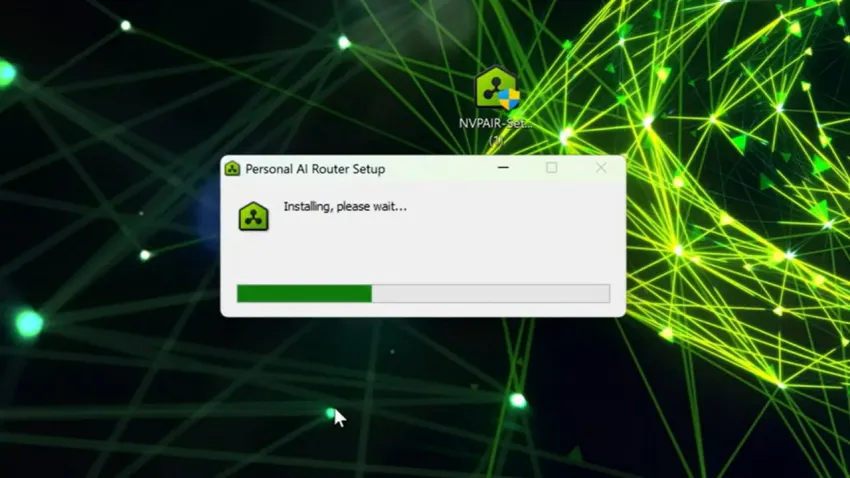
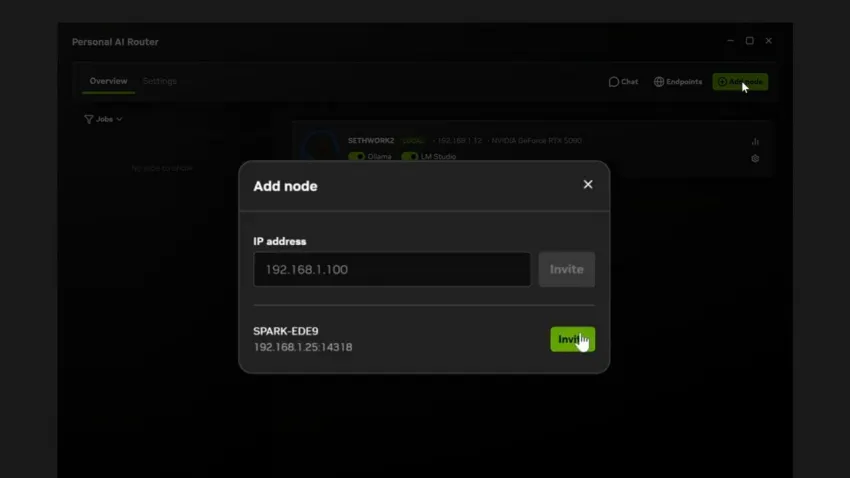
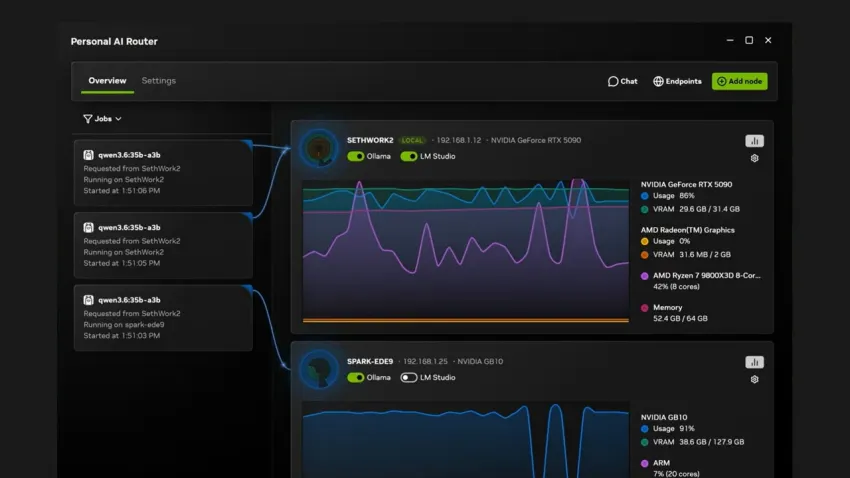
NVIDIA Personal AI Router (PAIR) transforms your home or office network into a private AI inference hub by turning individual PCs and Macs into a cohesive AI cluster. Compatible with RTX-based systems, DGX Spark, and Macs, it facilitates running local AI applications and agents seamlessly. By intelligently routing requests across connected machines, PAIR enables users to leverage powerful AI computing resources without relying on cloud services, ensuring data privacy and lower latency. Its support for popular AI tools like Ollama and LM Studio across Windows, Linux, and macOS makes it versatile for a wide range of users, from developers to AI enthusiasts. What sets PAIR apart is its ability to keep prompts, files, and agent context securely on your local network, providing a private, efficient, and scalable AI environment tailored to individual needs.
Screenshots

Pros
- ✓Transforms existing hardware into a private AI inference cluster
- ✓Supports multiple operating systems including Windows, Linux, and macOS
- ✓Keeps sensitive data and prompts on local network for privacy
- ✓Automatic request routing optimizes resource utilization
- ✓Compatible with popular AI frameworks like Ollama and LM Studio
Cons
- ✗Requires compatible hardware setup and network configuration
- ✗Limited information on pricing and subscription models
- ✗Potential complexity for non-technical users to set up
Use Cases
Pricing
Pricing not verified
Quick Info
Topics
Alternatives
Similar Tools in AI Assistants




Embed Badge
Add this badge to your website to show that NVIDIA Personal AI Router is featured on Visalytica.
<a href="https://www.visalytica.com/tool/nvidia-personal-ai-router" target="_blank" rel="noopener noreferrer" style="display:inline-flex;align-items:center;gap:6px;padding:6px 14px;background:#7c3aed;color:#fff;border-radius:8px;font-family:-apple-system,system-ui,sans-serif;font-size:13px;font-weight:600;text-decoration:none;transition:background .2s" onmouseover="this.style.background='#6d28d9'" onmouseout="this.style.background='#7c3aed'"><svg width="14" height="14" viewBox="0 0 24 24" fill="none" stroke="currentColor" stroke-width="2.5" stroke-linecap="round" stroke-linejoin="round"><path d="M12 20V10"/><path d="M18 20V4"/><path d="M6 20v-4"/></svg>Featured on Visalytica</a>