
Nucleate
Project memory from unstructured audio
About Nucleate
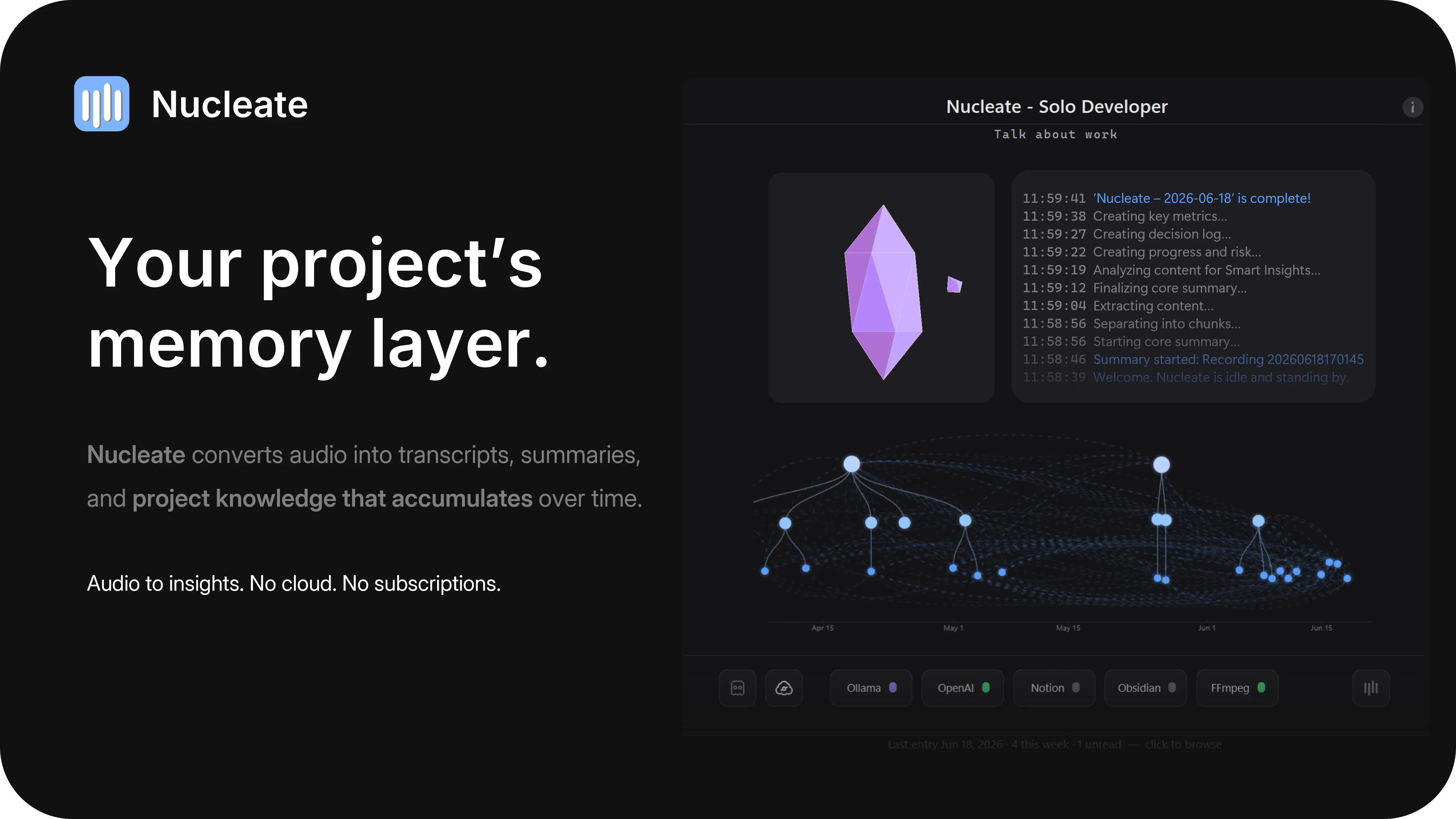
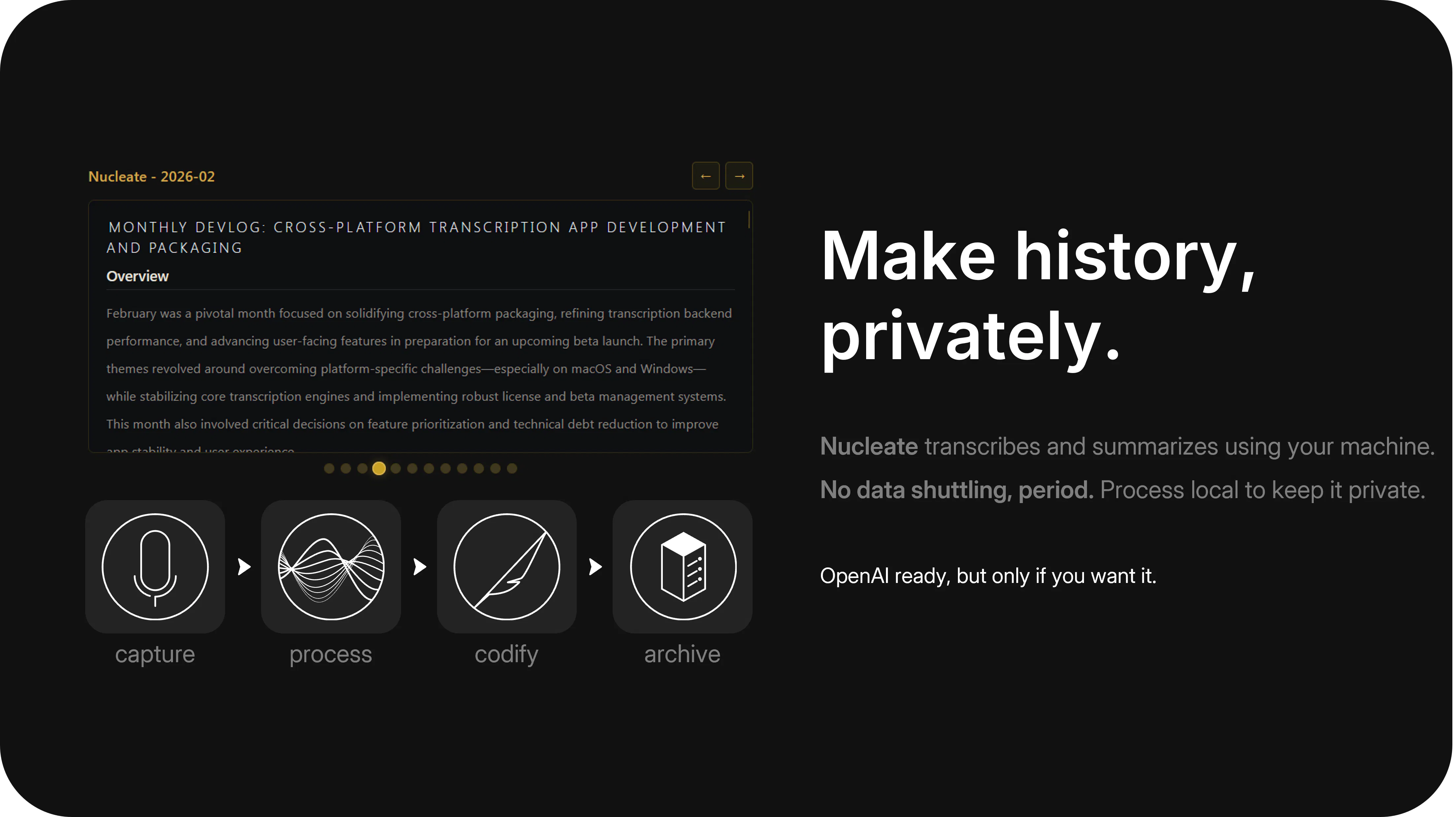
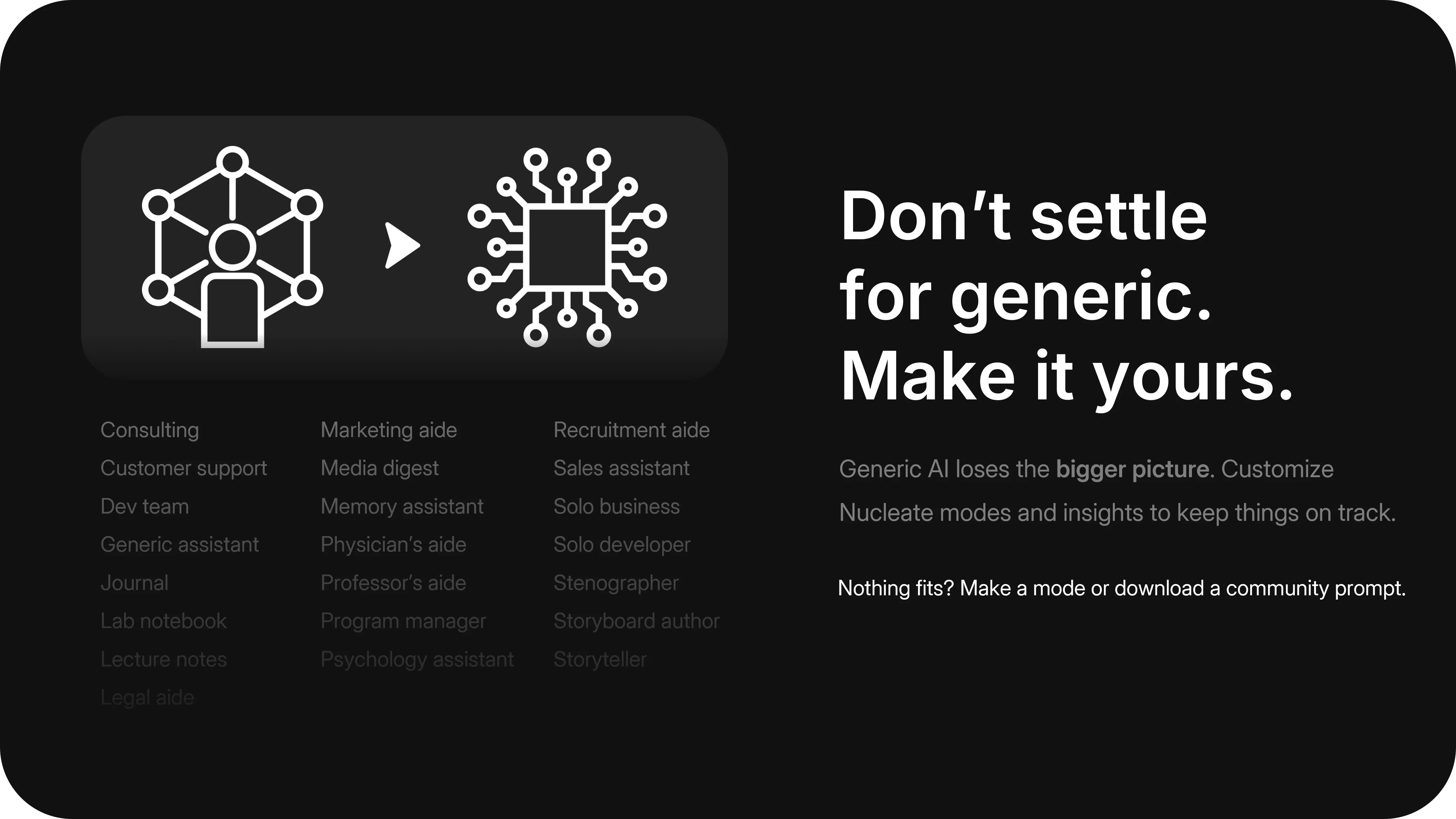
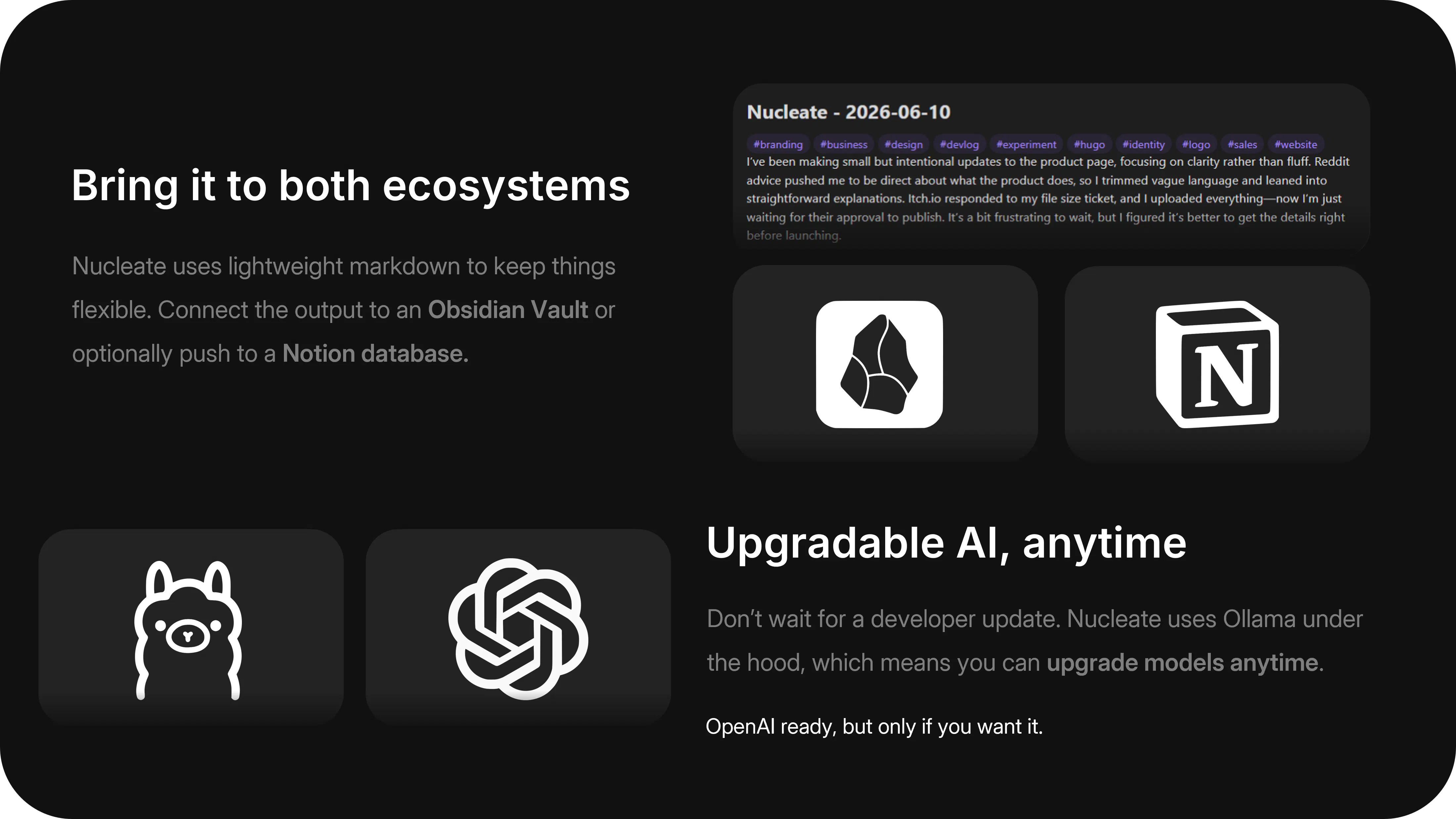
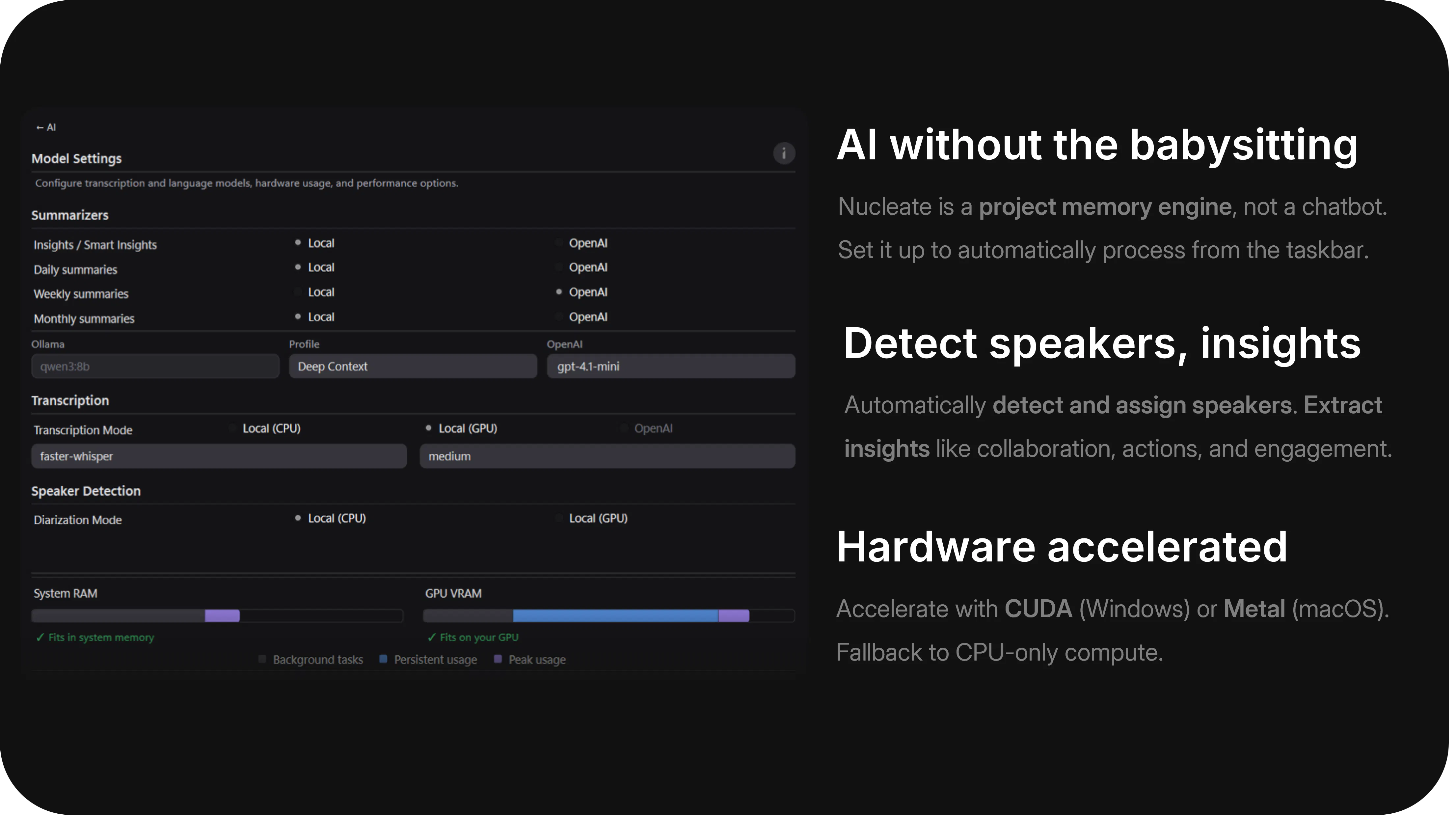
Nucleate is a innovative desktop application designed for professionals who prefer to verbalize their thoughts and work processes rather than manually take notes. Available for both Windows and macOS, it captures unstructured audio recordings and transforms them into organized project histories. This enables users to track what they did, identify blockers, monitor progress, and make informed decisions without the hassle of manual note-taking. Its emphasis on local processing ensures data privacy and security, while the option to upgrade AI features offers enhanced insights when needed. Perfect for researchers, developers, project managers, and creative teams, Nucleate streamlines the process of capturing and analyzing project insights through natural speech, making project management more intuitive and less burdensome.
Screenshots
Pros
- ✓Local processing ensures data privacy and security
- ✓No account, subscription, or ads required, making it completely free
- ✓Easy to use for capturing spontaneous thoughts and updates
- ✓Transforms unstructured audio into organized project history
- ✓Potential for AI upgrades to enhance features
Cons
- ✗Limited to audio input, may miss non-verbal context
- ✗Requires manual recording for capturing work sessions
- ✗May lack advanced features found in dedicated project management tools
Use Cases
Pricing
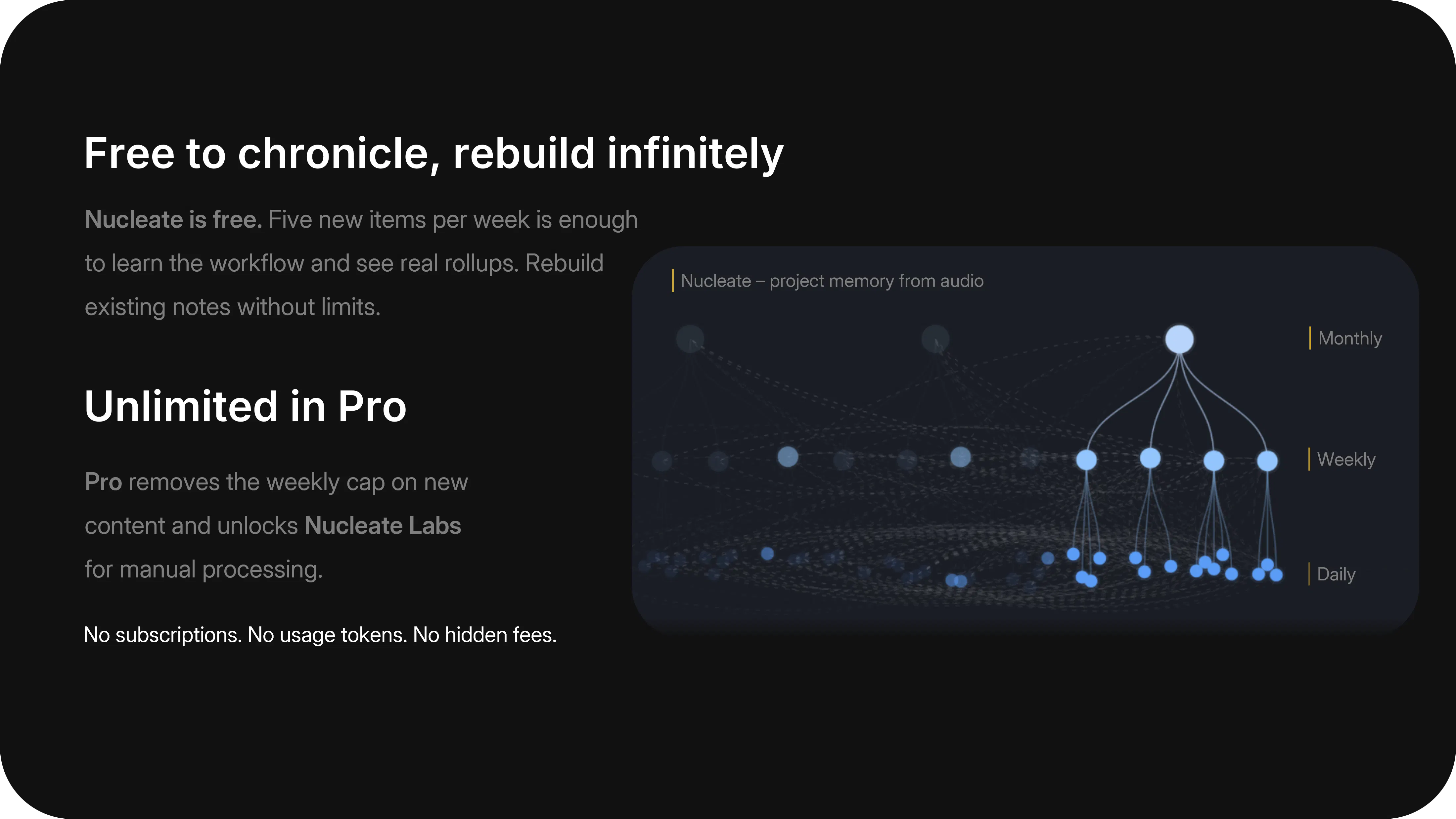
Nucleate is free to download and use, with no subscriptions or hidden costs. It offers local processing and optional AI upgrades, which may be paid or premium features in the future, but currently it appears to be entirely free.
Quick Info
Topics
Makers

Daniel
Similar Tools in AI Audio & Voice




Embed Badge
Add this badge to your website to show that Nucleate is featured on Visalytica.
<a href="https://www.visalytica.com/tool/nucleate" target="_blank" rel="noopener noreferrer" style="display:inline-flex;align-items:center;gap:6px;padding:6px 14px;background:#7c3aed;color:#fff;border-radius:8px;font-family:-apple-system,system-ui,sans-serif;font-size:13px;font-weight:600;text-decoration:none;transition:background .2s" onmouseover="this.style.background='#6d28d9'" onmouseout="this.style.background='#7c3aed'"><svg width="14" height="14" viewBox="0 0 24 24" fill="none" stroke="currentColor" stroke-width="2.5" stroke-linecap="round" stroke-linejoin="round"><path d="M12 20V10"/><path d="M18 20V4"/><path d="M6 20v-4"/></svg>Featured on Visalytica</a>