
Notion: Context for your agents
Switch AI agents without re-explaining your work
About Notion: Context for your agents
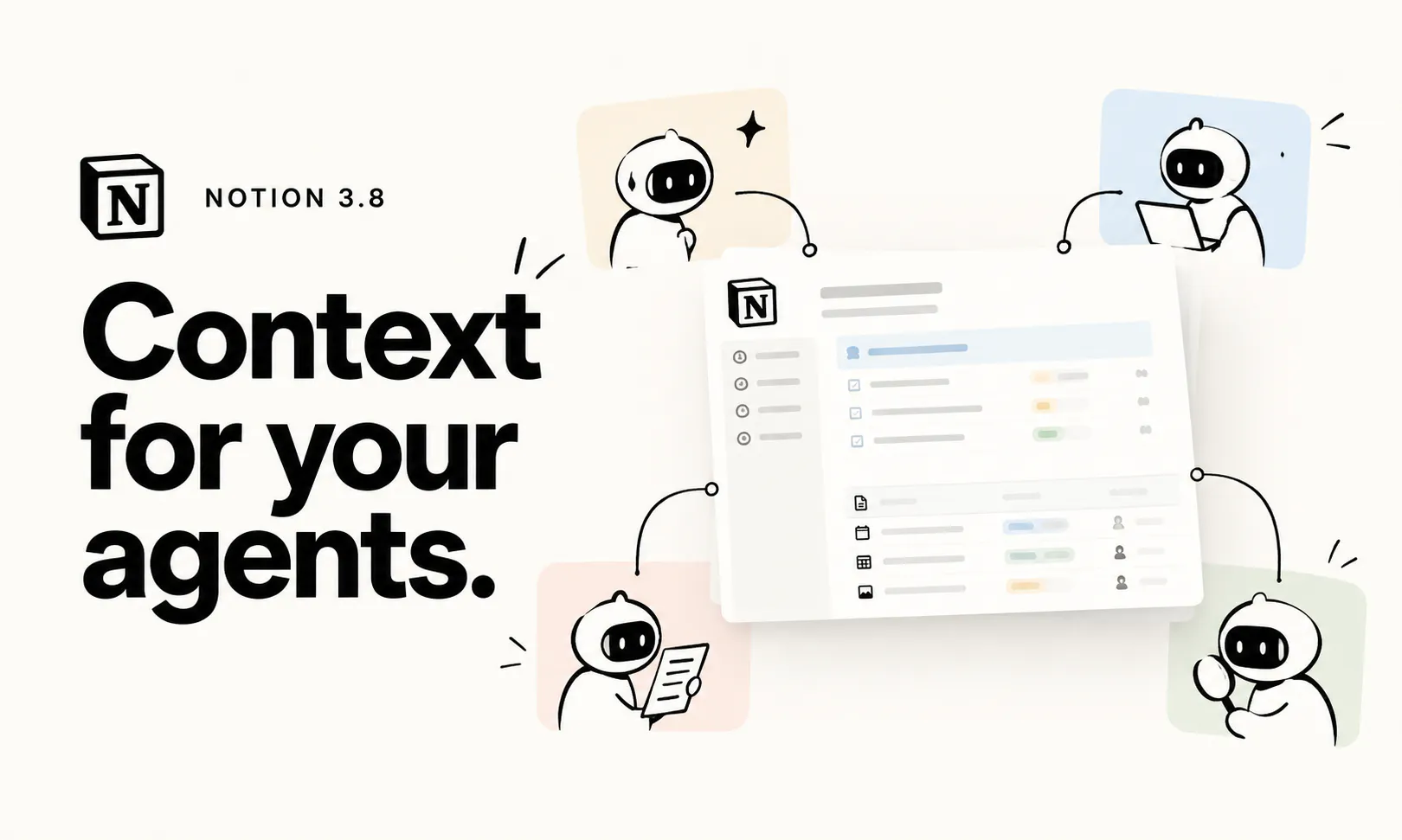
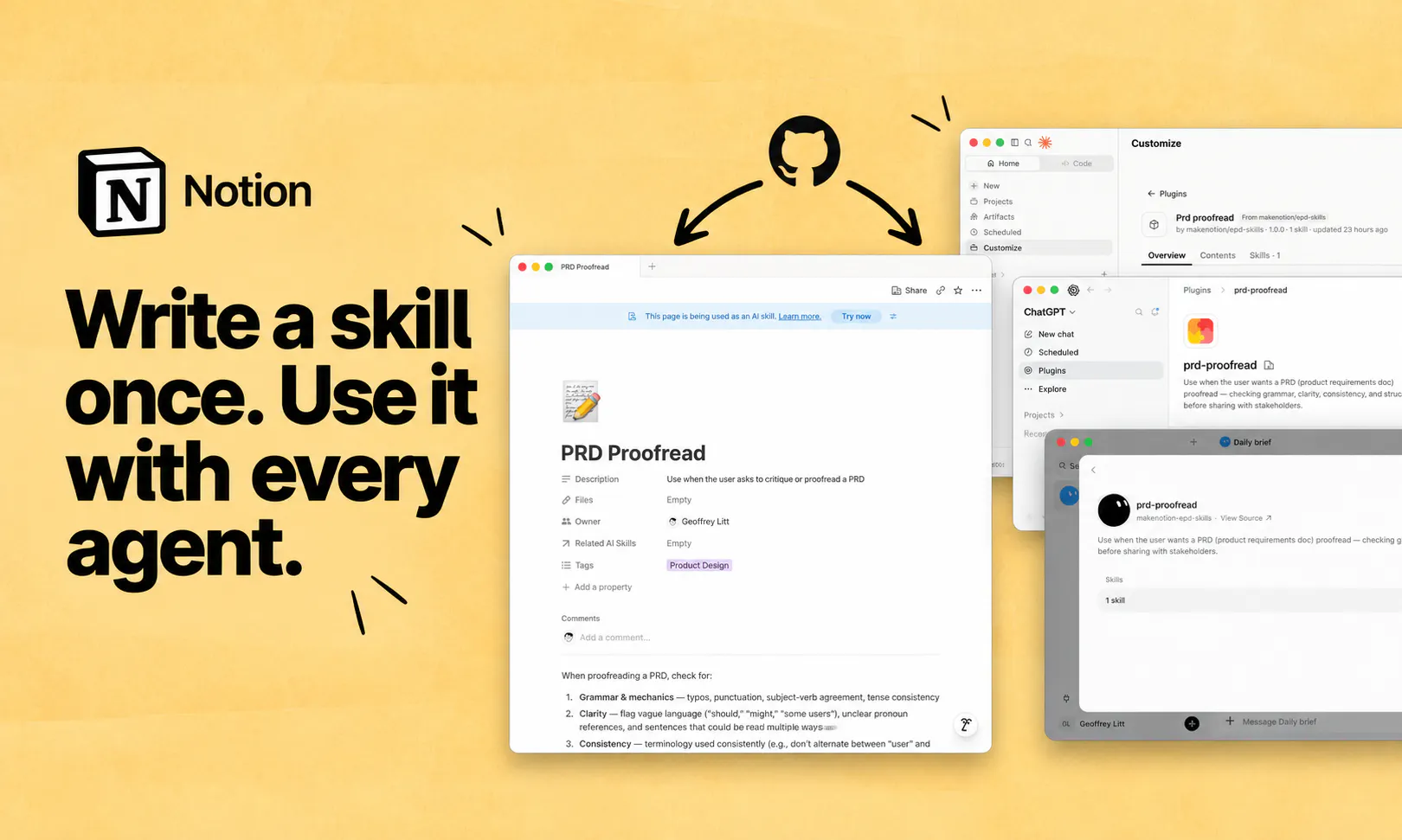
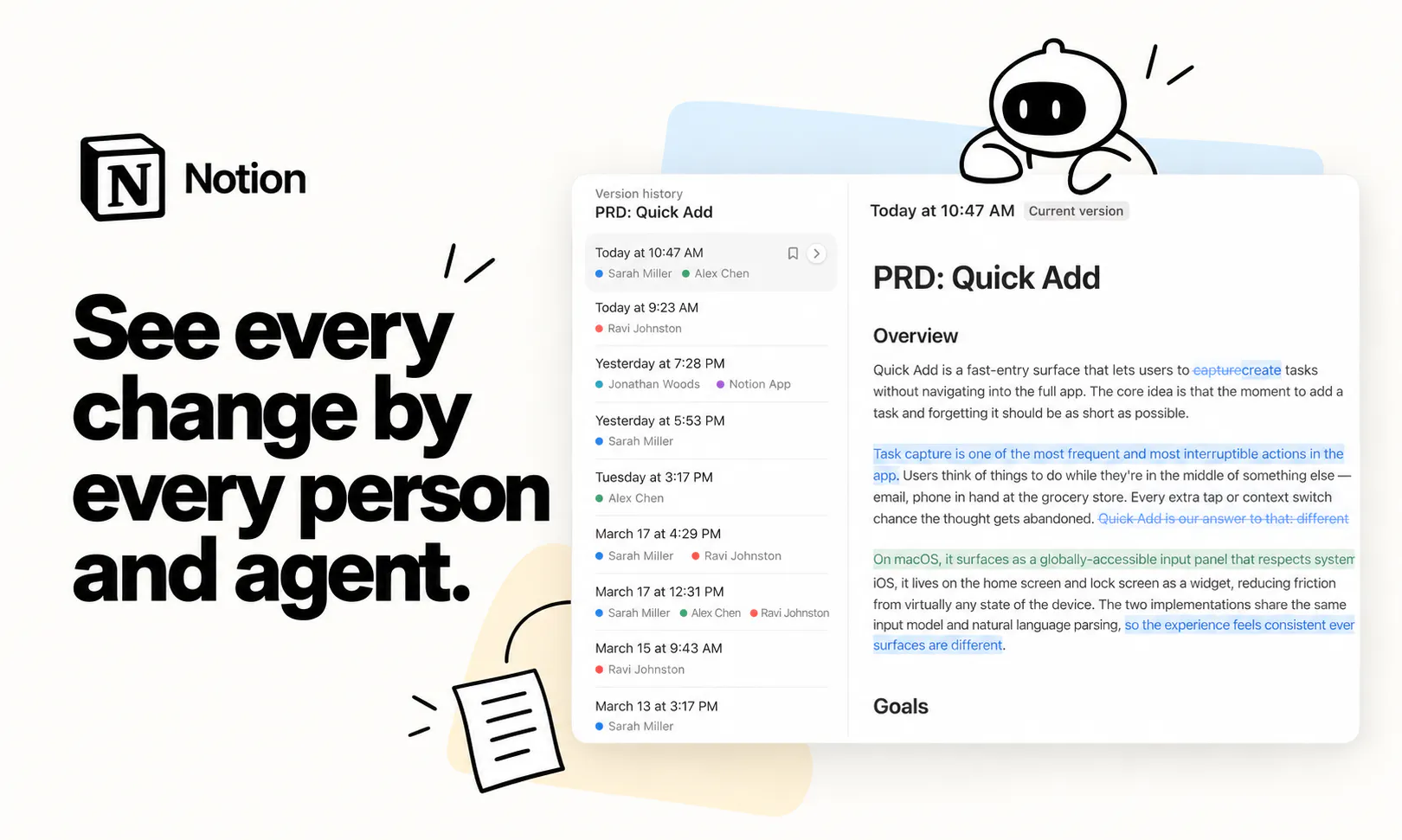
Notion: Context for your agents transforms your workspace into a unified shared context layer for AI agents, making team workflows more seamless and efficient. Unlike traditional chat interfaces that reset context with each switch, Notion consolidates documents, databases, and Skills into a single accessible environment that any MCP (Multi-Channel Platform) agent can read from and update. This integration supports connecting popular AI models like Claude and ChatGPT, as well as plugging into over 150 tools via the Skills API. The platform's upgraded version history, column permissions, and synchronized databases provide enhanced control and transparency, empowering teams to manage multiple AI agents effortlessly. Designed for collaborative teams leveraging AI automation, Notion’s approach simplifies switching contexts and ensures continuity across projects, reducing repetitive re-explanations and boosting productivity.
Screenshots

Pros
- ✓Centralizes workspace data for multiple AI agents, enhancing context continuity
- ✓Supports integration with popular AI models and over 150 tools via Skills API
- ✓Provides version history, permissions, and synchronized databases for better management
- ✓Simplifies switching between AI agents without re-explaining work
Cons
- ✗Requires setup and integration effort for teams new to Notion or AI tools
- ✗Limited details on pricing and licensing in the provided info
- ✗Might be complex for small teams or individual users
Use Cases
Pricing
Pricing not verified
Quick Info
Topics
Makers

Simon Last
@simonlastAlternatives
Similar Tools in Productivity




Embed Badge
Add this badge to your website to show that Notion: Context for your agents is featured on Visalytica.
<a href="https://www.visalytica.com/tool/notion-context-for-your-agents" target="_blank" rel="noopener noreferrer" style="display:inline-flex;align-items:center;gap:6px;padding:6px 14px;background:#7c3aed;color:#fff;border-radius:8px;font-family:-apple-system,system-ui,sans-serif;font-size:13px;font-weight:600;text-decoration:none;transition:background .2s" onmouseover="this.style.background='#6d28d9'" onmouseout="this.style.background='#7c3aed'"><svg width="14" height="14" viewBox="0 0 24 24" fill="none" stroke="currentColor" stroke-width="2.5" stroke-linecap="round" stroke-linejoin="round"><path d="M12 20V10"/><path d="M18 20V4"/><path d="M6 20v-4"/></svg>Featured on Visalytica</a>