
Notewarp
Turn messy thoughts into clear, reusable notes with AI
About Notewarp
Notewarp is an innovative note-taking platform designed to transform chaotic thoughts and raw audio into clear, organized, and reusable notes. By supporting various input methods such as voice recordings, audio uploads, pasted text, files, scanned content, and links, it caters to a diverse range of users including students, professionals, and researchers. Notewarp excels in automatically transcribing and cleaning up inputs, then offering versatile outputs like summaries, action items, emails, and study guides, all while preserving the original transcript for reference. Its ability to reshape content into different formats with AI assistance makes it a powerful productivity tool. Available across multiple devices—web, iPhone, iPad, and Mac—it ensures seamless integration into users’ workflows. Its organizational features like tags, folders, search, and sharing options further enhance usability, making it ideal for those who want to turn scattered thoughts into structured, reusable knowledge.
Screenshots
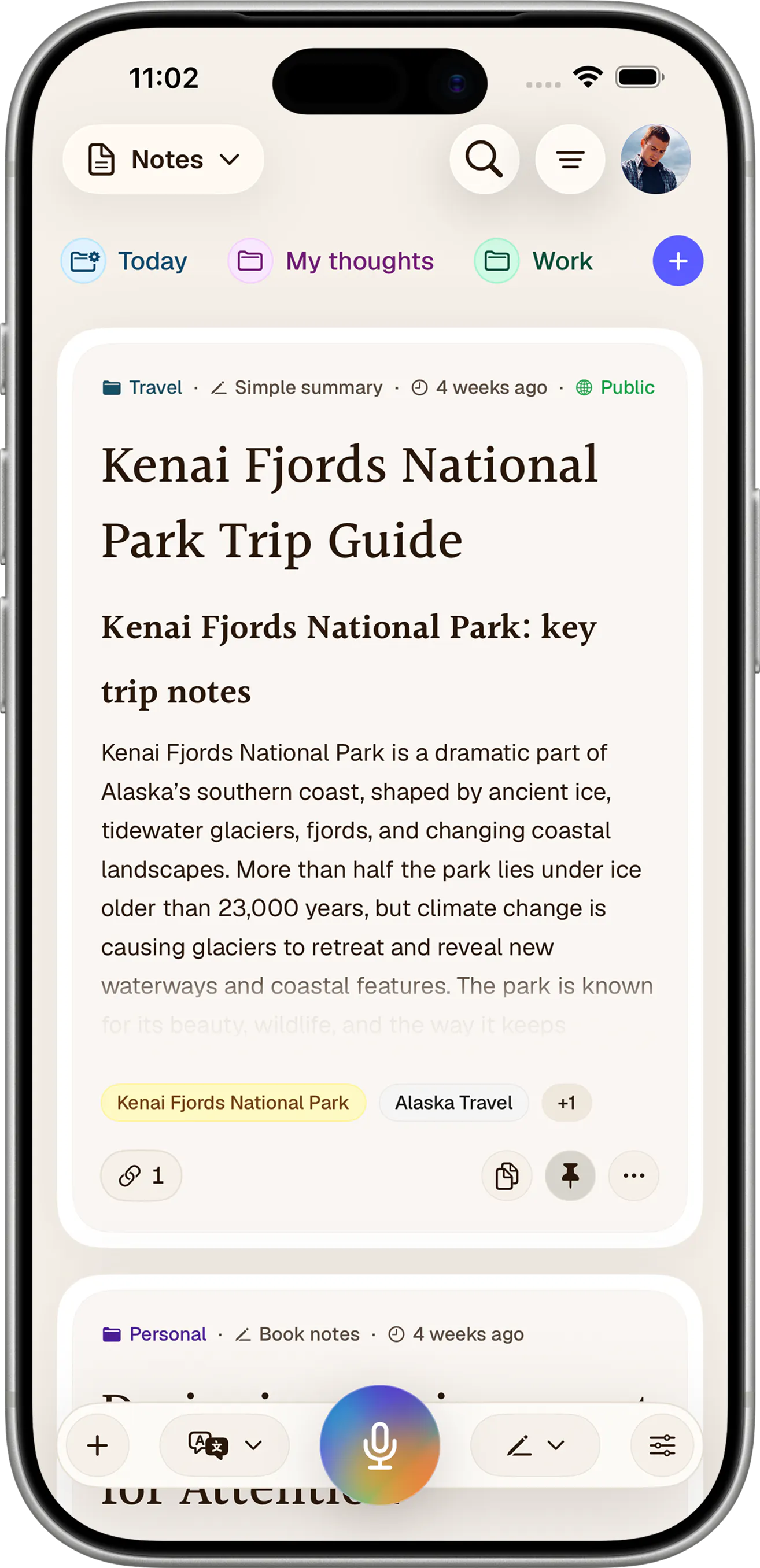
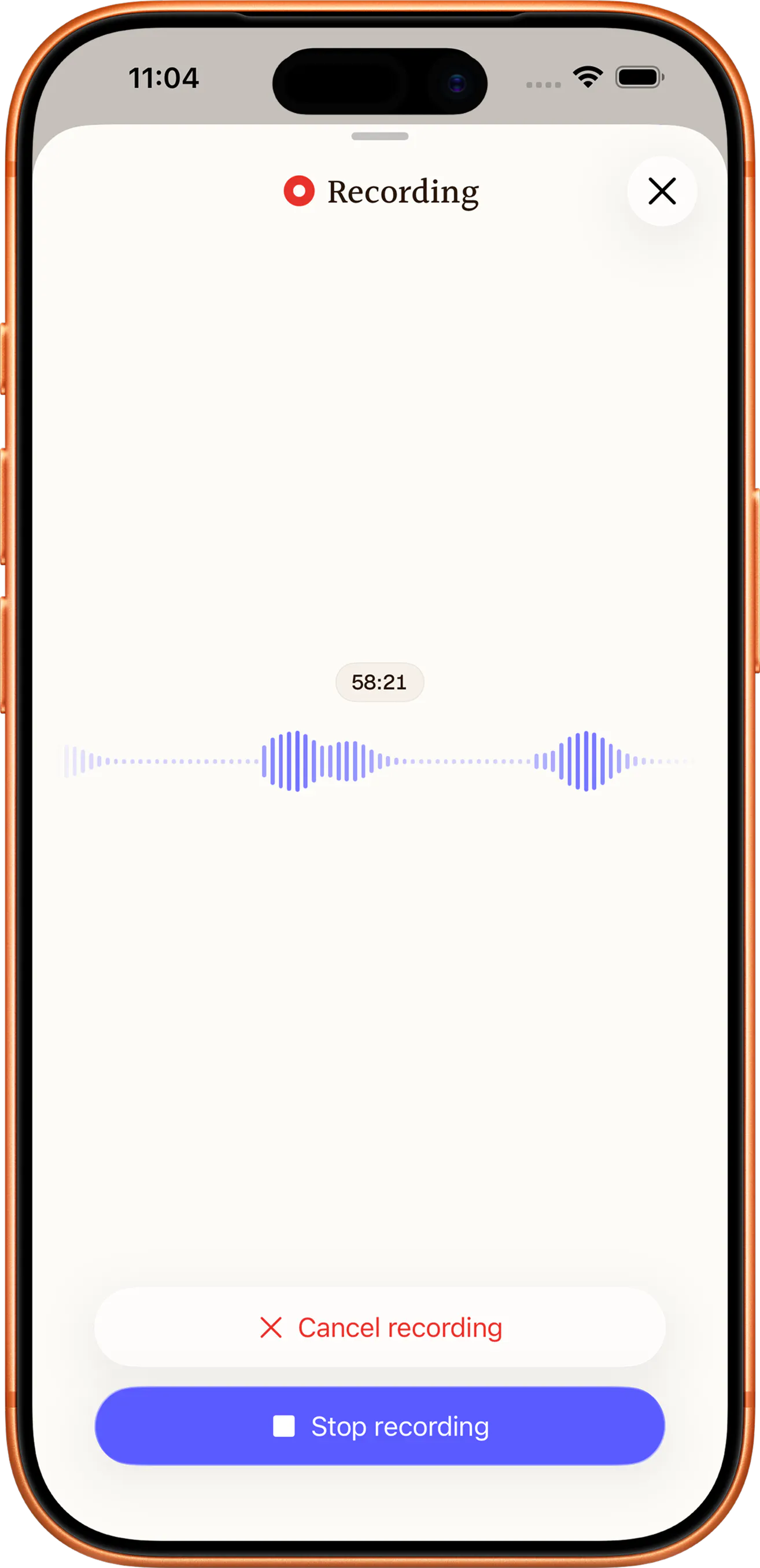
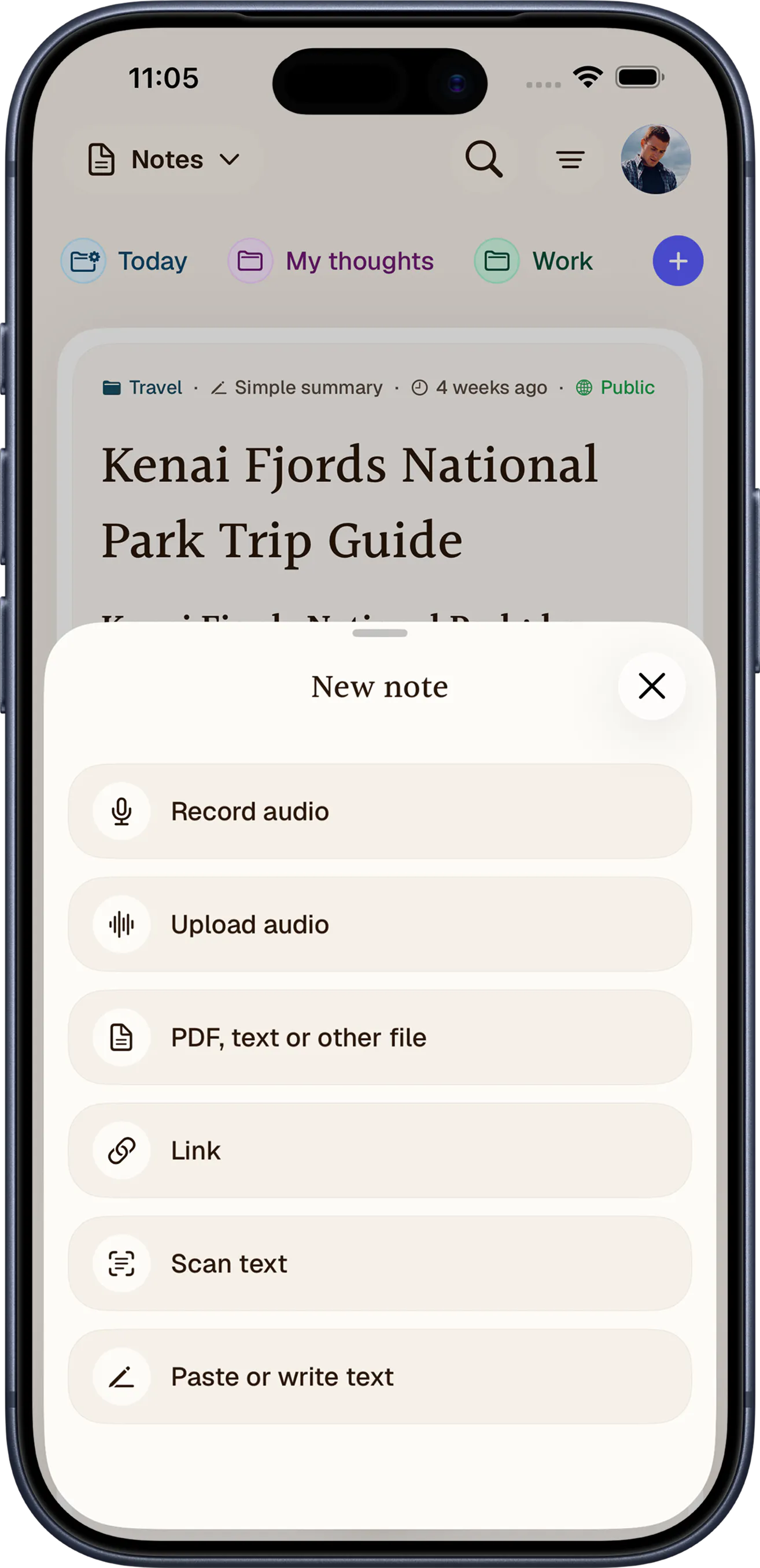
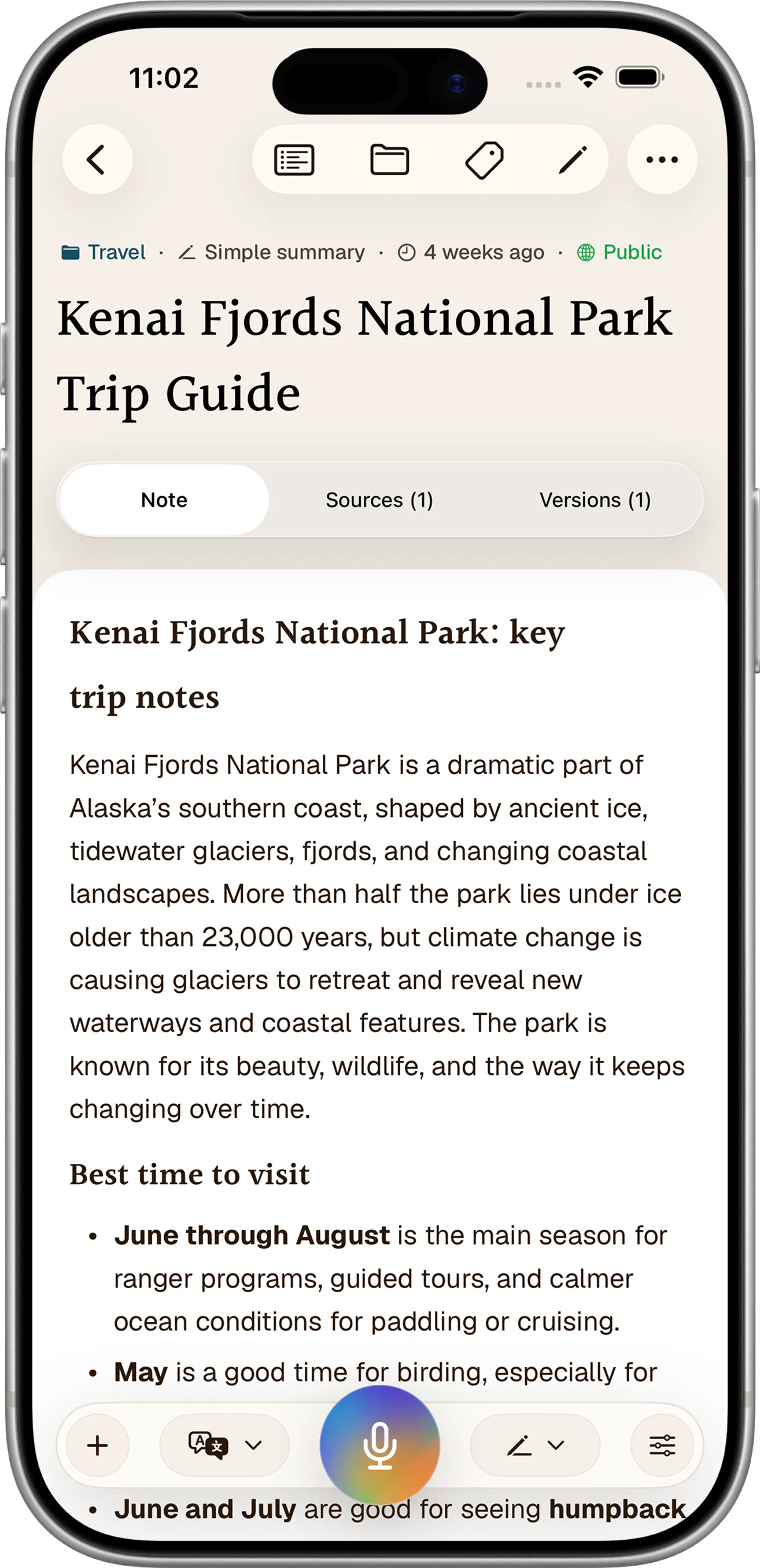
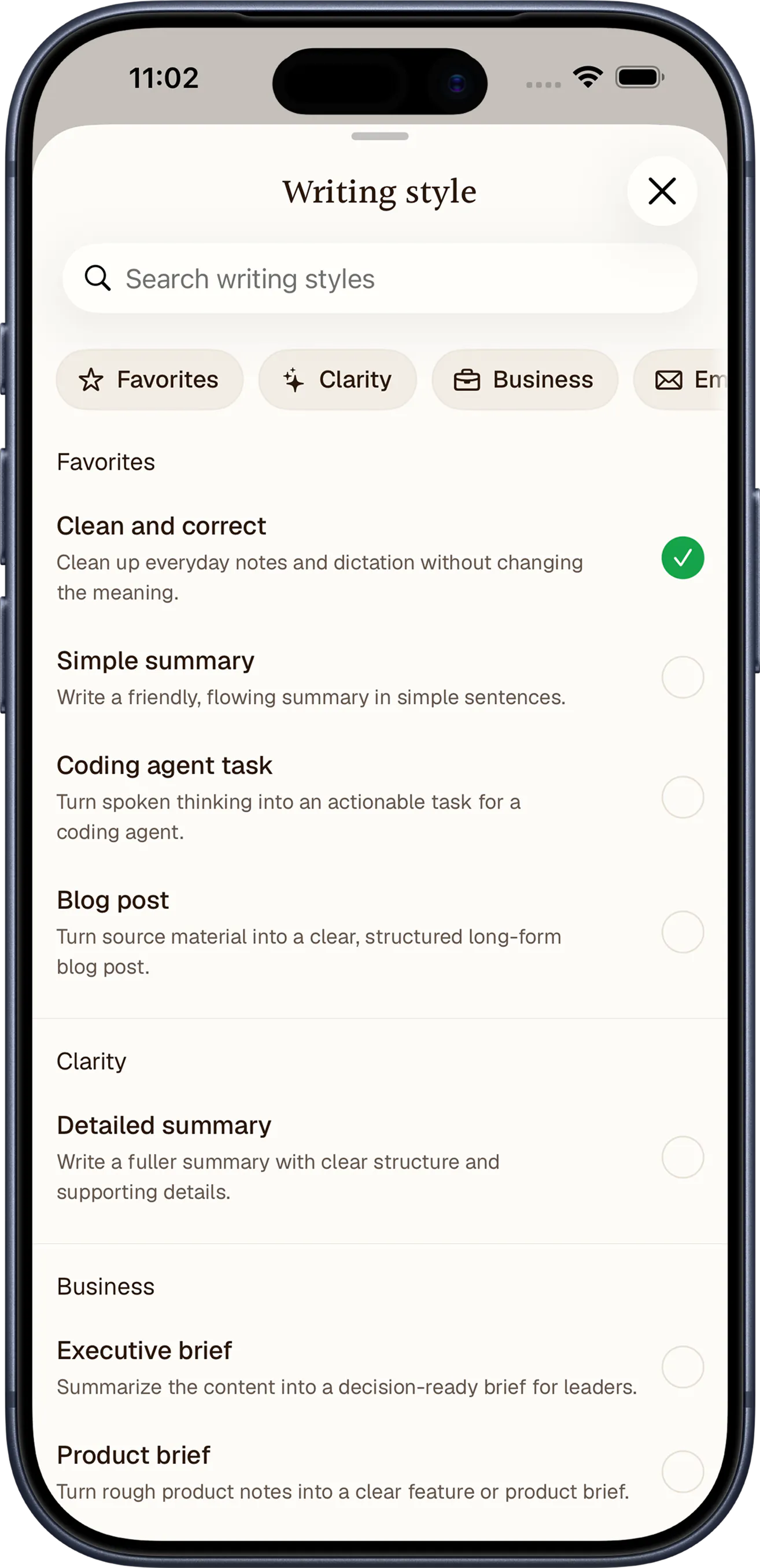
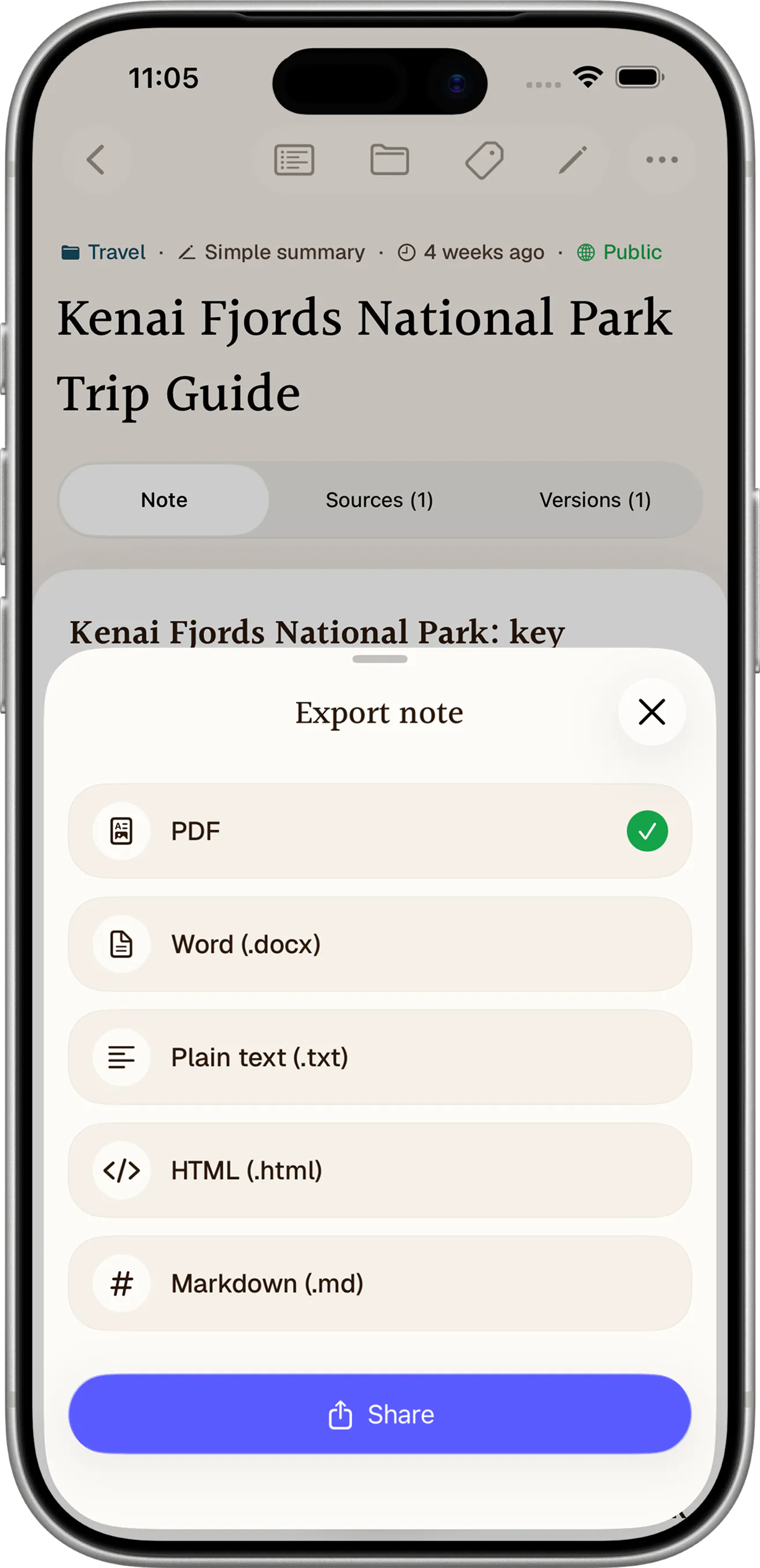
+2 more screenshots
Pros
- ✓Supports multiple input methods including voice, text, files, and links
- ✓AI-powered transformation into summaries, action items, and more
- ✓Cross-platform availability for seamless access
- ✓Robust organization features like tags, folders, and search
- ✓Easy sharing and exporting options
Cons
- ✗Limited user base and community feedback as of now
- ✗Unclear pricing details; likely subscription-based
- ✗Potential learning curve for new users unfamiliar with AI tools
Use Cases
Pricing
Likely operates on a freemium model, offering basic features for free with premium plans that unlock advanced AI transformations, larger storage, and export options. Exact pricing details are not publicly confirmed but may start around a monthly fee.

Similar Tools in AI Assistants




Embed Badge
Add this badge to your website to show that Notewarp is featured on Visalytica.
<a href="https://www.visalytica.com/tool/notewarp" target="_blank" rel="noopener noreferrer" style="display:inline-flex;align-items:center;gap:6px;padding:6px 14px;background:#7c3aed;color:#fff;border-radius:8px;font-family:-apple-system,system-ui,sans-serif;font-size:13px;font-weight:600;text-decoration:none;transition:background .2s" onmouseover="this.style.background='#6d28d9'" onmouseout="this.style.background='#7c3aed'"><svg width="14" height="14" viewBox="0 0 24 24" fill="none" stroke="currentColor" stroke-width="2.5" stroke-linecap="round" stroke-linejoin="round"><path d="M12 20V10"/><path d="M18 20V4"/><path d="M6 20v-4"/></svg>Featured on Visalytica</a>