Notchy
Mac dynamic island with music, timers, clipboard, file drops
About Notchy
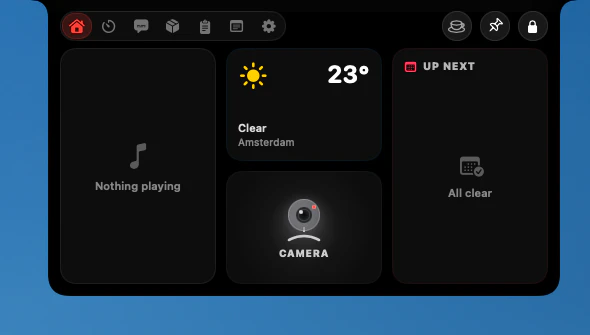
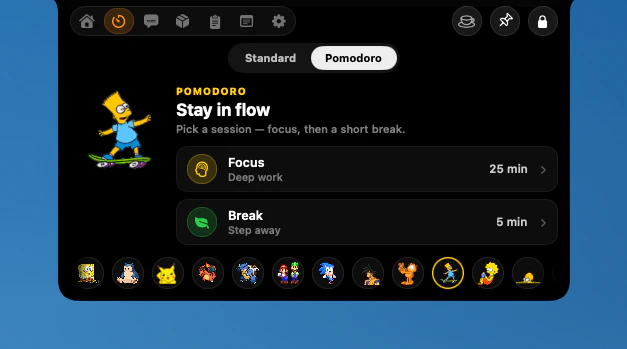
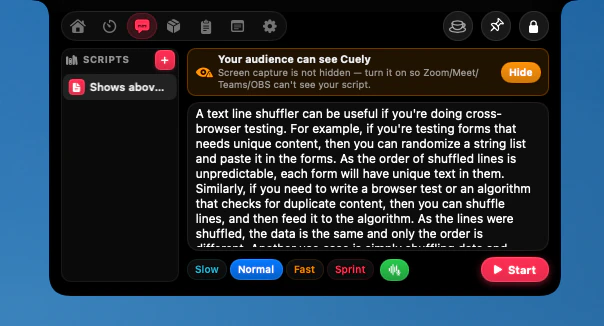
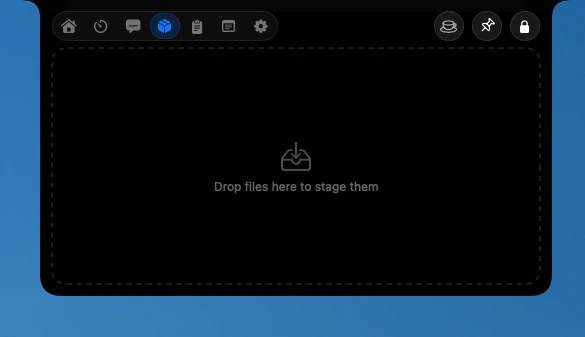
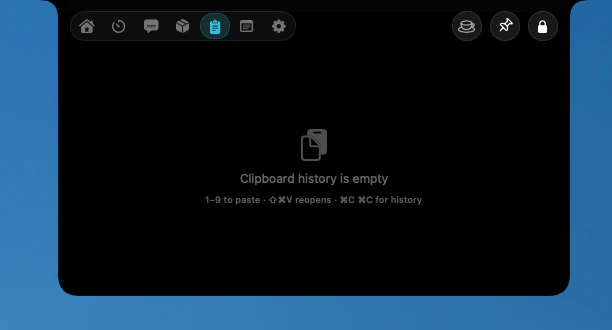
Notchy transforms the MacBook notch into a versatile, dynamic interface similar to the iPhone's Dynamic Island. Designed exclusively for macOS, it offers users a way to display real-time information and controls directly within the notch area, enhancing productivity and multitasking. With features like music controls, timers, clipboard access, and file drops, Notchy turns the notch into a hub for quick interactions without disrupting workflow. Its sleek, native integration ensures minimal distraction while providing a fluid and customizable experience, making it ideal for developers, creatives, and power users who want to maximize their MacBook's capabilities. The app's ability to display HUDs and contextual info elevates the MacBook experience, blending functionality with style.
Screenshots

Pros
- ✓Transforms the MacBook notch into a functional, customizable Dynamic Island
- ✓Supports multiple features like music controls, timers, clipboard, and file drops
- ✓Native macOS app with smooth, fluid animations and interface
- ✓Enhances productivity without cluttering the workspace
- ✓Free to use, making it accessible for all users
Cons
- ✗Limited to MacBook models with a notch, reducing applicability
- ✗Features are somewhat basic compared to dedicated taskbar or widget apps
- ✗No detailed customization options currently available
Use Cases
Pricing
Likely a free app with no current mention of premium plans, focusing on enhancing the native macOS experience at no cost.
Quick Info
Topics
Similar Tools in Productivity




Embed Badge
Add this badge to your website to show that Notchy is featured on Visalytica.
<a href="https://www.visalytica.com/tool/notchy" target="_blank" rel="noopener noreferrer" style="display:inline-flex;align-items:center;gap:6px;padding:6px 14px;background:#7c3aed;color:#fff;border-radius:8px;font-family:-apple-system,system-ui,sans-serif;font-size:13px;font-weight:600;text-decoration:none;transition:background .2s" onmouseover="this.style.background='#6d28d9'" onmouseout="this.style.background='#7c3aed'"><svg width="14" height="14" viewBox="0 0 24 24" fill="none" stroke="currentColor" stroke-width="2.5" stroke-linecap="round" stroke-linejoin="round"><path d="M12 20V10"/><path d="M18 20V4"/><path d="M6 20v-4"/></svg>Featured on Visalytica</a>