Notchware
Music and AI agent alerts in your MacBook notch
About Notchware
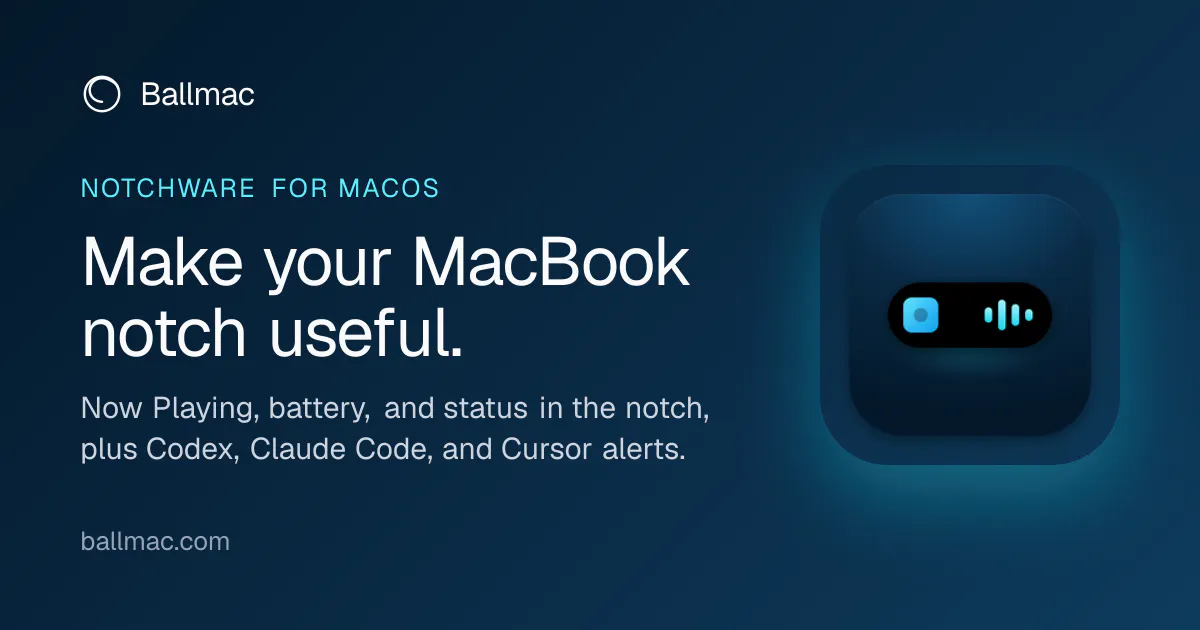
Notchware transforms the often overlooked notch at the top of MacBook screens into a functional and informative display. Designed for Mac users who want quick access to essential information without cluttering their workspace, it displays Now Playing artwork, playback controls, and system statuses such as battery, volume, brightness, Focus mode, and Wi-Fi directly within the notch area. The app is built with native SwiftUI, ensuring a seamless and responsive experience, and it operates without requiring an account, analytics, or cloud services, prioritizing user privacy. Notchware Pro enhances capabilities with alerts from AI agents like Codex, Claude Code, and Cursor, providing real-time notifications for approvals and task completions directly in the notch, making it ideal for developers and power users who rely on AI tools and terminal workflows.
Screenshots
Pros
- ✓Transforms the MacBook notch into a useful, glanceable info hub
- ✓Native SwiftUI implementation ensures smooth performance
- ✓No need for accounts, analytics, or cloud, ensuring privacy
- ✓Pro version adds AI agent alerts for improved workflow management
- ✓Supports macOS 14.6+
Cons
- ✗Limited to MacBook models with a notch
- ✗Features may be basic for users seeking extensive customization
- ✗No free tier or trial information provided
Use Cases
Pricing
Pricing not verified
Quick Info
Topics
Makers

Naga vamsi Y
Alternatives
Similar Tools in AI Assistants




Embed Badge
Add this badge to your website to show that Notchware is featured on Visalytica.
<a href="https://www.visalytica.com/tool/notchware" target="_blank" rel="noopener noreferrer" style="display:inline-flex;align-items:center;gap:6px;padding:6px 14px;background:#7c3aed;color:#fff;border-radius:8px;font-family:-apple-system,system-ui,sans-serif;font-size:13px;font-weight:600;text-decoration:none;transition:background .2s" onmouseover="this.style.background='#6d28d9'" onmouseout="this.style.background='#7c3aed'"><svg width="14" height="14" viewBox="0 0 24 24" fill="none" stroke="currentColor" stroke-width="2.5" stroke-linecap="round" stroke-linejoin="round"><path d="M12 20V10"/><path d="M18 20V4"/><path d="M6 20v-4"/></svg>Featured on Visalytica</a>