
NotchPrompt
The invisible teleprompter that lives in your MacBook Notch.
About NotchPrompt
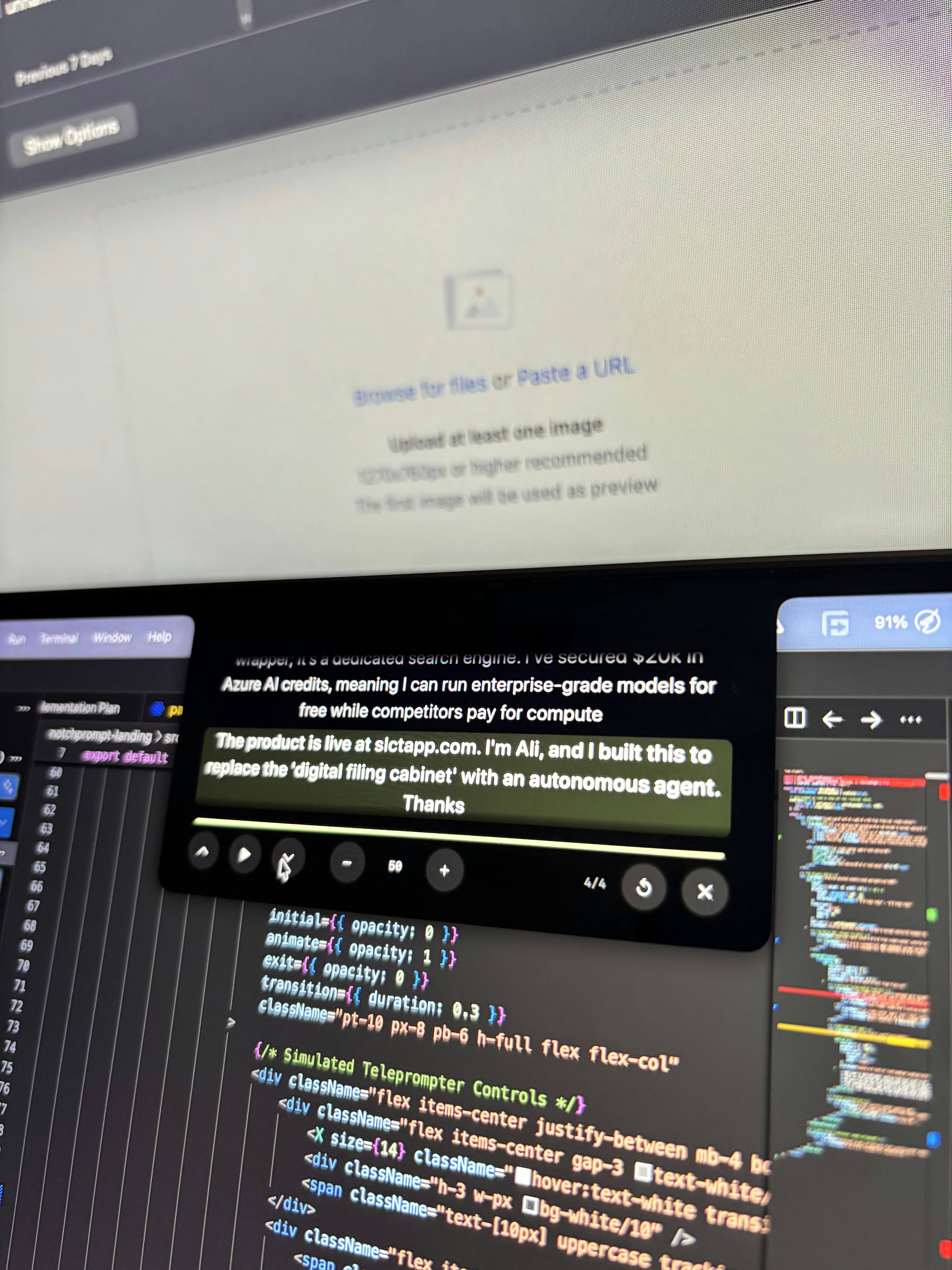
NotchPrompt is a innovative MacBook application that transforms your built-in camera notch into an invisible teleprompter. Designed for content creators, presenters, and remote professionals, it allows users to read scripts seamlessly while maintaining perfect eye contact with the camera. The app cleverly wraps your script around the notch, ensuring you don’t have to look down at notes or screen shares, which can be distracting or unpolished. Its native Swift & SwiftUI development ensures smooth performance and tight hardware integration, while features like auto-scroll and customizable hotkeys enhance usability. Notably, it remains completely invisible during screen sharing, so your audience only sees a clean desktop, making it ideal for professional virtual presentations, webinars, and recording sessions. Being open source and free, it offers an accessible solution for anyone seeking a more natural and engaging video communication experience.
Screenshots
Pros
- ✓Invisible during screen sharing, maintaining a clean view for viewers
- ✓Native Mac app built with Swift & SwiftUI for performance and stability
- ✓Hardware-integrated features like auto-scroll and hotkeys
- ✓Open source and free, making it accessible to all users
- ✓Unique use of the MacBook notch for an integrated teleprompter experience
Cons
- ✗Limited to MacBook users with a notch, restricting compatibility
- ✗May require some setup for optimal positioning and scripting
- ✗Lack of advanced editing or scripting features compared to dedicated teleprompter apps
Use Cases
Pricing
Free and open source, with no paid plans or subscriptions, making it highly accessible for all users.
Quick Info
Topics
Alternatives
Similar Tools in AI Assistants




Embed Badge
Add this badge to your website to show that NotchPrompt is featured on Visalytica.
<a href="https://www.visalytica.com/tool/notchprompt" target="_blank" rel="noopener noreferrer" style="display:inline-flex;align-items:center;gap:6px;padding:6px 14px;background:#7c3aed;color:#fff;border-radius:8px;font-family:-apple-system,system-ui,sans-serif;font-size:13px;font-weight:600;text-decoration:none;transition:background .2s" onmouseover="this.style.background='#6d28d9'" onmouseout="this.style.background='#7c3aed'"><svg width="14" height="14" viewBox="0 0 24 24" fill="none" stroke="currentColor" stroke-width="2.5" stroke-linecap="round" stroke-linejoin="round"><path d="M12 20V10"/><path d="M18 20V4"/><path d="M6 20v-4"/></svg>Featured on Visalytica</a>