
NotchDrop
A Dynamic Island experience for your Mac notch
About NotchDrop
NotchDrop v2 transforms the MacBook notch from a mere design element into a powerful, customizable workspace. By integrating a suite of productivity tools directly into the notch area, it allows users to access system stats, manage files, record and edit screens, view live wallpapers, and utilize utilities like calendar and calculator without cluttering the desktop. The introduction of NotchDrop Studio enhances this experience with built-in screen recording and editing capabilities, making it a versatile tool for creators and professionals alike. Its redesigned interface, customizable themes, and improved sharing features with AirDrop and local networks make daily workflows more seamless and efficient. This app is especially appealing to Mac users seeking to maximize their limited screen real estate while boosting productivity and creativity in a visually appealing way.
Screenshots
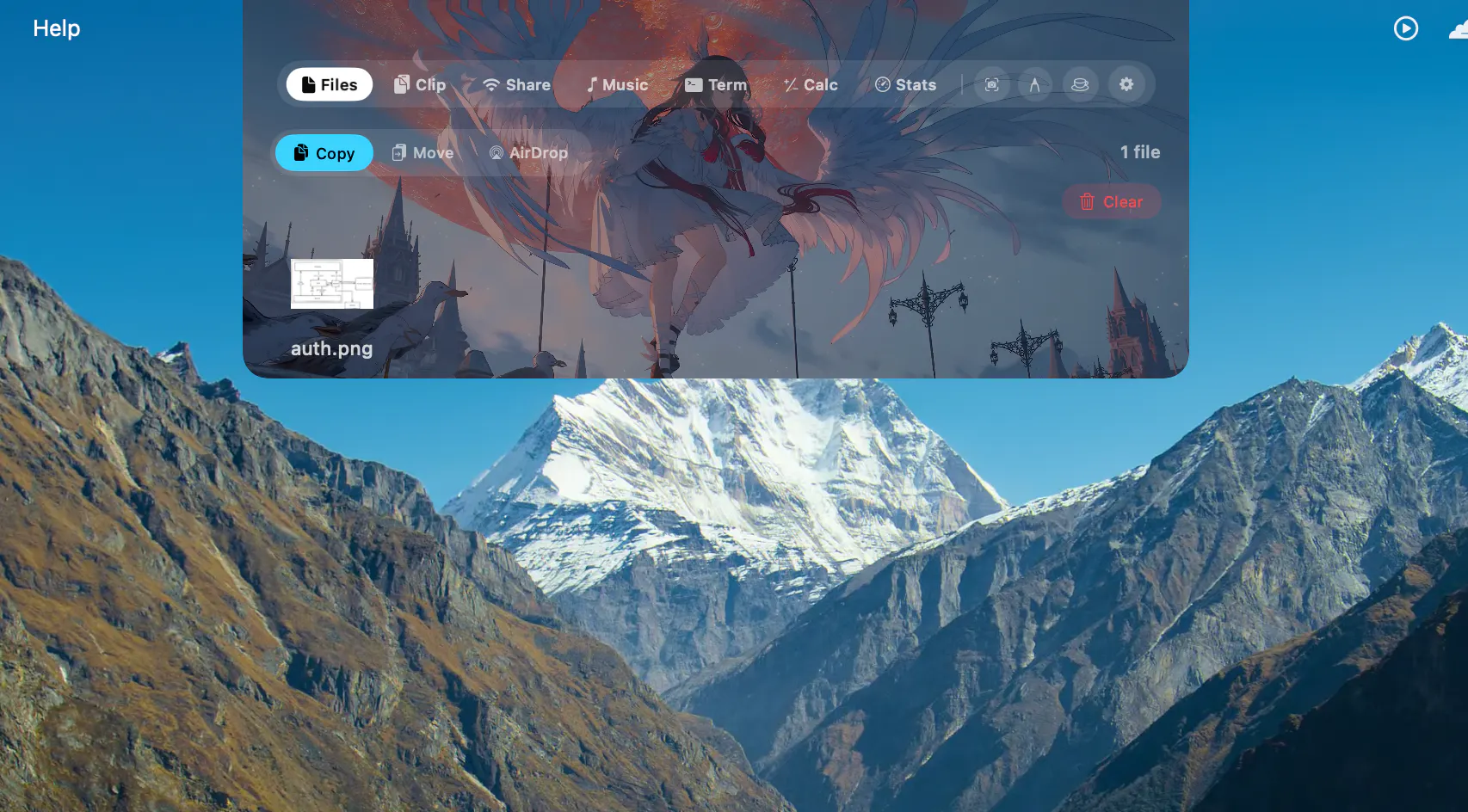
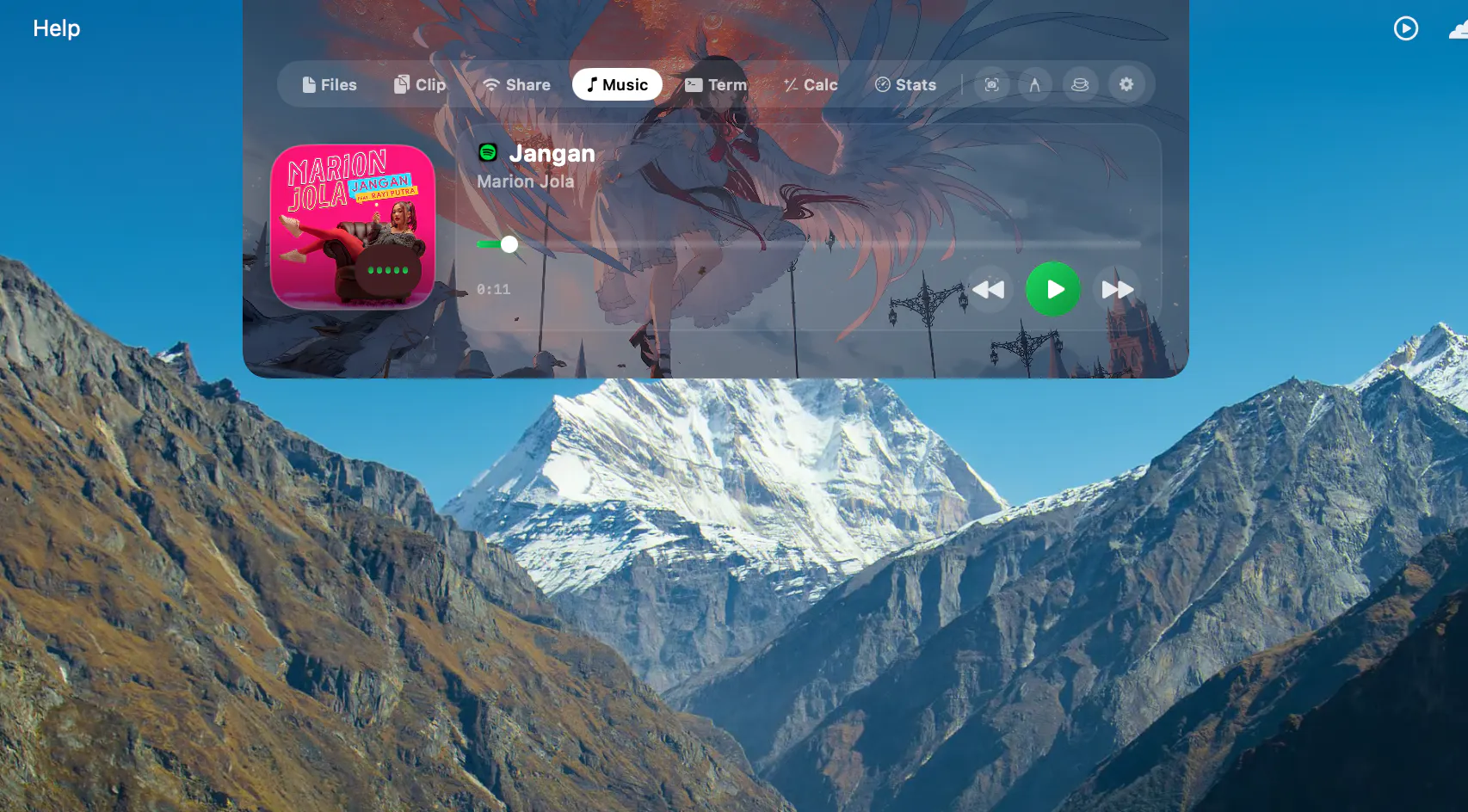
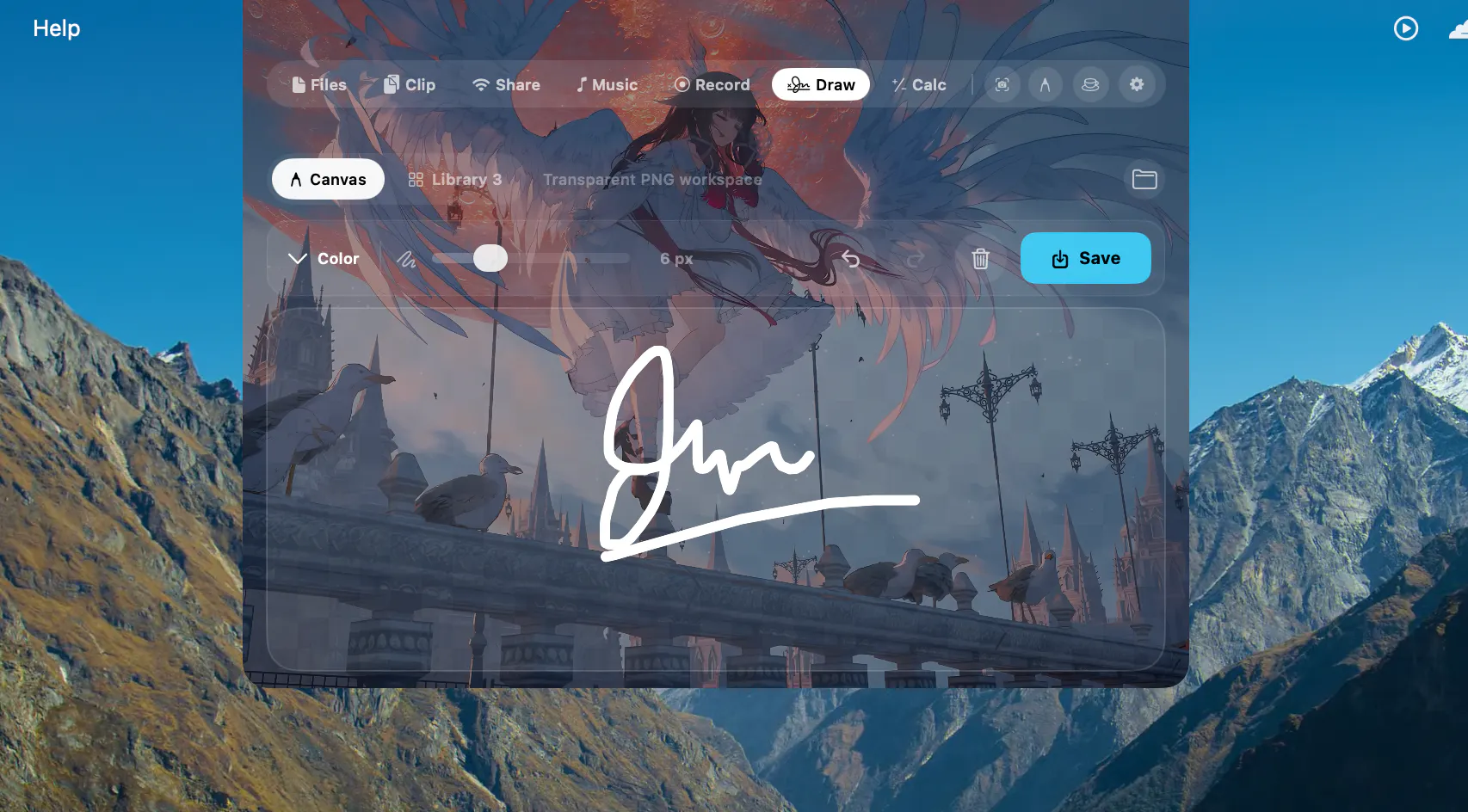
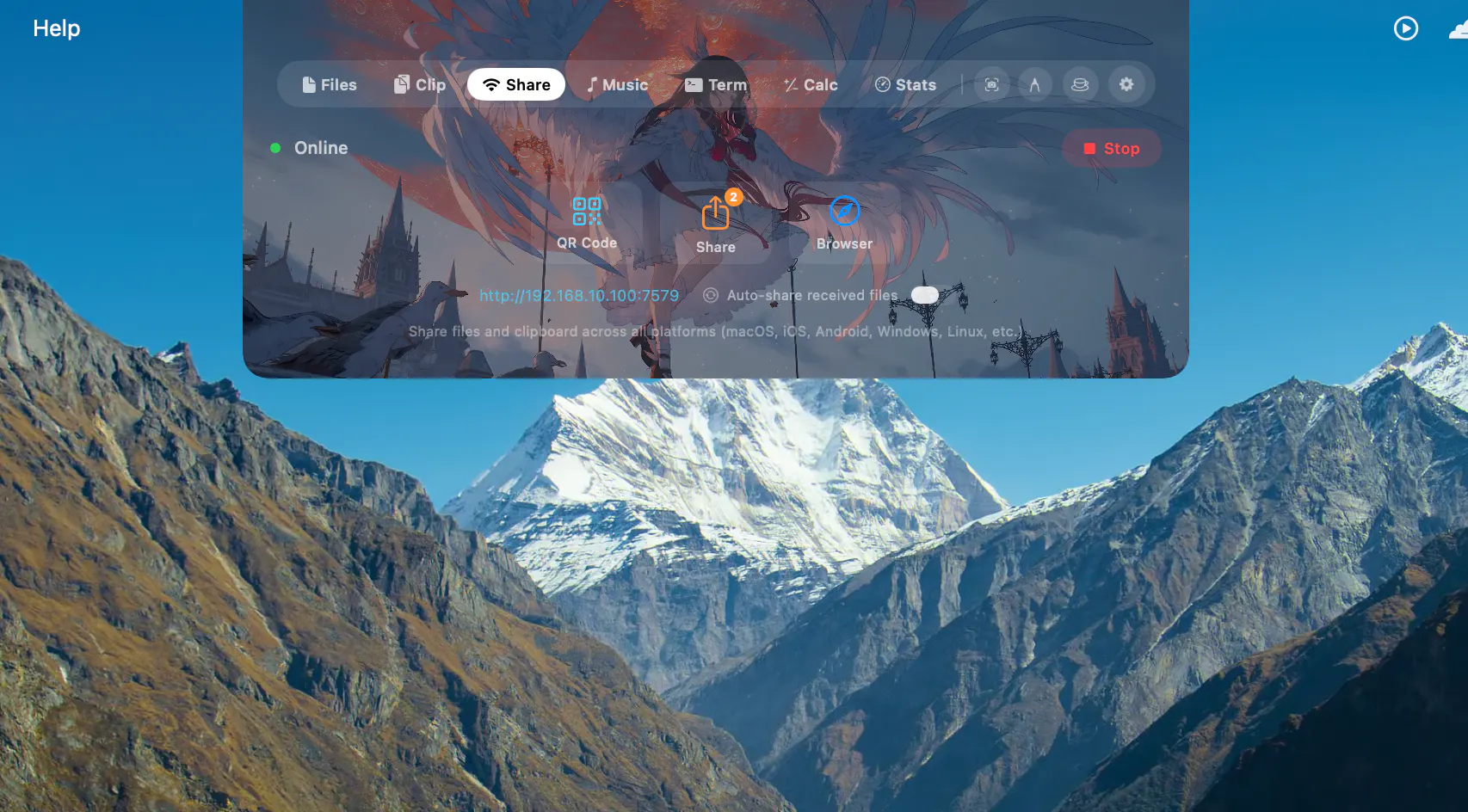
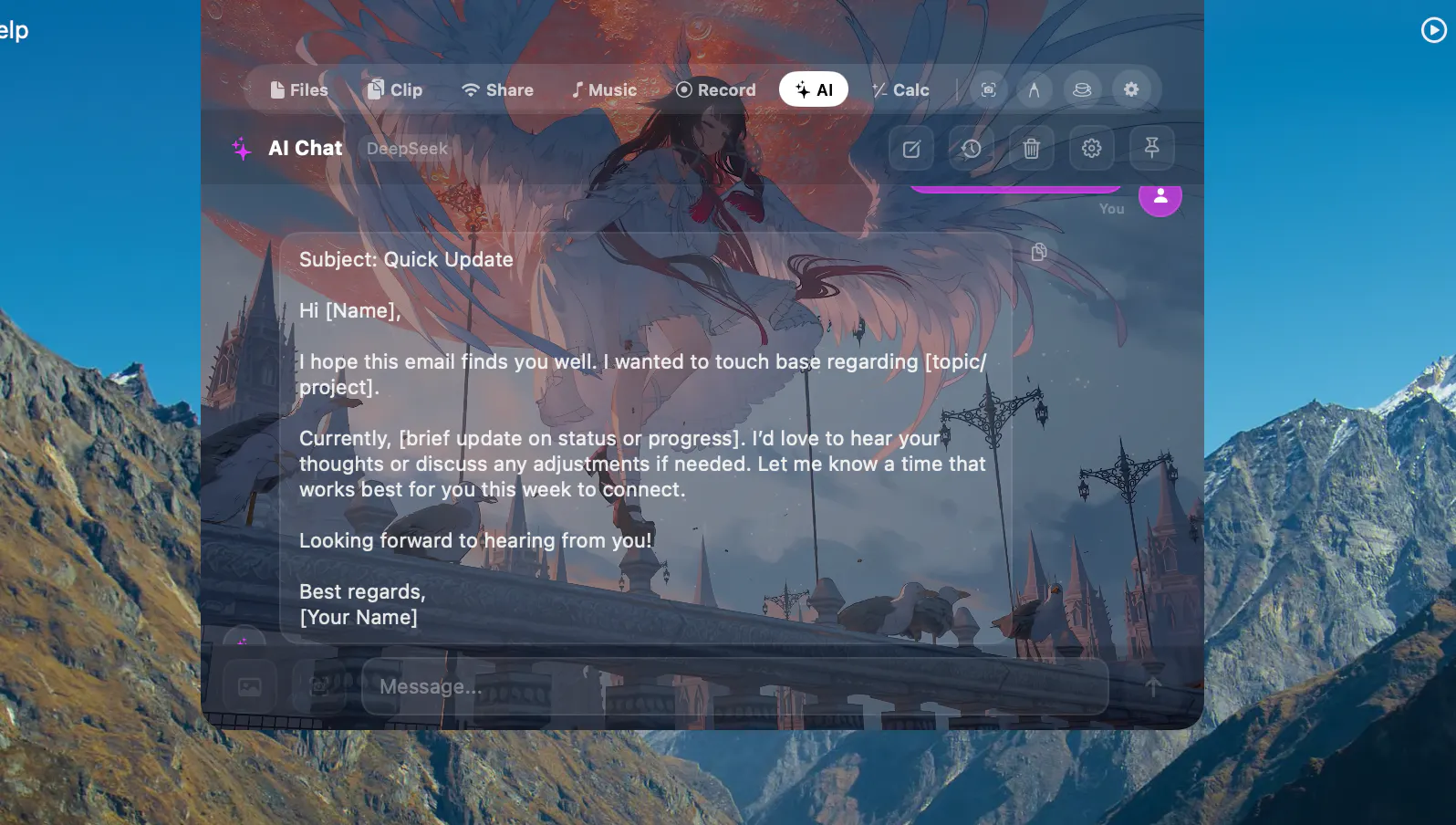
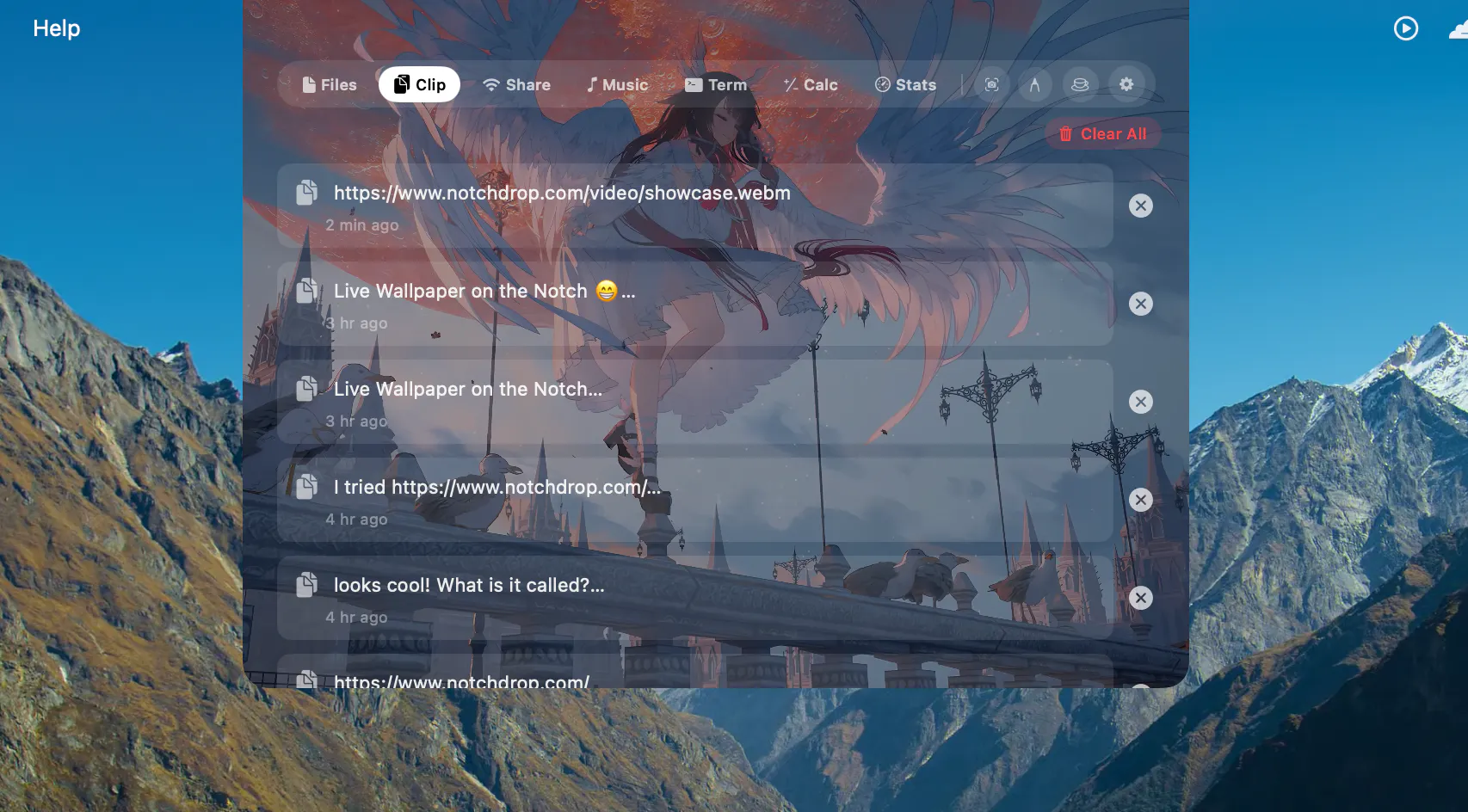
+3 more screenshots
Pros
- ✓Transforms the MacBook notch into a functional workspace hub
- ✓Includes a built-in screen recording and editing tool (NotchDrop Studio)
- ✓Enhanced file sharing via AirDrop and local networks
- ✓Customizable themes and a redesigned, user-friendly interface
- ✓Adds useful utilities like live wallpapers, calendar, calculator, and terminal tools
Cons
- ✗Limited to MacBook models with a notch, restricting compatibility
- ✗Could be distracting if overused or poorly configured
- ✗Varying user satisfaction depending on customization preferences
Use Cases
Pricing
Pricing not verified
Quick Info
Topics
Makers

Muhammad Saddam Nur
Similar Tools in AI Image & Design




Embed Badge
Add this badge to your website to show that NotchDrop is featured on Visalytica.
<a href="https://www.visalytica.com/tool/notchdrop" target="_blank" rel="noopener noreferrer" style="display:inline-flex;align-items:center;gap:6px;padding:6px 14px;background:#7c3aed;color:#fff;border-radius:8px;font-family:-apple-system,system-ui,sans-serif;font-size:13px;font-weight:600;text-decoration:none;transition:background .2s" onmouseover="this.style.background='#6d28d9'" onmouseout="this.style.background='#7c3aed'"><svg width="14" height="14" viewBox="0 0 24 24" fill="none" stroke="currentColor" stroke-width="2.5" stroke-linecap="round" stroke-linejoin="round"><path d="M12 20V10"/><path d="M18 20V4"/><path d="M6 20v-4"/></svg>Featured on Visalytica</a>