Nimbalyst Wiki
Wiki your agents write for you to think, organize, direct
About Nimbalyst Wiki
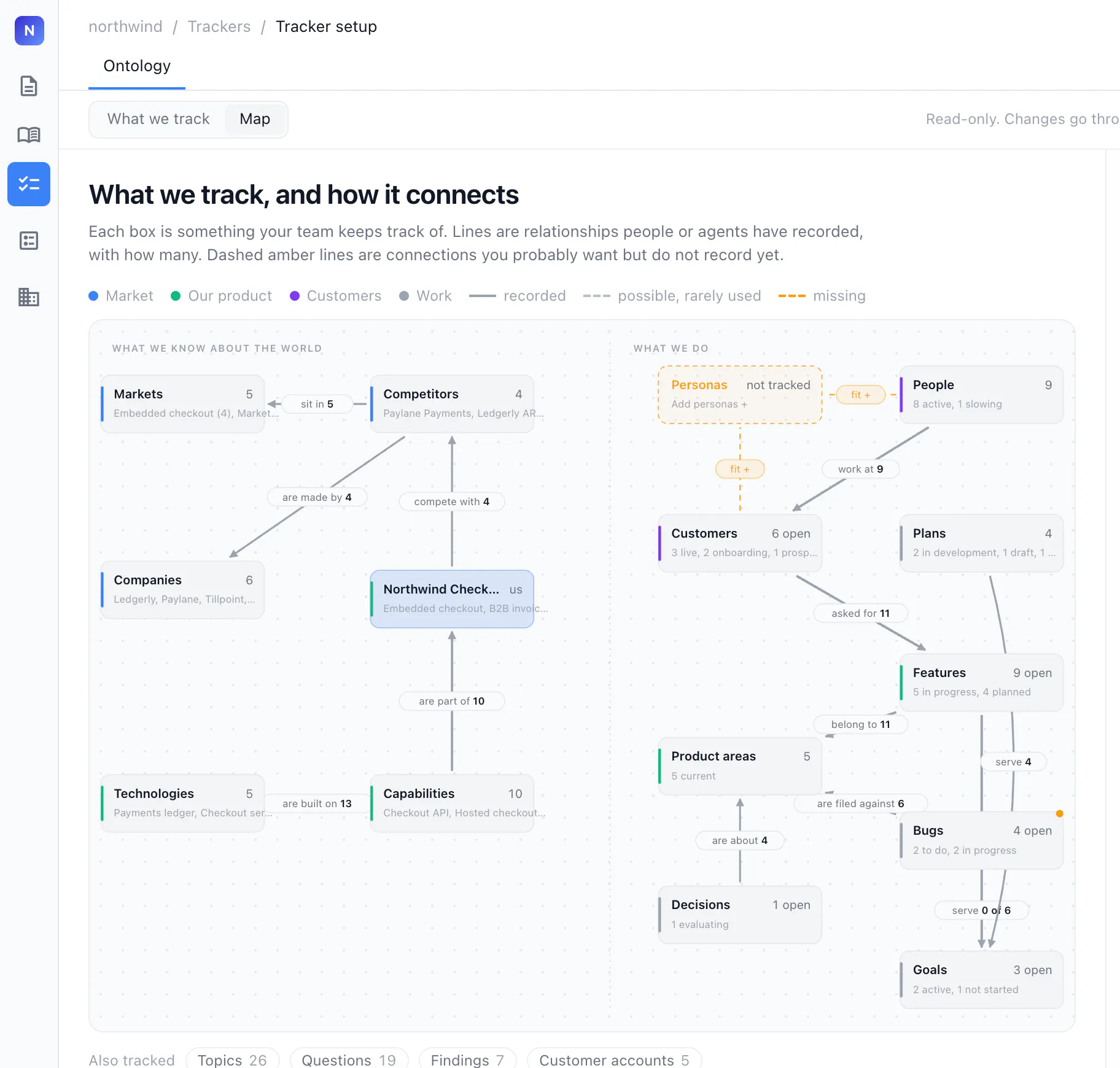
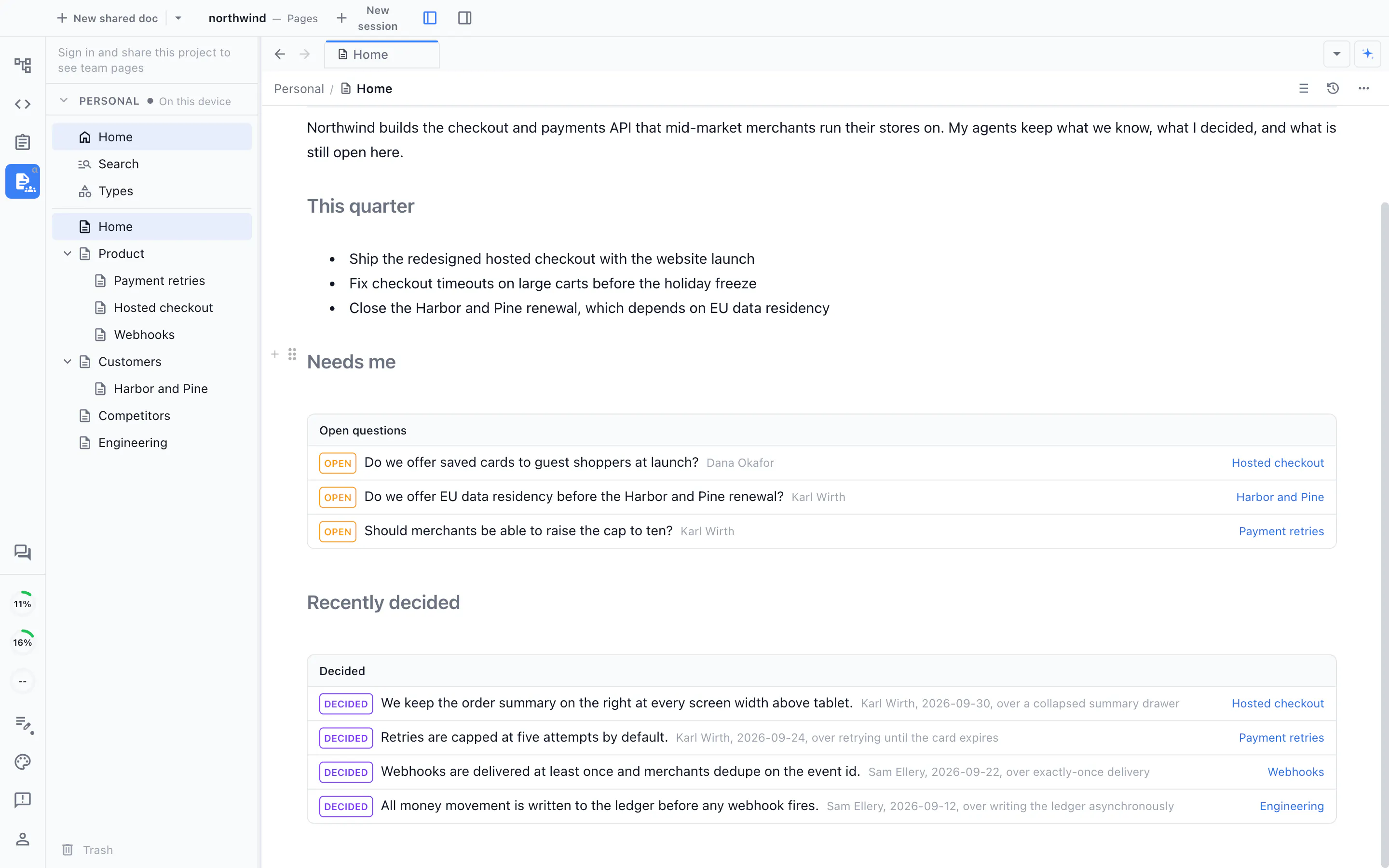
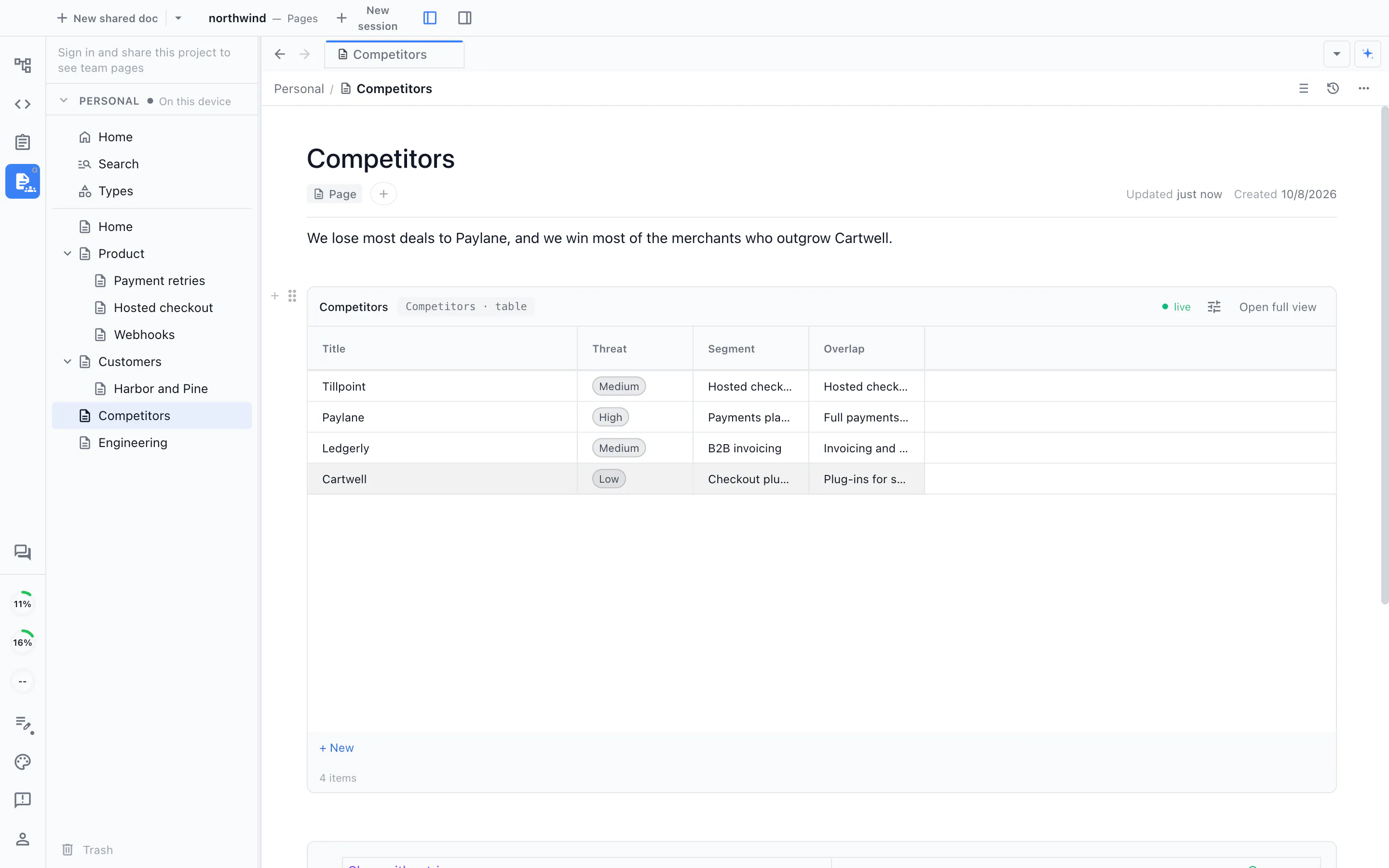
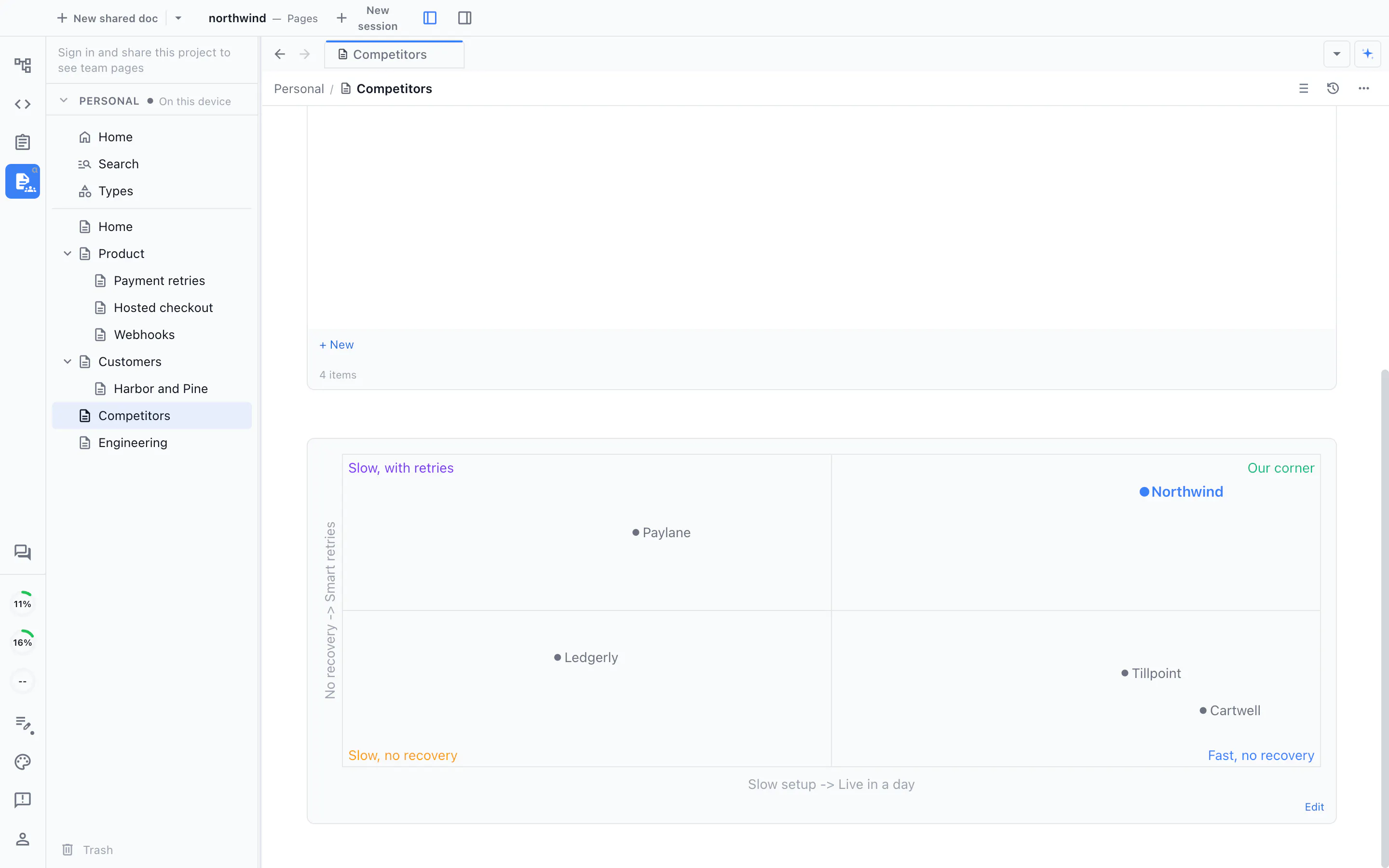
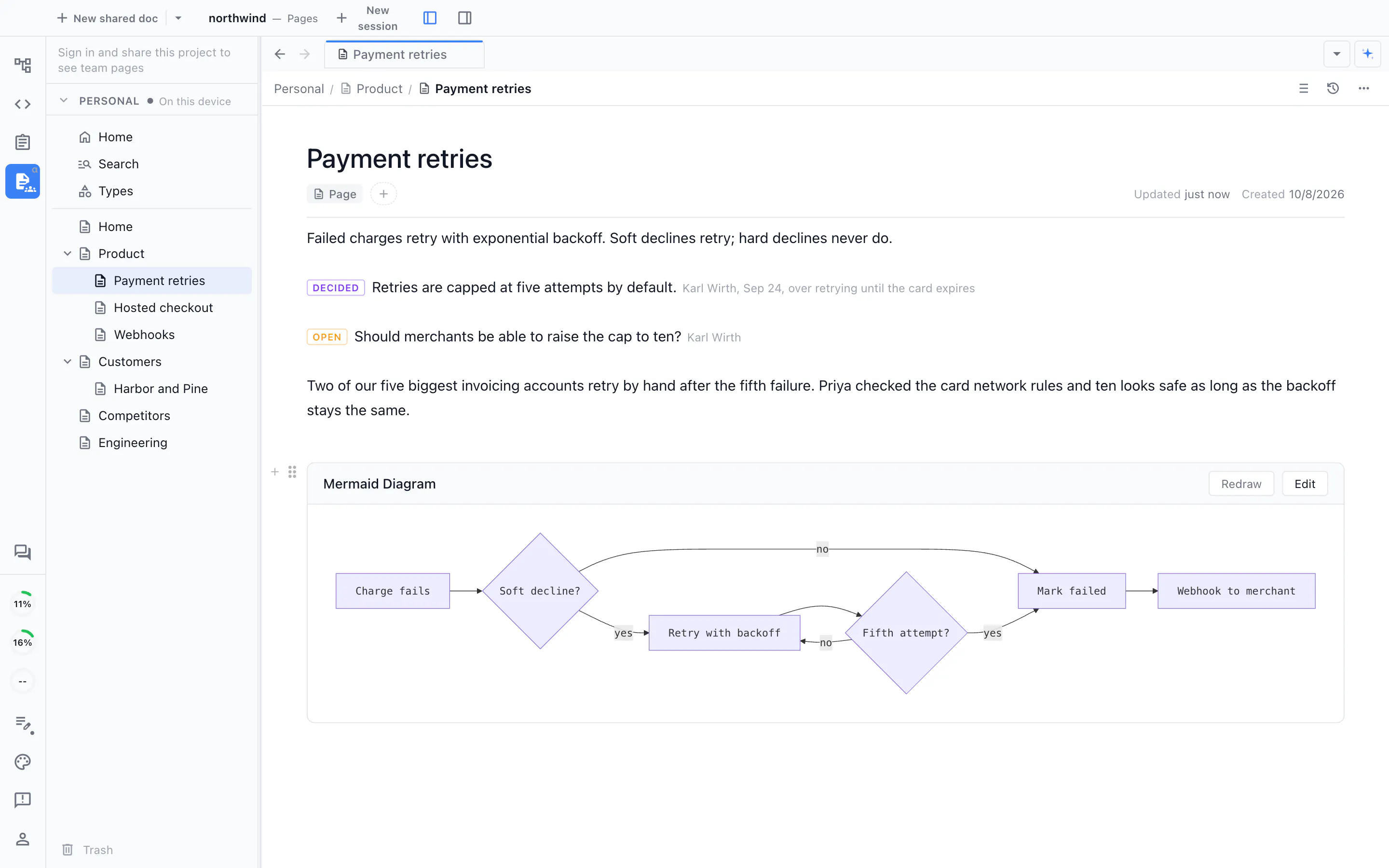
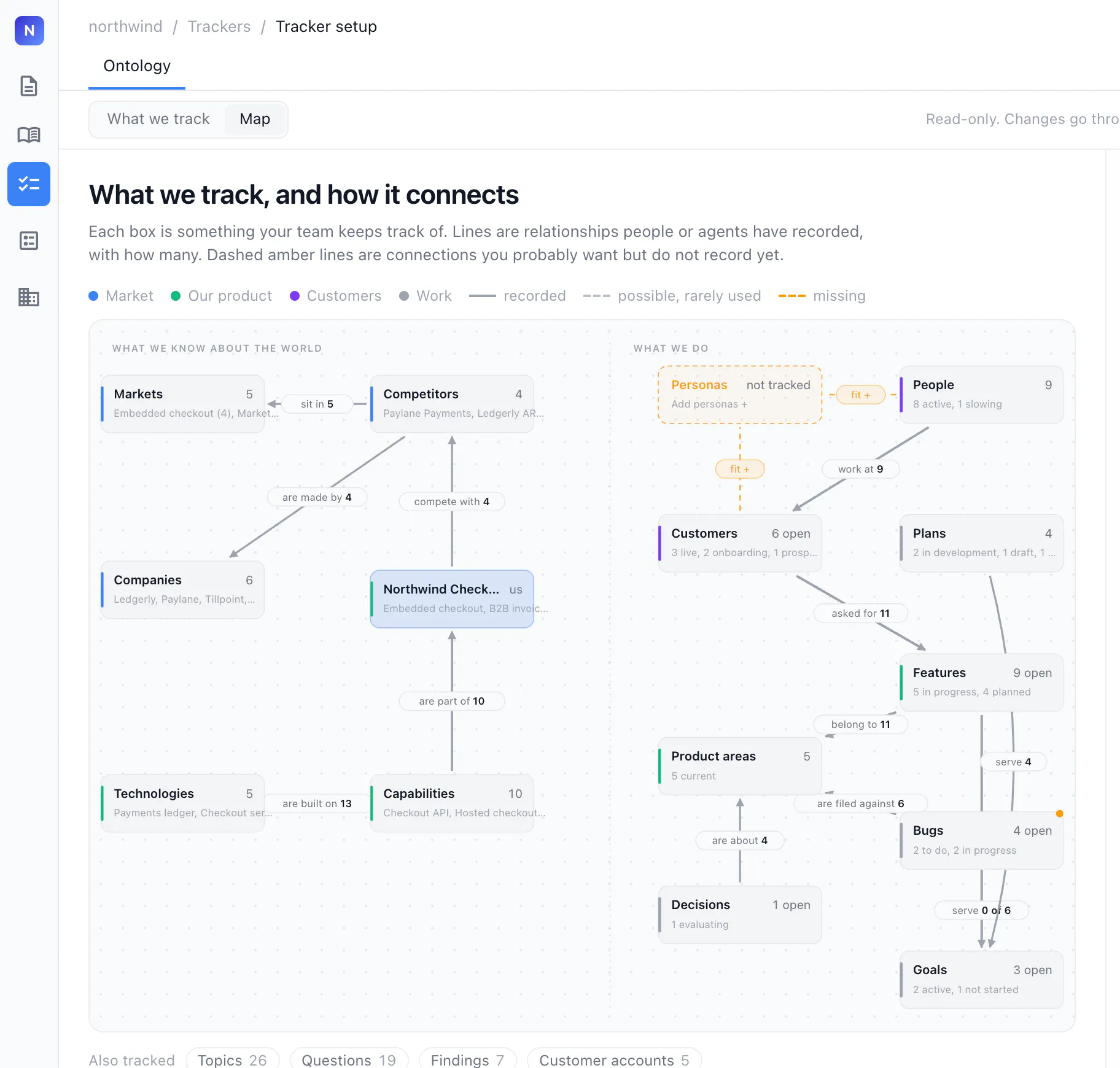
Nimbalyst Wiki is a powerful plugin designed to help developers and AI agents organize complex decision-making processes, open questions, and project overviews into a centralized, editable wiki. It seamlessly integrates with popular tools like Claude Code, Codex, VS Code, and other MCP agents, allowing users to create and manage notes in plain markdown, CSV, drawing files, or clickable HTML files directly within their repositories. Its no-setup approach means users don’t need additional apps or accounts—simply install the plugin and start organizing. By enabling agents to generate and update a visual, easily editable knowledge base, Nimbalyst Wiki enhances clarity, collaboration, and strategic planning, especially for teams managing intricate AI projects or software development workflows. Its focus on simplicity and compatibility makes it ideal for developers, AI researchers, and teams seeking a lightweight yet powerful way to keep their ideas and decisions well-structured.
Screenshots
Pros
- ✓No account or separate app required, easy to use
- ✓Supports multiple file formats including markdown, CSV, and HTML
- ✓Integrates seamlessly with popular AI and developer tools like Claude Code and Codex
- ✓Facilitates visual organization and decision tracking within repositories
- ✓Free plugin, lowering barriers to adoption
Cons
- ✗Limited information on advanced features or customizations
- ✗Potential learning curve for users unfamiliar with markdown or wiki concepts
- ✗Votes on ProductHunt are currently zero, indicating limited community feedback
Use Cases
Pricing
Pricing not verified
Quick Info
Topics
Makers

Greg Hinkle
Alternatives
Similar Tools in Developer Tools




Embed Badge
Add this badge to your website to show that Nimbalyst Wiki is featured on Visalytica.
<a href="https://www.visalytica.com/tool/nimbalyst-wiki" target="_blank" rel="noopener noreferrer" style="display:inline-flex;align-items:center;gap:6px;padding:6px 14px;background:#7c3aed;color:#fff;border-radius:8px;font-family:-apple-system,system-ui,sans-serif;font-size:13px;font-weight:600;text-decoration:none;transition:background .2s" onmouseover="this.style.background='#6d28d9'" onmouseout="this.style.background='#7c3aed'"><svg width="14" height="14" viewBox="0 0 24 24" fill="none" stroke="currentColor" stroke-width="2.5" stroke-linecap="round" stroke-linejoin="round"><path d="M12 20V10"/><path d="M18 20V4"/><path d="M6 20v-4"/></svg>Featured on Visalytica</a>