
Nexus Chart
Turn any chart screenshot into a full trade plan
About Nexus Chart
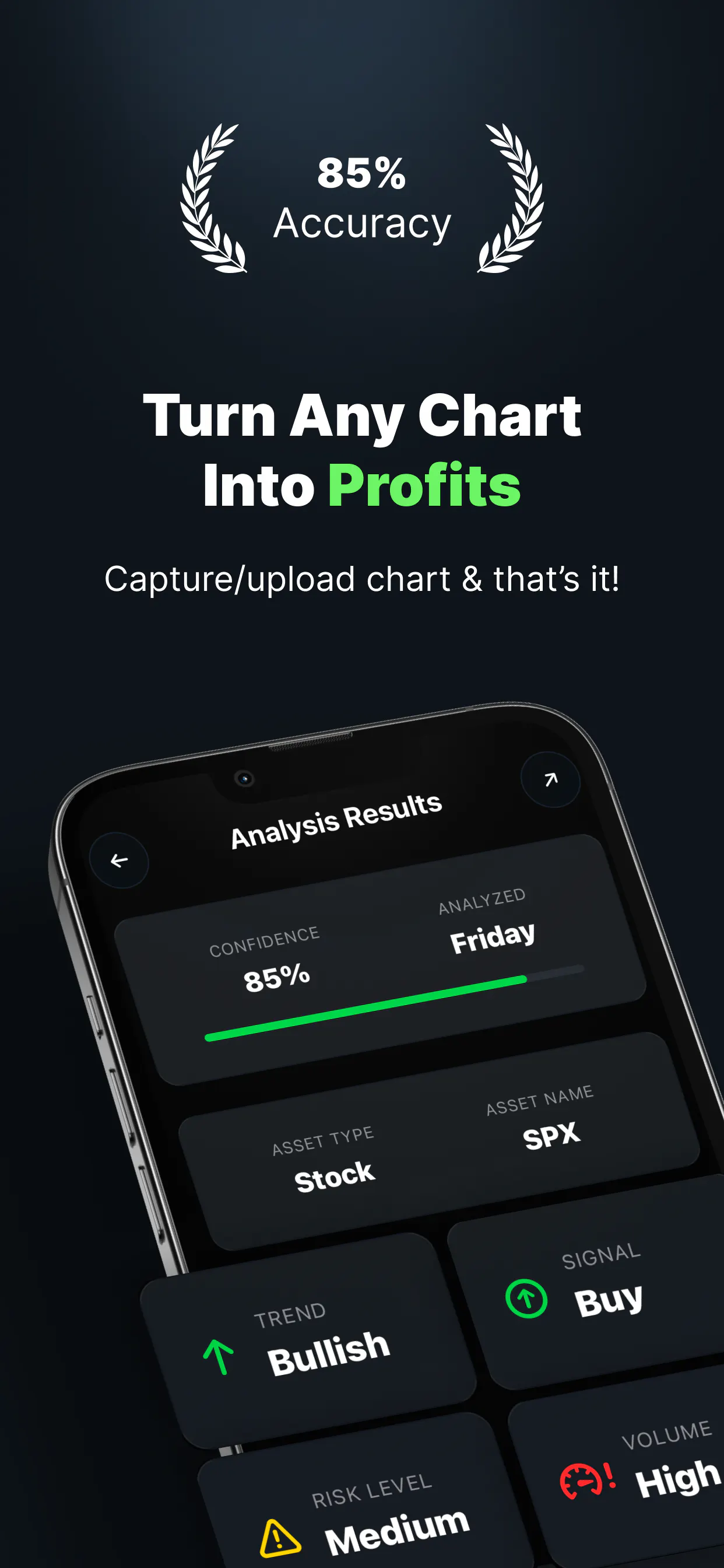
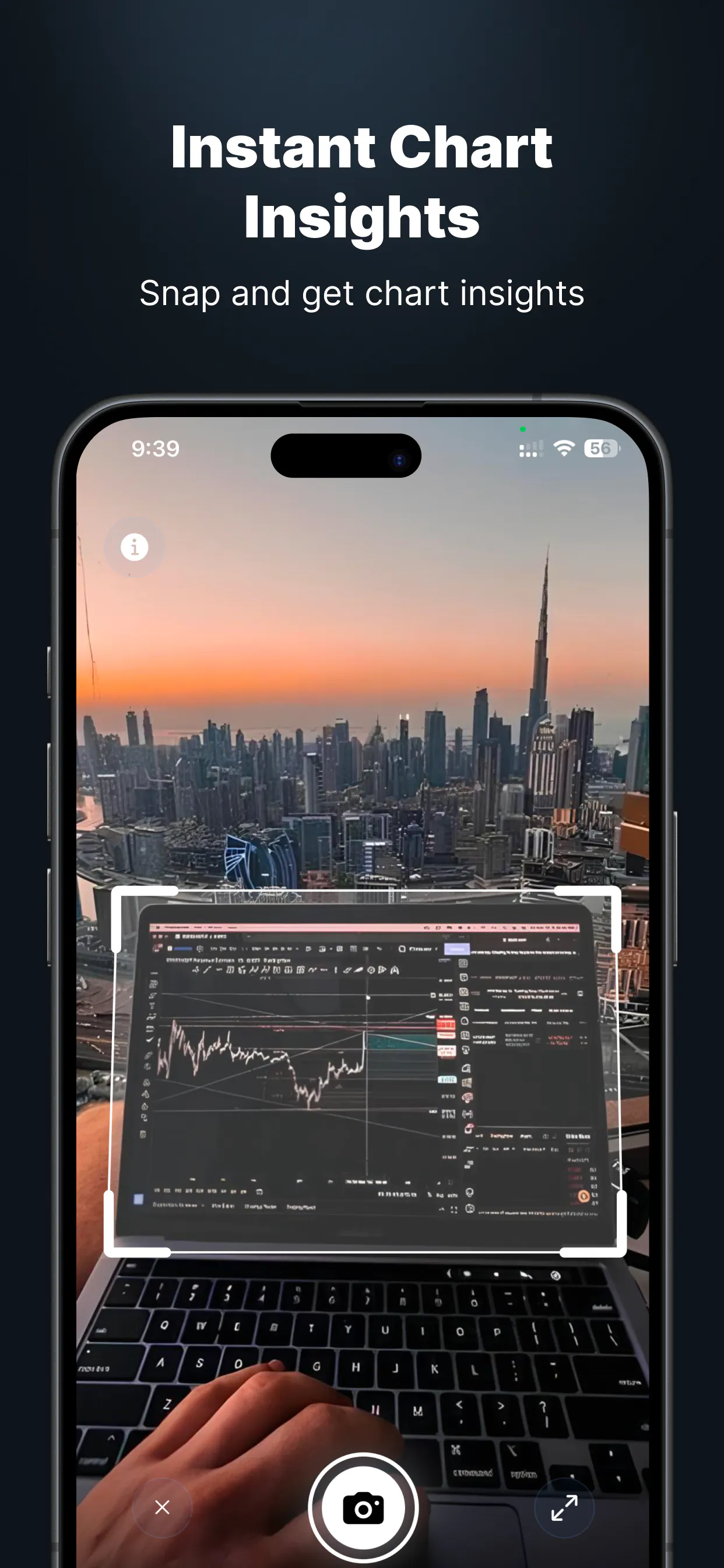
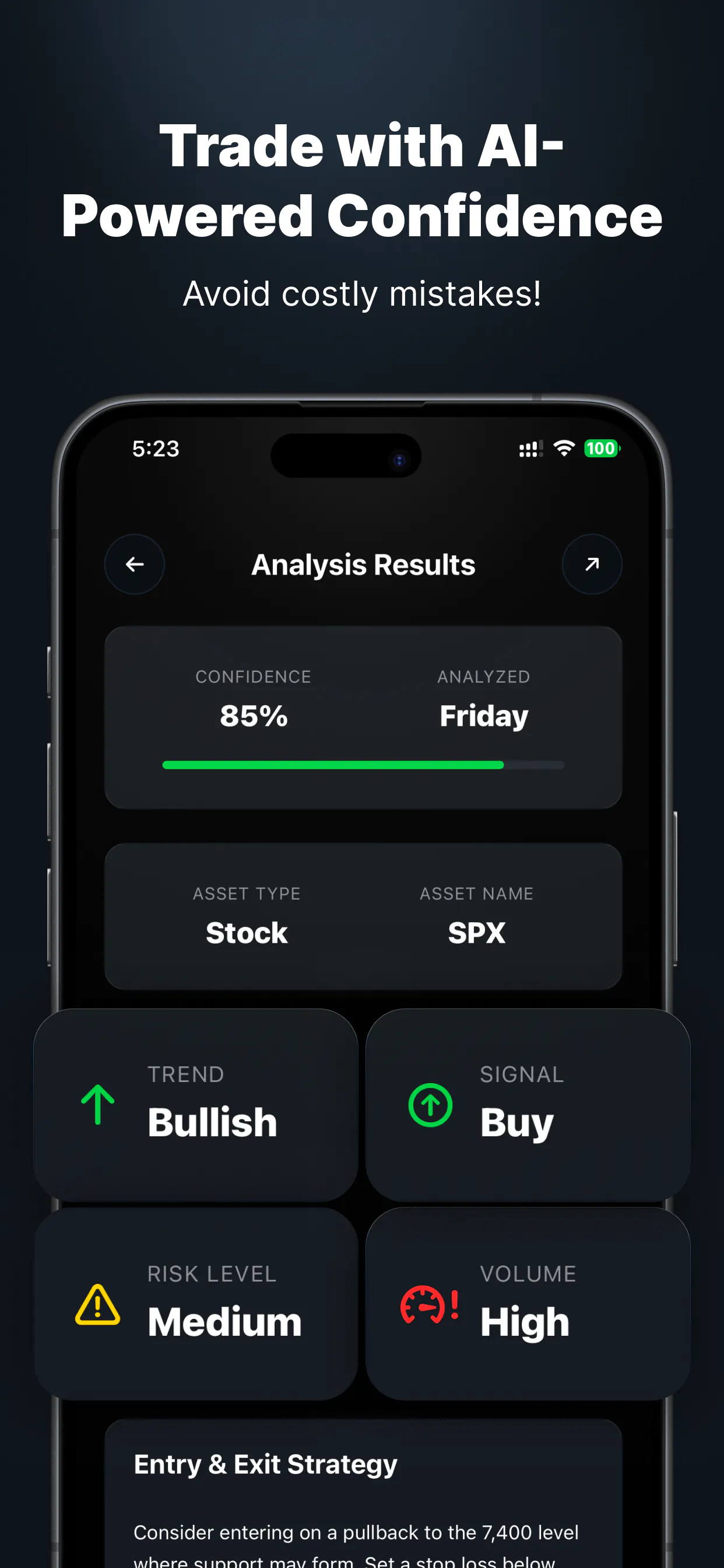
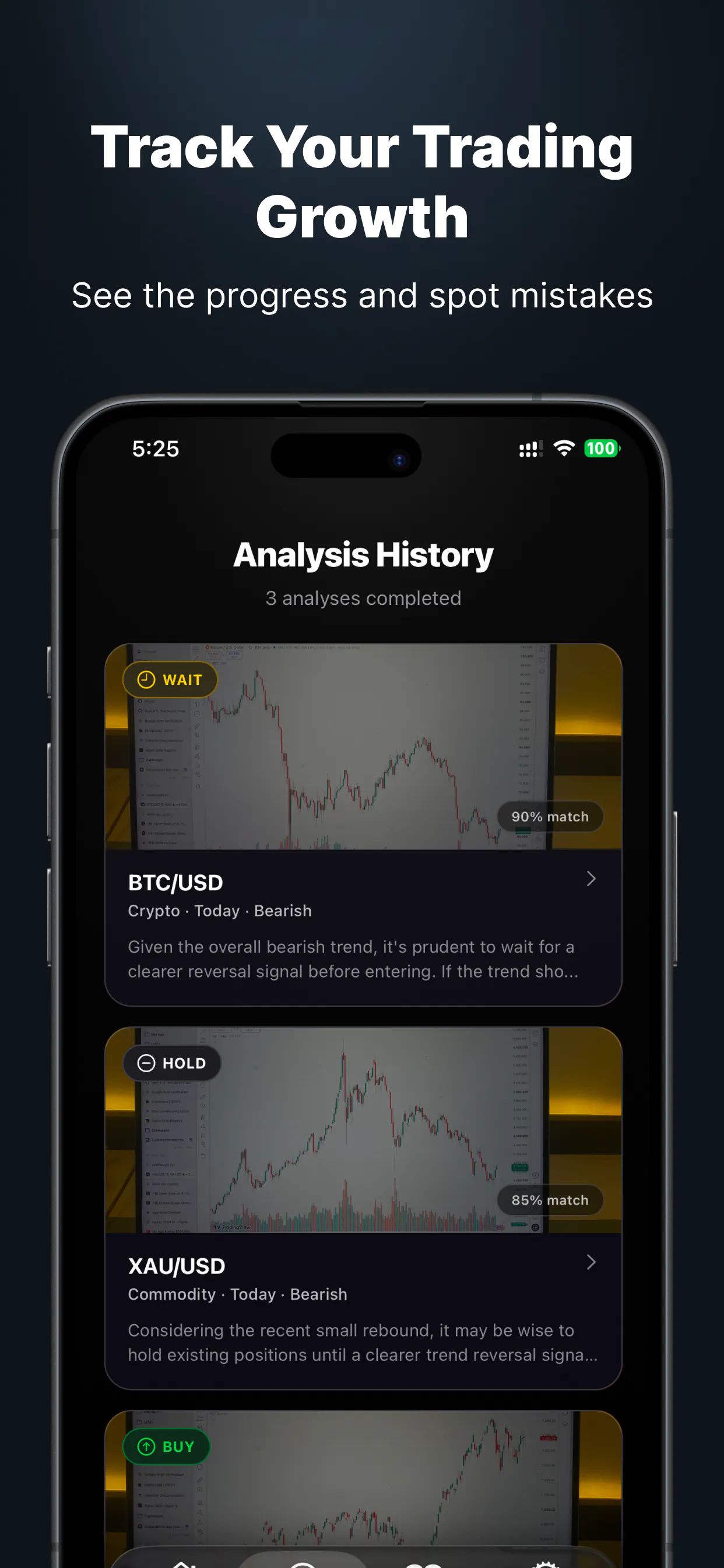
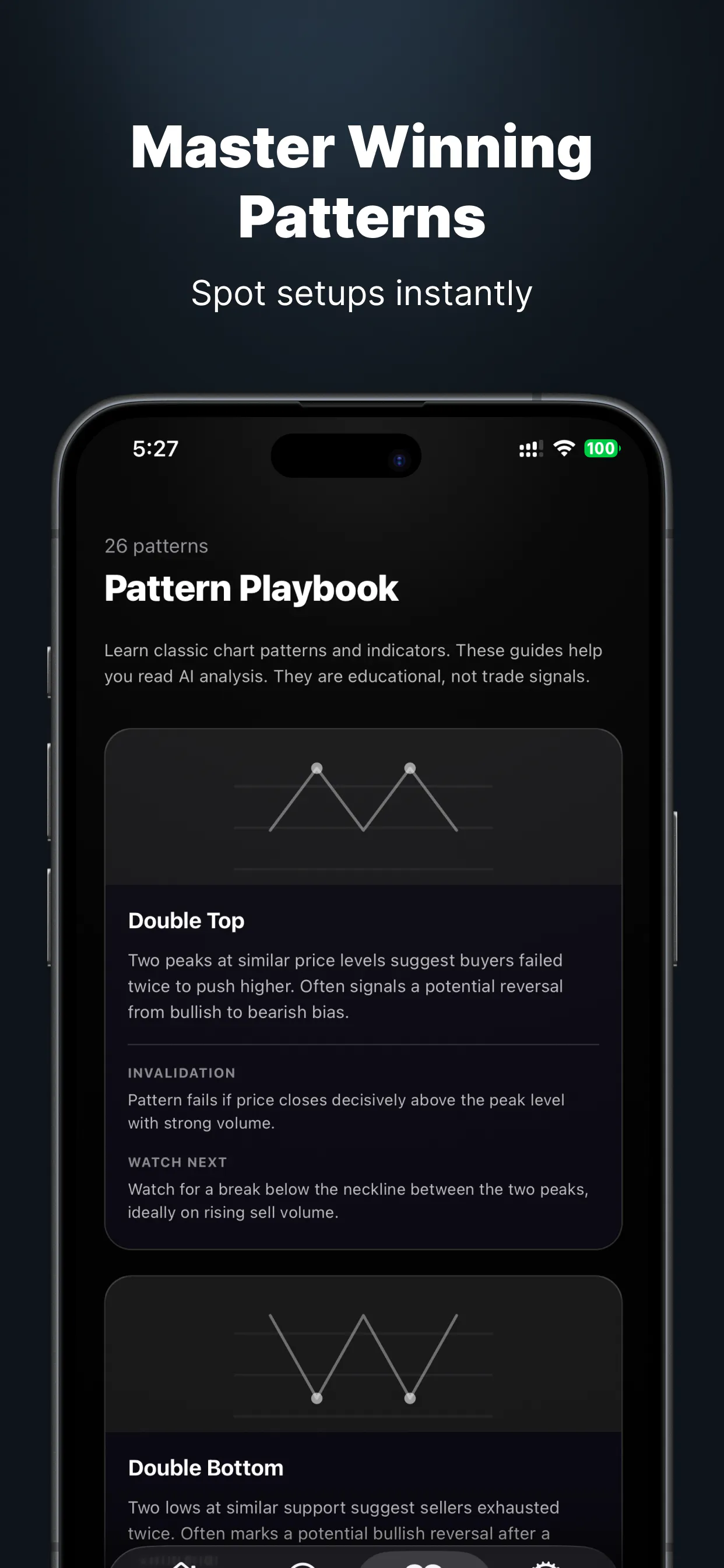
Nexus Chart is an innovative AI-powered tool designed for traders and investors seeking to analyze chart patterns quickly and accurately. By simply snapping a screenshot or uploading a chart, users receive a comprehensive breakdown that includes trend analysis, pattern recognition, and a confidence score, all integrated into a detailed trade plan covering entry, exit, and risk management. Its versatility spans across stocks, forex, and cryptocurrencies, making it a valuable resource for diverse trading strategies. With access to 27 pattern guides and a built-in trade journal, Nexus Chart empowers traders to understand what strategies are effective and refine their approach over time. The platform’s user-friendly design and analytical depth make it suitable for both beginners and experienced traders looking to enhance their decision-making process.
Screenshots
+2 more screenshots
Pros
- ✓Automated pattern recognition with high accuracy
- ✓Provides detailed trade plans with entry, exit, and risk levels
- ✓Includes comprehensive pattern guides and a trade journal
- ✓Works across multiple asset classes (stocks, forex, crypto)
- ✓Offers 12 free analyses per month without requiring a credit card
Cons
- ✗Limited free analyses may not suffice for heavy traders
- ✗Reliance on screenshot quality; poor images may affect accuracy
- ✗Still in early stages with potential for feature expansion
Use Cases
Pricing
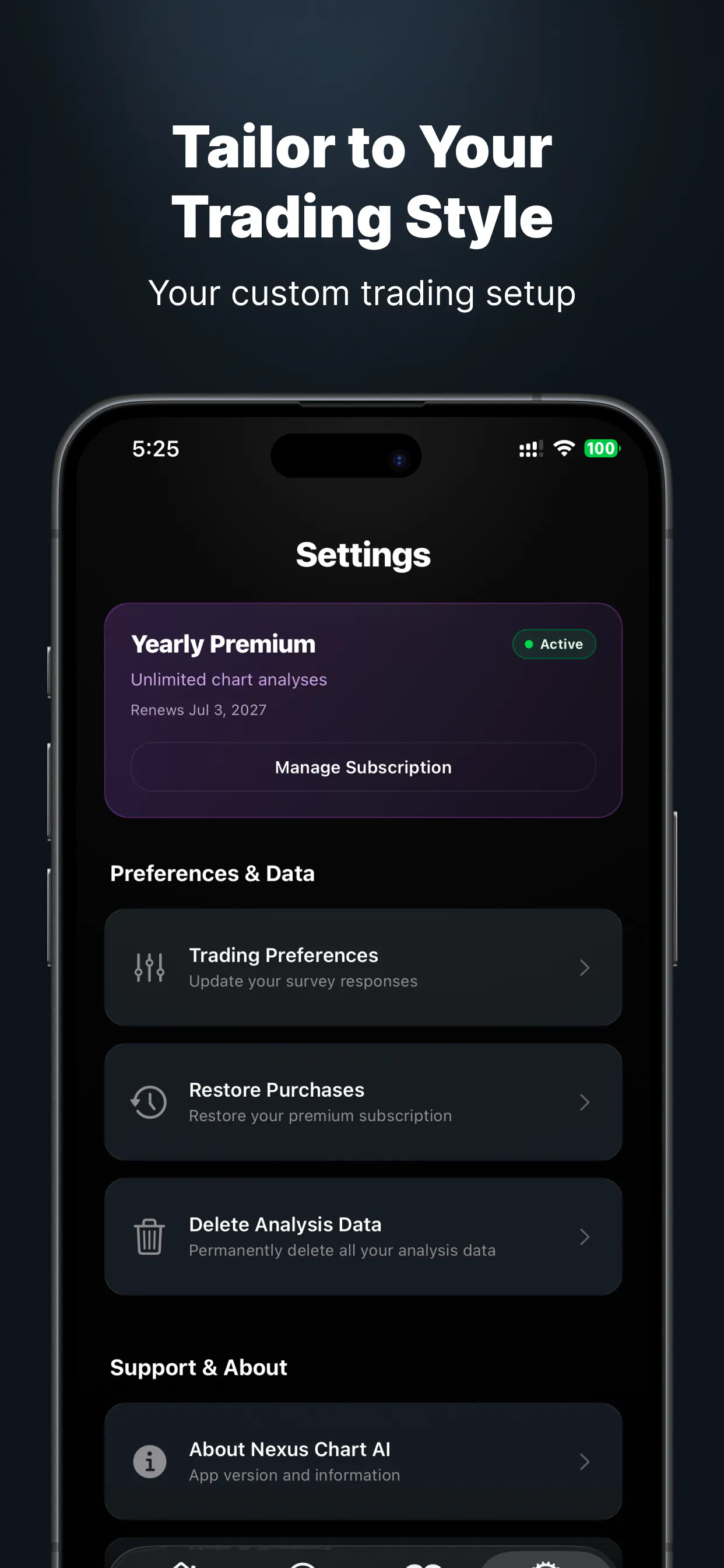
Likely operates on a freemium model, offering 12 free analyses per month with optional paid plans for unlimited use or additional features. Specific pricing details are not publicly disclosed but are expected to be accessible without a credit card for basic usage.
Quick Info
Topics
Makers

Ghadeer R. Majeed
Alternatives
Similar Tools in AI Image & Design




Embed Badge
Add this badge to your website to show that Nexus Chart is featured on Visalytica.
<a href="https://www.visalytica.com/tool/nexus-chart" target="_blank" rel="noopener noreferrer" style="display:inline-flex;align-items:center;gap:6px;padding:6px 14px;background:#7c3aed;color:#fff;border-radius:8px;font-family:-apple-system,system-ui,sans-serif;font-size:13px;font-weight:600;text-decoration:none;transition:background .2s" onmouseover="this.style.background='#6d28d9'" onmouseout="this.style.background='#7c3aed'"><svg width="14" height="14" viewBox="0 0 24 24" fill="none" stroke="currentColor" stroke-width="2.5" stroke-linecap="round" stroke-linejoin="round"><path d="M12 20V10"/><path d="M18 20V4"/><path d="M6 20v-4"/></svg>Featured on Visalytica</a>