
New AI tools by IFTTT
Automate with Grok, Gemini, Perplexity, and more
About New AI tools by IFTTT
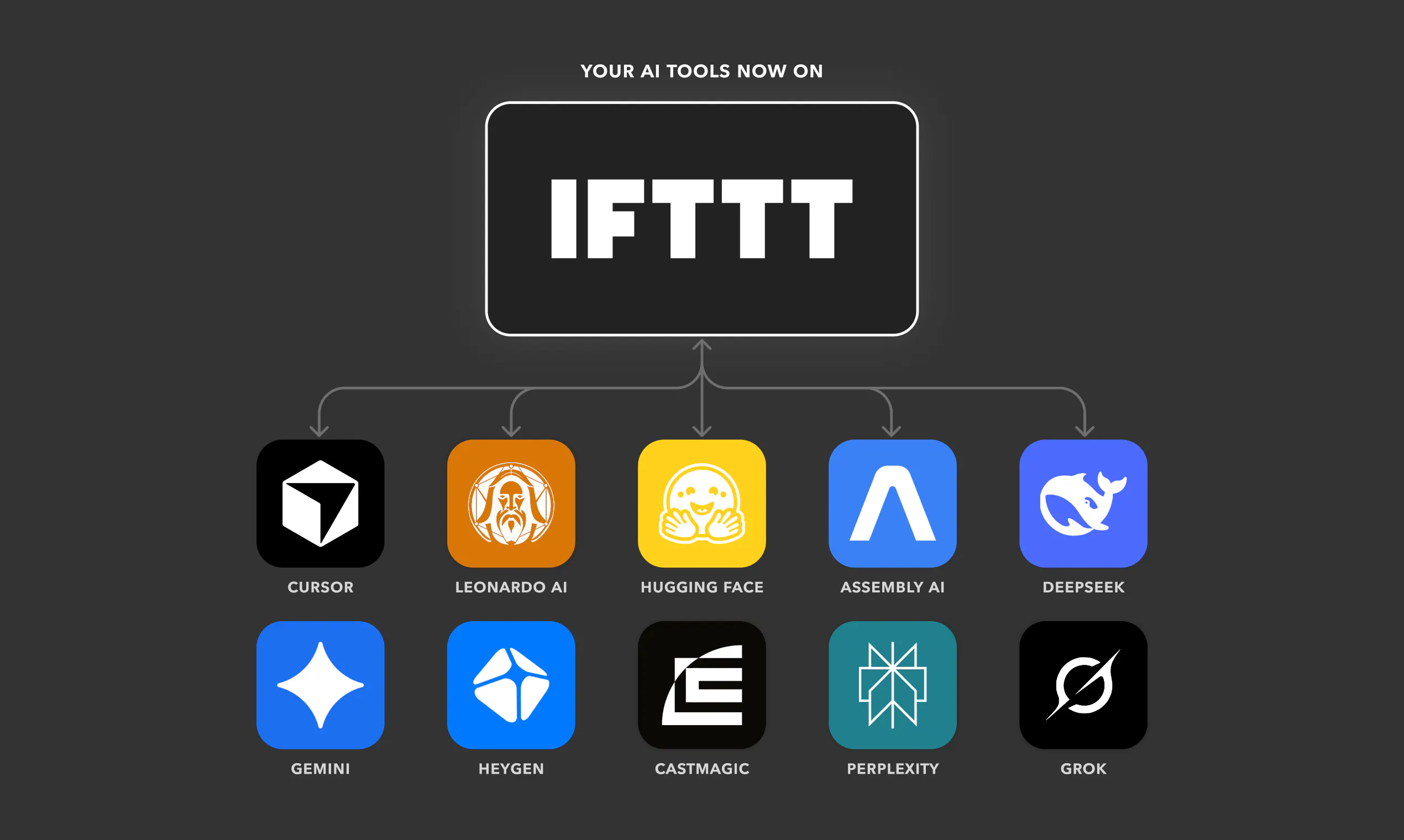
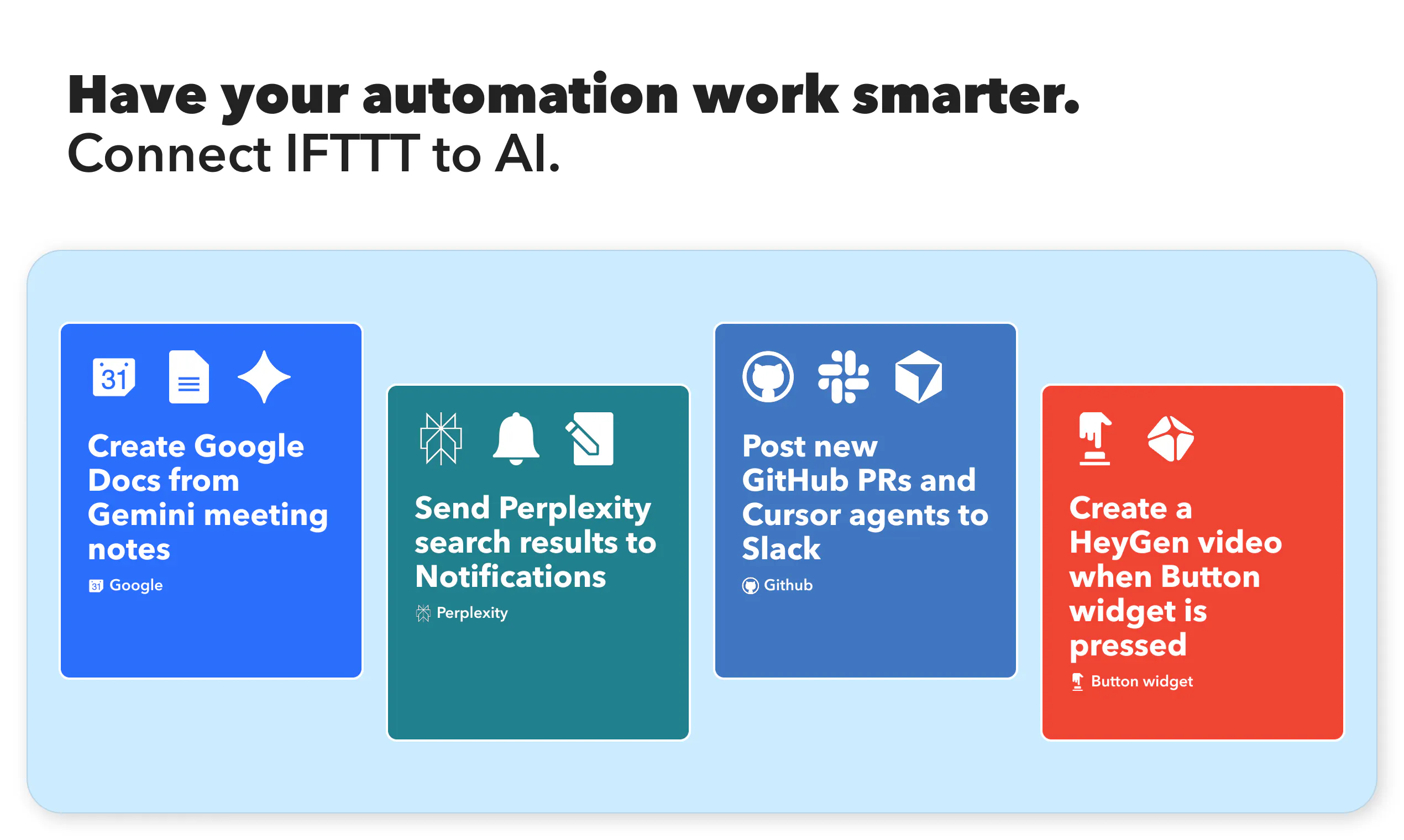
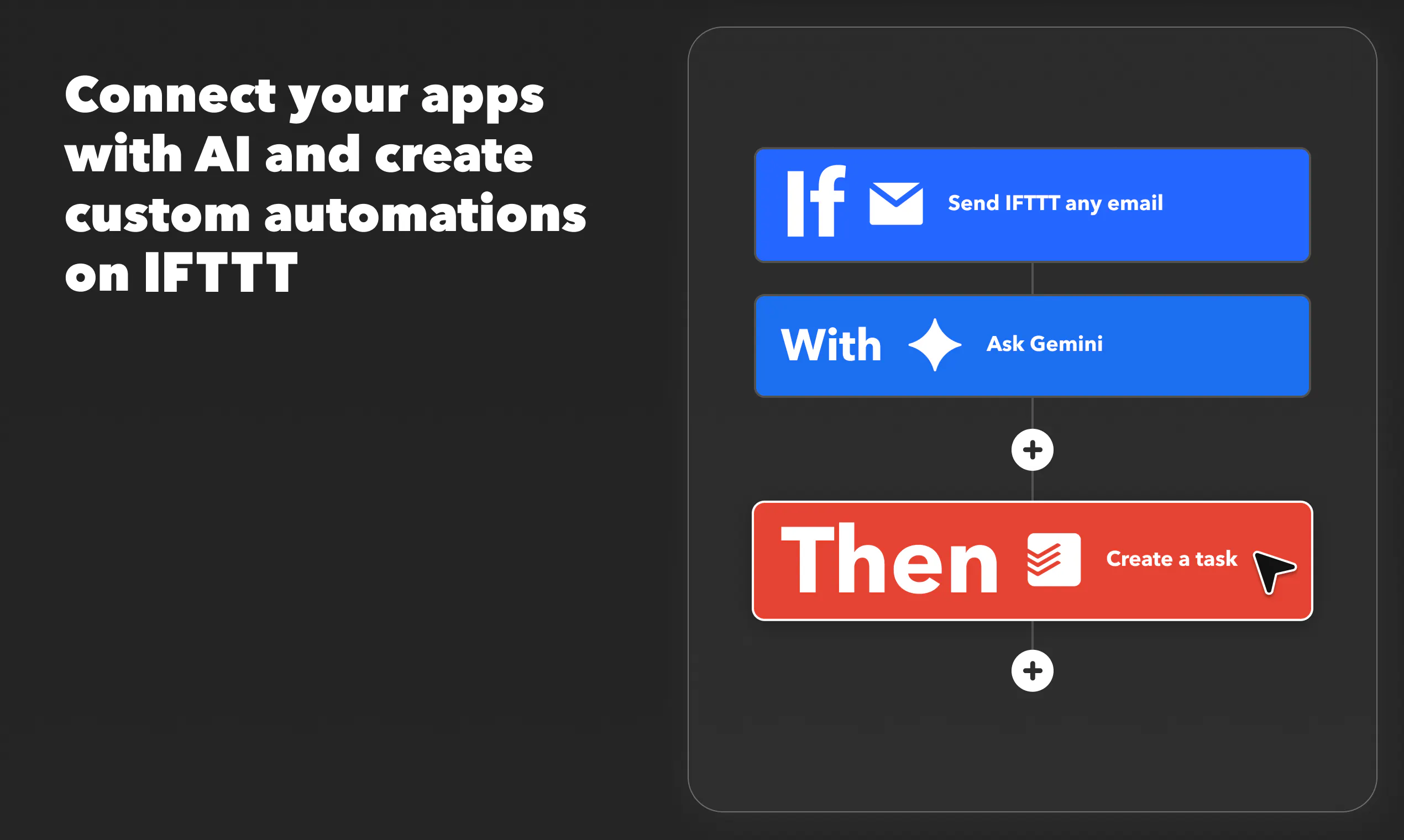
The new AI tools introduced by IFTTT bring a powerful suite of automation capabilities tailored for both individuals and businesses seeking to streamline their workflows. With integrations like Grok, Gemini, and Perplexity, users can effortlessly summarize meetings, transcribe audio, generate images on schedule, and route AI responses directly into their favorite apps such as Google Drive, Notion, Slack, and SMS. These tools are designed to work seamlessly once set up, running automatically based on user-defined conditions, saving time and reducing manual effort. Ideal for developers, content creators, or anyone looking to enhance productivity, this offering combines the simplicity of IFTTT’s automation platform with cutting-edge AI functionalities, making complex tasks straightforward and accessible.
Screenshots
Pros
- ✓Wide range of AI-powered automation features integrated into one platform
- ✓Easy to set up and automate recurring tasks without coding
- ✓Supports popular apps like Google Drive, Notion, Slack, and SMS
- ✓Automates complex workflows such as meeting summaries and audio transcriptions
- ✓Flexible triggers and actions for personalized automation
Cons
- ✗Limited information on pricing tiers and plans
- ✗Potential learning curve for advanced automation setups
- ✗Dependence on stable internet connection for real-time AI processing
Use Cases
Pricing
Likely follows a freemium model with basic features available for free and paid plans offering advanced automation and higher usage limits, starting around $10-$20 per month. Exact pricing details are not specified, but it aligns with typical SaaS AI automation tools.
Quick Info
Topics
Makers

Josh Brown
Alternatives
Similar Tools in AI Assistants




Embed Badge
Add this badge to your website to show that New AI tools by IFTTT is featured on Visalytica.
<a href="https://www.visalytica.com/tool/new-ai-tools-by-ifttt" target="_blank" rel="noopener noreferrer" style="display:inline-flex;align-items:center;gap:6px;padding:6px 14px;background:#7c3aed;color:#fff;border-radius:8px;font-family:-apple-system,system-ui,sans-serif;font-size:13px;font-weight:600;text-decoration:none;transition:background .2s" onmouseover="this.style.background='#6d28d9'" onmouseout="this.style.background='#7c3aed'"><svg width="14" height="14" viewBox="0 0 24 24" fill="none" stroke="currentColor" stroke-width="2.5" stroke-linecap="round" stroke-linejoin="round"><path d="M12 20V10"/><path d="M18 20V4"/><path d="M6 20v-4"/></svg>Featured on Visalytica</a>