
Neural Network 101
See a neural network learn, neuron by neuron.
About Neural Network 101
Neural Network 101 offers an immersive, visual approach to understanding neural networks by allowing users to see each step of the learning process in real-time. Unlike traditional tutorials that rely heavily on abstract equations, this tool visually renders every node, edge, gradient, and backpropagation step, making the complex inner workings of neural networks accessible and engaging. It's designed for students, educators, and enthusiasts eager to grasp the fundamentals of AI in a hands-on manner. By enabling users to pause, modify weights, delete neurons, and observe the immediate impact on decision boundaries, it transforms abstract concepts into tangible, interactive experiences. This transparency not only enhances comprehension but also fosters experimentation and curiosity, making neural network learning both fun and informative.
Screenshots
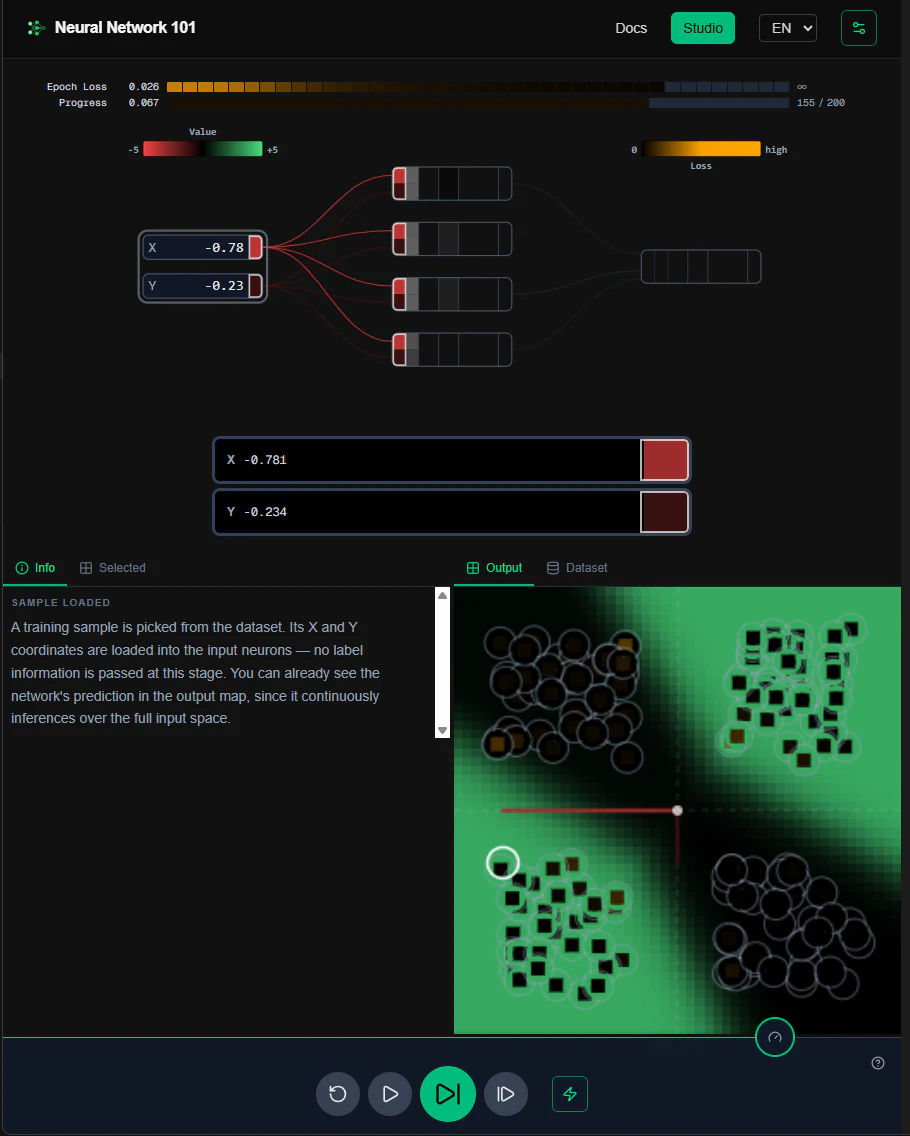
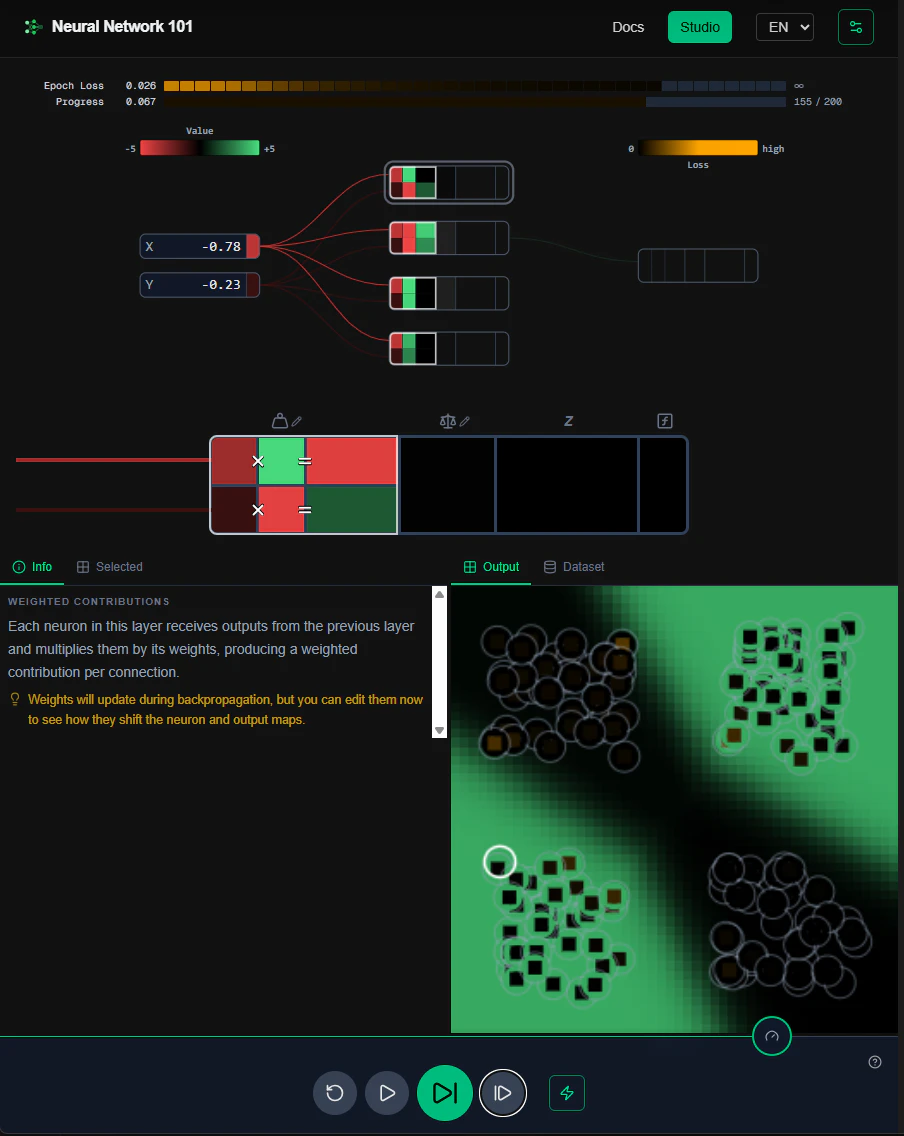
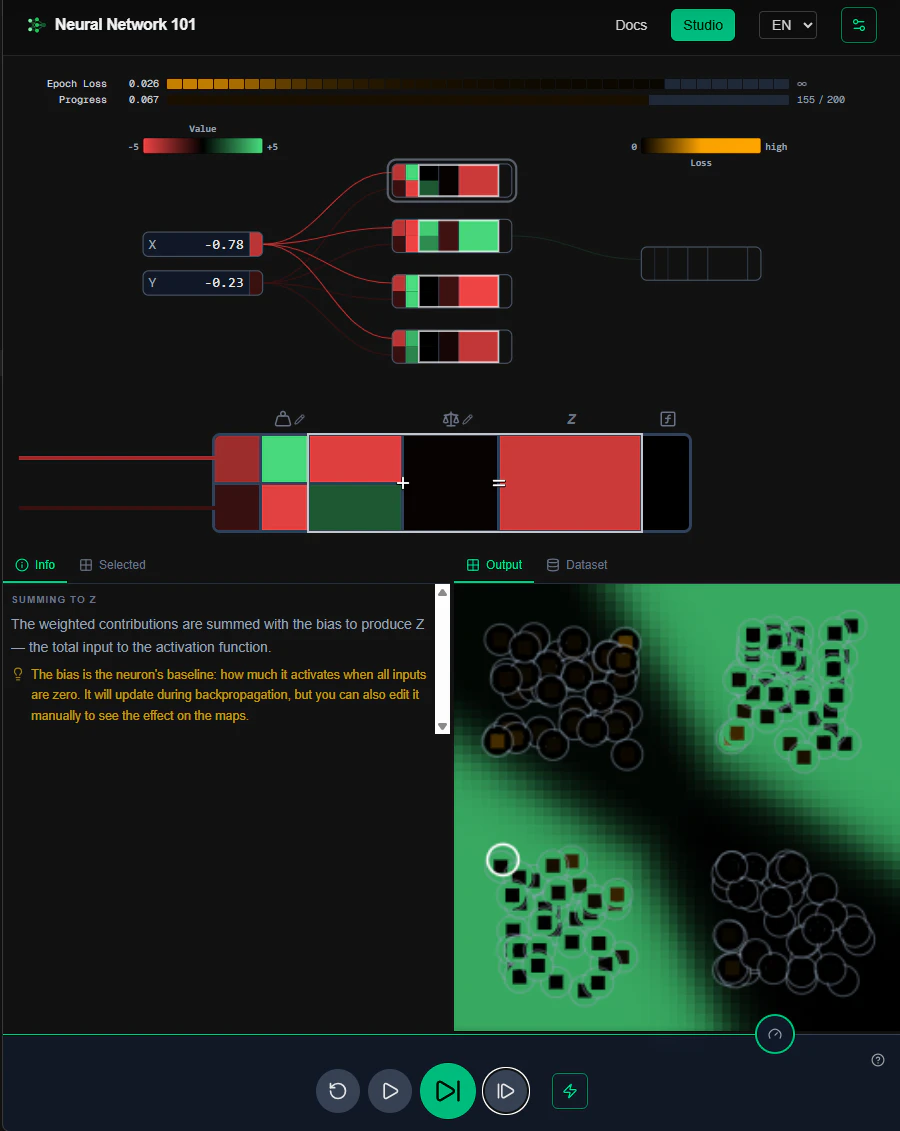
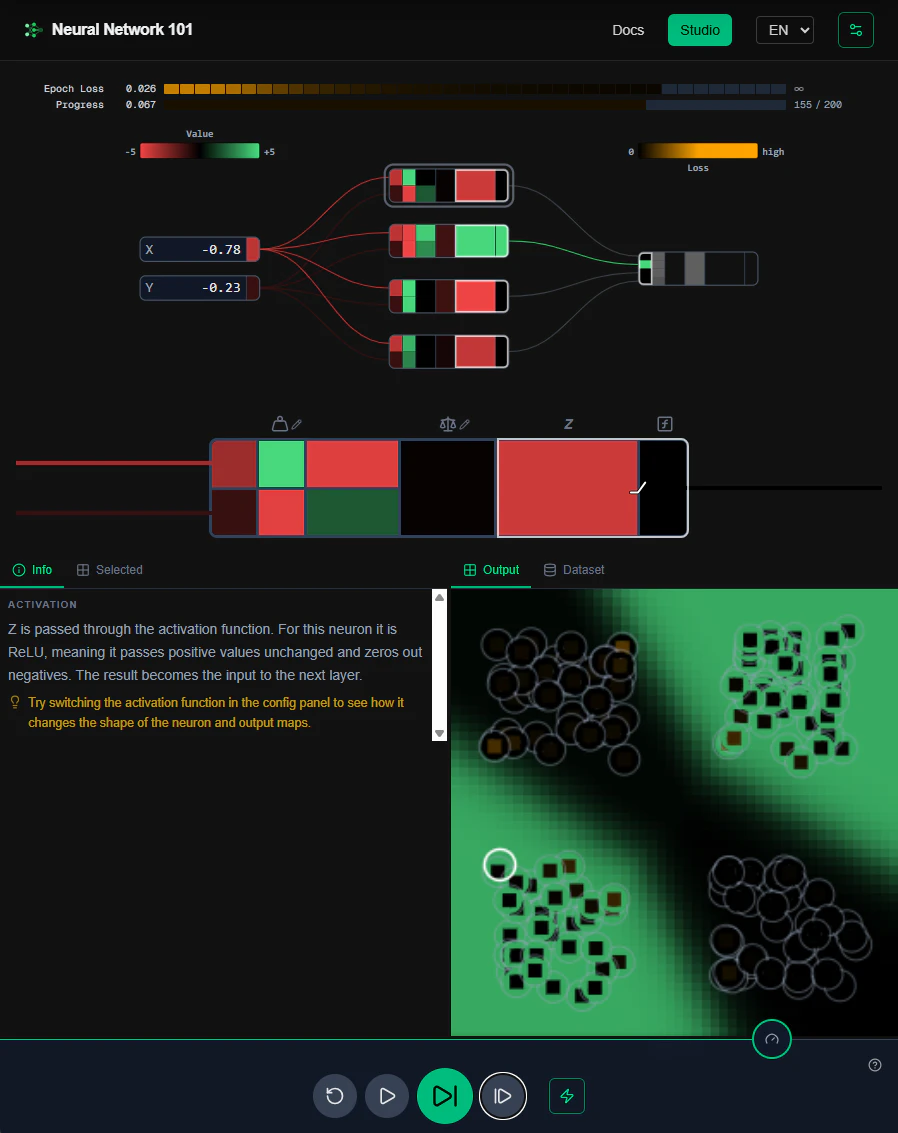
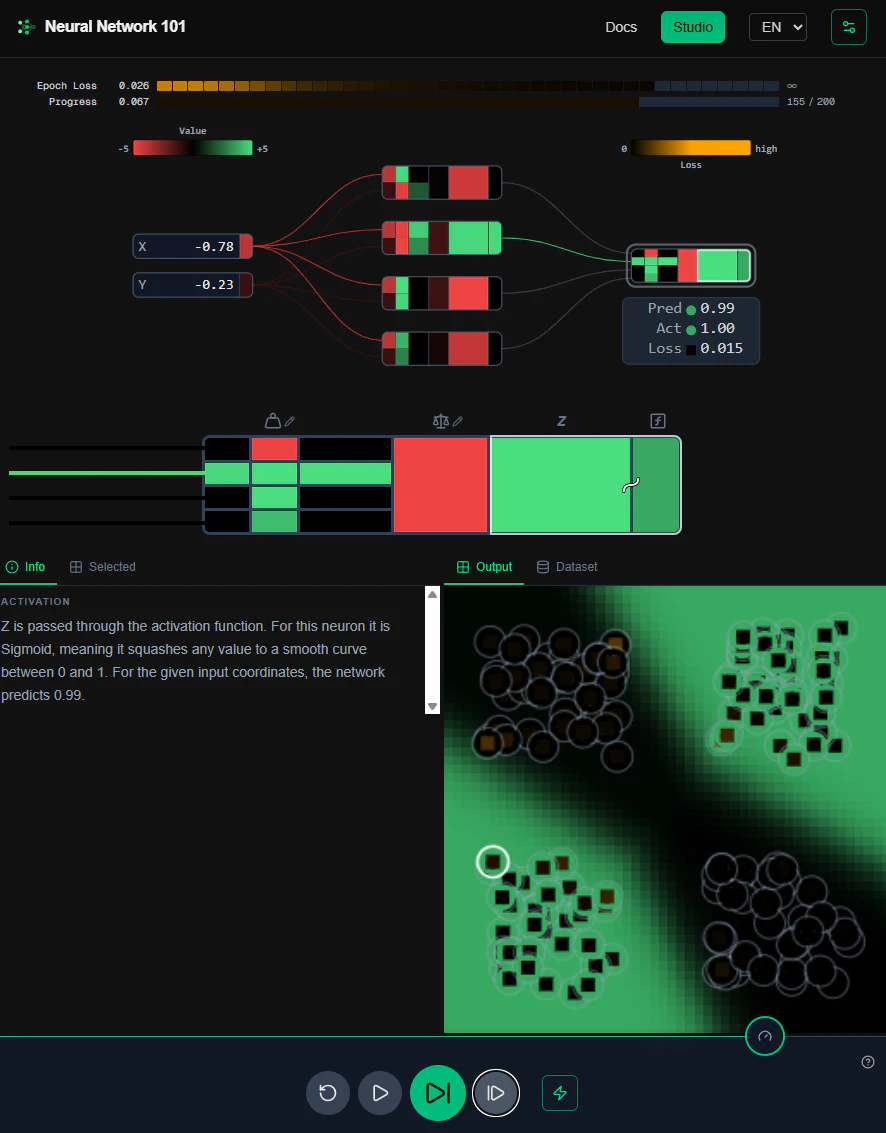
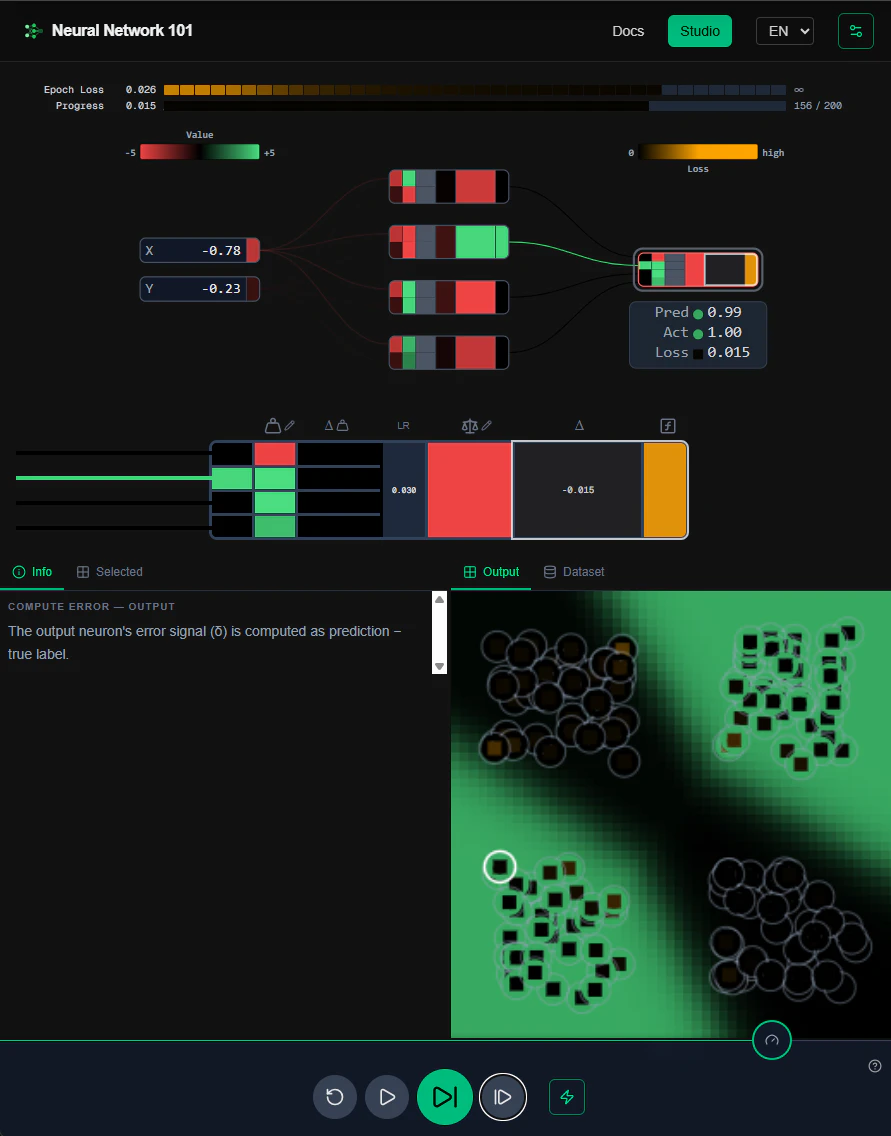
+6 more screenshots
Pros
- ✓Highly visual and interactive, clarifying complex concepts
- ✓Allows real-time manipulation of network parameters
- ✓Suitable for beginners and educators seeking hands-on teaching tools
- ✓Democratizes understanding of neural network internals
- ✓Encourages experimentation and deeper learning
Cons
- ✗May lack advanced features needed for professional development
- ✗Designed primarily for educational purposes, not production use
- ✗Limited community or support options at present
Use Cases
Pricing
Likely offers a freemium model with core features available for free, and premium plans or features possibly available for a fee. Exact details are uncertain, but such tools typically target educational institutions or individual learners with affordable options.
Quick Info
Topics
Makers

Magnus Arinell
Alternatives
Similar Tools in AI Image & Design




Embed Badge
Add this badge to your website to show that Neural Network 101 is featured on Visalytica.
<a href="https://www.visalytica.com/tool/neural-network-101" target="_blank" rel="noopener noreferrer" style="display:inline-flex;align-items:center;gap:6px;padding:6px 14px;background:#7c3aed;color:#fff;border-radius:8px;font-family:-apple-system,system-ui,sans-serif;font-size:13px;font-weight:600;text-decoration:none;transition:background .2s" onmouseover="this.style.background='#6d28d9'" onmouseout="this.style.background='#7c3aed'"><svg width="14" height="14" viewBox="0 0 24 24" fill="none" stroke="currentColor" stroke-width="2.5" stroke-linecap="round" stroke-linejoin="round"><path d="M12 20V10"/><path d="M18 20V4"/><path d="M6 20v-4"/></svg>Featured on Visalytica</a>