
Nepali Calendar For PC - NepDate Widget
Nepali Calendar, Date Converter & Productivity Tools for PC
About Nepali Calendar For PC - NepDate Widget
Nepali Calendar For PC - NepDate Widget is a comprehensive desktop companion designed specifically for users who engage with Nepali dates, calendars, and related productivity tools. Living discreetly on the taskbar, it offers a robust suite of over 25 thoughtfully crafted features, including a traditional Nepali calendar, date converter, and new additions like image tools, ID photo generator, and QR code creator. Its seamless integration and quality-focused design make it ideal for individuals, students, professionals, and organizations needing accurate Nepali date management and productivity enhancements. The tool’s versatility and attention to detail set it apart, providing a reliable and efficient way to stay organized and connected with Nepali cultural and calendar practices.
Screenshots
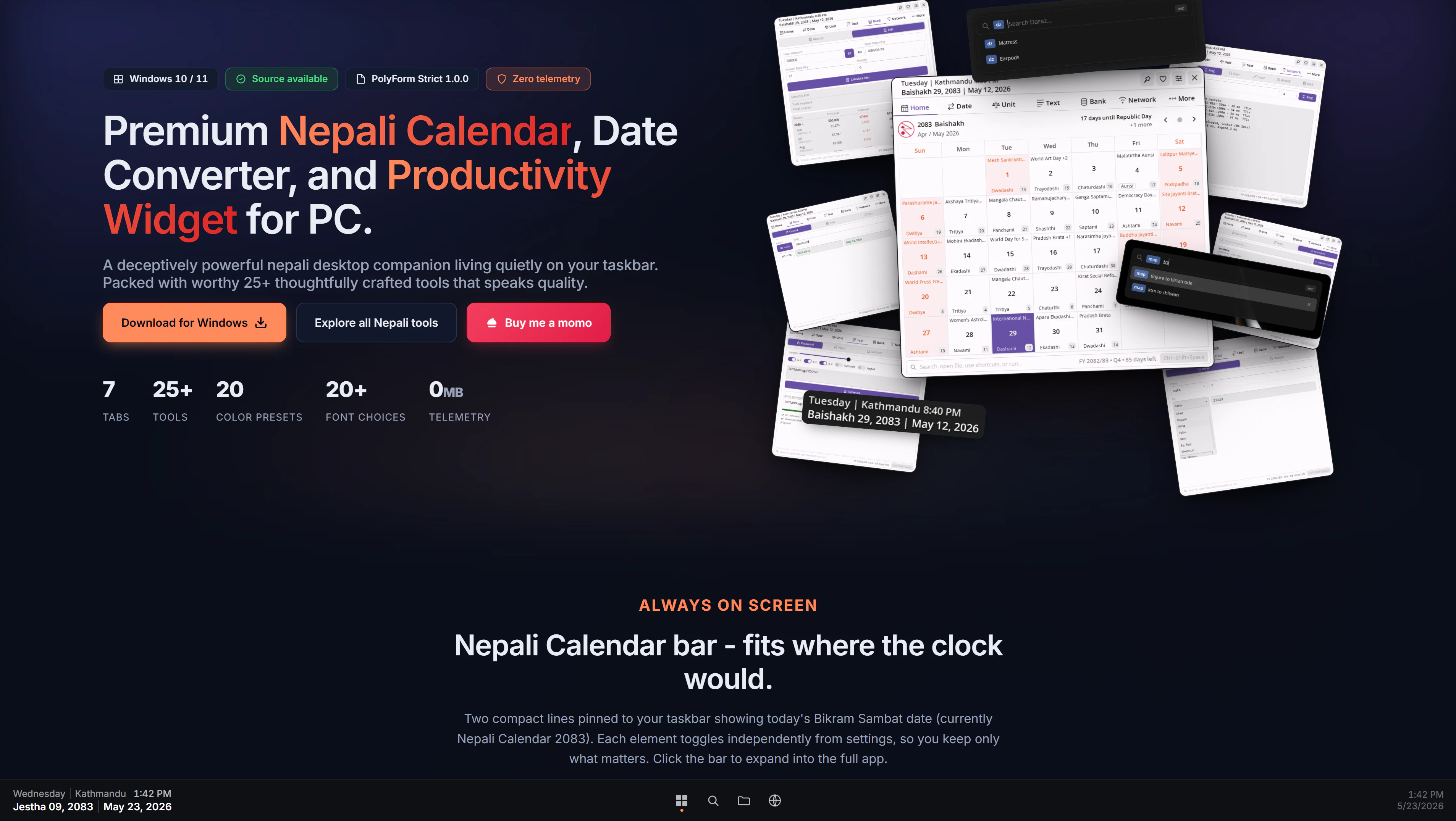
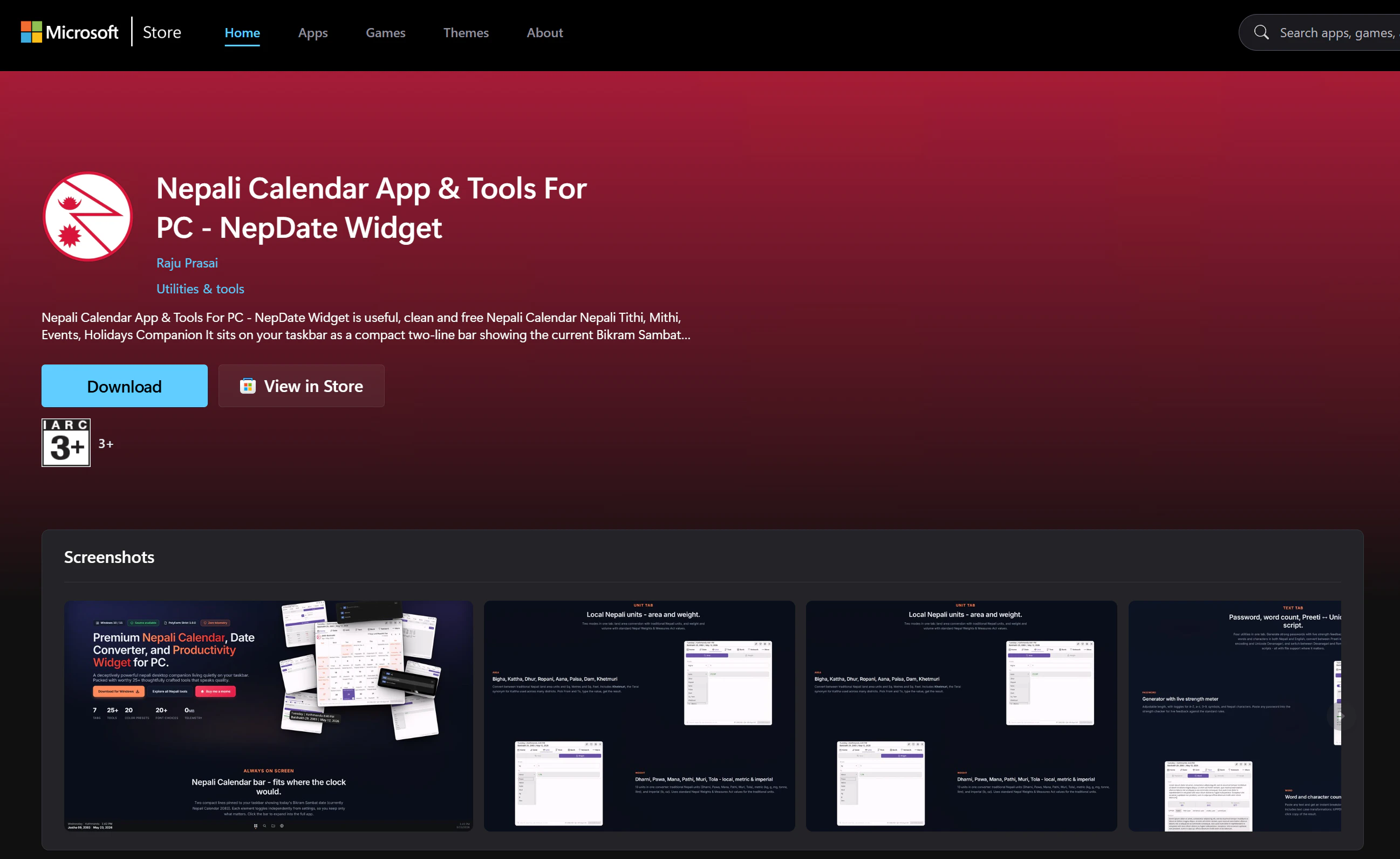
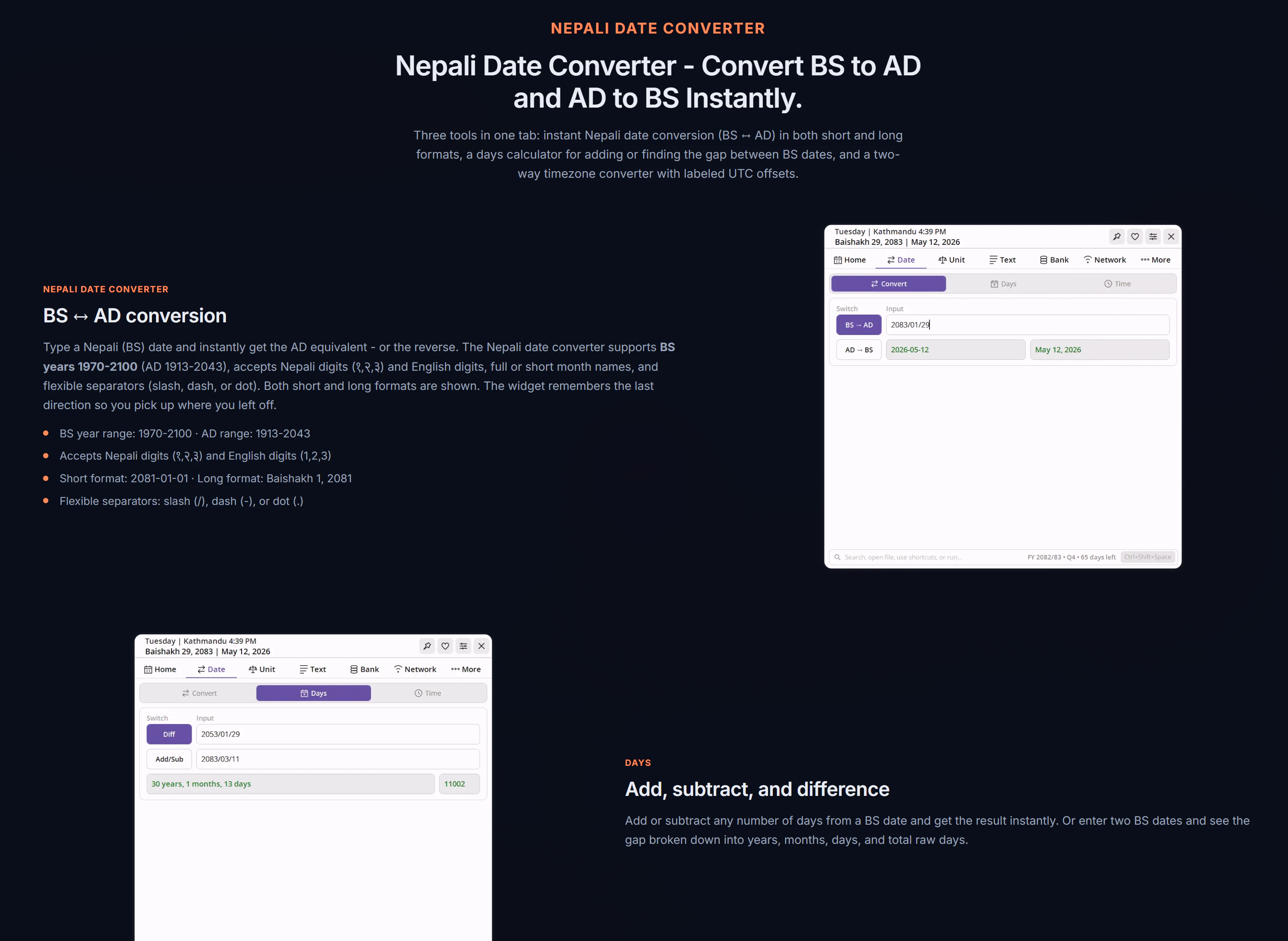
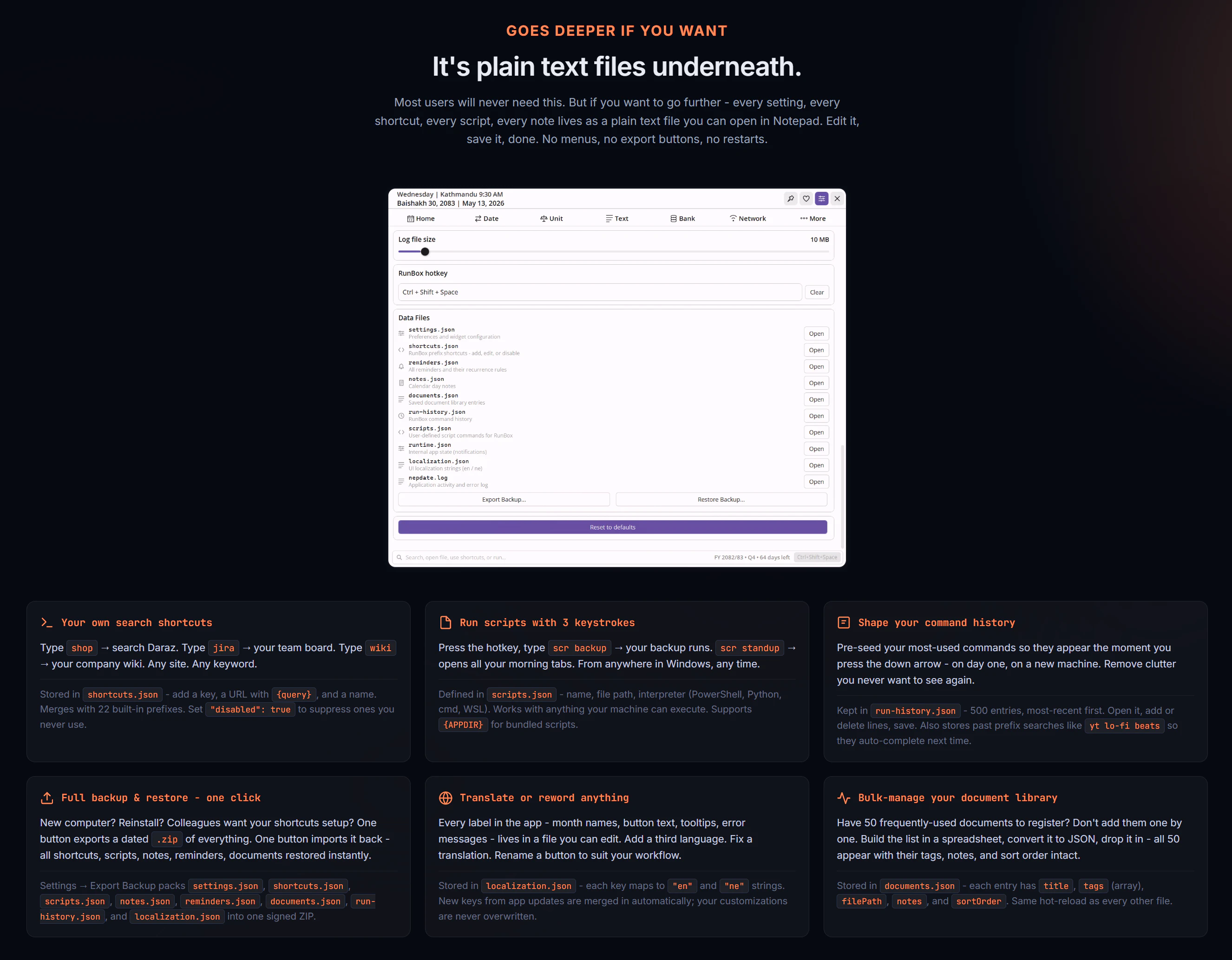
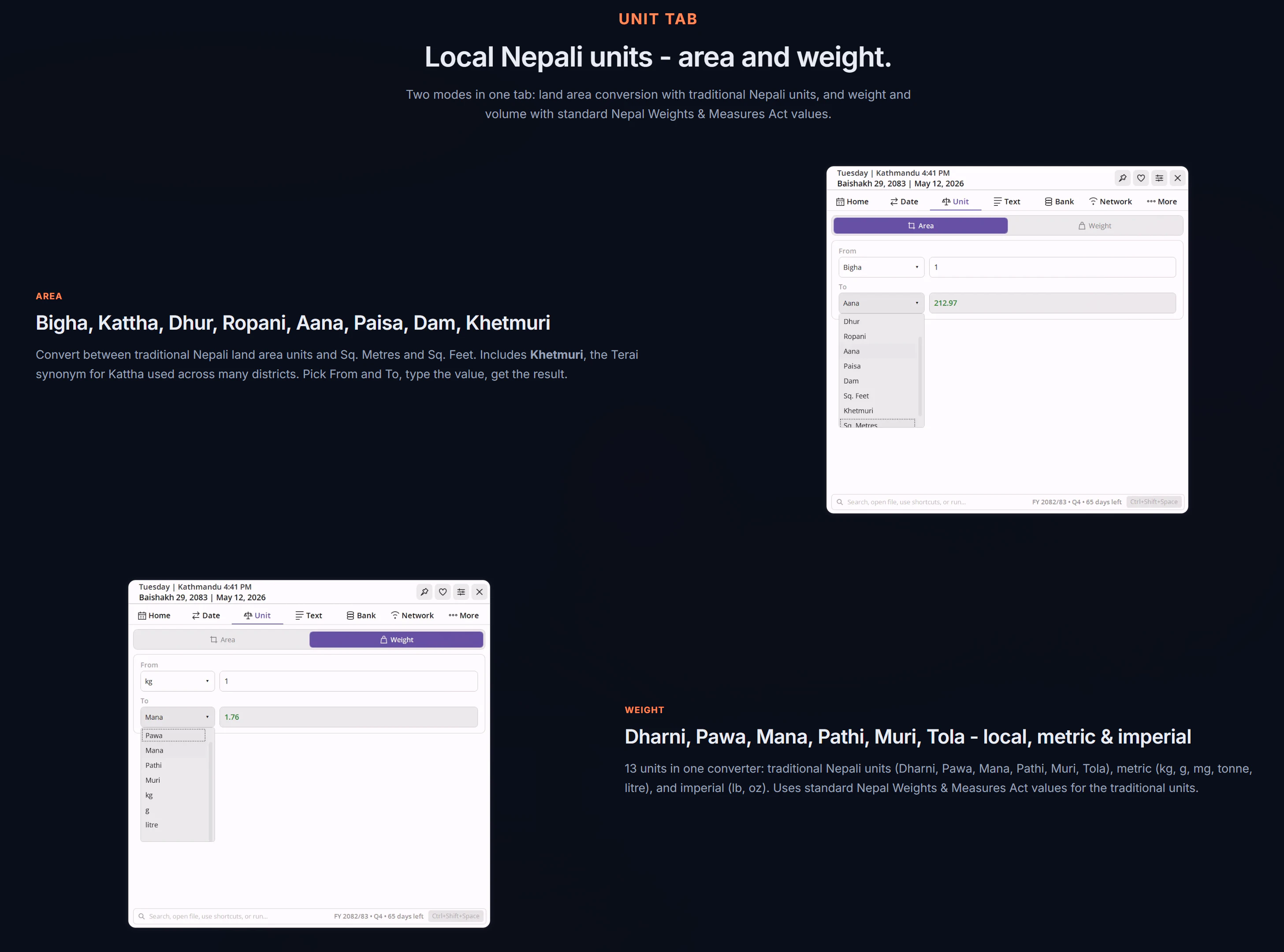
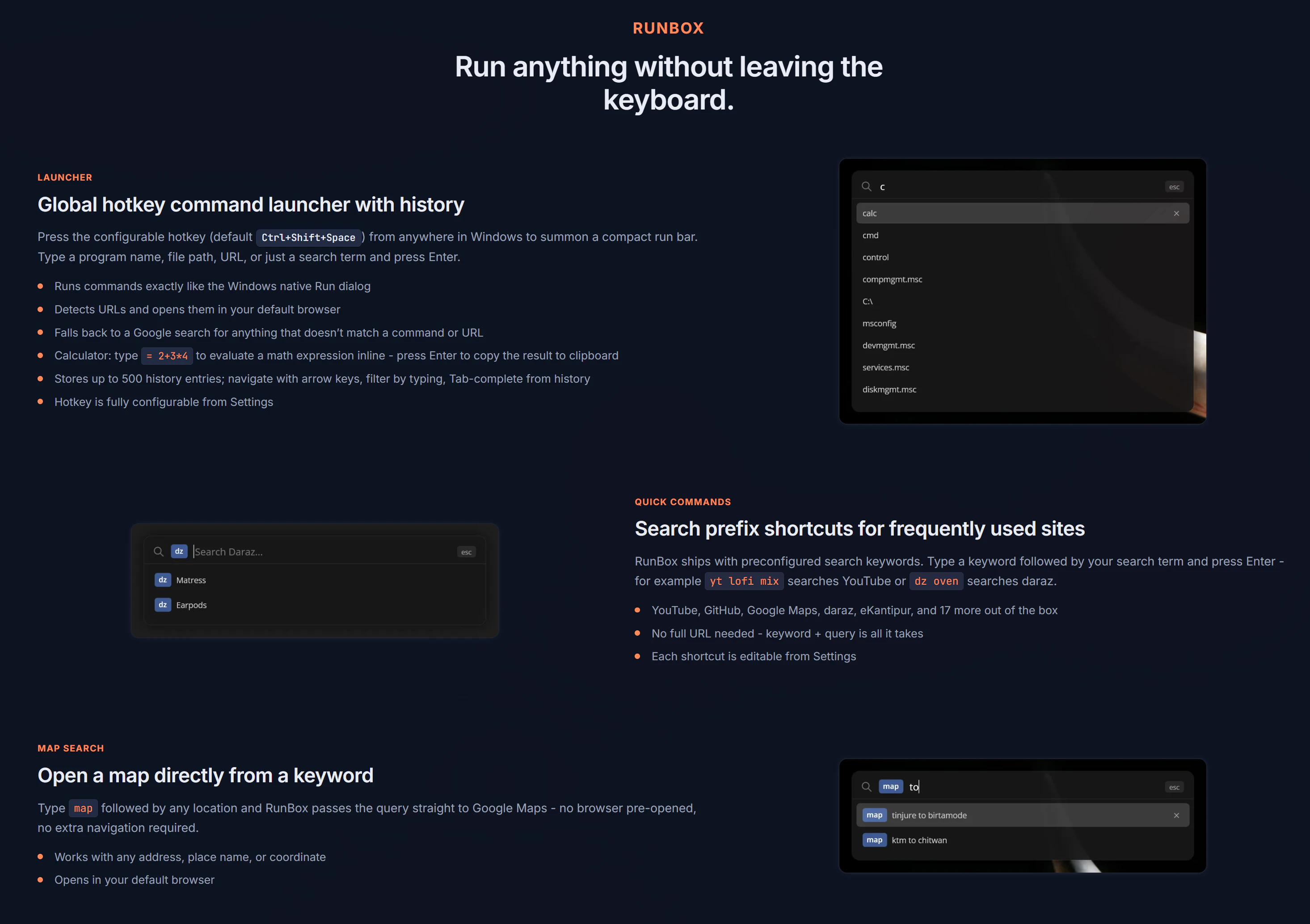
+6 more screenshots
Pros
- ✓Extensive set of 25+ productivity and calendar tools tailored for Nepali users
- ✓Lightweight desktop widget that lives on the taskbar for quick access
- ✓Includes innovative features like QR code generator and ID photo tools
- ✓Regular quality improvements and new feature additions
- ✓User-friendly interface suitable for both casual and professional use
Cons
- ✗Limited information on pricing or subscription plans
- ✗Potential learning curve for users unfamiliar with Nepali calendar systems
- ✗Votes on ProductHunt are currently low, indicating limited community feedback
Use Cases
Pricing
Likely offered as a freemium or one-time purchase desktop application, but specific pricing details are not provided. Users should verify on the official platform for exact plans and costs.
Quick Info
Topics
Alternatives
Similar Tools in Productivity




Embed Badge
Add this badge to your website to show that Nepali Calendar For PC - NepDate Widget is featured on Visalytica.
<a href="https://www.visalytica.com/tool/nepali-calendar-for-pc-nepdate-widget" target="_blank" rel="noopener noreferrer" style="display:inline-flex;align-items:center;gap:6px;padding:6px 14px;background:#7c3aed;color:#fff;border-radius:8px;font-family:-apple-system,system-ui,sans-serif;font-size:13px;font-weight:600;text-decoration:none;transition:background .2s" onmouseover="this.style.background='#6d28d9'" onmouseout="this.style.background='#7c3aed'"><svg width="14" height="14" viewBox="0 0 24 24" fill="none" stroke="currentColor" stroke-width="2.5" stroke-linecap="round" stroke-linejoin="round"><path d="M12 20V10"/><path d="M18 20V4"/><path d="M6 20v-4"/></svg>Featured on Visalytica</a>