
Neo by Amp
The Amp CLI has been rebuilt from the ground up
About Neo by Amp
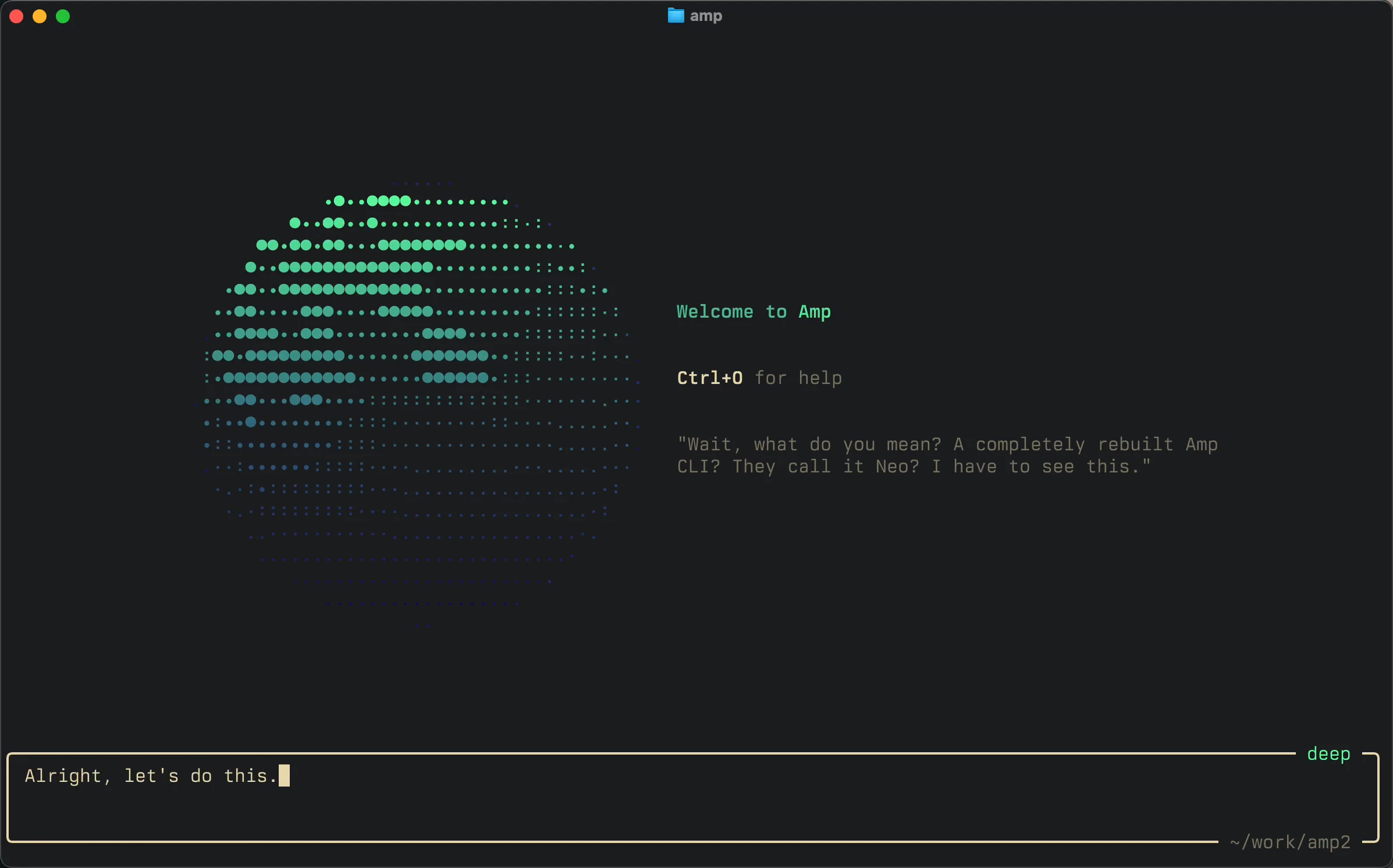
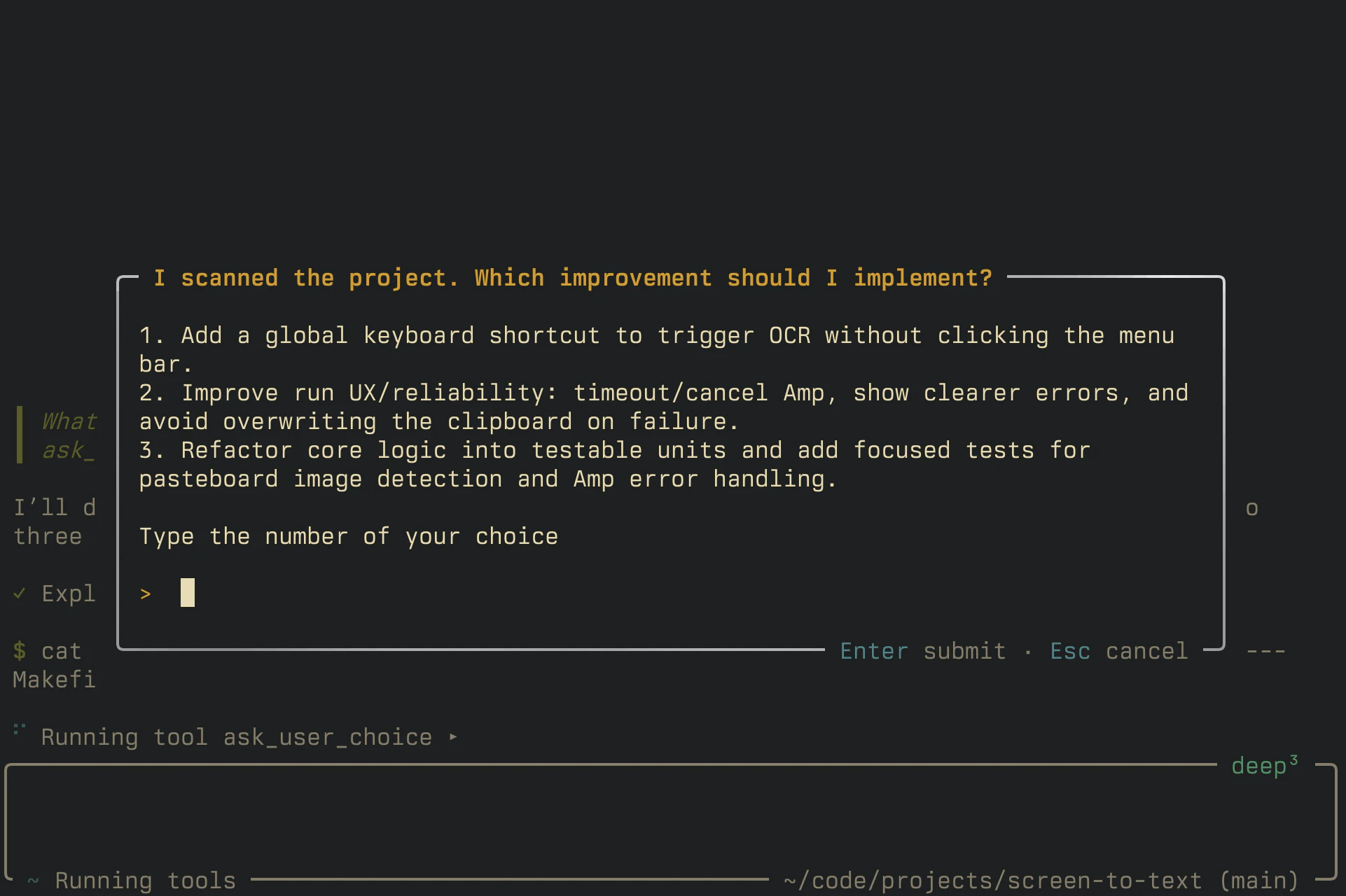
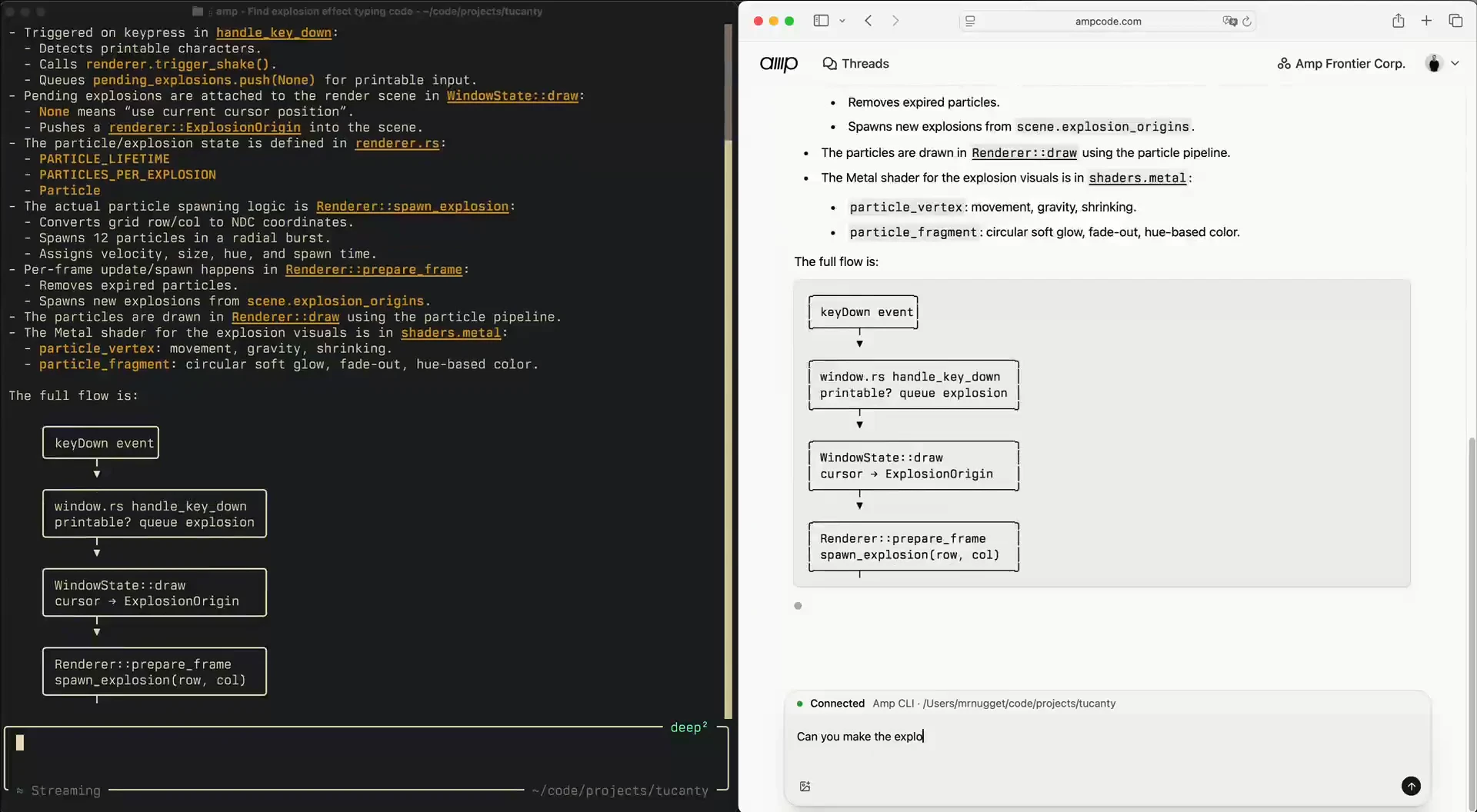
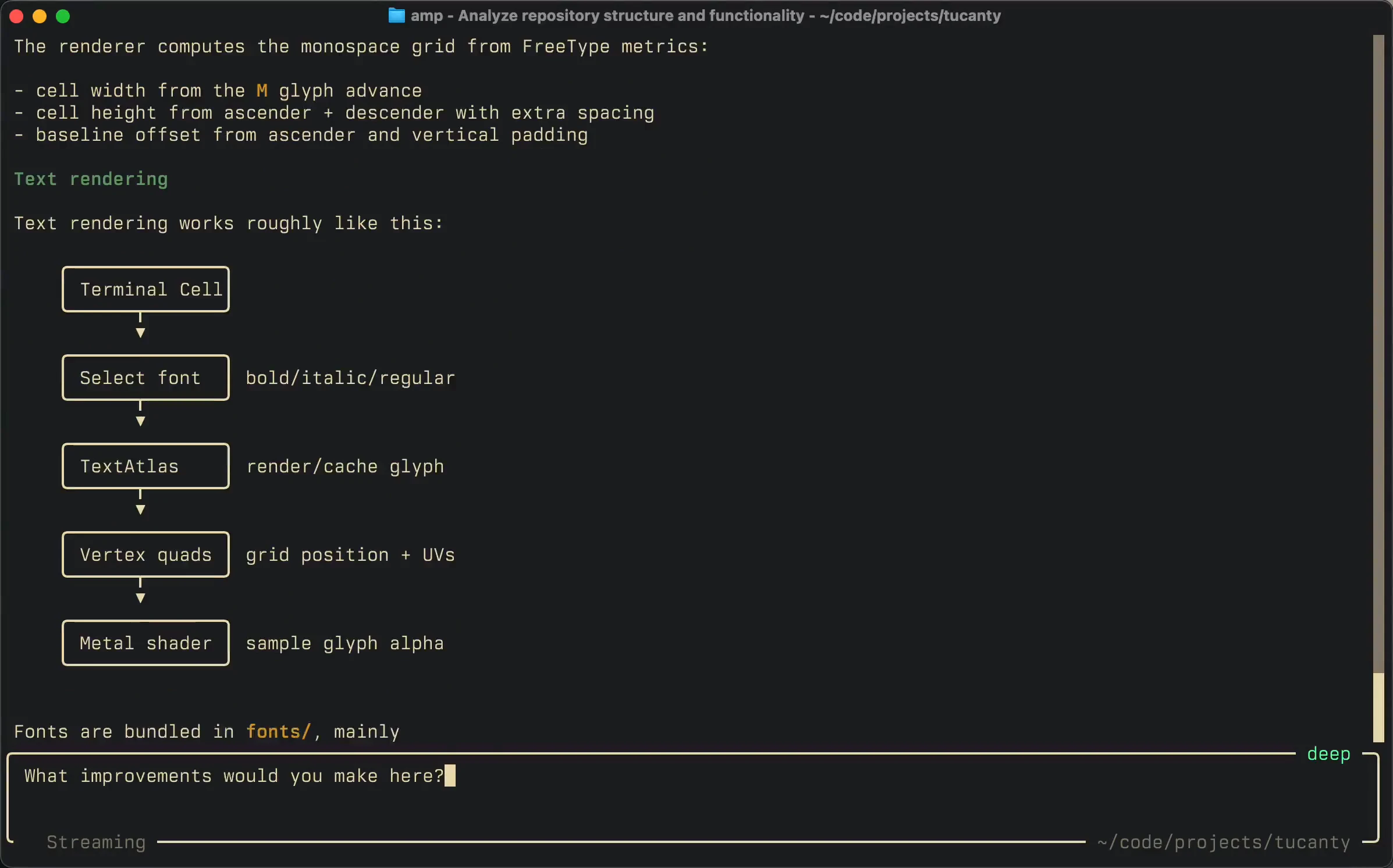
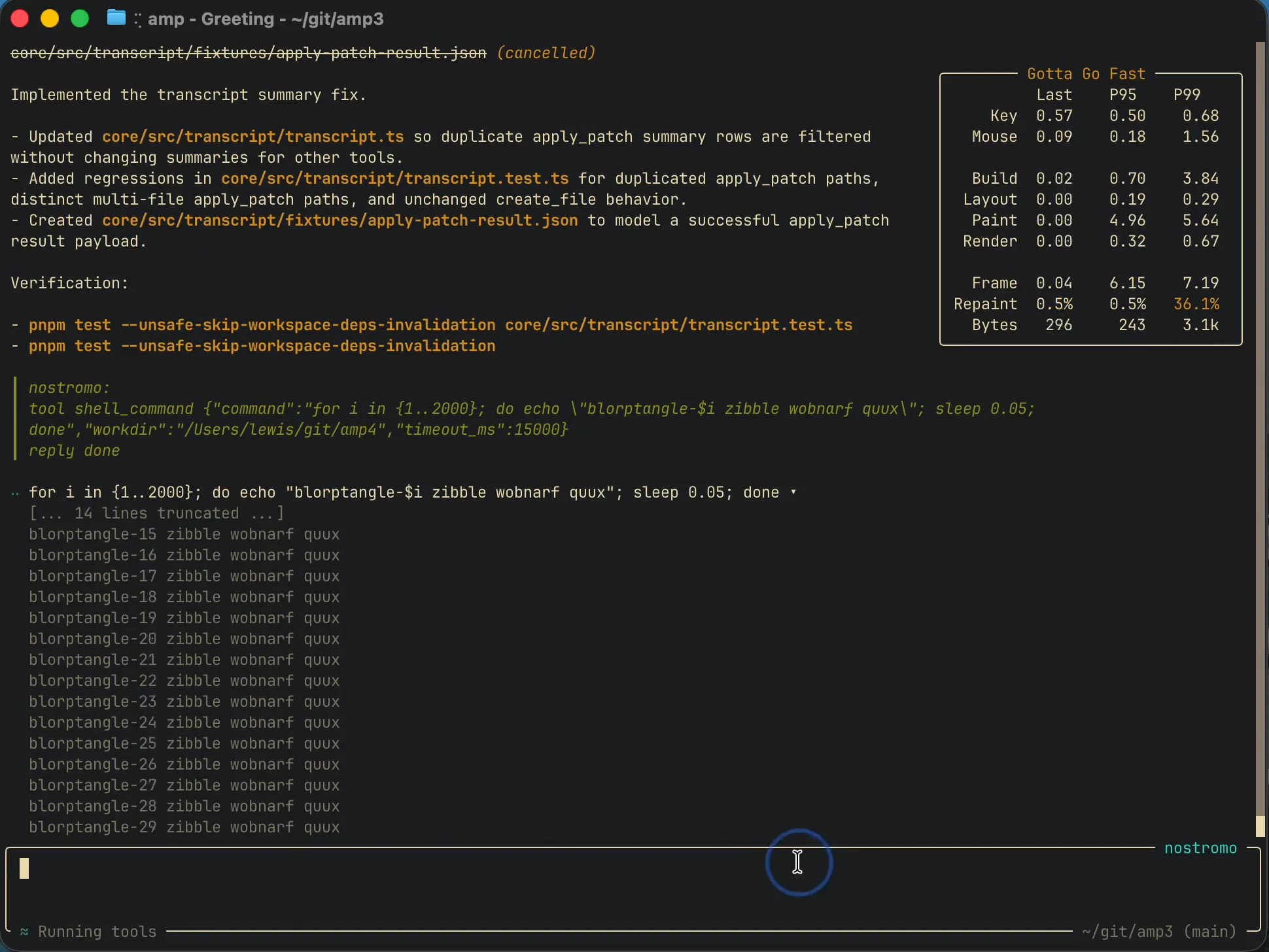
Neo by Amp is a powerful reimagining of the traditional CLI for developers working with AI and automation. Built from the ground up, it centers around long-running coding agents, enabling more complex and sustained workflows. Key features include remote control capabilities through ampcode.com, automatic context compaction to manage extensive conversations, message queuing and steering for better control over interactions, and a new Plugin API that enhances extensibility. Major performance improvements make Neo particularly suited for handling large threads efficiently. Designed for developers, AI practitioners, and automation enthusiasts, Neo aims to streamline AI-driven coding projects and integrations with a robust, scalable interface. Its focus on performance and control positions it as a comprehensive tool for advanced AI development and management tasks.
Screenshots
Pros
- ✓Enhanced performance for large and complex threads
- ✓Remote control integration via ampcode.com
- ✓Automatic context management for sustained long-term interactions
- ✓Flexible Plugin API for extensibility
- ✓Improved message queuing and steering for better workflow control
Cons
- ✗Relatively new with limited user adoption and community support
- ✗Learning curve for users unfamiliar with CLI and AI development tools
- ✗Pricing details are not explicitly stated, which may affect budgeting decisions
Use Cases
Pricing
Likely adopts a freemium model with basic features available for free and premium features or enterprise options at a paid tier, though specific pricing details are not publicly disclosed.
Quick Info
Topics
Alternatives
Similar Tools in Developer Tools




Embed Badge
Add this badge to your website to show that Neo by Amp is featured on Visalytica.
<a href="https://www.visalytica.com/tool/neo-by-amp" target="_blank" rel="noopener noreferrer" style="display:inline-flex;align-items:center;gap:6px;padding:6px 14px;background:#7c3aed;color:#fff;border-radius:8px;font-family:-apple-system,system-ui,sans-serif;font-size:13px;font-weight:600;text-decoration:none;transition:background .2s" onmouseover="this.style.background='#6d28d9'" onmouseout="this.style.background='#7c3aed'"><svg width="14" height="14" viewBox="0 0 24 24" fill="none" stroke="currentColor" stroke-width="2.5" stroke-linecap="round" stroke-linejoin="round"><path d="M12 20V10"/><path d="M18 20V4"/><path d="M6 20v-4"/></svg>Featured on Visalytica</a>