
Nearfield
Turn two or more Studio Displays into stereo speakers
About Nearfield
Nearfield is an innovative open-source macOS application designed to enhance audio experiences by transforming two Apple Studio Displays into a single stereo speaker system. Compatible exclusively with Apple silicon Macs and running macOS 14 or higher, it allows users to combine the built-in speakers of both displays into one seamless, volume-controllable stereo output. The app provides intuitive controls for swapping left and right channels, adjusting audio balance, and routing audio based on specific apps or windows, offering a customizable listening experience. Perfect for creative professionals, Apple enthusiasts, and anyone seeking to maximize their Mac's audio capabilities, Nearfield stands out due to its open-source nature and focus on native integration, ensuring minimal latency and high-quality sound.
Screenshots
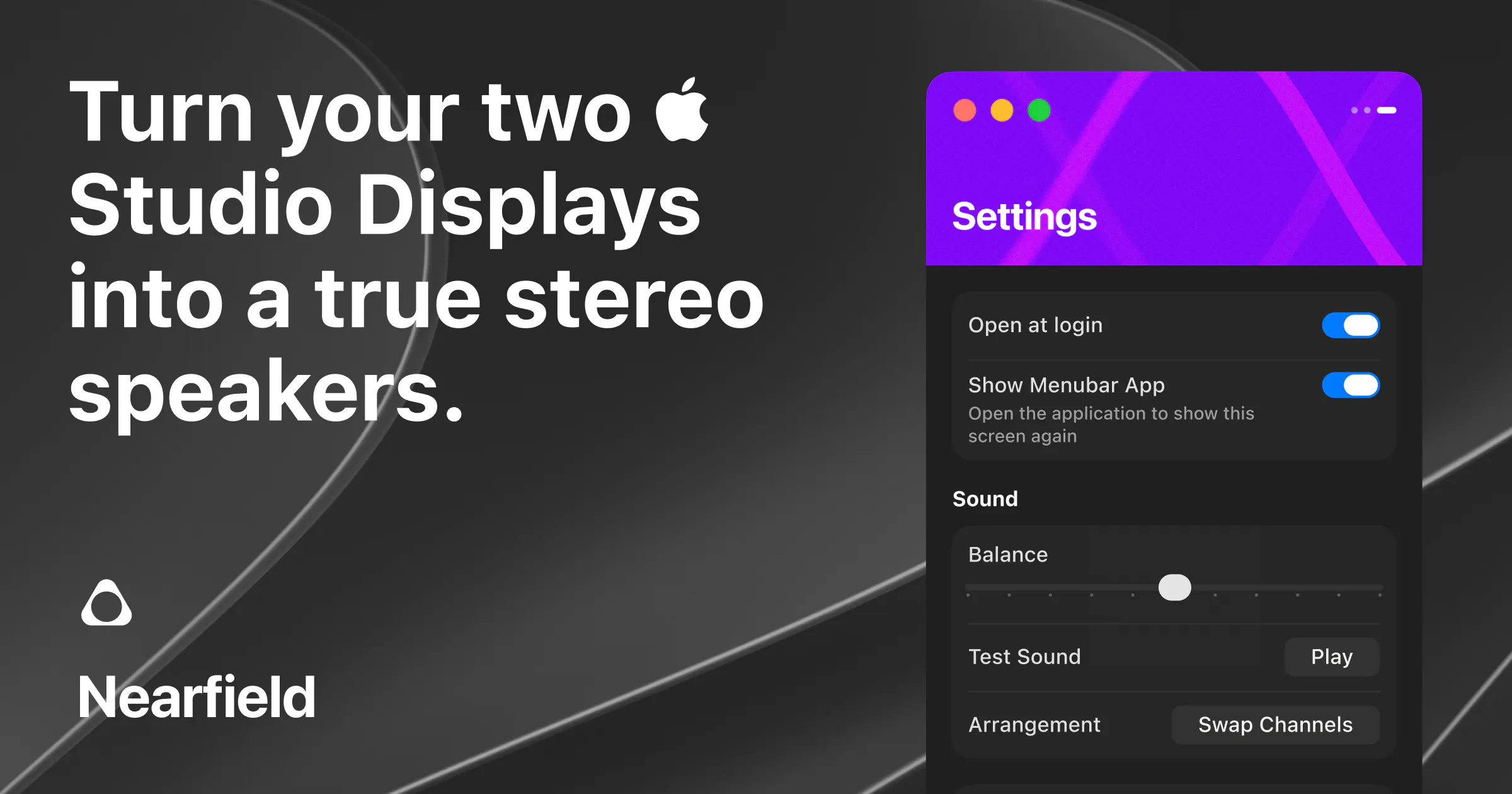
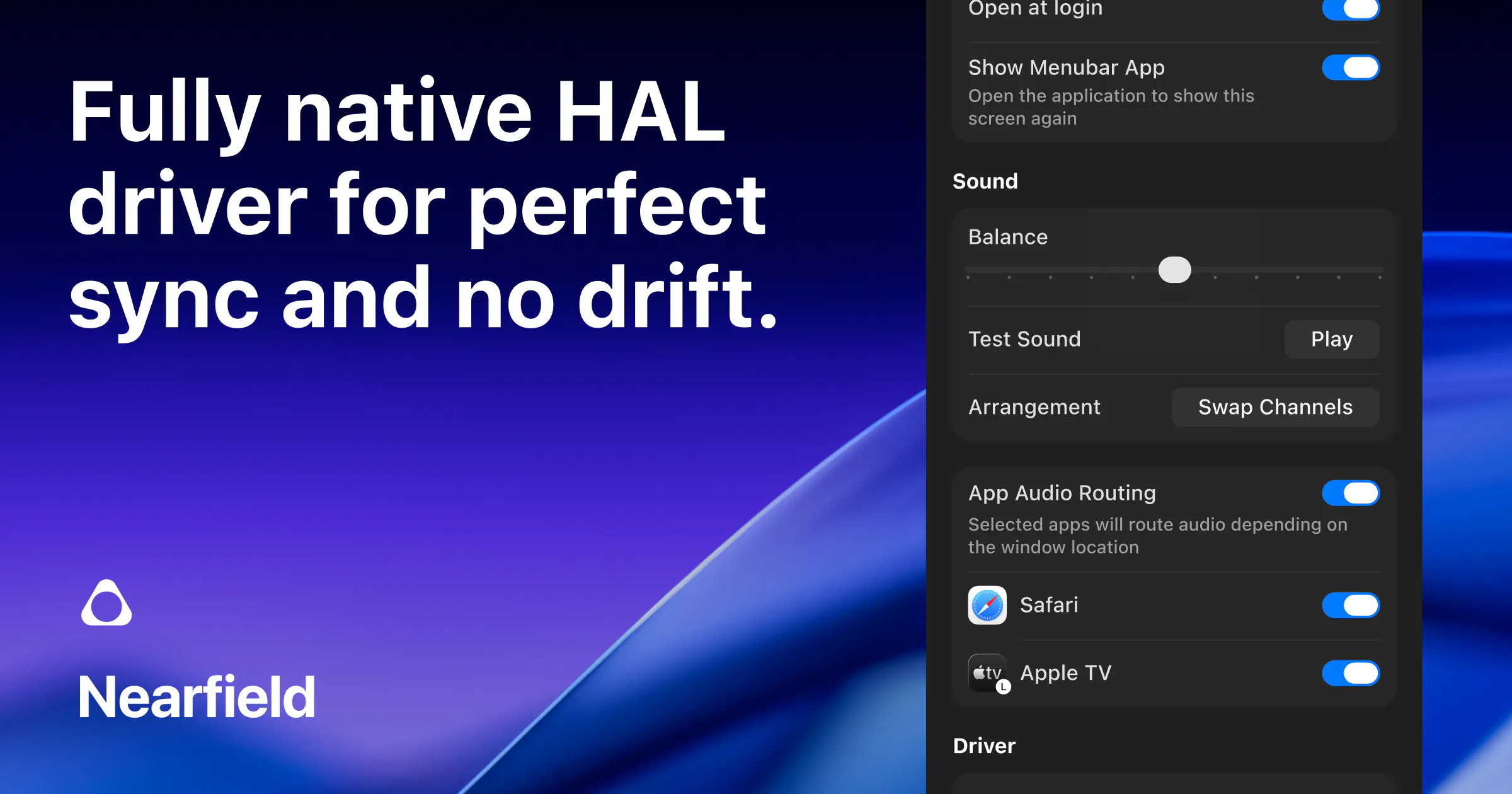
Pros
- ✓Open-source, free to use and modify
- ✓Native macOS integration with minimal latency
- ✓Customizable stereo control including swapping and balance adjustment
- ✓Supports app and window-based audio routing for tailored experiences
- ✓Requires only Apple silicon Macs and macOS 14+
Cons
- ✗Limited compatibility to Macs with Apple silicon and specific hardware
- ✗Requires two Apple Studio Displays, which may not be common for all users
- ✗Features are specialized and may not suit general audio needs
Use Cases
Pricing
Nearfield is free and open-source, making it accessible for all users interested in customizing their audio setup without additional costs.
Quick Info
Topics
Makers

Vince Pataky
Alternatives
Similar Tools in Developer Tools




Embed Badge
Add this badge to your website to show that Nearfield is featured on Visalytica.
<a href="https://www.visalytica.com/tool/nearfield" target="_blank" rel="noopener noreferrer" style="display:inline-flex;align-items:center;gap:6px;padding:6px 14px;background:#7c3aed;color:#fff;border-radius:8px;font-family:-apple-system,system-ui,sans-serif;font-size:13px;font-weight:600;text-decoration:none;transition:background .2s" onmouseover="this.style.background='#6d28d9'" onmouseout="this.style.background='#7c3aed'"><svg width="14" height="14" viewBox="0 0 24 24" fill="none" stroke="currentColor" stroke-width="2.5" stroke-linecap="round" stroke-linejoin="round"><path d="M12 20V10"/><path d="M18 20V4"/><path d="M6 20v-4"/></svg>Featured on Visalytica</a>