
NavKey
Control Windows with only your keyboard
About NavKey
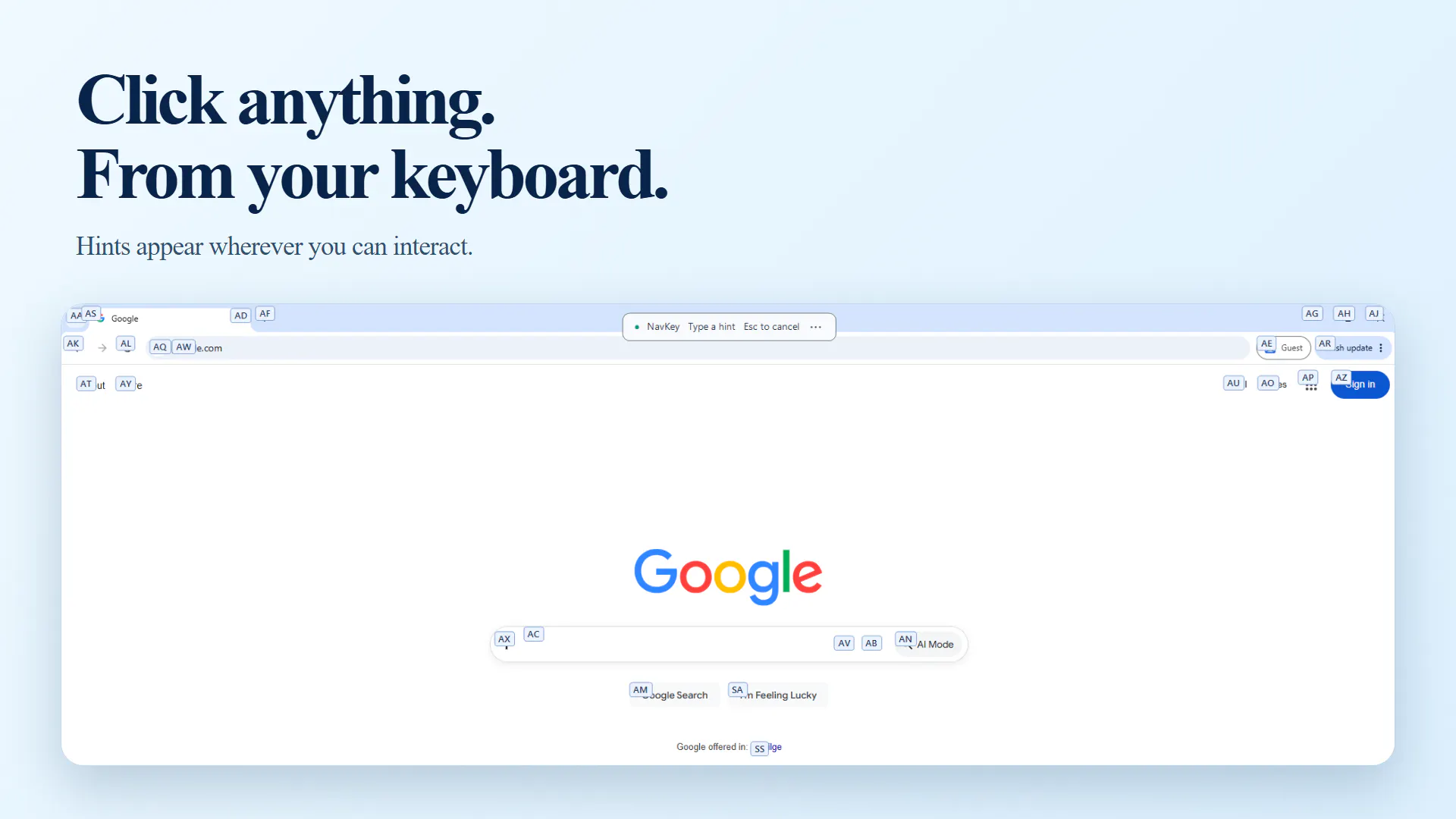
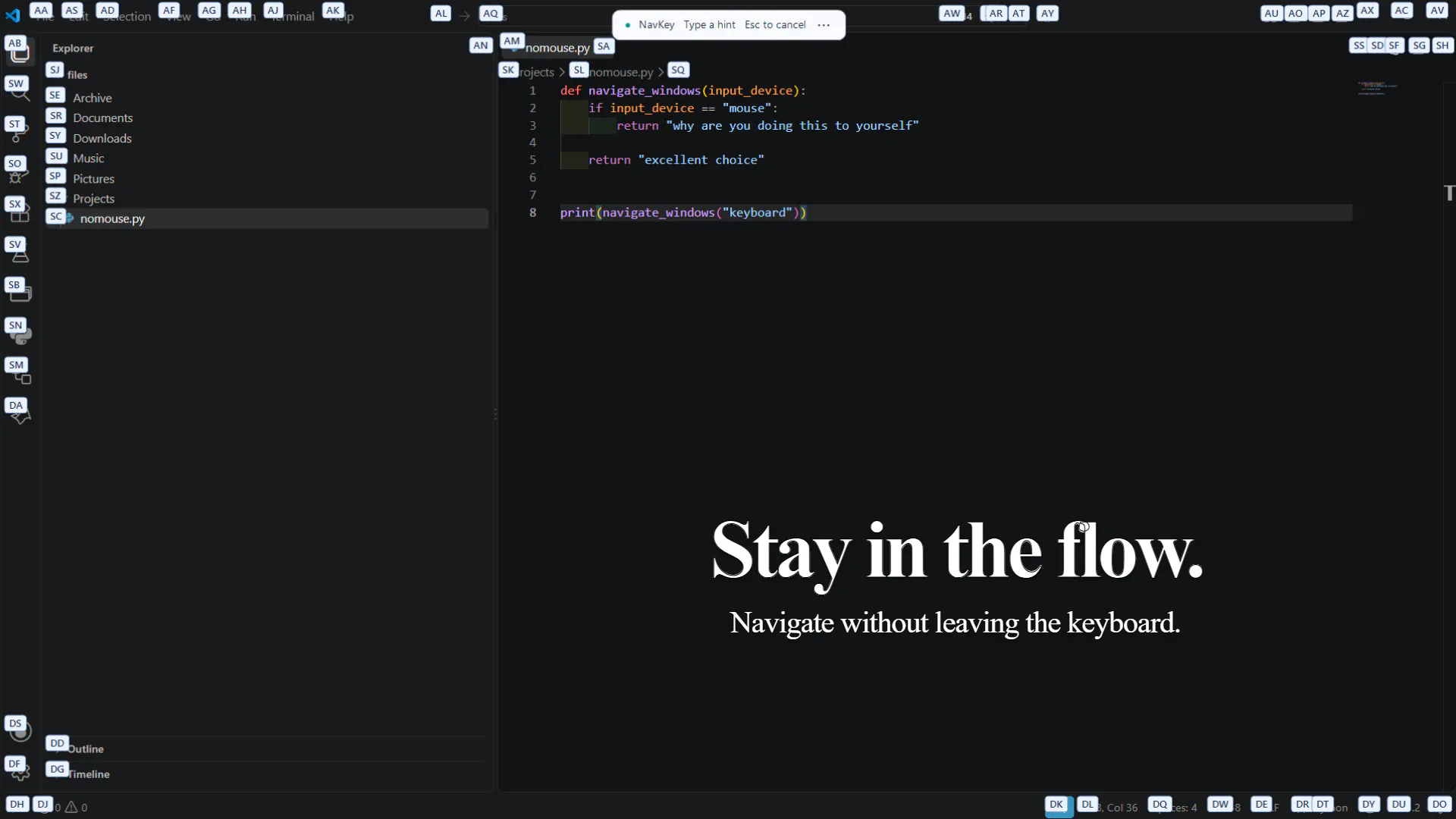
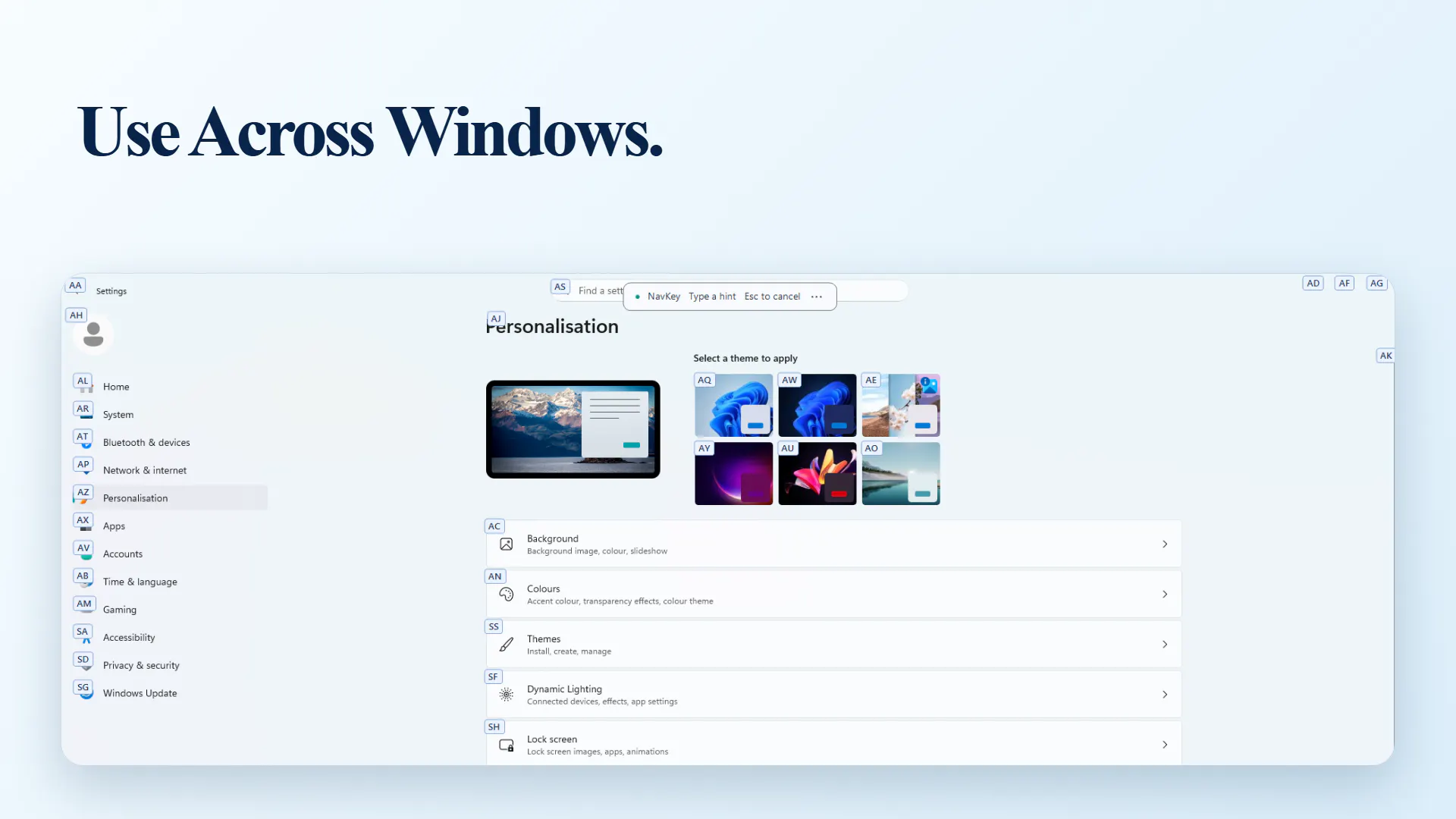
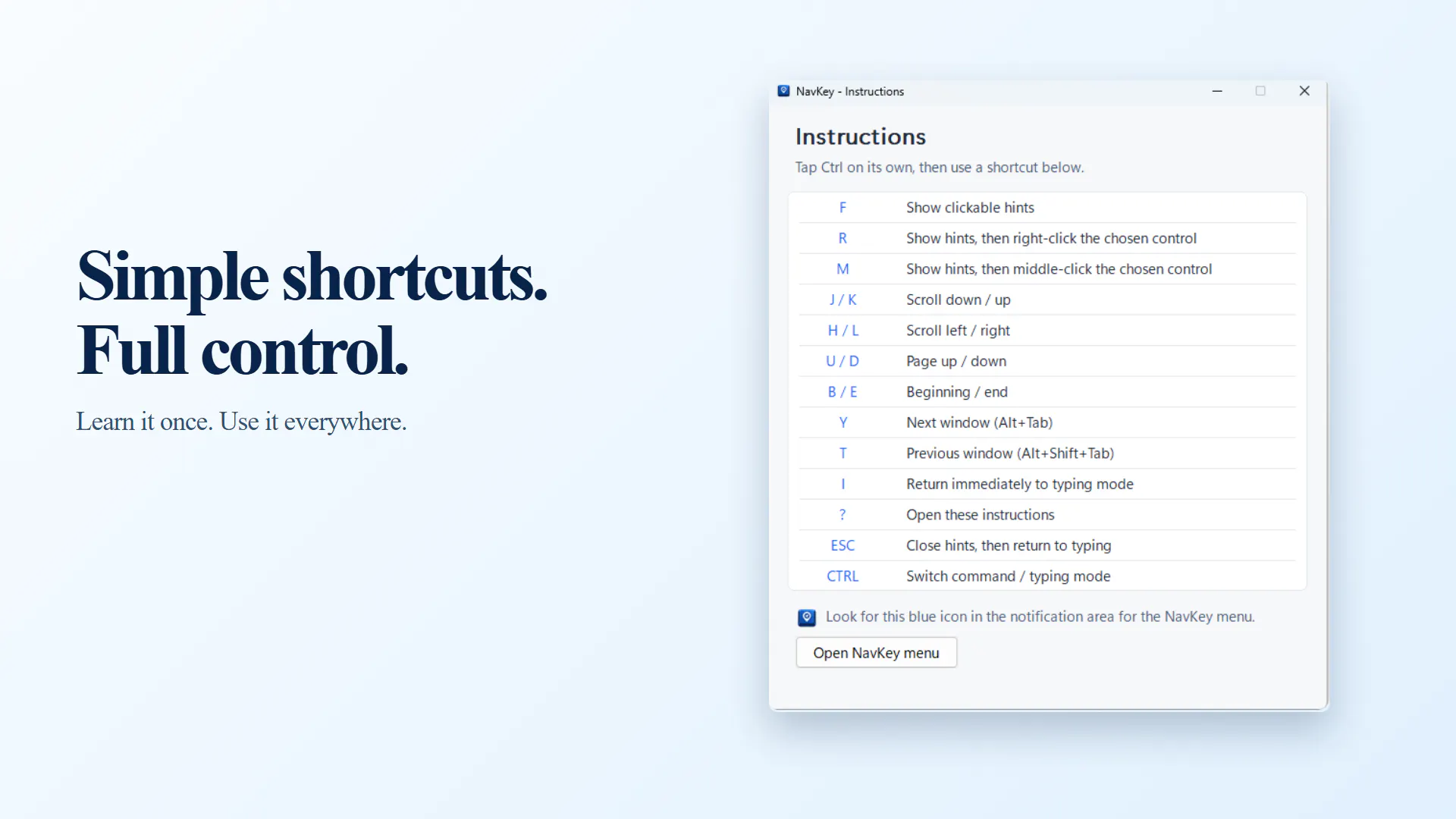
NavKey is a productivity-enhancing tool designed to allow users to control their Windows PCs solely through keyboard commands. It eliminates the need for a mouse by enabling users to click buttons, scroll, right-click, switch applications, and navigate their desktop environment using intuitive keyboard shortcuts. This makes it particularly appealing for power users, developers, and anyone seeking to streamline their workflow and reduce physical strain from constant mouse use. What sets NavKey apart is its focus on keyboard-centric control, fostering a faster and more efficient way to interact with Windows without breaking concentration or losing momentum. Its simplicity and focus on core navigation functions make it an attractive addition for those looking to optimize their desktop experience.
Screenshots
Pros
- ✓Enhances productivity by reducing reliance on mouse navigation
- ✓Simple and intuitive keyboard controls tailored for Windows
- ✓Helps minimize physical strain from prolonged mouse use
- ✓Facilitates faster application switching and window management
- ✓Ideal for power users and professionals seeking efficiency
Cons
- ✗Limited information on advanced customization options
- ✗May require a learning curve for new users unfamiliar with keyboard shortcuts
- ✗No details on additional features or integrations
Use Cases
Pricing
Pricing not verified
Quick Info
Topics
Makers

Ruairi Hogan
Alternatives
Similar Tools in Developer Tools




Embed Badge
Add this badge to your website to show that NavKey is featured on Visalytica.
<a href="https://www.visalytica.com/tool/navkey" target="_blank" rel="noopener noreferrer" style="display:inline-flex;align-items:center;gap:6px;padding:6px 14px;background:#7c3aed;color:#fff;border-radius:8px;font-family:-apple-system,system-ui,sans-serif;font-size:13px;font-weight:600;text-decoration:none;transition:background .2s" onmouseover="this.style.background='#6d28d9'" onmouseout="this.style.background='#7c3aed'"><svg width="14" height="14" viewBox="0 0 24 24" fill="none" stroke="currentColor" stroke-width="2.5" stroke-linecap="round" stroke-linejoin="round"><path d="M12 20V10"/><path d="M18 20V4"/><path d="M6 20v-4"/></svg>Featured on Visalytica</a>