
MySched
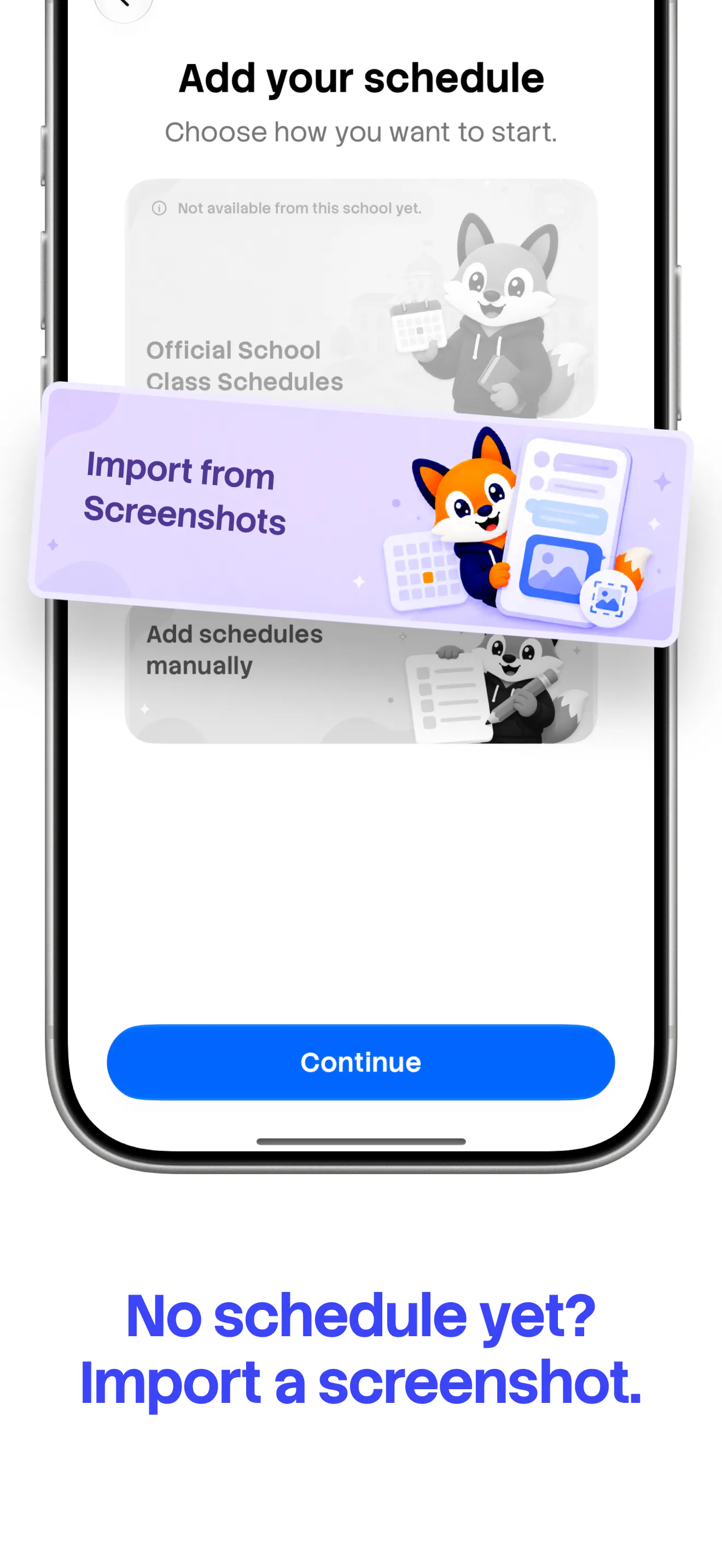
Turn a timetable screenshot into your college planner.
About MySched
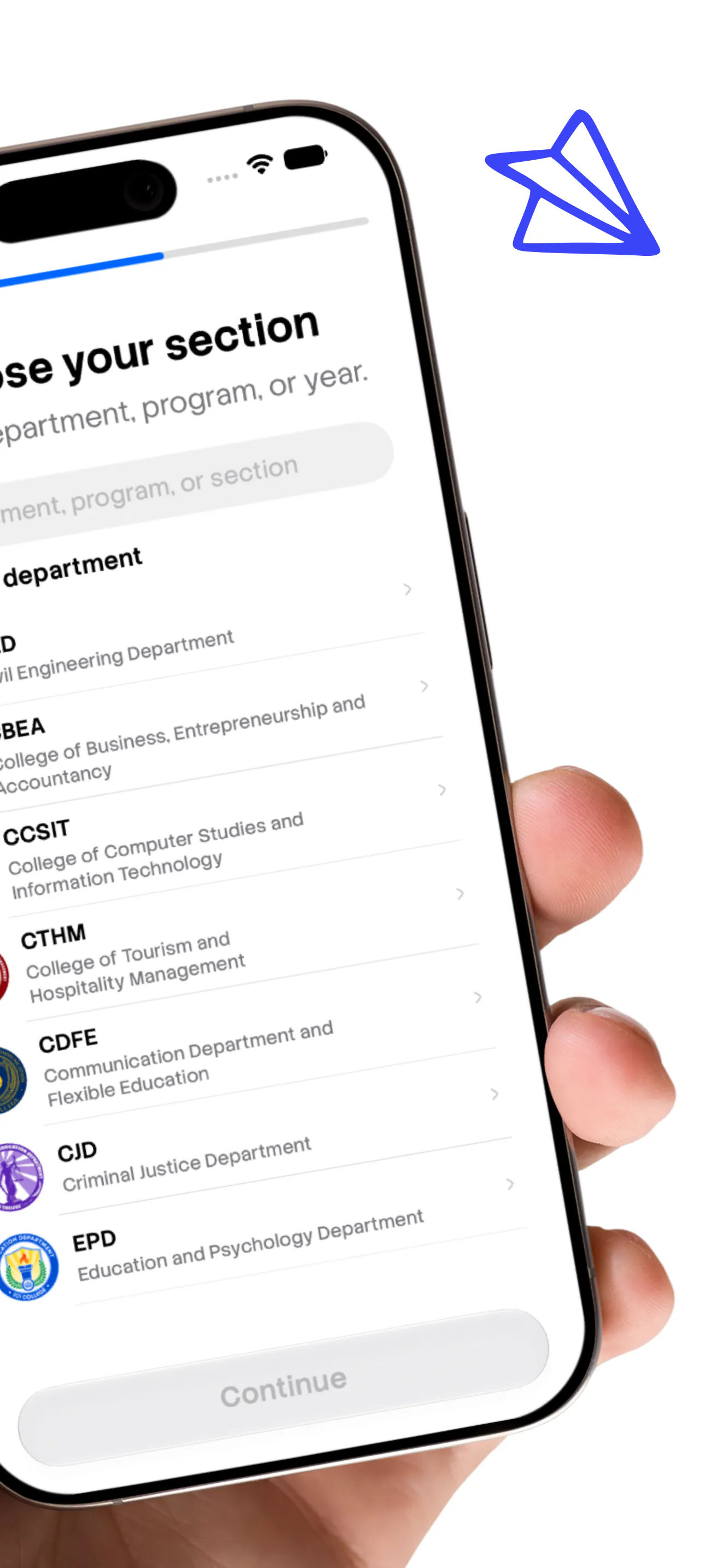
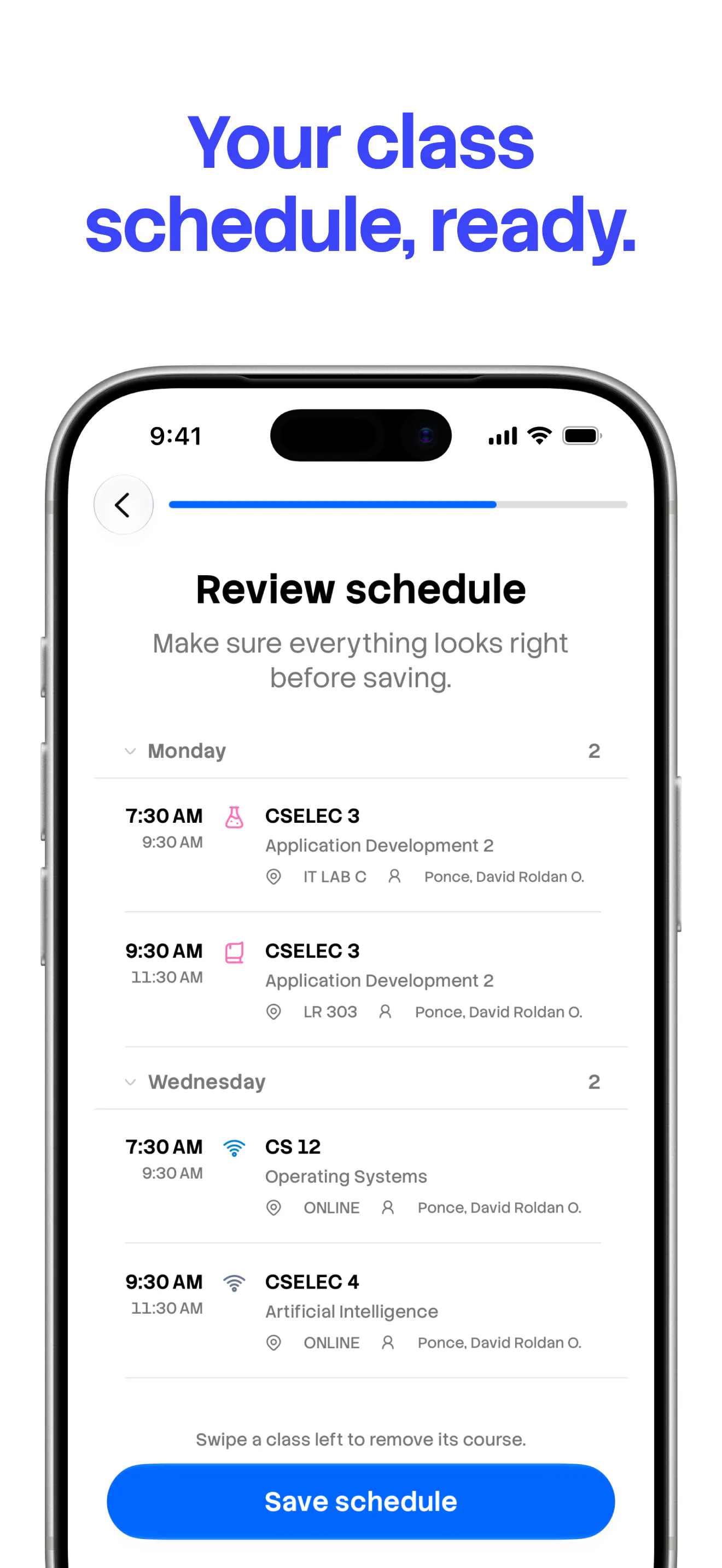
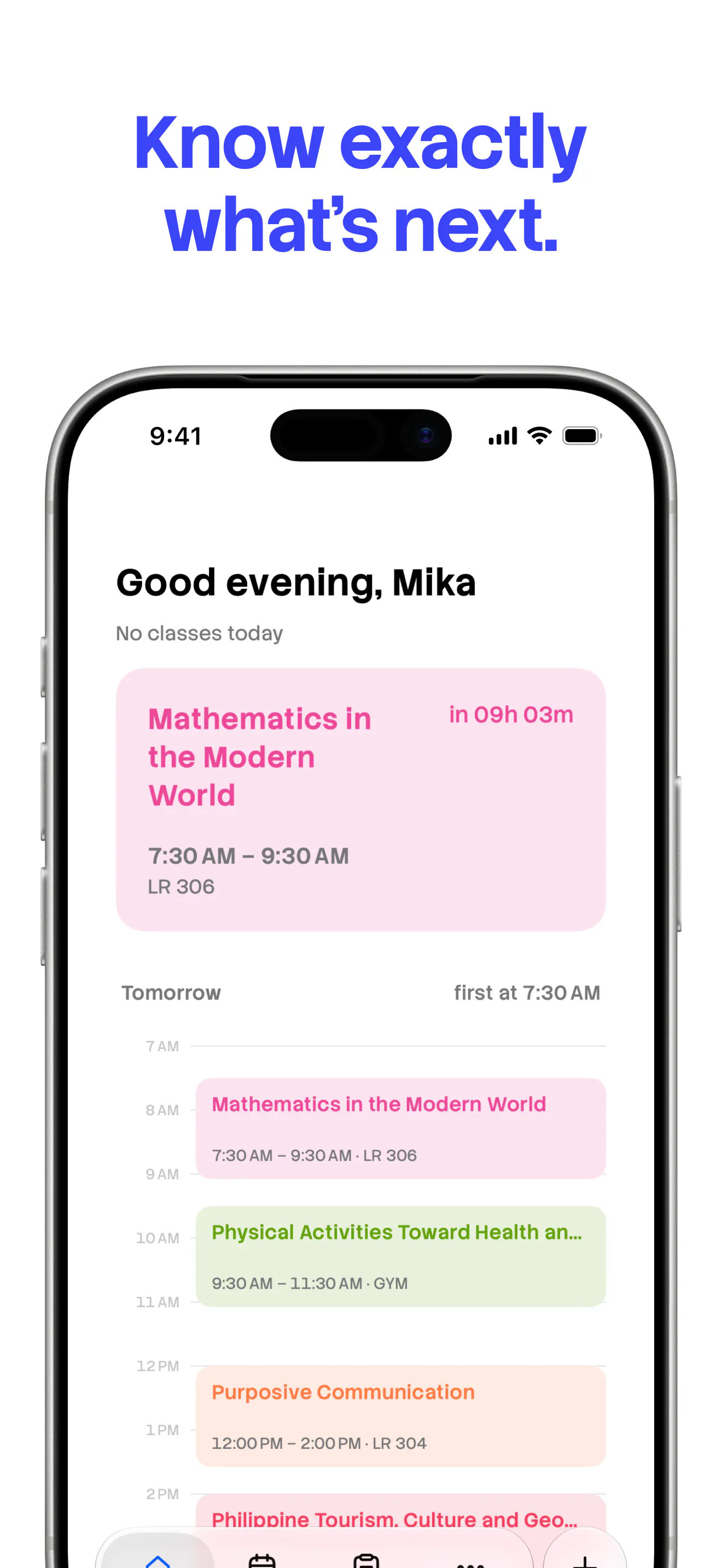
MySched is a specialized productivity app designed for Philippine college students to transform their timetable screenshots and published school schedules into a comprehensive offline-first planner. By leveraging simple image uploads, the app extracts key schedule information, allowing students to see upcoming classes, track attendance, and manage tasks seamlessly. Its integration with Home and Lock Screen widgets ensures that students stay organized and informed at a glance, even without internet access. The app's focus on the Filipino student demographic makes it highly relevant for local educational contexts, offering a tailored solution to manage busy academic schedules efficiently. Its user-friendly interface and offline capabilities differentiate it from traditional calendar apps, making it ideal for students seeking a dedicated, straightforward planner built around their unique schedules.
Screenshots


+2 more screenshots
Pros
- ✓Transforms timetable screenshots into an organized digital planner
- ✓Offline-first design ensures access without internet
- ✓Widgets for Home and Lock Screen for quick schedule viewing
- ✓Tailored specifically for Philippine college students
- ✓Helps track tasks and attendance alongside class schedules
Cons
- ✗Dependent on accurate screenshot uploads; may require manual adjustments
- ✗Limited integrations with other calendar or task apps
- ✗No clear information on free vs. premium features or pricing
Use Cases
Pricing
Likely operates on a freemium model, offering basic features for free with potential paid plans for advanced features or customization. Exact pricing details are not publicly specified.
Quick Info
Topics
Makers

Neil Daquioag
Alternatives
Similar Tools in Productivity




Embed Badge
Add this badge to your website to show that MySched is featured on Visalytica.
<a href="https://www.visalytica.com/tool/mysched" target="_blank" rel="noopener noreferrer" style="display:inline-flex;align-items:center;gap:6px;padding:6px 14px;background:#7c3aed;color:#fff;border-radius:8px;font-family:-apple-system,system-ui,sans-serif;font-size:13px;font-weight:600;text-decoration:none;transition:background .2s" onmouseover="this.style.background='#6d28d9'" onmouseout="this.style.background='#7c3aed'"><svg width="14" height="14" viewBox="0 0 24 24" fill="none" stroke="currentColor" stroke-width="2.5" stroke-linecap="round" stroke-linejoin="round"><path d="M12 20V10"/><path d="M18 20V4"/><path d="M6 20v-4"/></svg>Featured on Visalytica</a>