
My Computer by Manus AI
Automate files, apps, and workflows with Manus Desktop
About My Computer by Manus AI
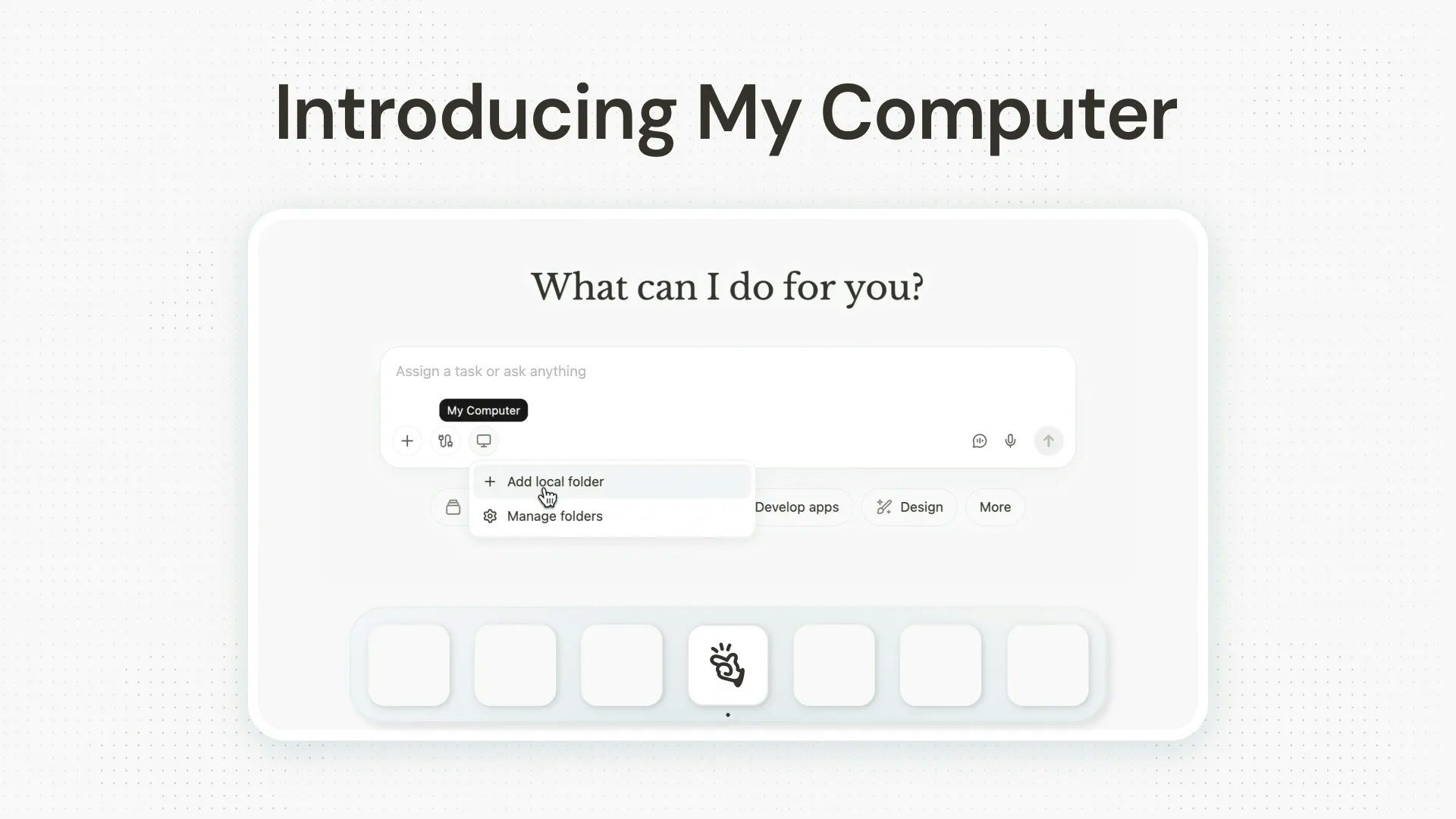
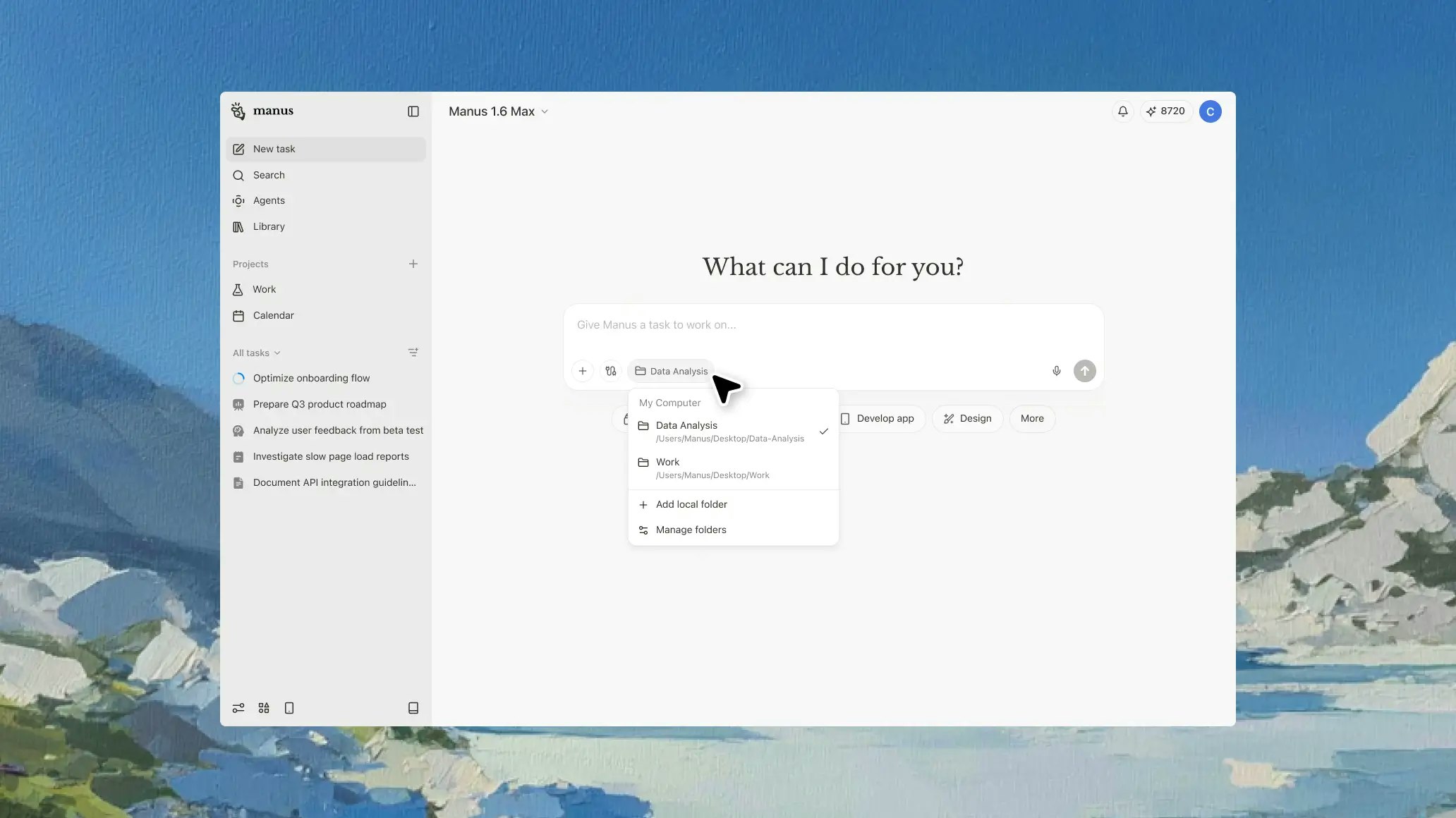
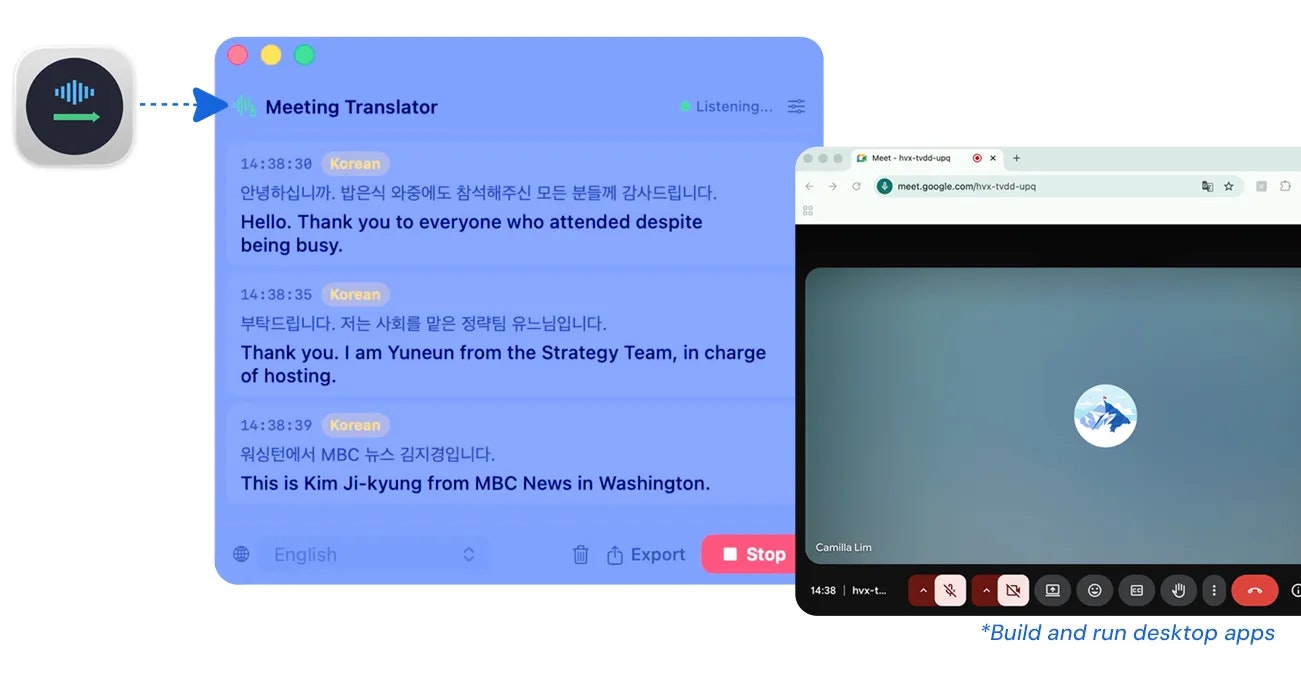
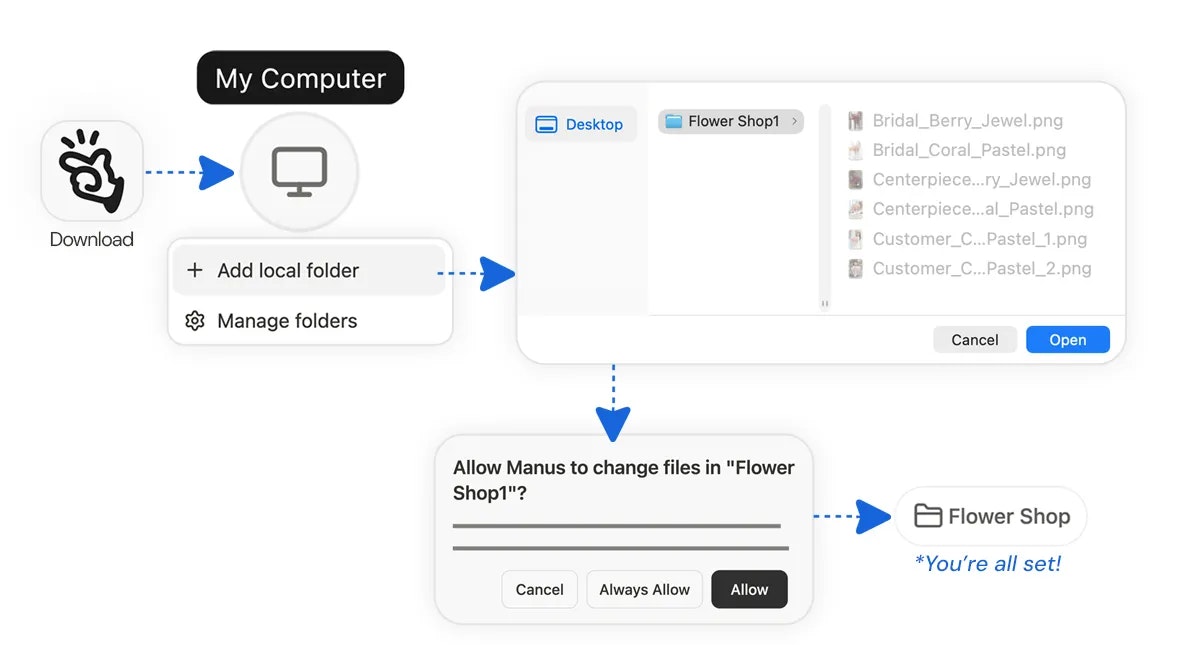
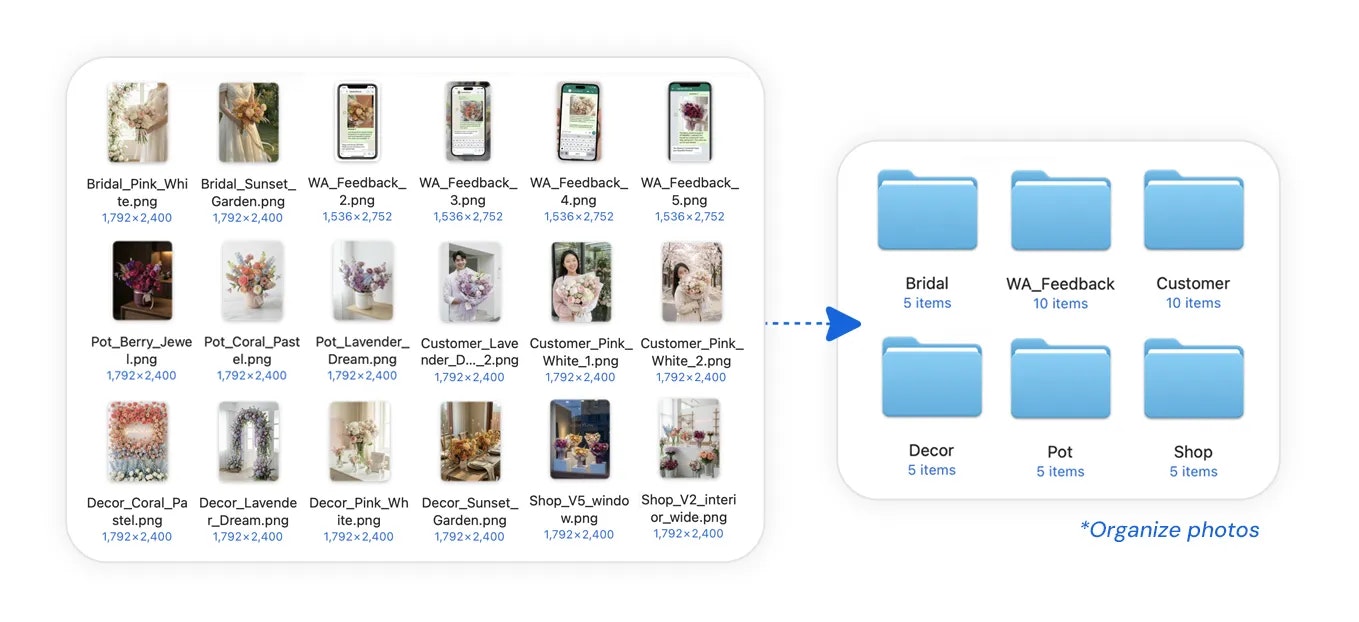
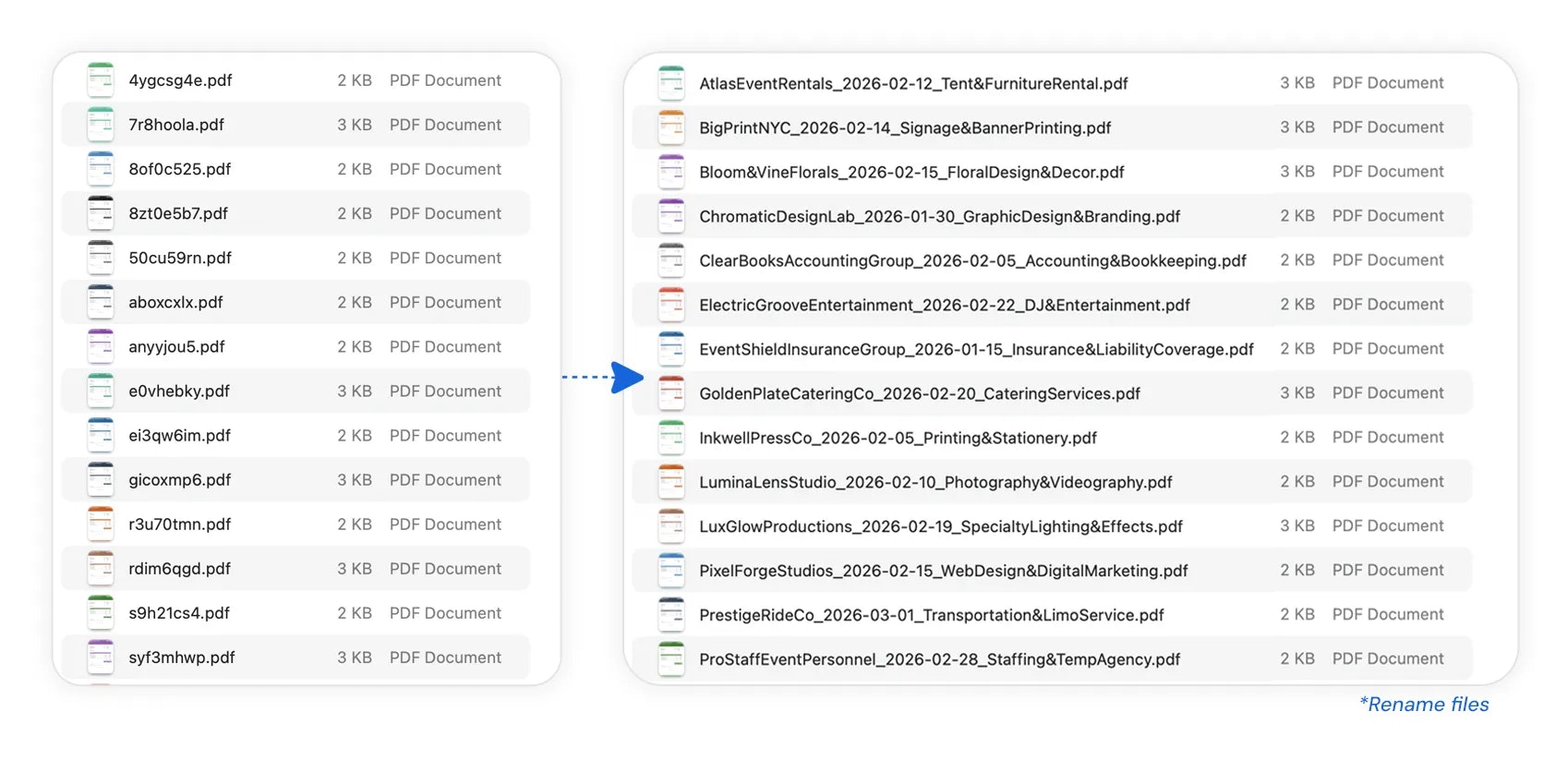
My Computer by Manus AI transforms the way users interact with their local files, applications, and workflows by bringing AI automation directly onto their desktop. Compatible with both macOS and Windows, this tool enables users to organize photos, rename invoices, and even build simple desktop apps without coding. Its core feature, Manus Desktop, allows AI agents to work seamlessly with local resources, making automation more efficient and accessible. By integrating with connectors, Projects, Agents, and Scheduled Tasks, users can create complex workflows that operate right on their computer, reducing the need to rely solely on cloud-based solutions. This makes it ideal for individuals and teams seeking to improve productivity through AI-driven automation in their everyday tasks.
Screenshots
Pros
- ✓Enables local file and app automation without cloud dependency
- ✓Supports building custom workflows with connectors and scheduled tasks
- ✓User-friendly interface suitable for non-coders
- ✓Available on both macOS and Windows
- ✓Facilitates complex task automation for productivity enhancement
Cons
- ✗May require some learning curve for advanced workflows
- ✗Limited information on free tier or pricing details
- ✗Primarily designed for desktop users, less cloud-focused capabilities
Use Cases
Pricing
Likely operates on a freemium model with a free tier and paid plans, but specific pricing details are not publicly confirmed. Users can expect subscription options for advanced features or higher usage levels.
Quick Info
Topics
Alternatives
Similar Tools in Productivity




Embed Badge
Add this badge to your website to show that My Computer by Manus AI is featured on Visalytica.
<a href="https://www.visalytica.com/tool/my-computer-by-manus-ai" target="_blank" rel="noopener noreferrer" style="display:inline-flex;align-items:center;gap:6px;padding:6px 14px;background:#7c3aed;color:#fff;border-radius:8px;font-family:-apple-system,system-ui,sans-serif;font-size:13px;font-weight:600;text-decoration:none;transition:background .2s" onmouseover="this.style.background='#6d28d9'" onmouseout="this.style.background='#7c3aed'"><svg width="14" height="14" viewBox="0 0 24 24" fill="none" stroke="currentColor" stroke-width="2.5" stroke-linecap="round" stroke-linejoin="round"><path d="M12 20V10"/><path d="M18 20V4"/><path d="M6 20v-4"/></svg>Featured on Visalytica</a>