
Murmur
Talk to your Mac. A free, private voice assistant
About Murmur
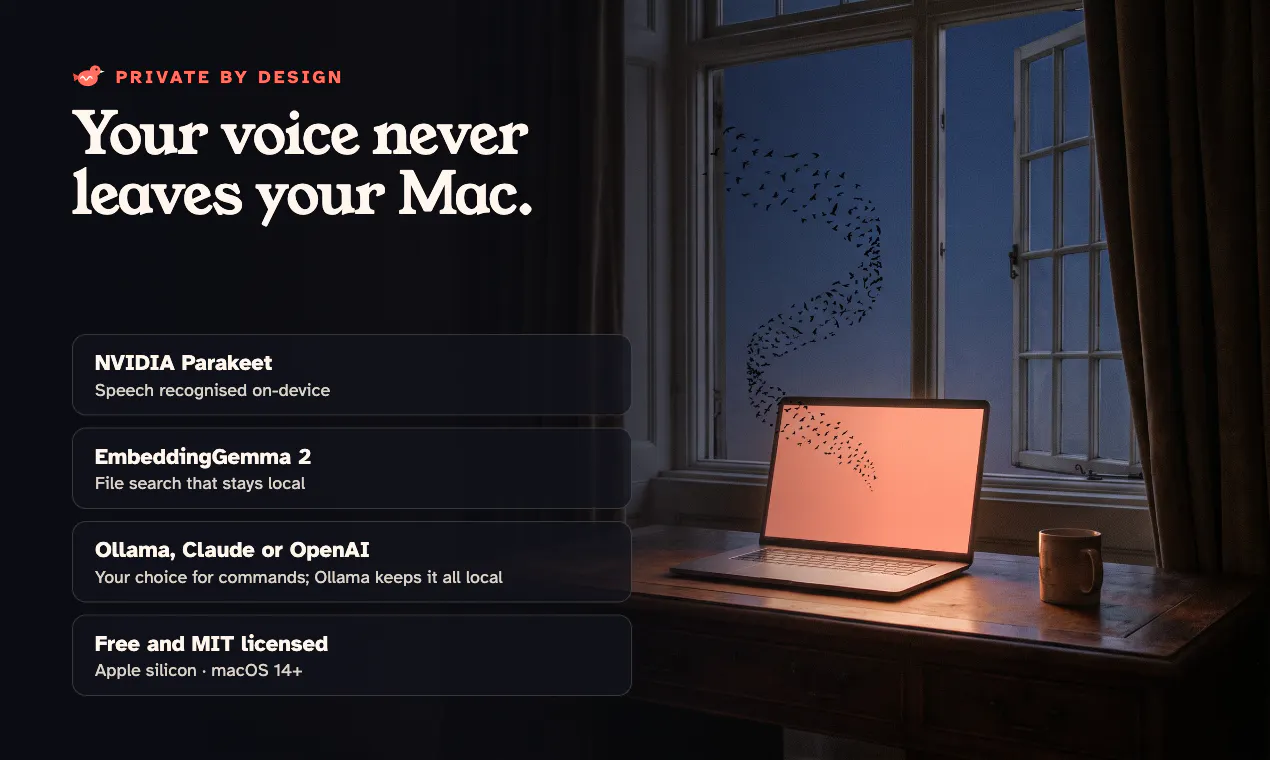
Murmur is a free and open-source voice assistant designed specifically for Mac users who value privacy and convenience. By holding the fn key and speaking, users can effortlessly interact with their Mac—typing where the cursor is, opening websites, summarizing selected text, searching for files based on content, or executing commands to control their device. Its on-device speech processing ensures that user data remains private, making it an appealing choice for privacy-conscious individuals and developers alike. As an open-source tool, Murmur offers flexibility for customization and integration into existing workflows, making it especially attractive to tech-savvy users and developers seeking a private voice assistant solution. Its lightweight design and focus on privacy distinguish Murmur from many cloud-dependent options, offering a seamless, local AI experience that respects user confidentiality.
Screenshots
Pros
- ✓Open-source and highly customizable
- ✓Privacy-focused with on-device speech processing
- ✓Free to use, no subscription costs
- ✓Supports a variety of commands and integrations
- ✓Easy activation with a simple hold of the fn key
Cons
- ✗Limited to Mac platforms
- ✗May require technical knowledge to customize or integrate
- ✗Functionality depends on local processing capabilities
Use Cases
Pricing
Pricing not verified
Quick Info
Topics
Makers

Shubham Agrawal
Alternatives
Similar Tools in AI Audio & Voice




Embed Badge
Add this badge to your website to show that Murmur is featured on Visalytica.
<a href="https://www.visalytica.com/tool/murmur-1280346" target="_blank" rel="noopener noreferrer" style="display:inline-flex;align-items:center;gap:6px;padding:6px 14px;background:#7c3aed;color:#fff;border-radius:8px;font-family:-apple-system,system-ui,sans-serif;font-size:13px;font-weight:600;text-decoration:none;transition:background .2s" onmouseover="this.style.background='#6d28d9'" onmouseout="this.style.background='#7c3aed'"><svg width="14" height="14" viewBox="0 0 24 24" fill="none" stroke="currentColor" stroke-width="2.5" stroke-linecap="round" stroke-linejoin="round"><path d="M12 20V10"/><path d="M18 20V4"/><path d="M6 20v-4"/></svg>Featured on Visalytica</a>