Multi Stopwatch Lap Timer
Run 10 stopwatches at once, with full lap history
About Multi Stopwatch Lap Timer
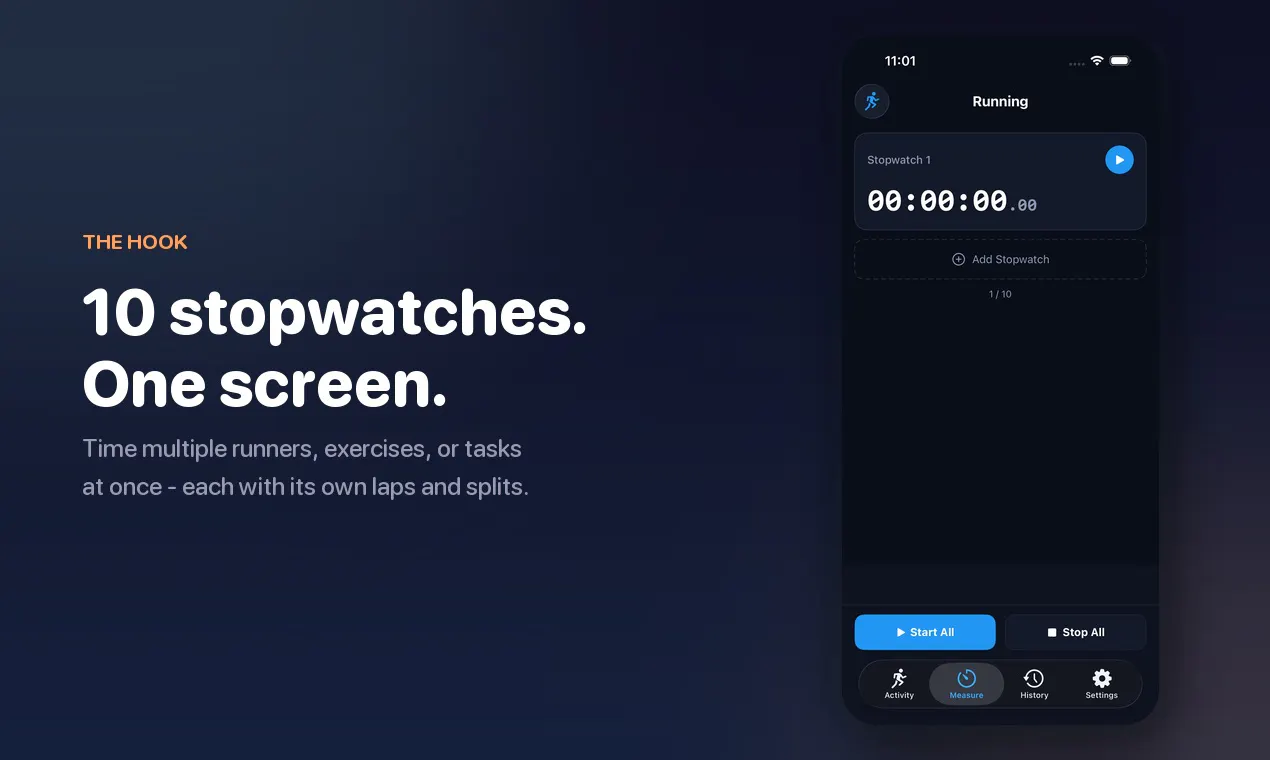
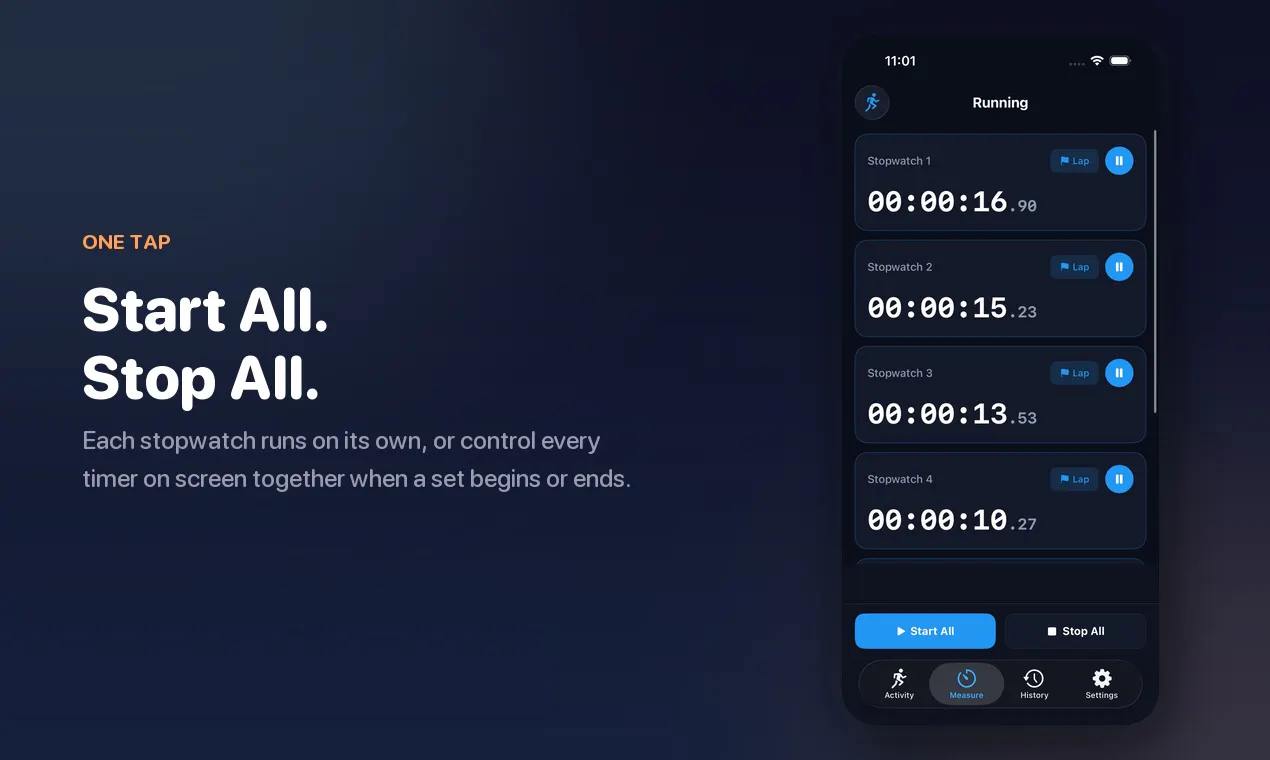
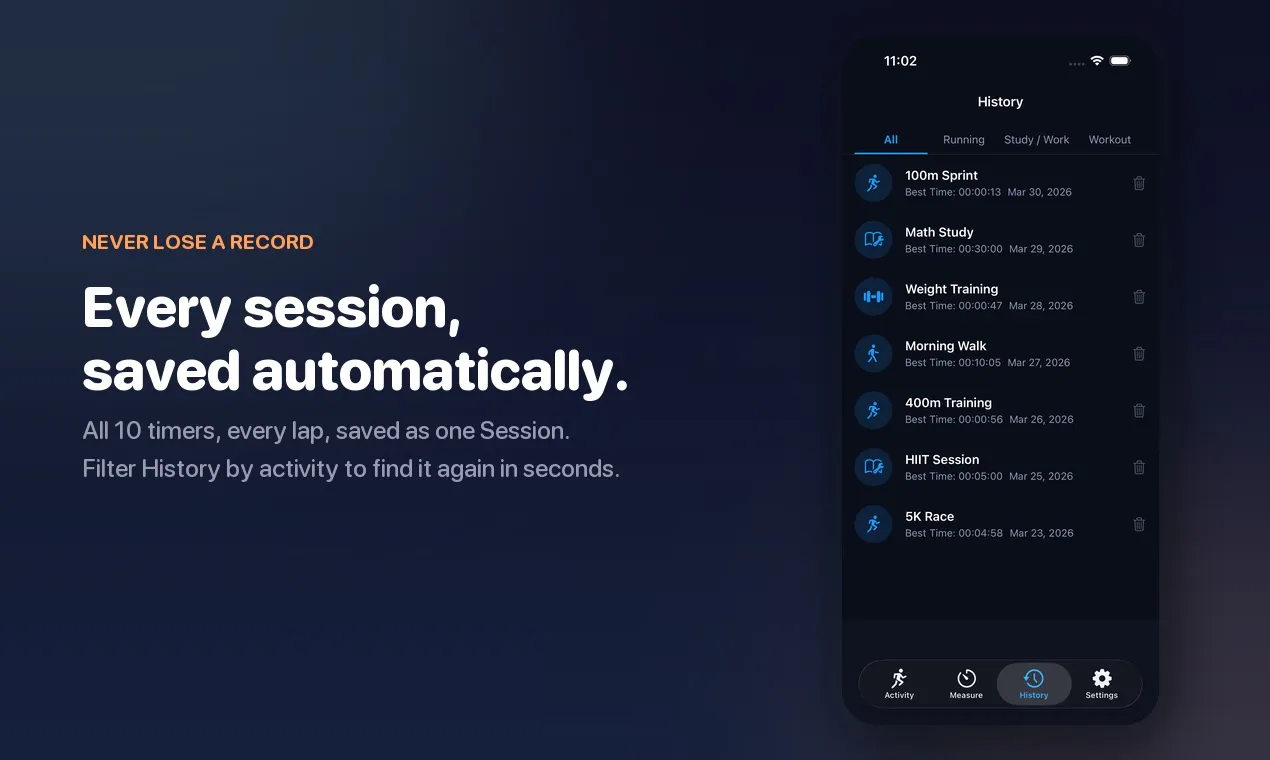
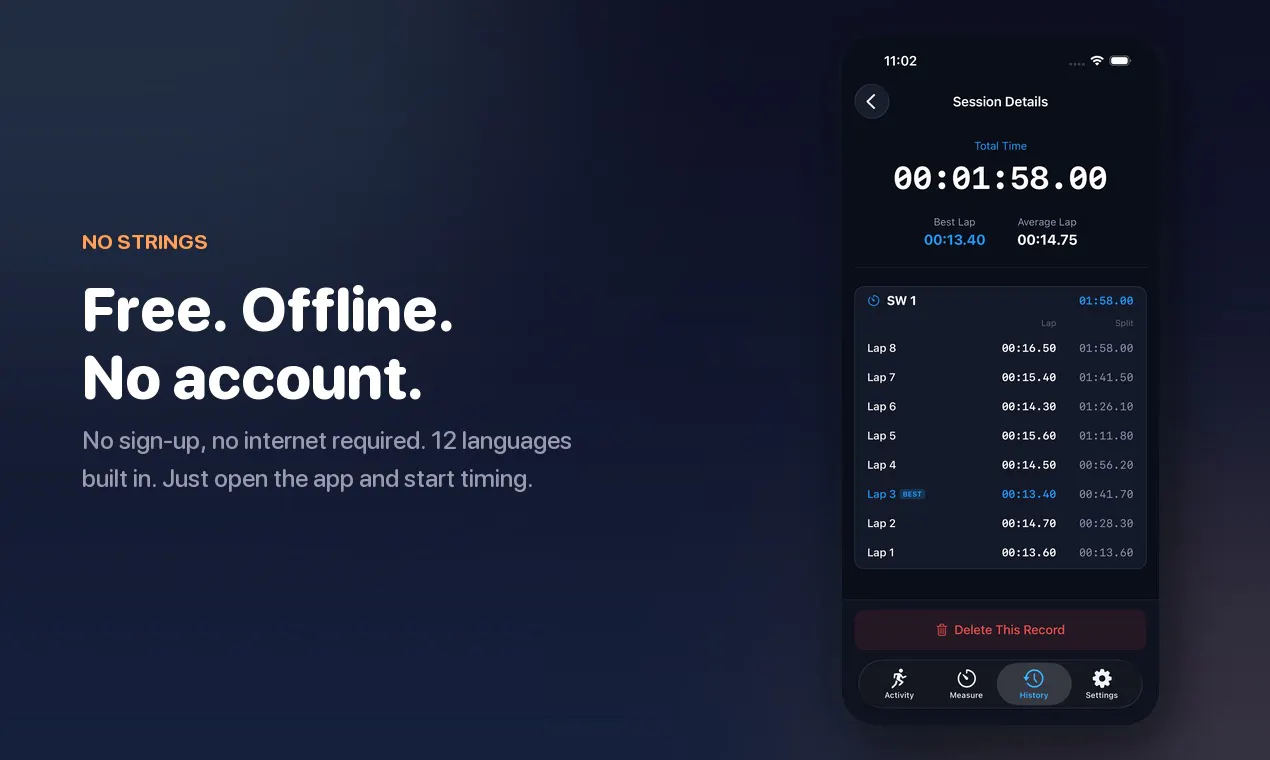
Multi Stopwatch Lap Timer is a versatile tool designed for users who need to track multiple activities simultaneously with precision. Capable of running up to 10 independent stopwatches on a single screen, it is ideal for athletes, coaches, researchers, or anyone managing several timed tasks at once. Its intuitive interface allows users to start, stop, and control each timer individually or collectively with ease. Each stopwatch records detailed lap and split data, automatically highlighting the best lap to help users analyze performance. The app’s session history stores all timing data, which can be filtered by activity, making it valuable for reviewing past sessions. Its offline functionality and absence of account requirements make it accessible and easy to use anywhere, anytime. Whether monitoring multiple runners, workout sets, or productivity tasks, Multi Stopwatch Lap Timer offers a simple yet powerful solution for multi-timing needs in a compact, free package.
Screenshots
Pros
- ✓Supports up to 10 independent stopwatches on one screen
- ✓Automatic highlighting of best laps for performance analysis
- ✓Full session history with filtering options
- ✓Offline functionality with no account required
- ✓User-friendly controls for individual and collective timing
Cons
- ✗Limited to basic stopwatch and lap functions, lacks advanced features like data export or integrations
- ✗No cloud syncing or sharing options
- ✗Interface may be too simple for complex timing needs
Use Cases
Pricing
Free to use, with no paid plans or premium features indicated, making it accessible for casual and professional users alike.
Quick Info
Topics
Makers

Tomohiko Saitoh
Alternatives
Similar Tools in Productivity




Embed Badge
Add this badge to your website to show that Multi Stopwatch Lap Timer is featured on Visalytica.
<a href="https://www.visalytica.com/tool/multi-stopwatch-lap-timer" target="_blank" rel="noopener noreferrer" style="display:inline-flex;align-items:center;gap:6px;padding:6px 14px;background:#7c3aed;color:#fff;border-radius:8px;font-family:-apple-system,system-ui,sans-serif;font-size:13px;font-weight:600;text-decoration:none;transition:background .2s" onmouseover="this.style.background='#6d28d9'" onmouseout="this.style.background='#7c3aed'"><svg width="14" height="14" viewBox="0 0 24 24" fill="none" stroke="currentColor" stroke-width="2.5" stroke-linecap="round" stroke-linejoin="round"><path d="M12 20V10"/><path d="M18 20V4"/><path d="M6 20v-4"/></svg>Featured on Visalytica</a>