
Mugmoji
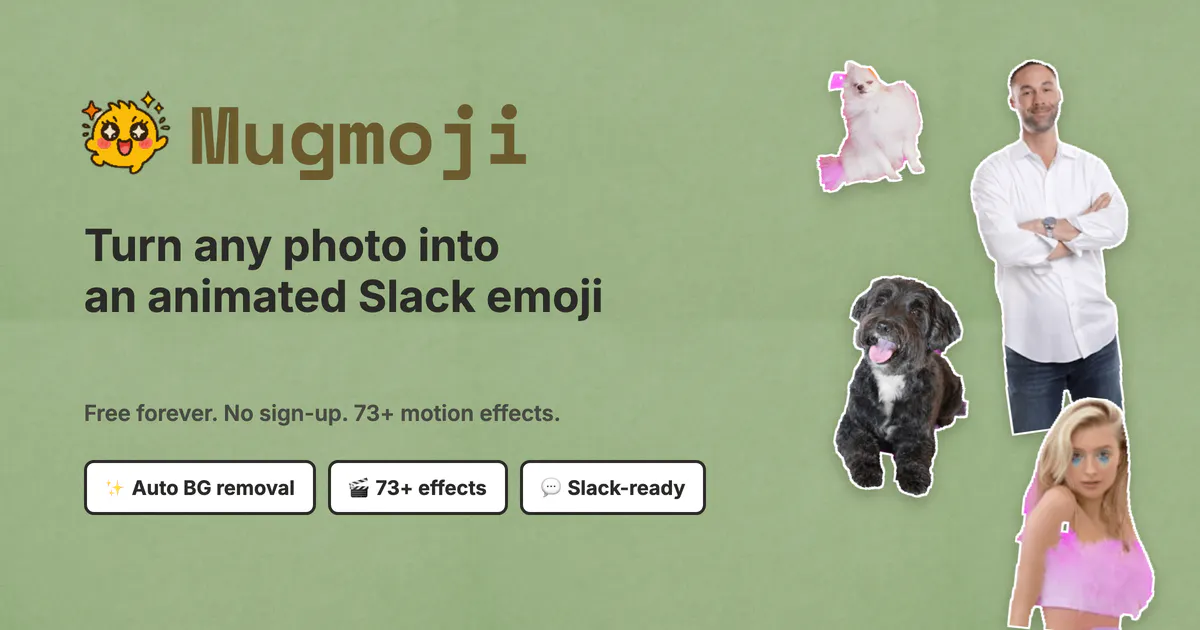
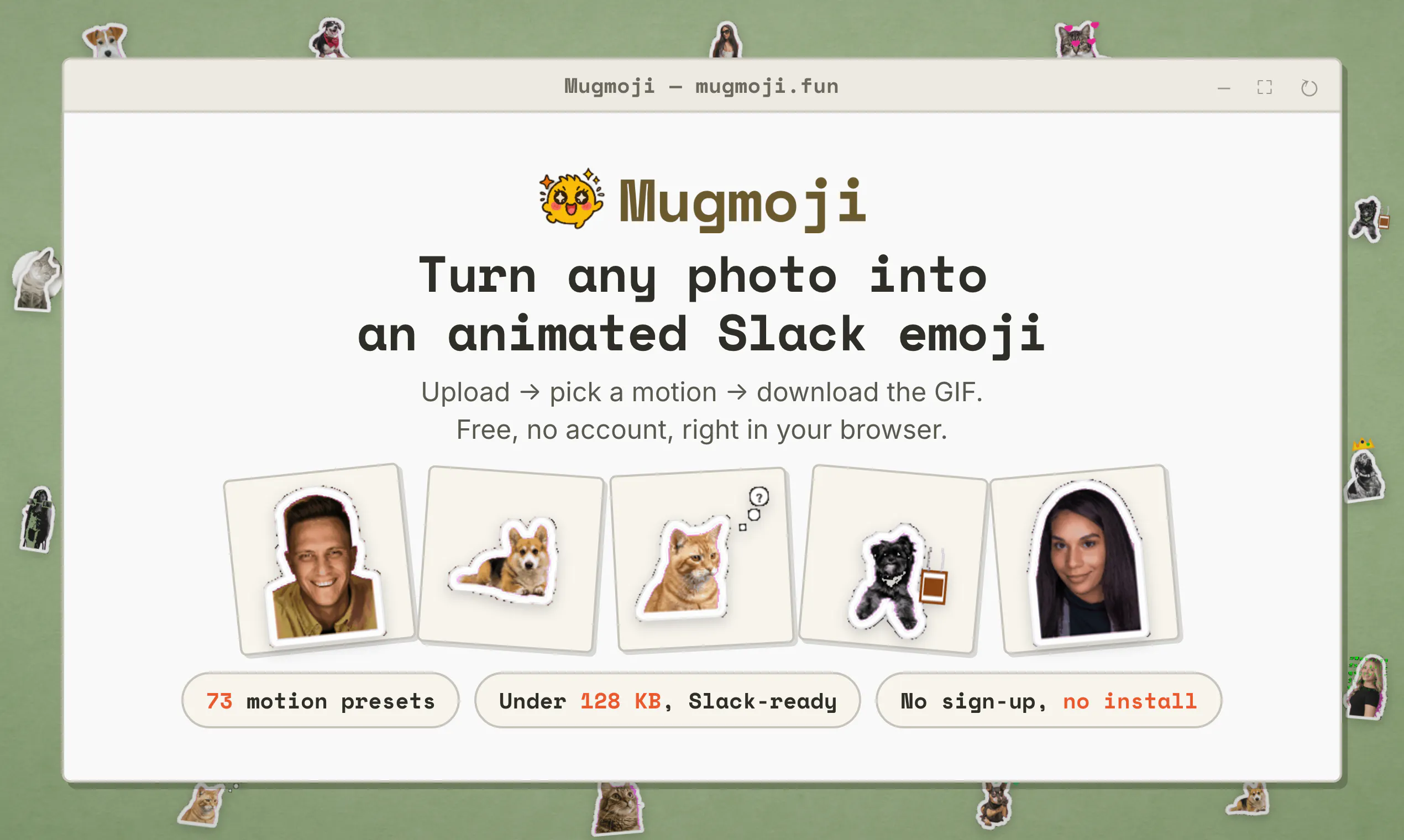
Turn any photo into an animated Slack emoji. Free.
About Mugmoji
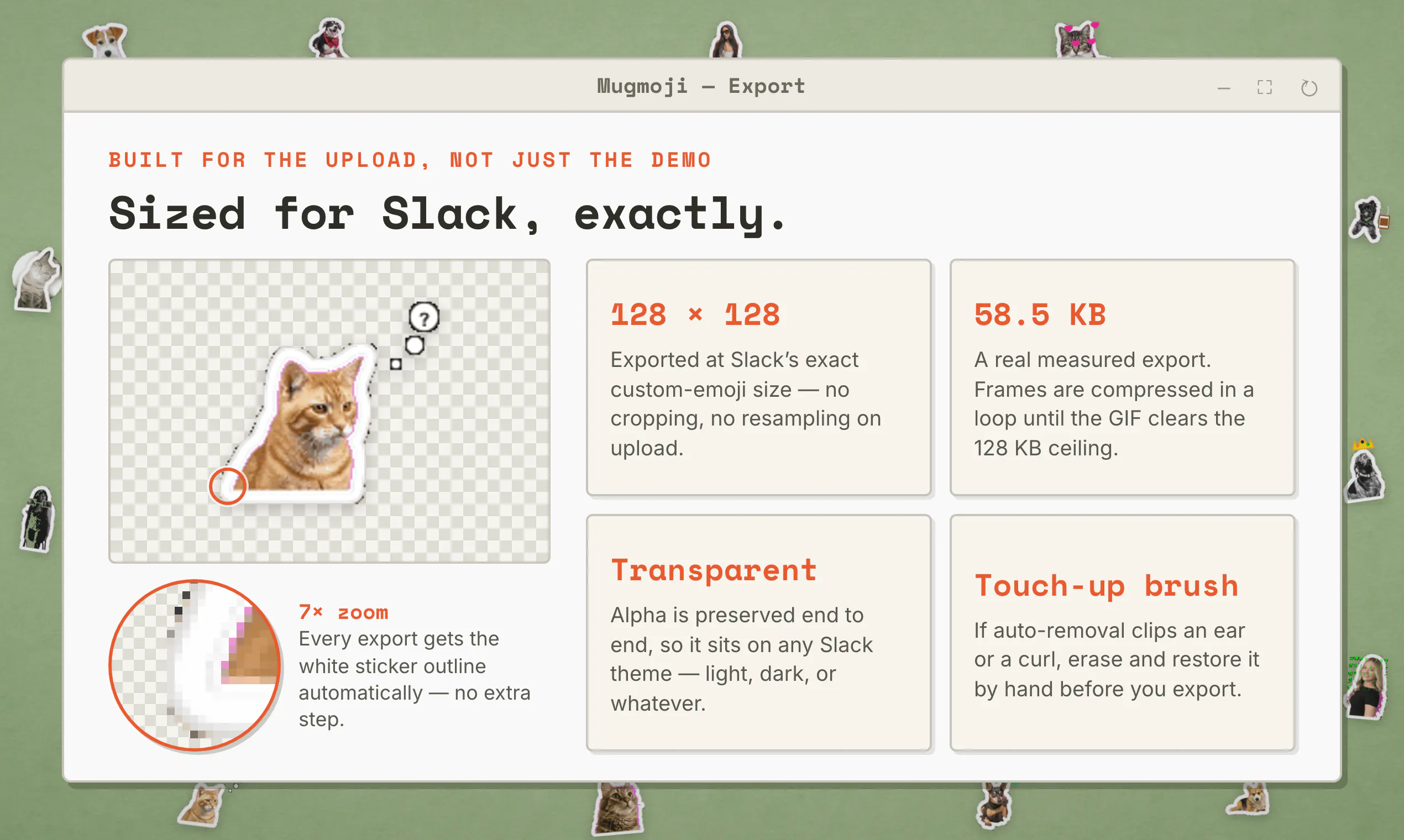
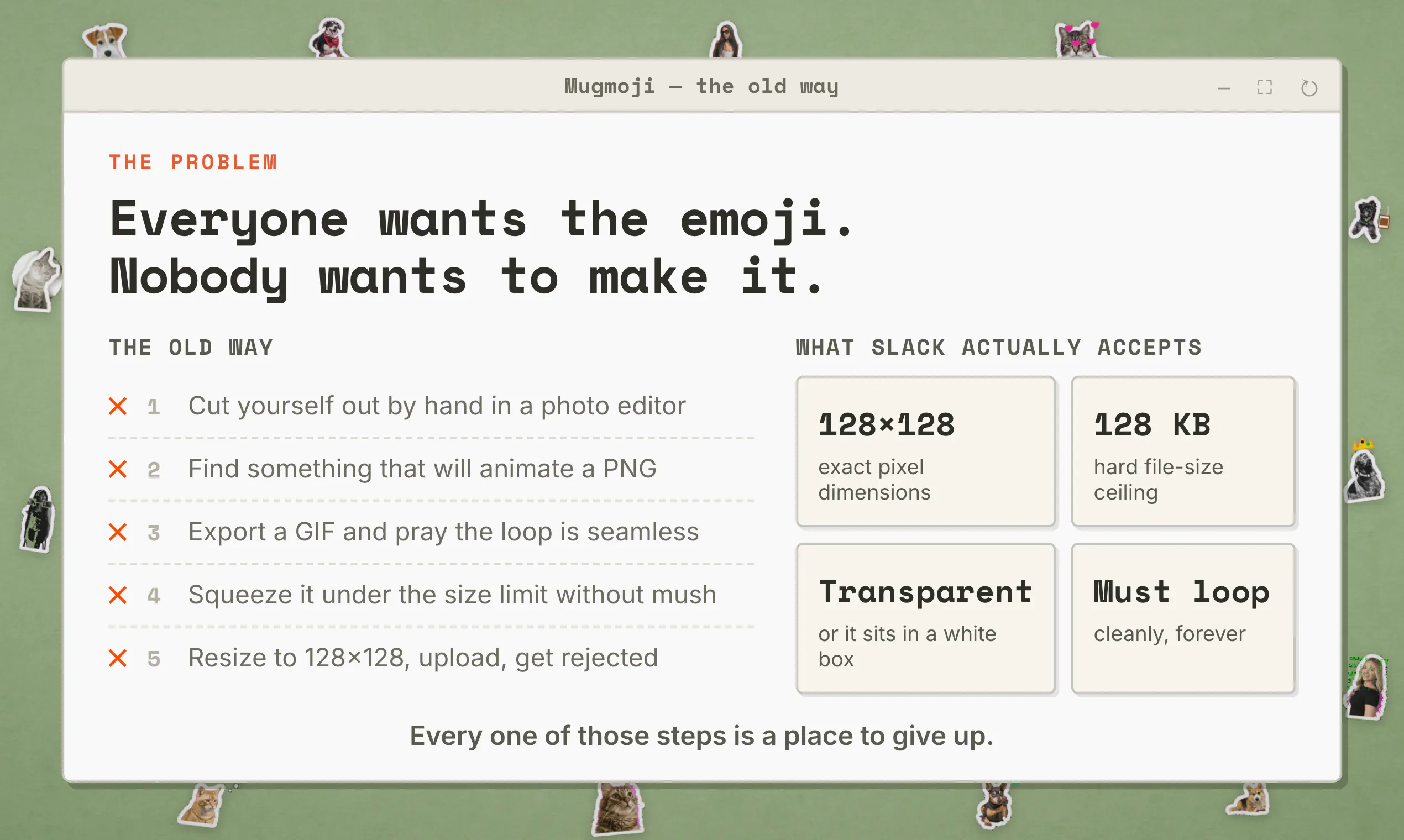
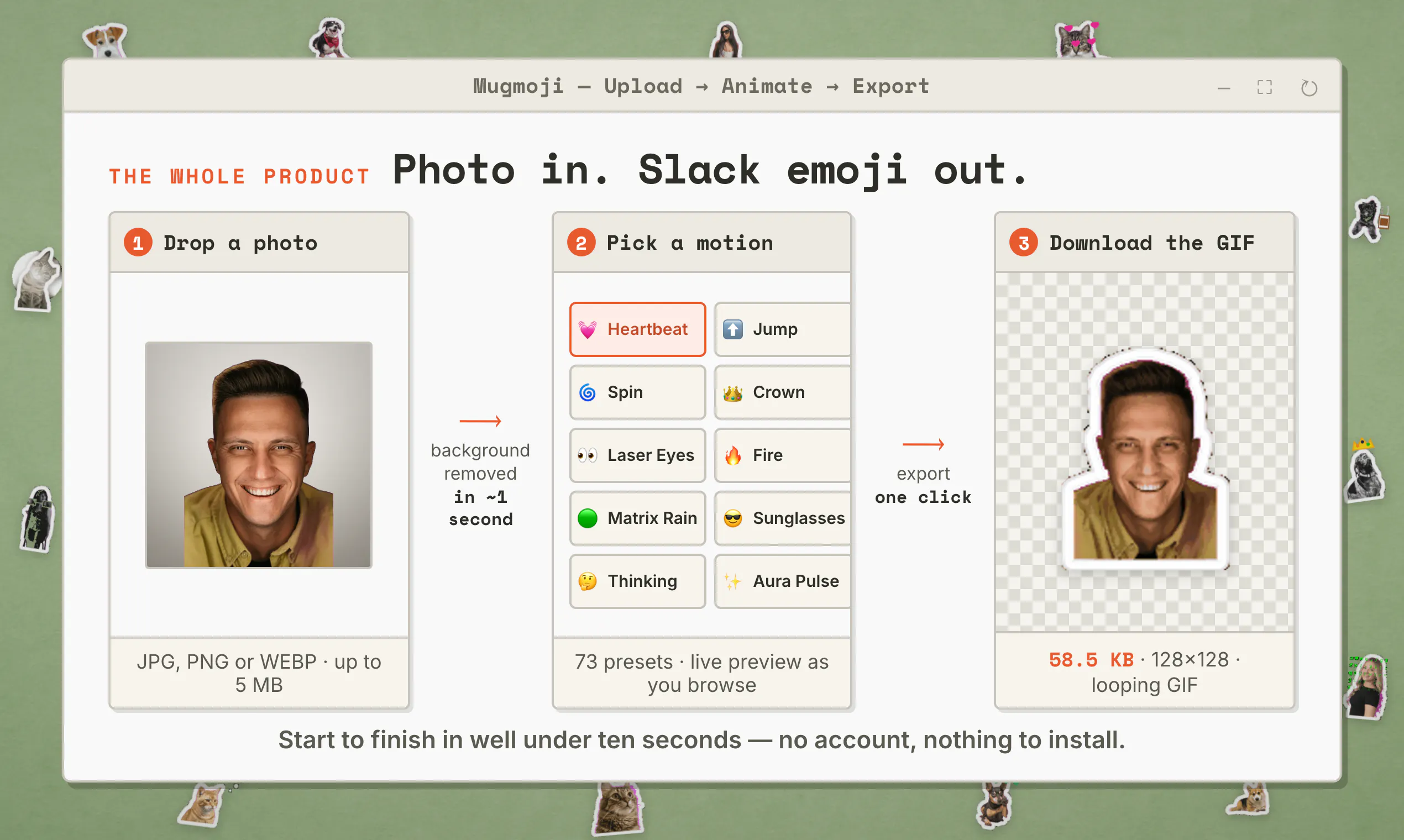
Mugmoji is a fun and innovative browser-based tool that transforms any photo into a lively animated Slack emoji. Perfect for Slack users, content creators, and team managers, Mugmoji simplifies the process of creating personalized emojis without the need for complex editing software. Users simply upload a photo, and Mugmoji automatically removes the background, offering a variety of 73 motion presets to animate the image. The final product is a compact, optimized GIF that fits Slack’s 128KB emoji limit, ready to upload and use instantly. Its no-install, no-account, entirely browser-based nature makes it incredibly accessible and quick to use. Whether for team branding, fun interactions, or enhancing communication, Mugmoji stands out by combining ease of use with high-quality results, all at no cost.
Screenshots
+1 more screenshots
Pros
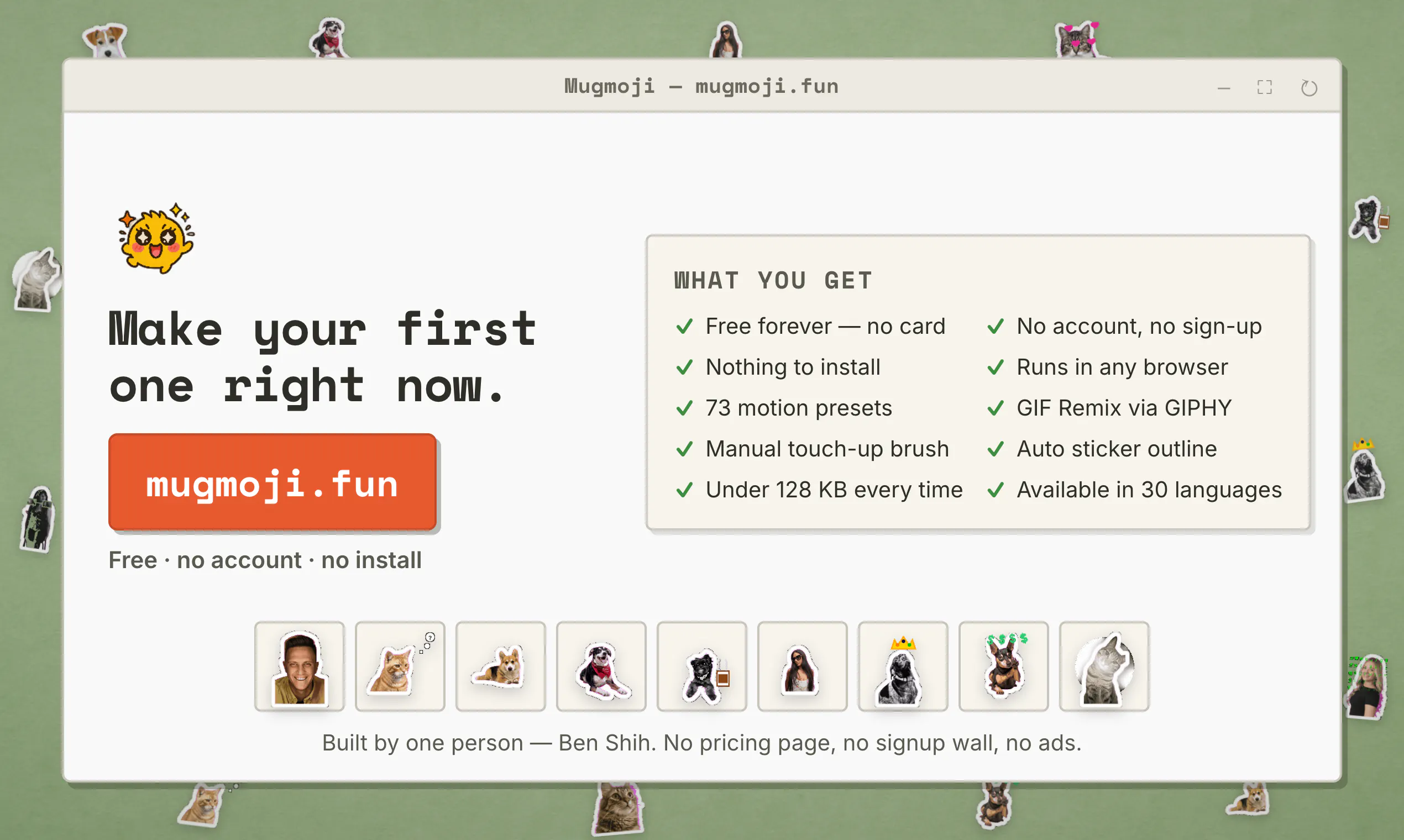
- ✓Free to use with no account or installation required
- ✓Automatic background removal simplifies editing process
- ✓Wide selection of 73 motion presets for varied animations
- ✓Optimized for Slack's emoji size limits
- ✓Fast, browser-based, accessible from any device
Cons
- ✗Limited to Slack emoji creation, not suitable for other formats
- ✗No advanced customization options beyond presets
- ✗Performance may vary depending on browser/device capabilities
Use Cases
Pricing
Free to use with no restrictions, making it accessible for individual users and teams without any subscription or paywall.
Quick Info
Topics
Makers

Ben Shih
Alternatives
Similar Tools in AI Image & Design




Embed Badge
Add this badge to your website to show that Mugmoji is featured on Visalytica.
<a href="https://www.visalytica.com/tool/mugmoji" target="_blank" rel="noopener noreferrer" style="display:inline-flex;align-items:center;gap:6px;padding:6px 14px;background:#7c3aed;color:#fff;border-radius:8px;font-family:-apple-system,system-ui,sans-serif;font-size:13px;font-weight:600;text-decoration:none;transition:background .2s" onmouseover="this.style.background='#6d28d9'" onmouseout="this.style.background='#7c3aed'"><svg width="14" height="14" viewBox="0 0 24 24" fill="none" stroke="currentColor" stroke-width="2.5" stroke-linecap="round" stroke-linejoin="round"><path d="M12 20V10"/><path d="M18 20V4"/><path d="M6 20v-4"/></svg>Featured on Visalytica</a>