
Monkey Morse
A typing test, but for dits and dahs
About Monkey Morse
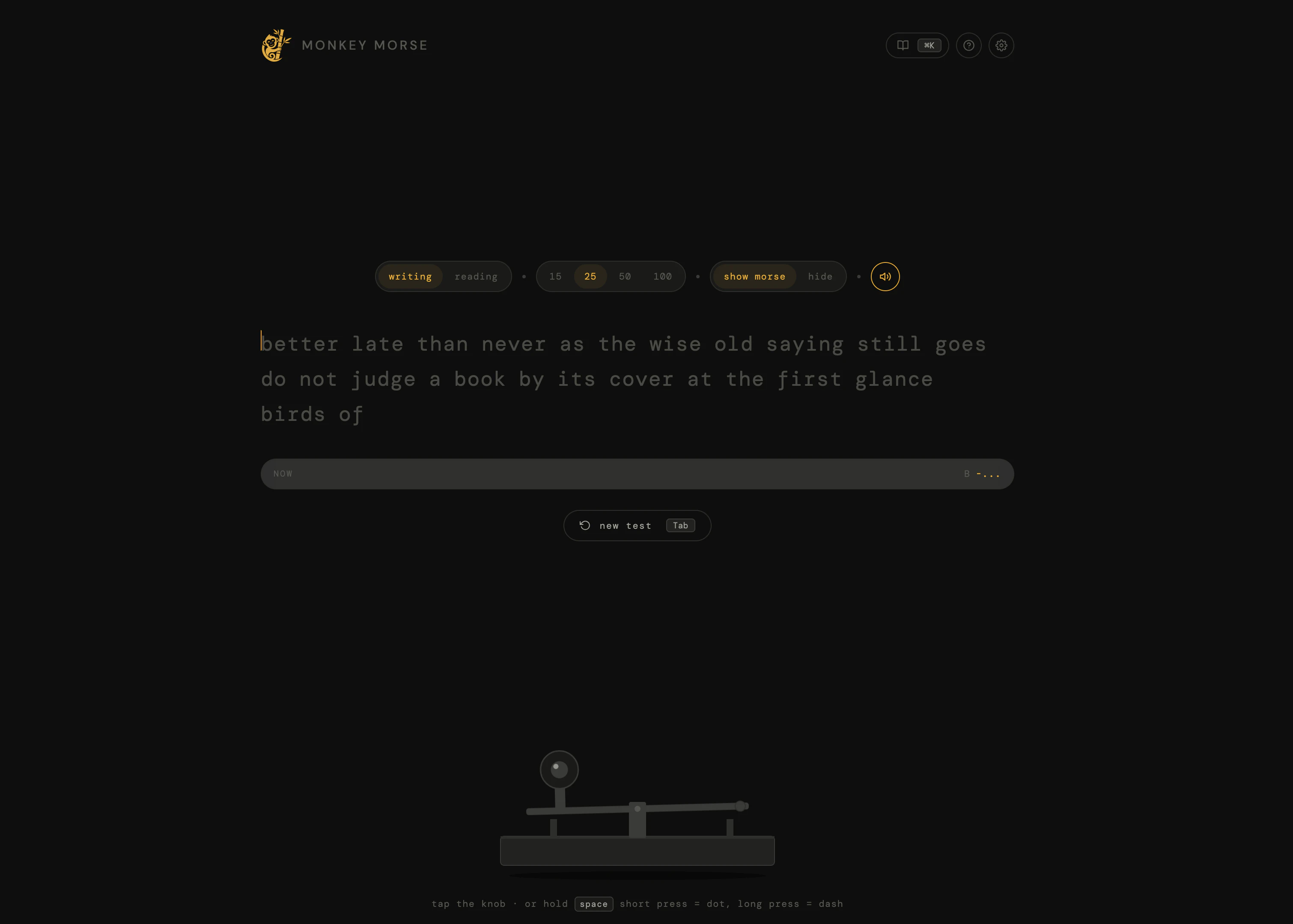
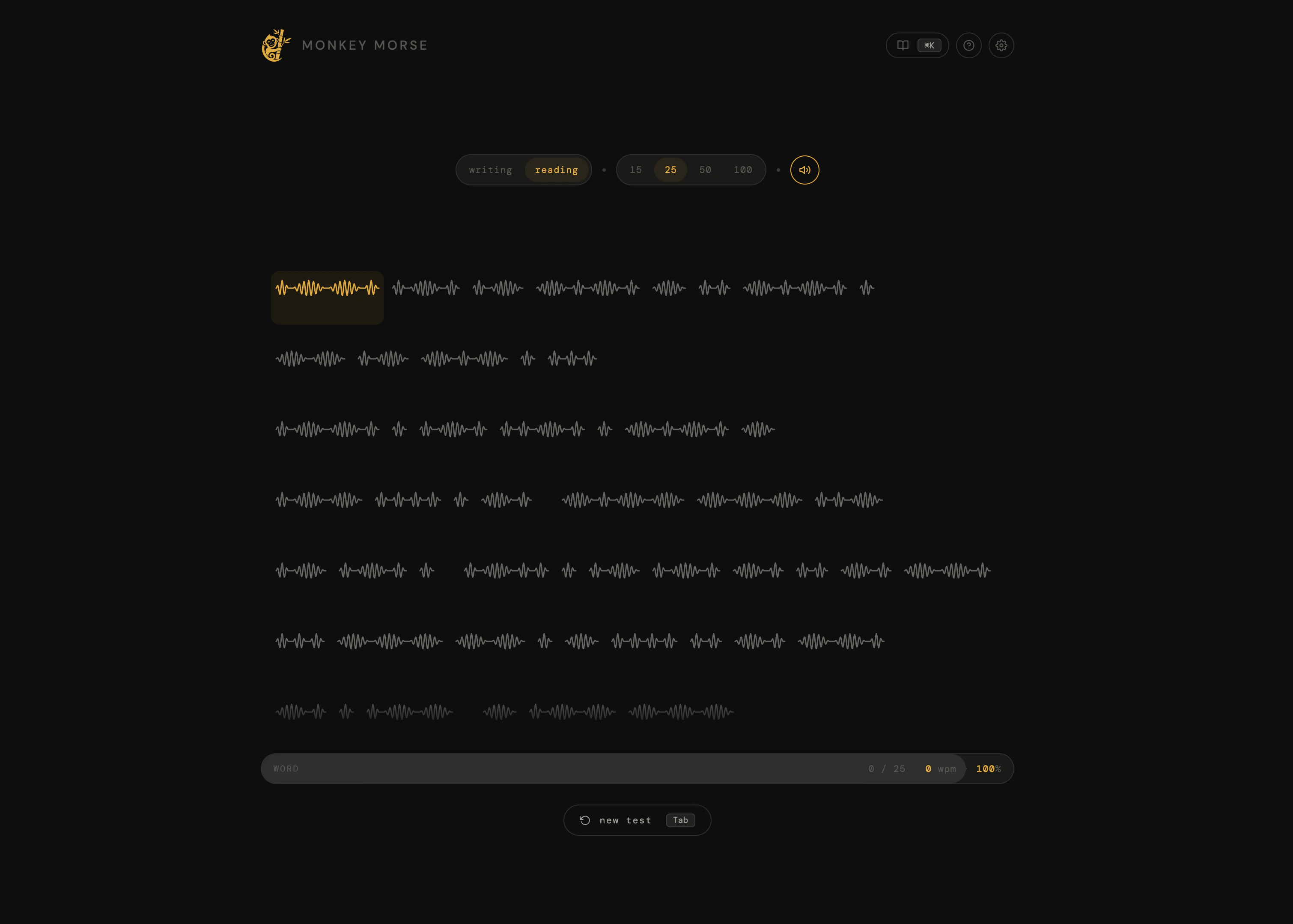
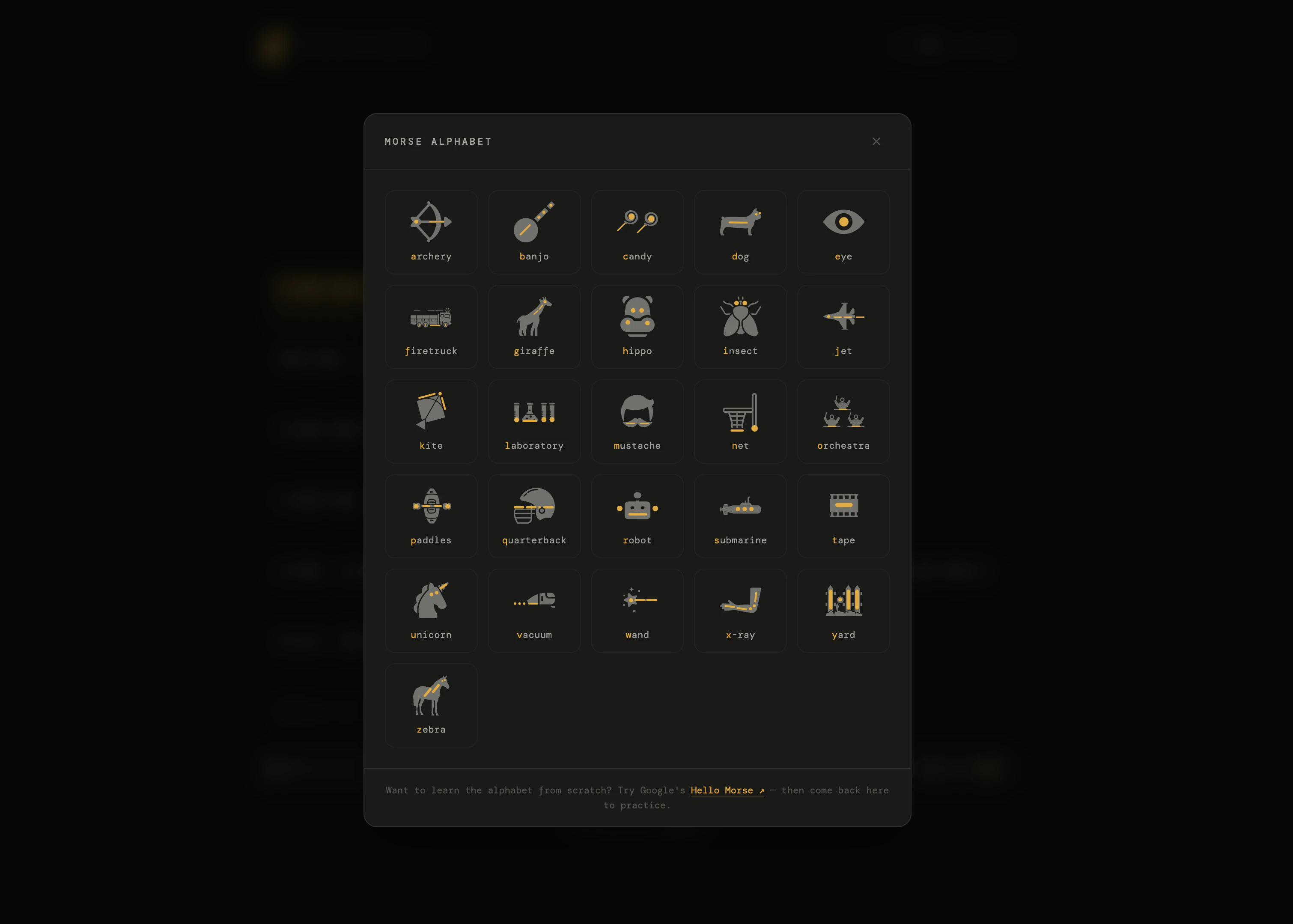
Monkey Morse is an innovative, browser-based Morse code trainer designed for both enthusiasts and learners looking to improve their telegraph skills. Inspired by the sleek interface of monkeytype, it offers a unique blend of typing practice and audio decoding exercises. Users can tap a telegraph key to send dots and dashes or decode Morse audio to match letters, making it a versatile tool for mastering Morse code. Its real-time tracking of WPM, accuracy, and consistency provides immediate feedback, encouraging steady progress. The platform's simplicity, combined with no required signup and being entirely free, makes it accessible for anyone interested in learning or practicing Morse code at their own pace. Whether you're a hobbyist, student, or professional in communications, Monkey Morse offers a fun and effective way to sharpen your skills.
Screenshots
Pros
- ✓Intuitive, clean interface inspired by popular typing tools
- ✓Supports both manual Morse key tapping and audio decoding exercises
- ✓Real-time performance tracking for motivation and progress
- ✓No signup required, completely free to use
- ✓Suitable for all skill levels, from beginners to advanced users
Cons
- ✗Limited customization options compared to dedicated Morse code training apps
- ✗Lacks advanced features like structured lessons or gamification beyond basic tests
- ✗May not be ideal for very serious or professional Morse code training
Use Cases
Pricing
Free to use with no signup required, making it accessible for casual learners and hobbyists. There are no indications of paid plans or premium features at this time.
Quick Info
Topics
Alternatives
Similar Tools in Productivity




Embed Badge
Add this badge to your website to show that Monkey Morse is featured on Visalytica.
<a href="https://www.visalytica.com/tool/monkey-morse" target="_blank" rel="noopener noreferrer" style="display:inline-flex;align-items:center;gap:6px;padding:6px 14px;background:#7c3aed;color:#fff;border-radius:8px;font-family:-apple-system,system-ui,sans-serif;font-size:13px;font-weight:600;text-decoration:none;transition:background .2s" onmouseover="this.style.background='#6d28d9'" onmouseout="this.style.background='#7c3aed'"><svg width="14" height="14" viewBox="0 0 24 24" fill="none" stroke="currentColor" stroke-width="2.5" stroke-linecap="round" stroke-linejoin="round"><path d="M12 20V10"/><path d="M18 20V4"/><path d="M6 20v-4"/></svg>Featured on Visalytica</a>