
Mojito
Type to search for any emoji or symbol in seconds
About Mojito
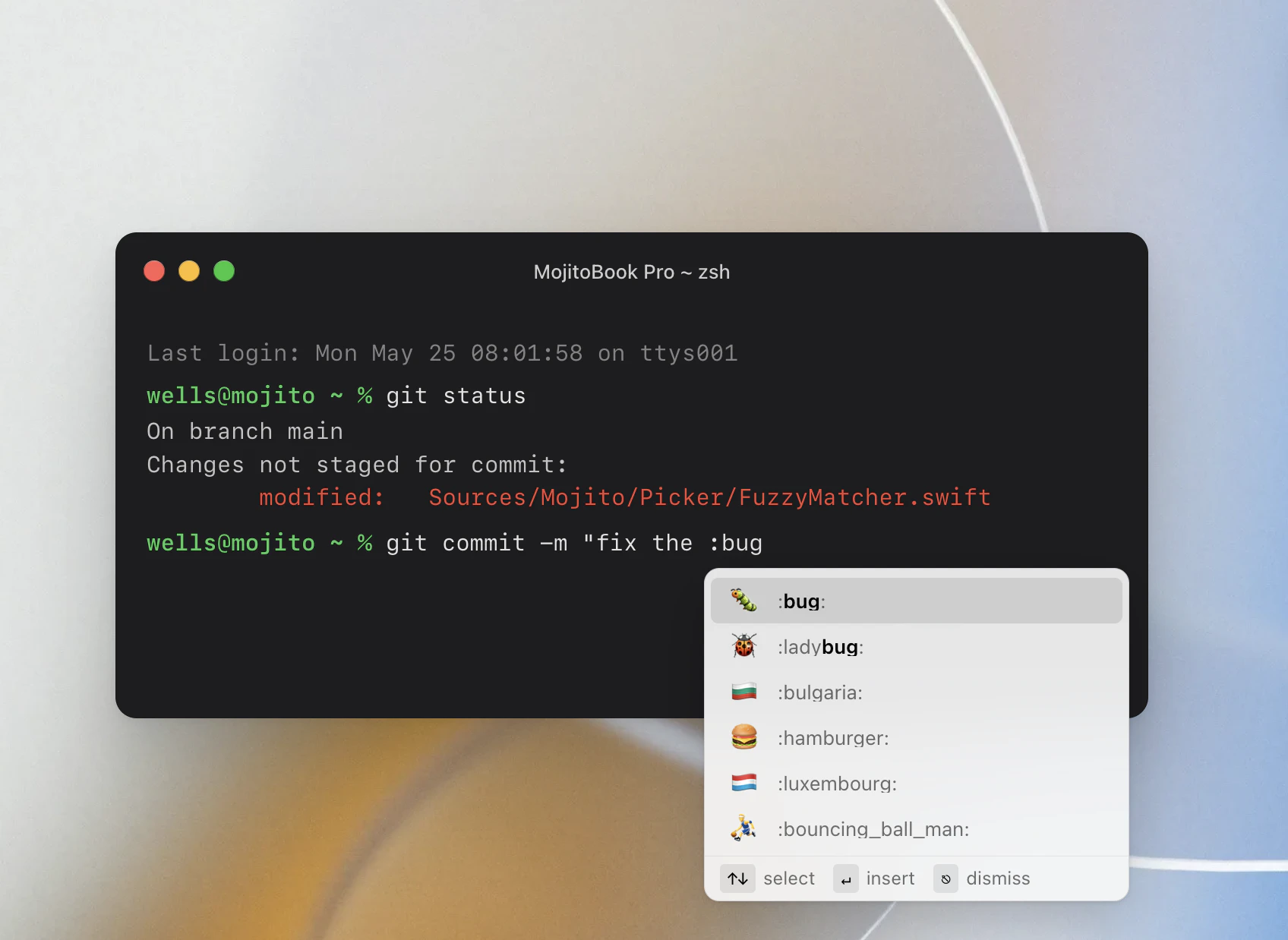
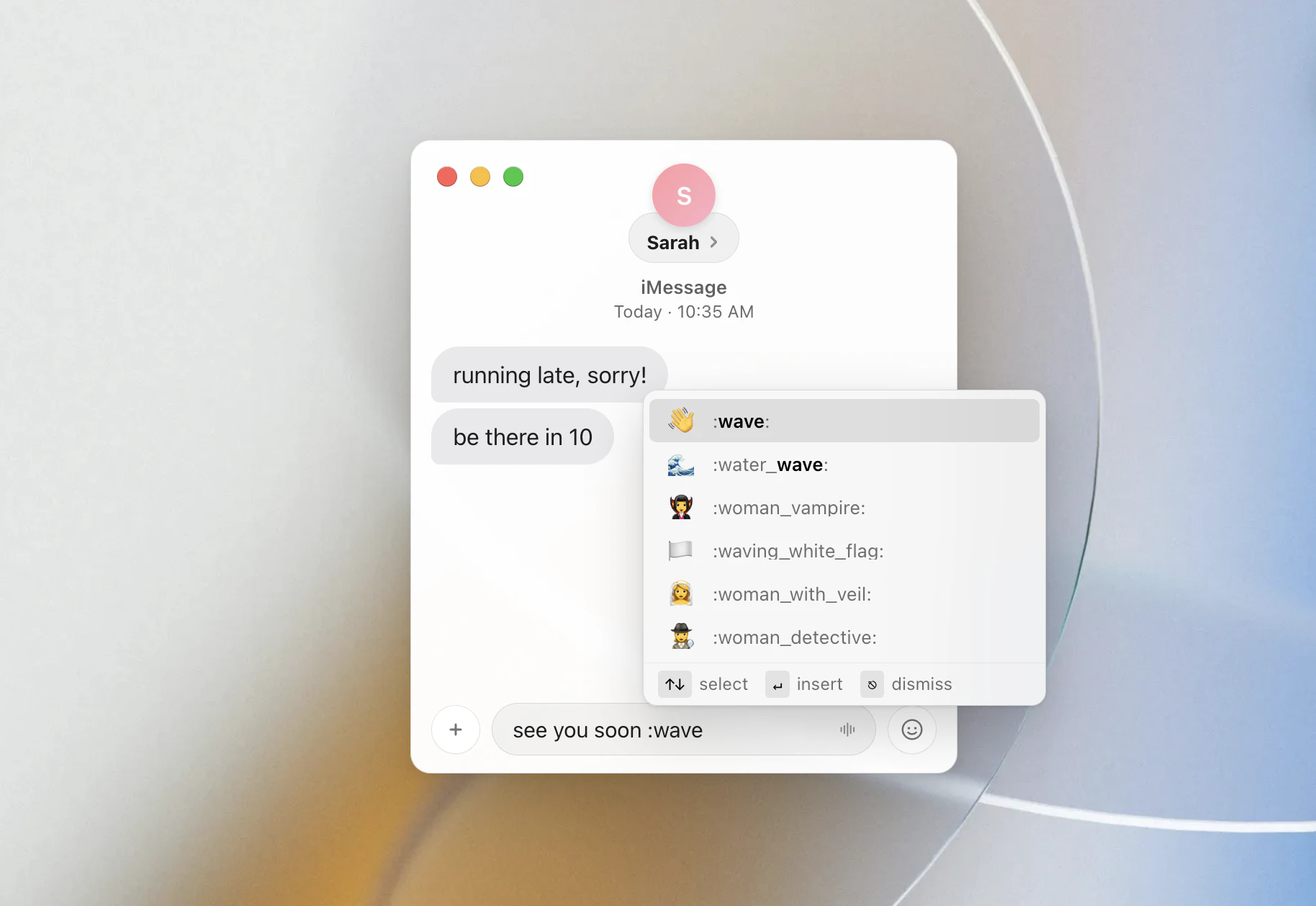
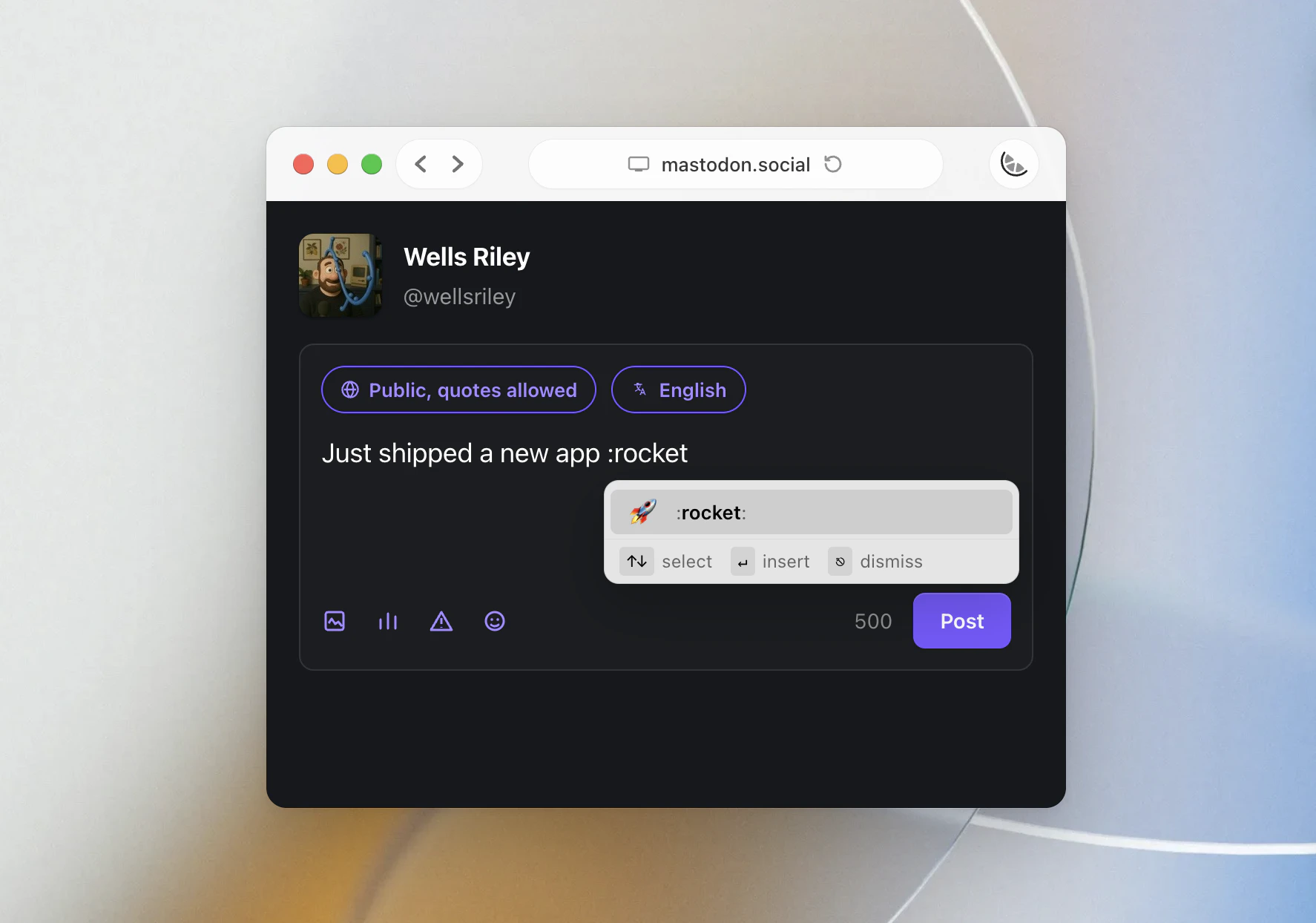
Mojito is a powerful open-source tool that brings universal emoji and symbol autocomplete to macOS, making it effortless to insert emojis, symbols, or shortcodes across any application. Unlike native or app-specific solutions, Mojito works system-wide, allowing users to type ':' followed by their search term to quickly find and insert emojis in TextEdit, iMessage, Terminal, and more. Its smart design ensures it seamlessly ignores apps that already support emoji autocomplete, providing a smooth, non-intrusive experience. Ideal for developers, content creators, and casual users alike, Mojito enhances communication by simplifying emoji insertion without requiring complex setup or subscriptions. Its open-source nature invites community contributions, making it a flexible and customizable tool for anyone looking to improve their macOS emoji experience.
Screenshots
Pros
- ✓System-wide emoji autocomplete for all apps
- ✓Open-source and free to use
- ✓Easy to activate with simple colon-based search
- ✓Works seamlessly across various macOS applications
- ✓Smartly ignores apps with native emoji support
Cons
- ✗Requires manual installation and setup for some users
- ✗Limited to macOS, not available for other operating systems
- ✗May lack advanced features found in dedicated emoji keyboards
Use Cases
Pricing
Free and open-source, relying on community contributions and donations for ongoing development.
Quick Info
Topics
Alternatives
Similar Tools in Developer Tools




Embed Badge
Add this badge to your website to show that Mojito is featured on Visalytica.
<a href="https://www.visalytica.com/tool/mojito" target="_blank" rel="noopener noreferrer" style="display:inline-flex;align-items:center;gap:6px;padding:6px 14px;background:#7c3aed;color:#fff;border-radius:8px;font-family:-apple-system,system-ui,sans-serif;font-size:13px;font-weight:600;text-decoration:none;transition:background .2s" onmouseover="this.style.background='#6d28d9'" onmouseout="this.style.background='#7c3aed'"><svg width="14" height="14" viewBox="0 0 24 24" fill="none" stroke="currentColor" stroke-width="2.5" stroke-linecap="round" stroke-linejoin="round"><path d="M12 20V10"/><path d="M18 20V4"/><path d="M6 20v-4"/></svg>Featured on Visalytica</a>