
Mojave Paint
Direct manipulation of static images on the Mac platform
About Mojave Paint
Mojave Paint is a dedicated Mac-based image editor focused on precise, direct manipulation of static bitmap images. Designed by a seasoned team with roots in classic graphic tools from the original Mac and Amiga eras, Mojave Paint aims to offer a straightforward, no-nonsense solution for artists and designers who prefer hands-on control over their images. Unlike many modern editors that emphasize AI-assisted features, Mojave Paint emphasizes traditional editing techniques, giving users a more tactile and authentic editing experience. Its simplicity and focus make it ideal for those who want to own every pixel and craft images with precision, without the clutter of modern AI-driven tools.
Screenshots
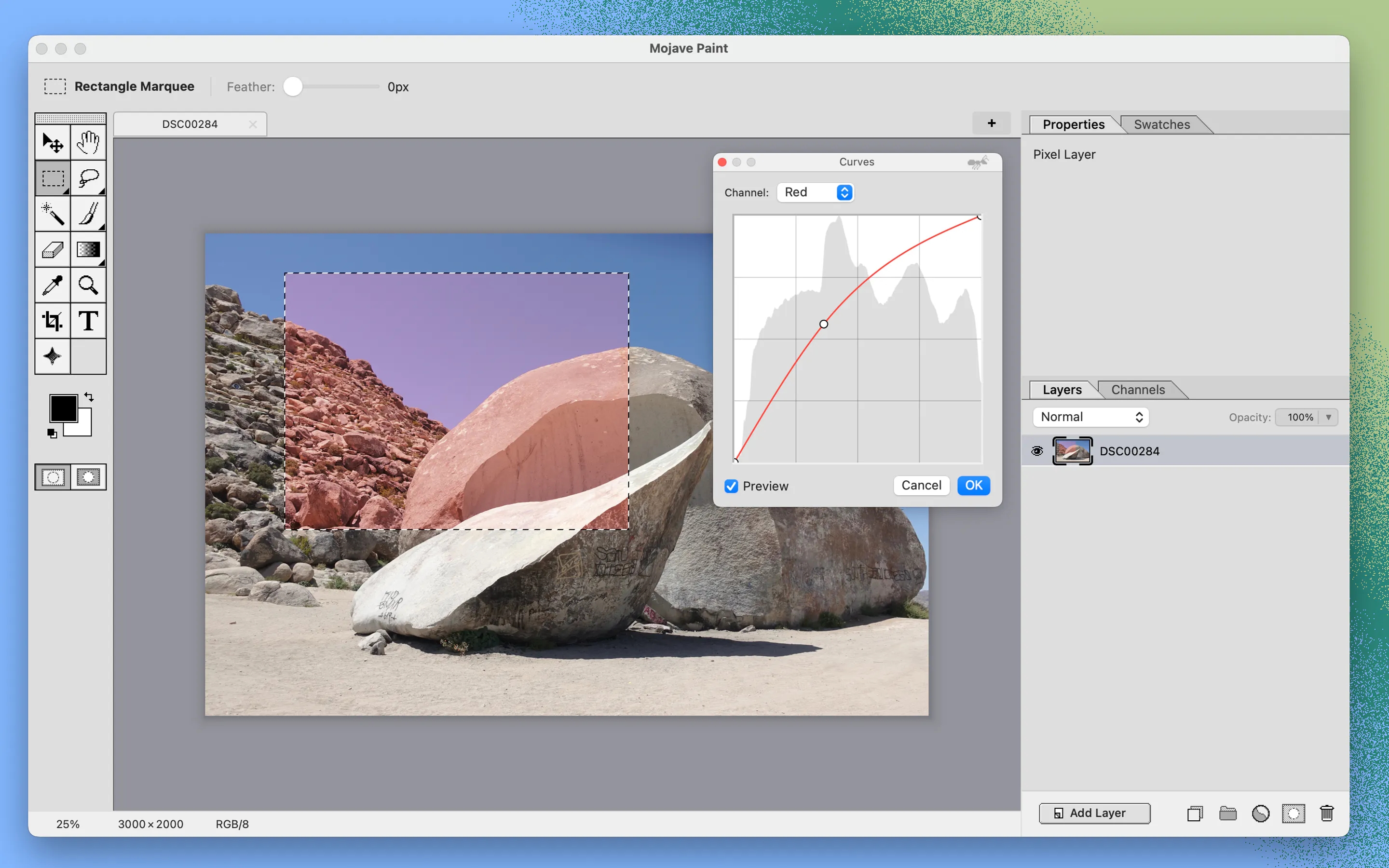
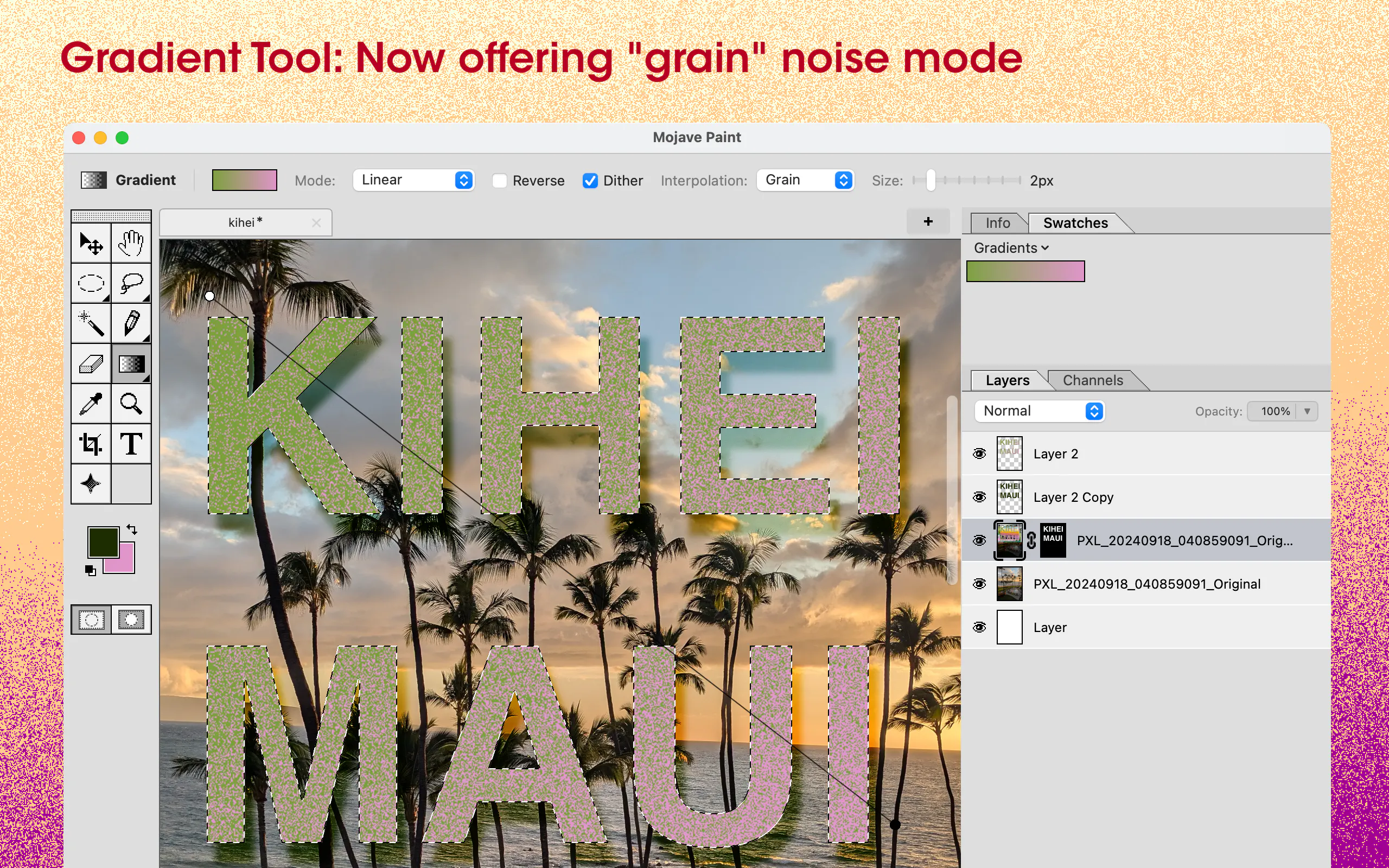
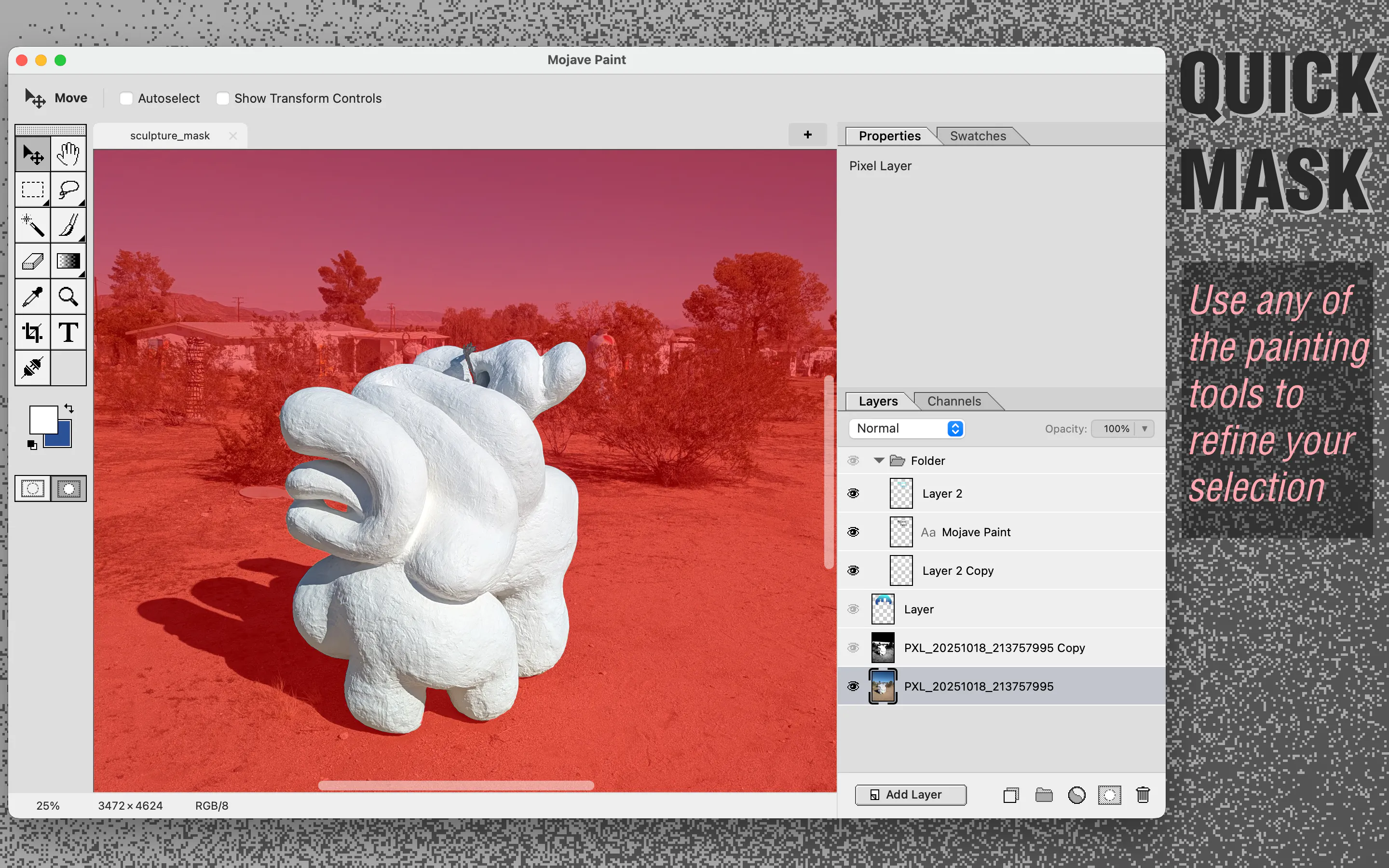
Pros
- ✓Intuitive direct manipulation for precise editing
- ✓Focus on traditional bitmap editing techniques
- ✓Lightweight and Mac-native, ensuring smooth performance
- ✓No reliance on AI features, appealing to purists
- ✓Long-standing heritage from classic graphic editors
Cons
- ✗Lacks AI-powered tools or automation features
- ✗Limited to static image editing, no animation support
- ✗May not have advanced features found in mainstream editors
Use Cases
Pricing
Likely follows a single purchase or subscription model typical for dedicated Mac applications, with no free tier mentioned. Exact pricing details are uncertain but may be reasonably priced for niche professionals.
Quick Info
Topics
Makers

John Simons
Alternatives
Similar Tools in AI Image & Design




Embed Badge
Add this badge to your website to show that Mojave Paint is featured on Visalytica.
<a href="https://www.visalytica.com/tool/mojave-paint" target="_blank" rel="noopener noreferrer" style="display:inline-flex;align-items:center;gap:6px;padding:6px 14px;background:#7c3aed;color:#fff;border-radius:8px;font-family:-apple-system,system-ui,sans-serif;font-size:13px;font-weight:600;text-decoration:none;transition:background .2s" onmouseover="this.style.background='#6d28d9'" onmouseout="this.style.background='#7c3aed'"><svg width="14" height="14" viewBox="0 0 24 24" fill="none" stroke="currentColor" stroke-width="2.5" stroke-linecap="round" stroke-linejoin="round"><path d="M12 20V10"/><path d="M18 20V4"/><path d="M6 20v-4"/></svg>Featured on Visalytica</a>