
Mode AI
AI Assistant in your pocket
About Mode AI
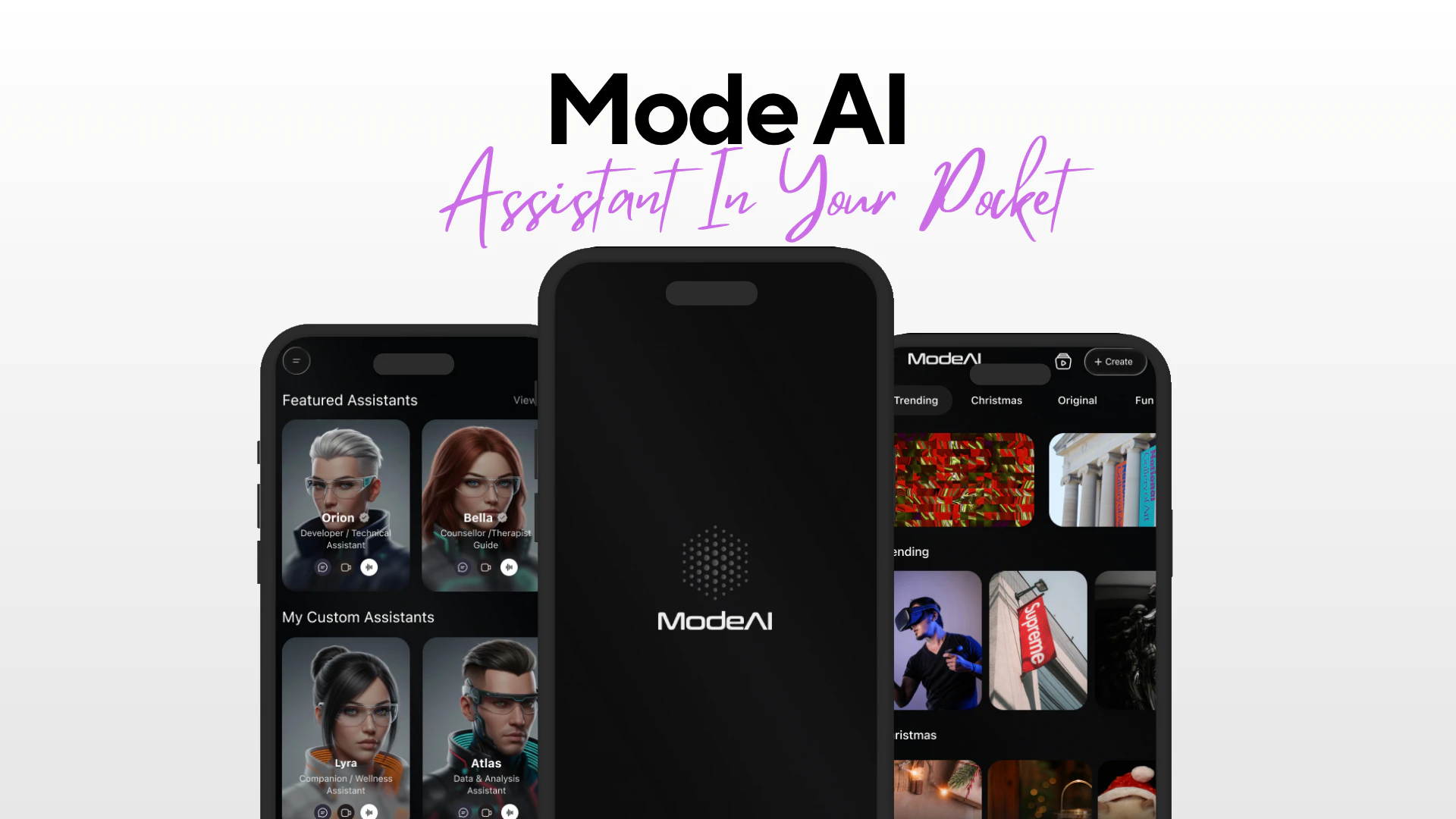
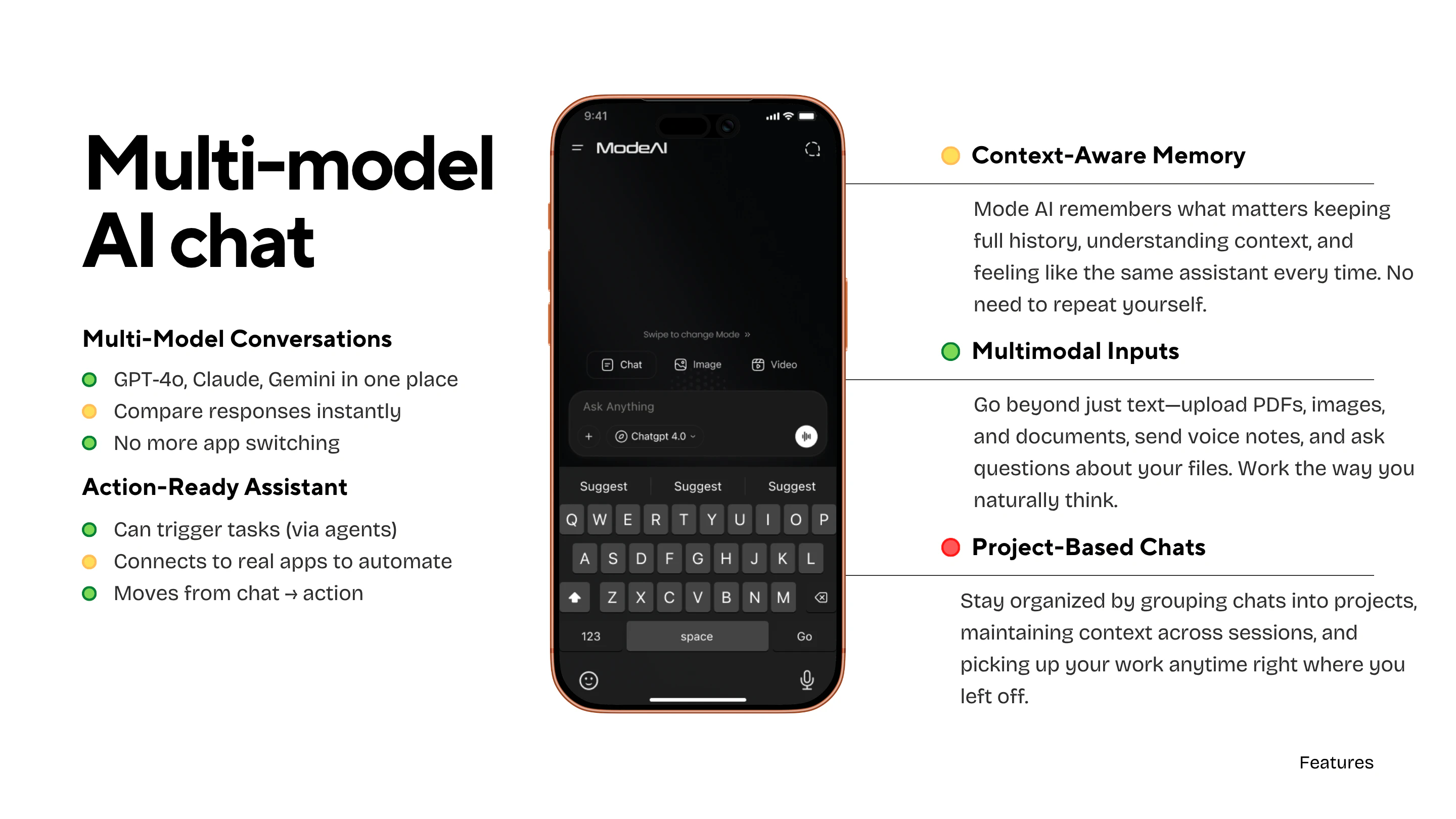
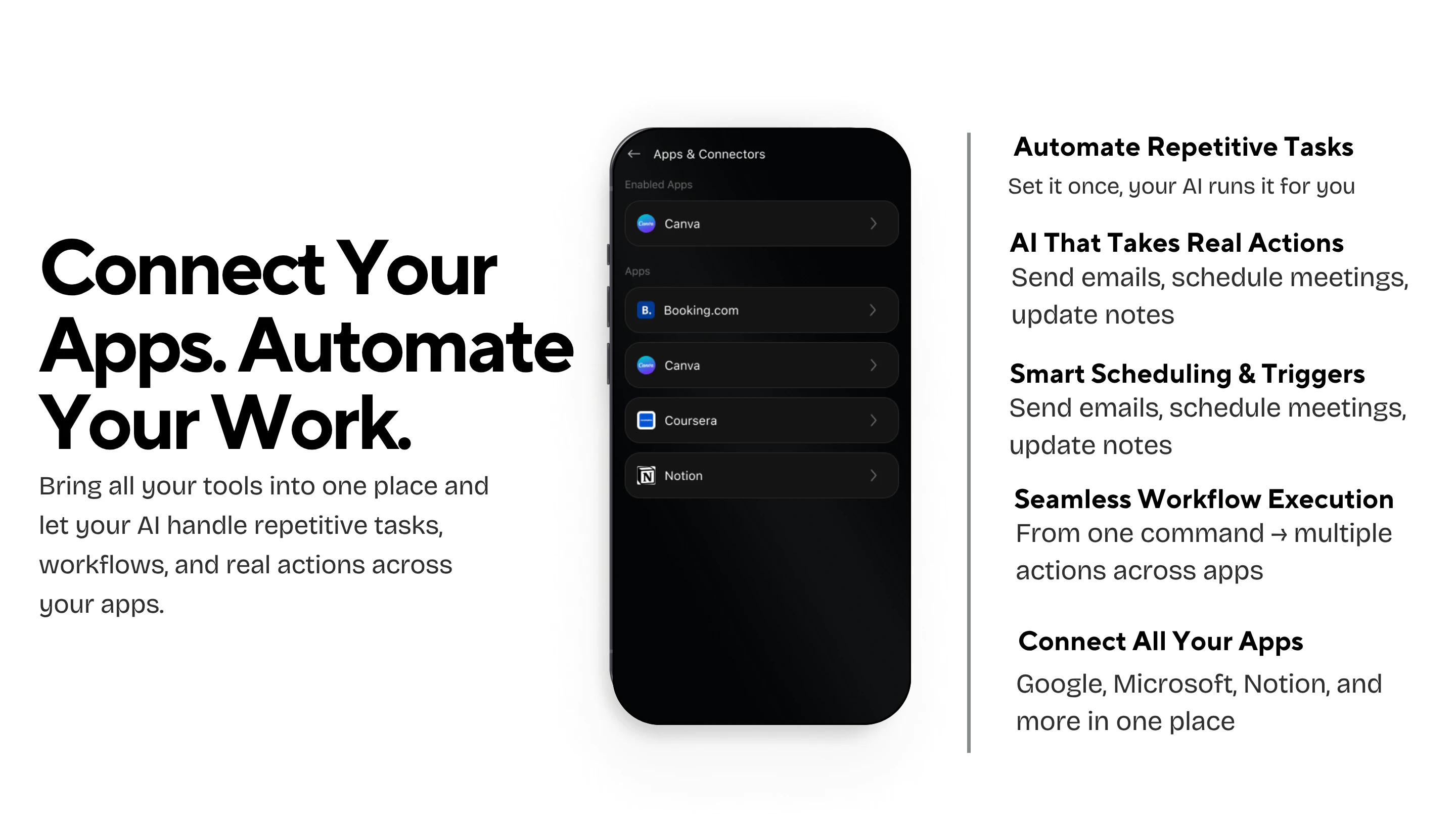
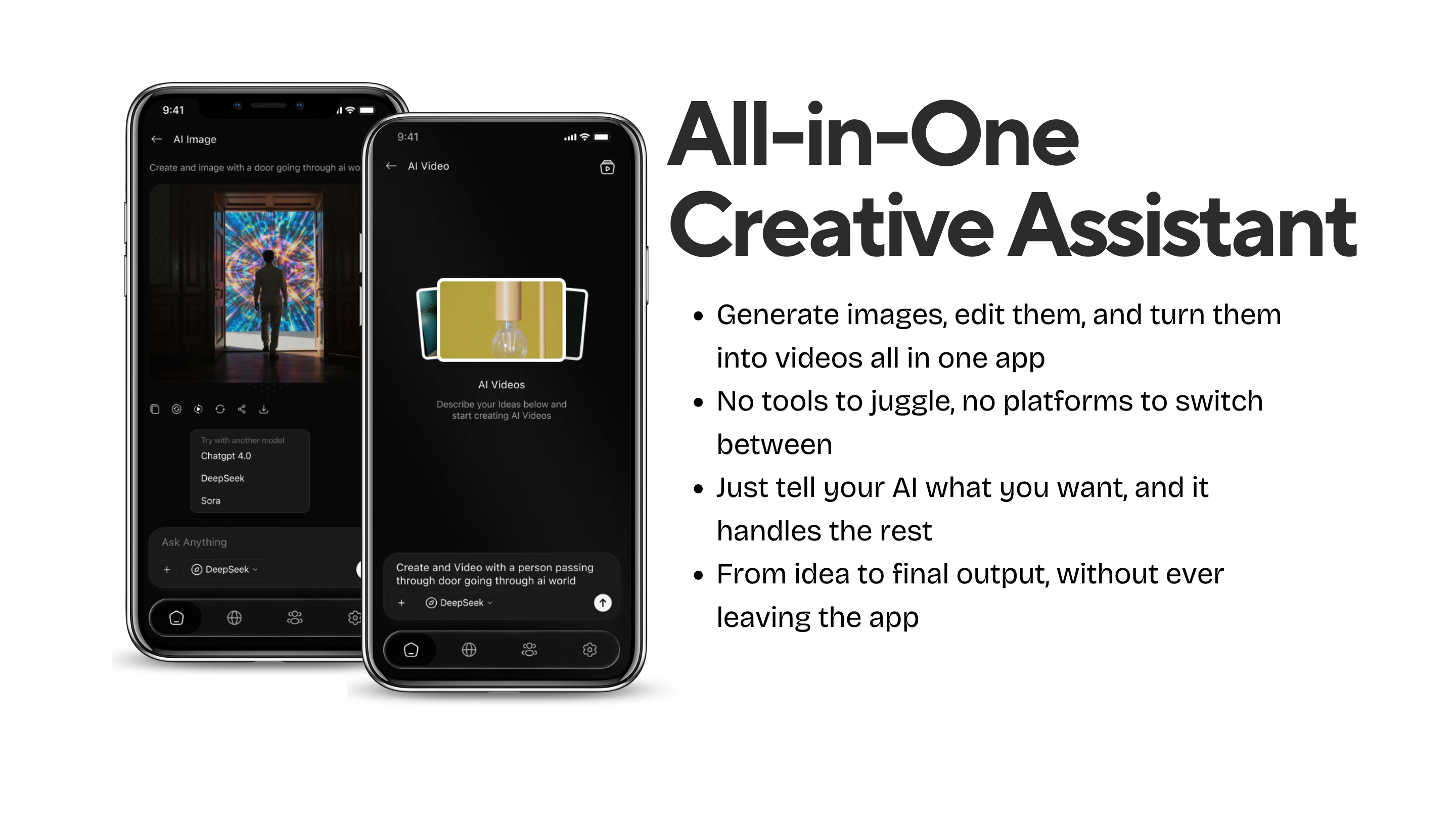
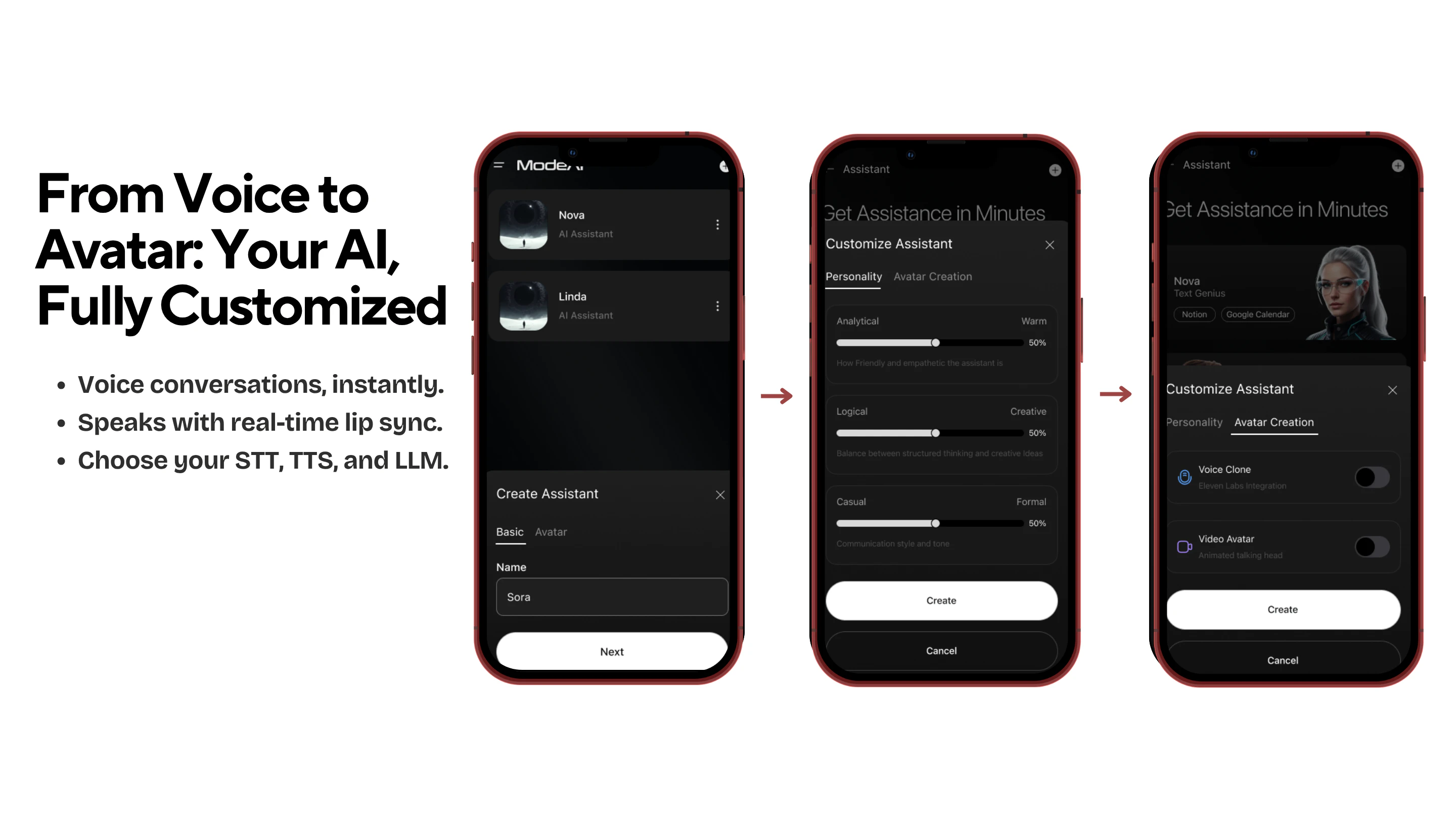
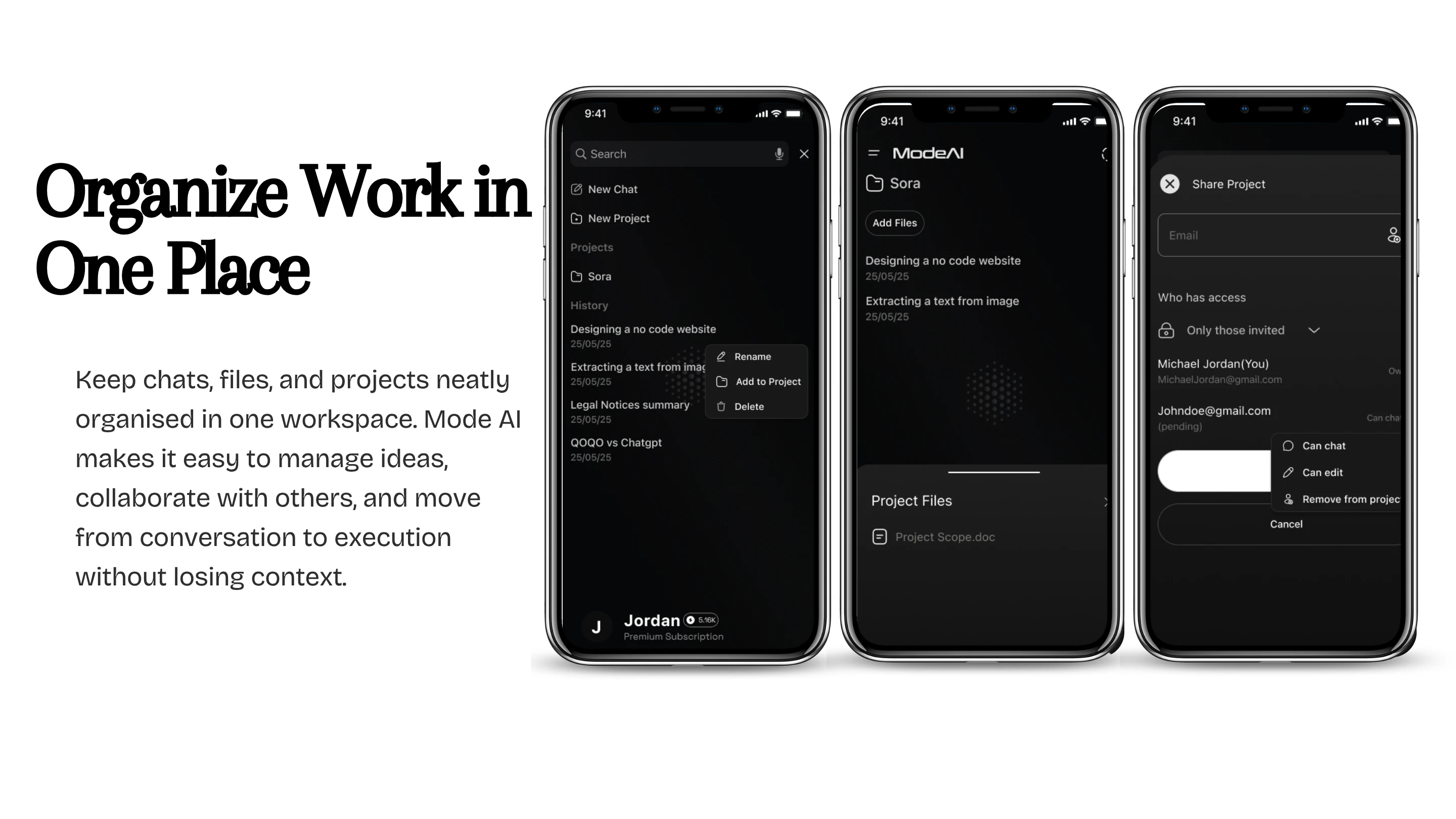
Mode AI is an innovative AI-powered assistant designed to streamline professional workflows by integrating seamlessly with popular productivity tools like Gmail, Docs, Teams, and Outlook. It allows users to manage their tasks through simple voice or chat commands, making activities such as drafting emails, summarizing documents, scheduling appointments, and staying organized effortless. Additionally, Mode AI enhances creative capabilities with built-in image and video generation, transforming ideas into visual content within a unified AI workspace. This tool is ideal for busy professionals, remote teams, and anyone seeking to boost productivity and creativity through automation. Its all-in-one interface reduces context switching, saving time and increasing efficiency, while its intuitive design makes complex tasks accessible to users of varying technical skills. Mode AI stands out by combining task management, communication, and creative tools into a single, accessible platform, empowering users to work smarter, not harder.
Screenshots
Pros
- ✓Seamless integration with popular productivity apps like Gmail, Docs, Teams, and Outlook
- ✓Voice and chat commands simplify task management and communication
- ✓Built-in creative tools for image and video generation
- ✓All-in-one AI workspace reduces the need for multiple tools
- ✓User-friendly interface suitable for various skill levels
Cons
- ✗Potential learning curve for new users unfamiliar with AI assistants
- ✗Dependent on internet connectivity and platform integrations
- ✗Pricing details are not explicitly stated, which may impact budgeting decisions
Use Cases
Pricing
Likely operates on a freemium model with free access to core features and paid plans offering additional capabilities or higher usage limits. Exact pricing details are not publicly specified, so potential users should verify on the official website.
Quick Info
Topics
Alternatives
Similar Tools in AI Assistants




Embed Badge
Add this badge to your website to show that Mode AI is featured on Visalytica.
<a href="https://www.visalytica.com/tool/mode-ai" target="_blank" rel="noopener noreferrer" style="display:inline-flex;align-items:center;gap:6px;padding:6px 14px;background:#7c3aed;color:#fff;border-radius:8px;font-family:-apple-system,system-ui,sans-serif;font-size:13px;font-weight:600;text-decoration:none;transition:background .2s" onmouseover="this.style.background='#6d28d9'" onmouseout="this.style.background='#7c3aed'"><svg width="14" height="14" viewBox="0 0 24 24" fill="none" stroke="currentColor" stroke-width="2.5" stroke-linecap="round" stroke-linejoin="round"><path d="M12 20V10"/><path d="M18 20V4"/><path d="M6 20v-4"/></svg>Featured on Visalytica</a>