Mock Magic Presets
Use saved presets to quickly get a branded device video
About Mock Magic Presets
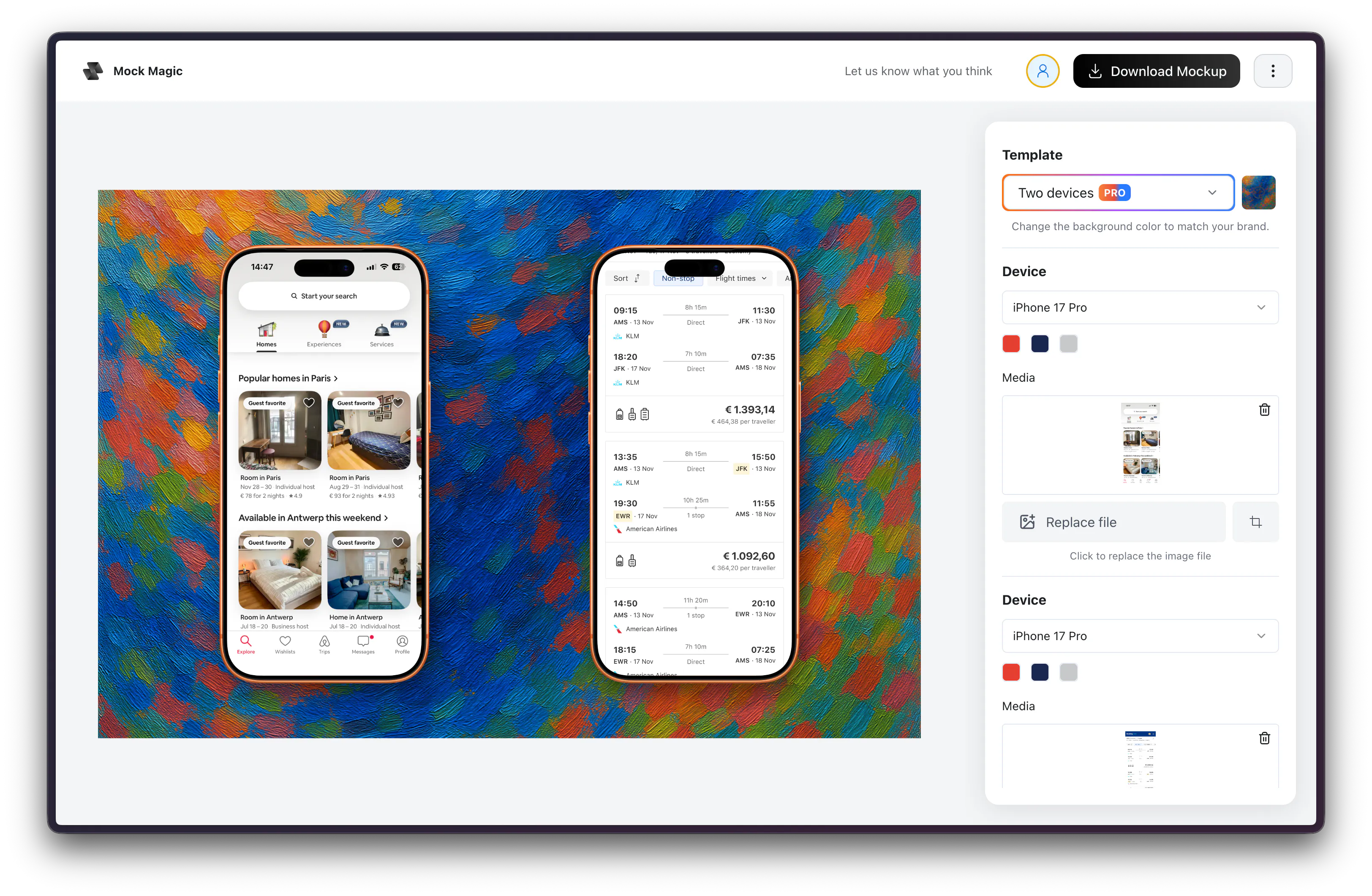
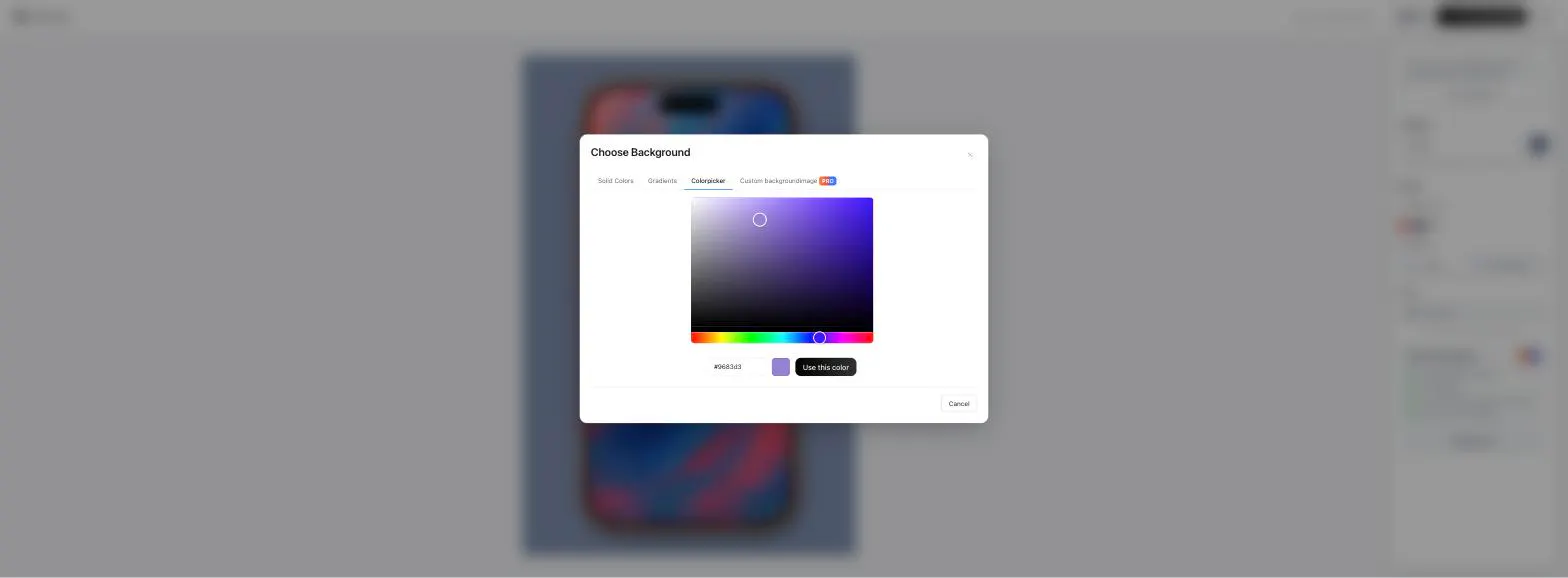
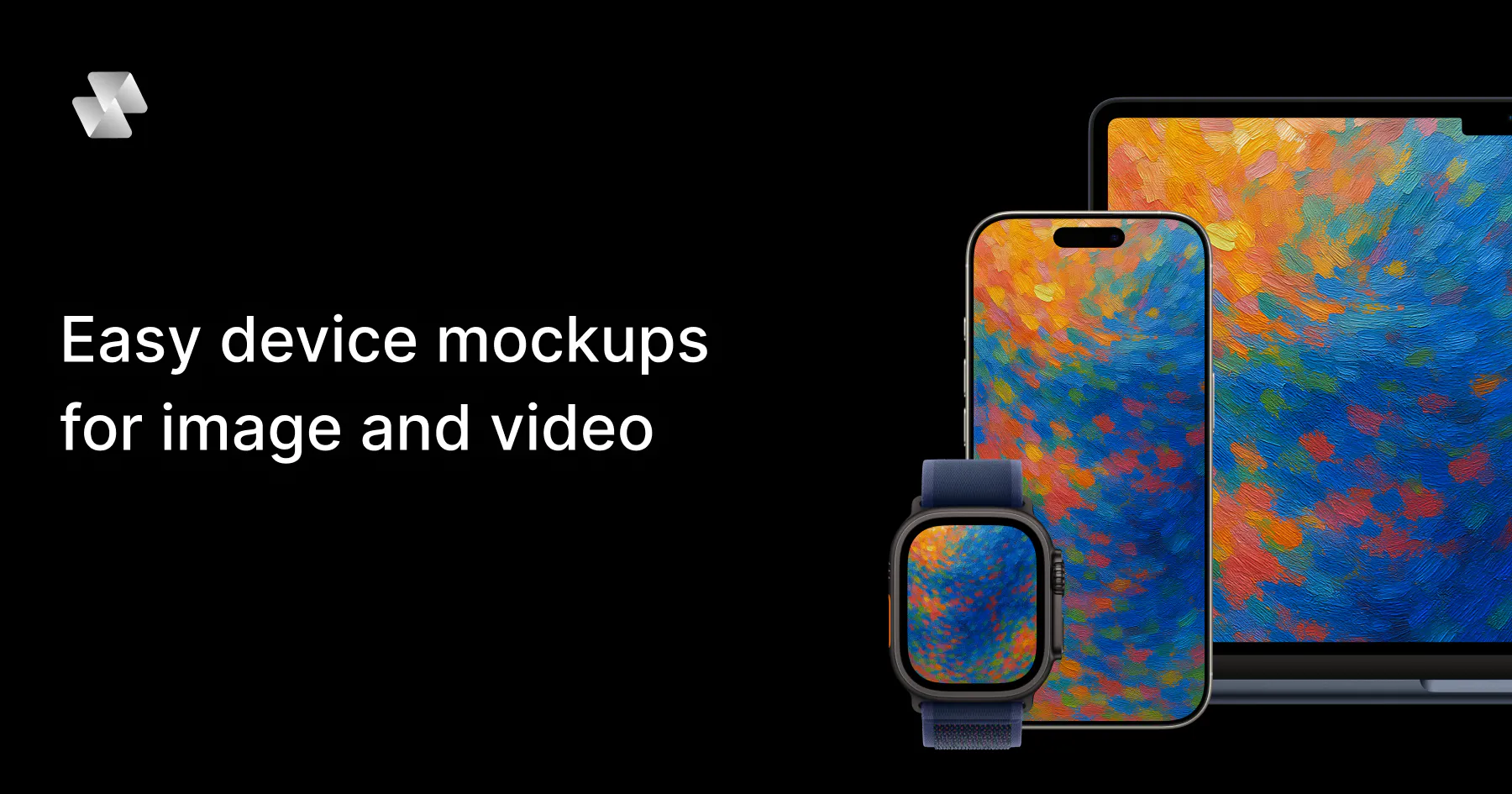
Mock Magic Presets is a innovative tool designed for marketers, designers, and app developers who need quick, branded device mockups without the hassle of complex software. Unlike traditional mockup tools that focus solely on static images, Mock Magic transforms screen recordings into sleek, branded device videos directly in the browser. Users can upload videos or images, select from various device models like iPhone 17 Pro or MacBook, and customize the appearance with brand colors or backgrounds. Once set up, users can save their presets for rapid reuse, ensuring consistency across app store listings, websites, and social media posts. Its ease of use, no-installation approach, and quick turnaround make it stand out for teams seeking efficient branding solutions.
Screenshots



Pros
- ✓Easy-to-use browser-based interface with no software installation required
- ✓Ability to turn screen recordings into polished device videos quickly
- ✓Customizable with brand colors, backgrounds, and device options
- ✓Reusable presets save time and ensure brand consistency
- ✓Supports multiple device types for versatile mockups
Cons
- ✗Limited to video mockups; does not support static image-only mockups
- ✗Features and customization options may be basic compared to professional video editing tools
- ✗Pricing details are not specified, which may affect budget planning
Use Cases
Pricing
Pricing not verified
Quick Info
Topics
Makers

Simon Blok
@SimonBlokAlternatives
Similar Tools in AI Image & Design




Embed Badge
Add this badge to your website to show that Mock Magic Presets is featured on Visalytica.
<a href="https://www.visalytica.com/tool/mock-magic-presets" target="_blank" rel="noopener noreferrer" style="display:inline-flex;align-items:center;gap:6px;padding:6px 14px;background:#7c3aed;color:#fff;border-radius:8px;font-family:-apple-system,system-ui,sans-serif;font-size:13px;font-weight:600;text-decoration:none;transition:background .2s" onmouseover="this.style.background='#6d28d9'" onmouseout="this.style.background='#7c3aed'"><svg width="14" height="14" viewBox="0 0 24 24" fill="none" stroke="currentColor" stroke-width="2.5" stroke-linecap="round" stroke-linejoin="round"><path d="M12 20V10"/><path d="M18 20V4"/><path d="M6 20v-4"/></svg>Featured on Visalytica</a>