
MinuteFile
Turn meetings into searchable transcripts. All local
About MinuteFile
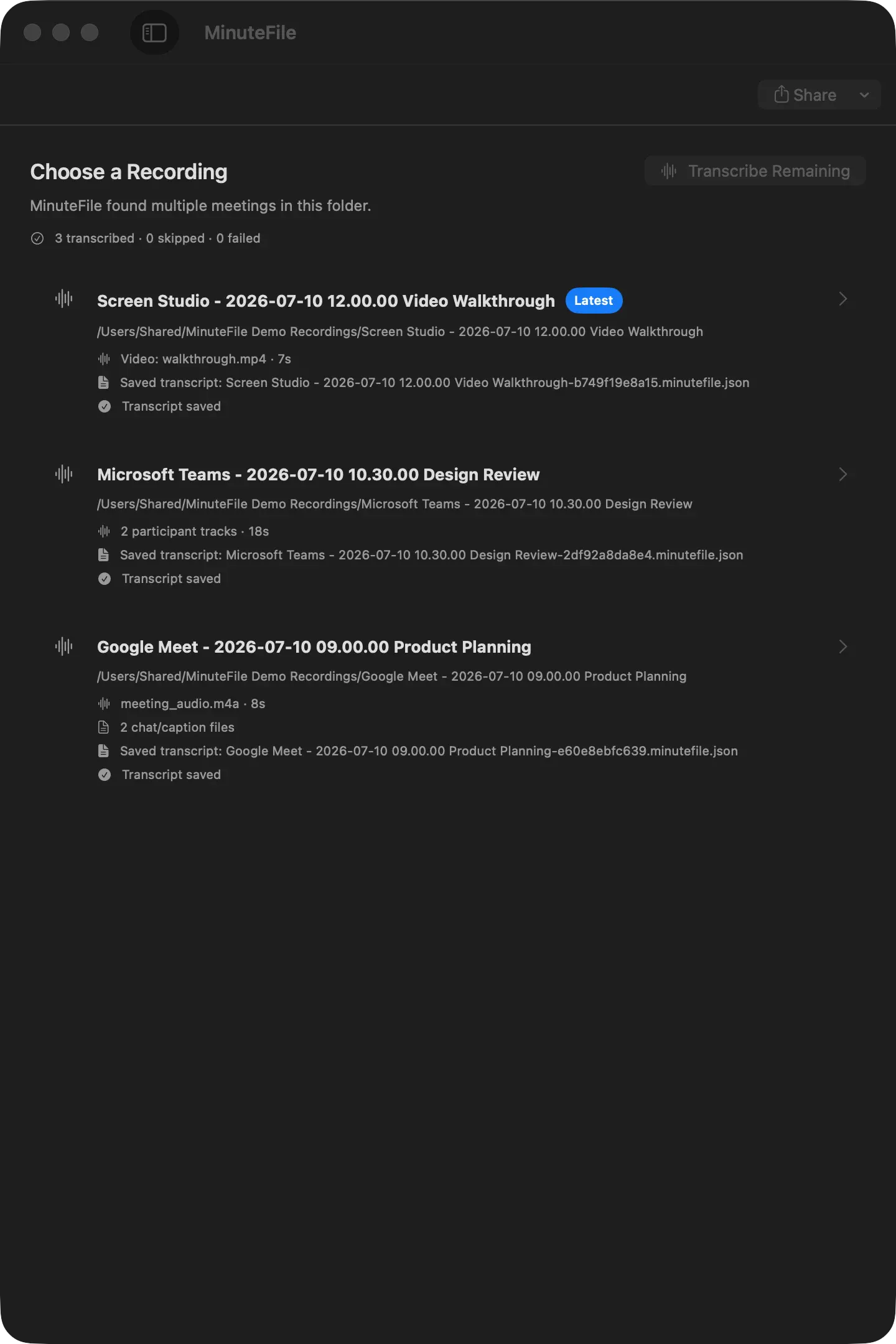
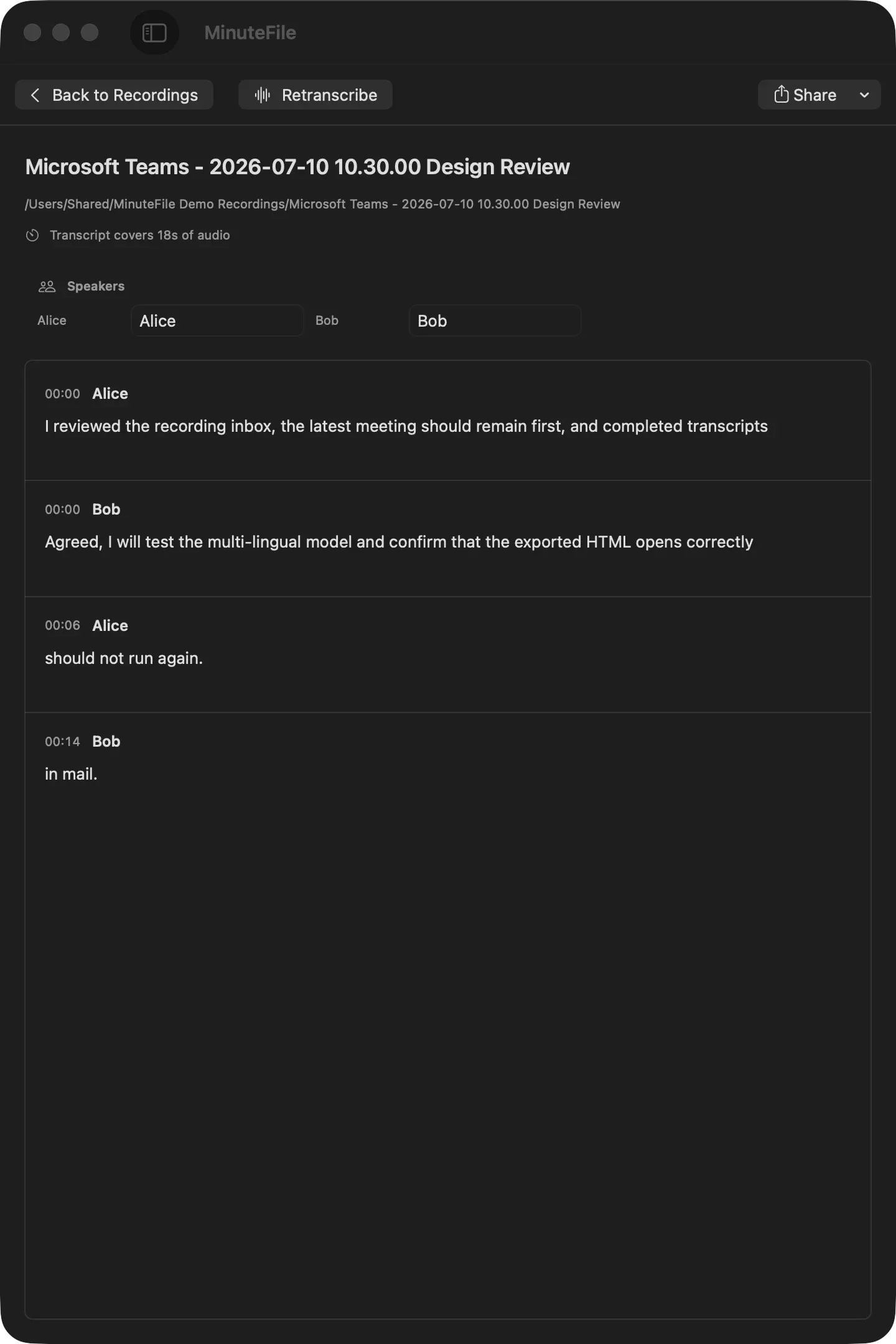
MinuteFile is a privacy-focused application designed for Mac users that transforms local meeting recordings into searchable, text-based transcripts. Unlike cloud-based transcription services, it emphasizes local processing, ensuring all data remains private on the user's device. This makes it ideal for professionals who handle sensitive information or prefer not to upload recordings to external servers. The tool automatically converts audio files from meeting folders into organized transcripts, enabling users to efficiently search and review meeting content without the need for an account, subscriptions, or external integrations. Its simplicity and focus on local processing set it apart from many transcription tools, making it a compelling choice for privacy-conscious users and those seeking a straightforward, no-fuss solution for managing meeting records.
Screenshots

Pros
- ✓Local processing ensures maximum privacy and data security
- ✓No account, subscription, or cloud upload required
- ✓Easy to use with straightforward setup
- ✓Transforms recordings into searchable, organized transcripts
- ✓Supports multiple audio formats and easy file import
Cons
- ✗Limited to Mac users; not available on other platforms
- ✗Potentially less feature-rich compared to cloud-based transcription services
- ✗No real-time transcription or live meeting integration
Use Cases
Pricing
Likely follows a one-time purchase or free model, emphasizing local processing without subscriptions. Specific pricing details are not provided, but it appears to be a straightforward, pay-once or free tool for Mac users.

Similar Tools in AI Assistants




Embed Badge
Add this badge to your website to show that MinuteFile is featured on Visalytica.
<a href="https://www.visalytica.com/tool/minutefile" target="_blank" rel="noopener noreferrer" style="display:inline-flex;align-items:center;gap:6px;padding:6px 14px;background:#7c3aed;color:#fff;border-radius:8px;font-family:-apple-system,system-ui,sans-serif;font-size:13px;font-weight:600;text-decoration:none;transition:background .2s" onmouseover="this.style.background='#6d28d9'" onmouseout="this.style.background='#7c3aed'"><svg width="14" height="14" viewBox="0 0 24 24" fill="none" stroke="currentColor" stroke-width="2.5" stroke-linecap="round" stroke-linejoin="round"><path d="M12 20V10"/><path d="M18 20V4"/><path d="M6 20v-4"/></svg>Featured on Visalytica</a>