
MiniAi
Select text, hit (⌥ space), get AI explanations
About MiniAi
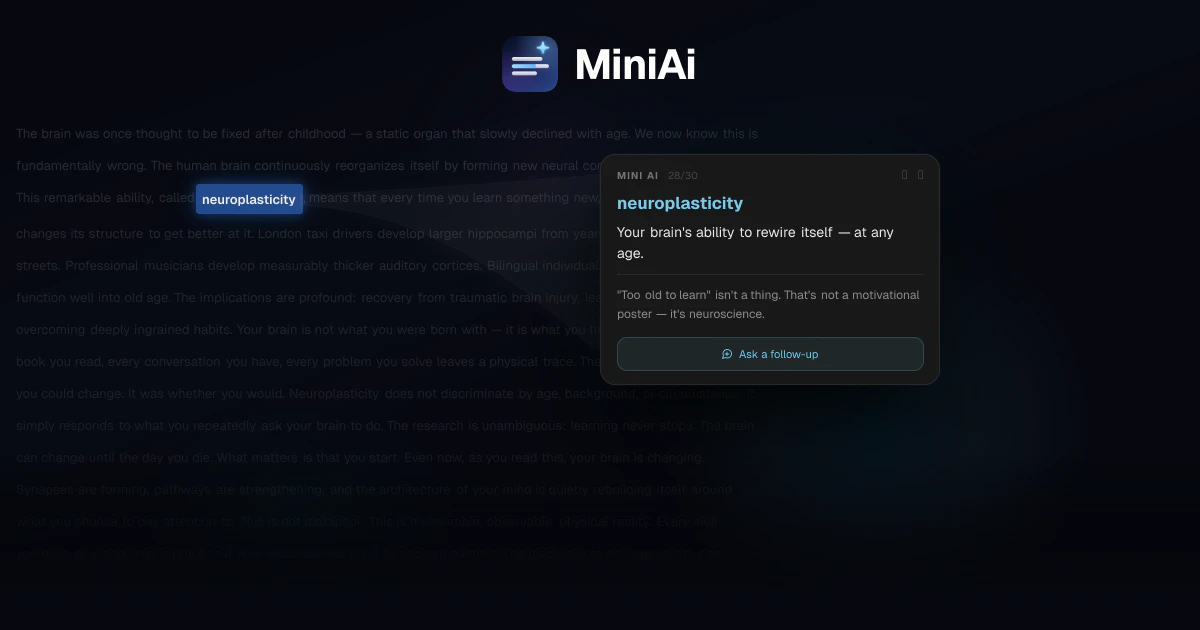
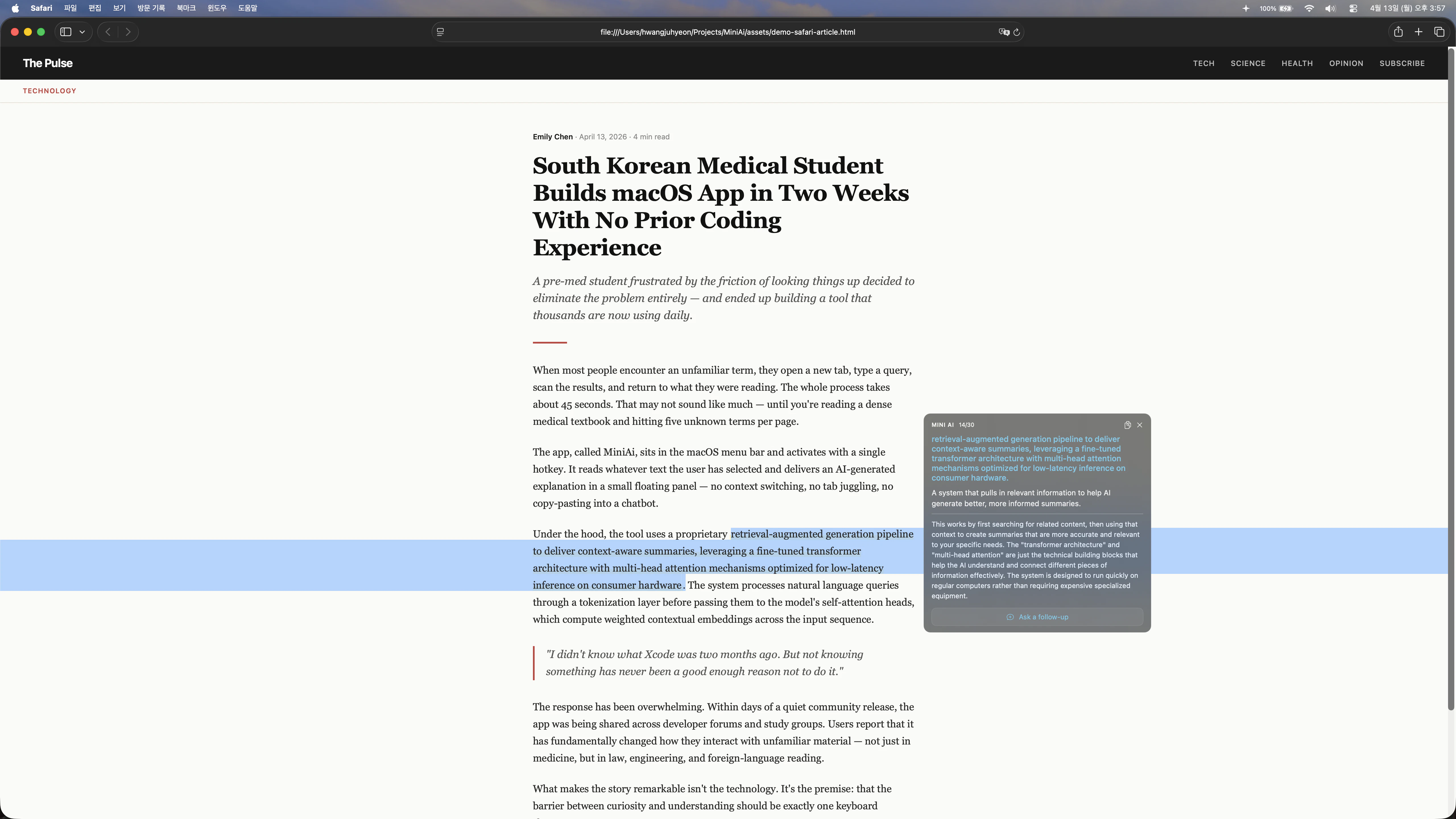
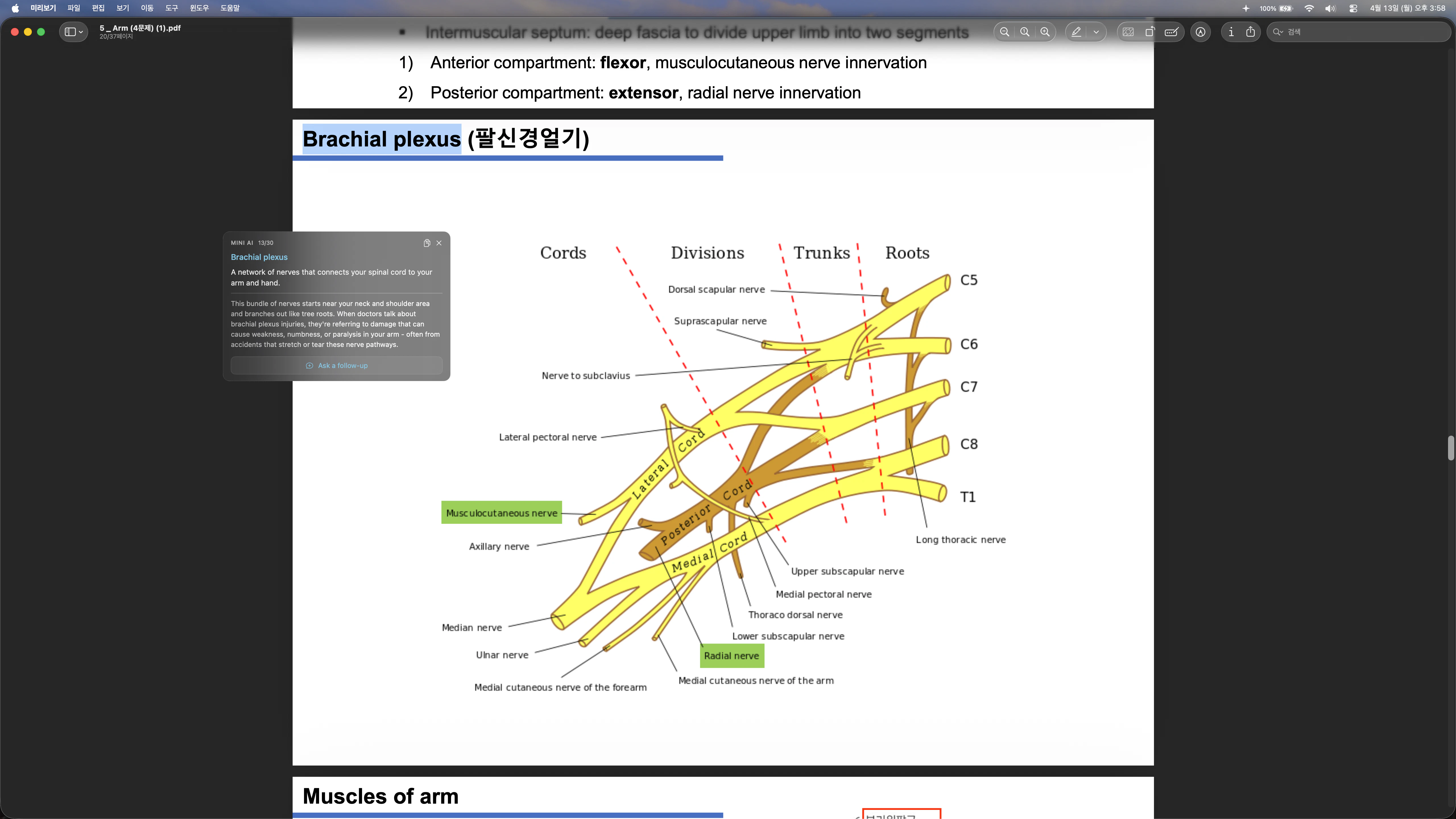
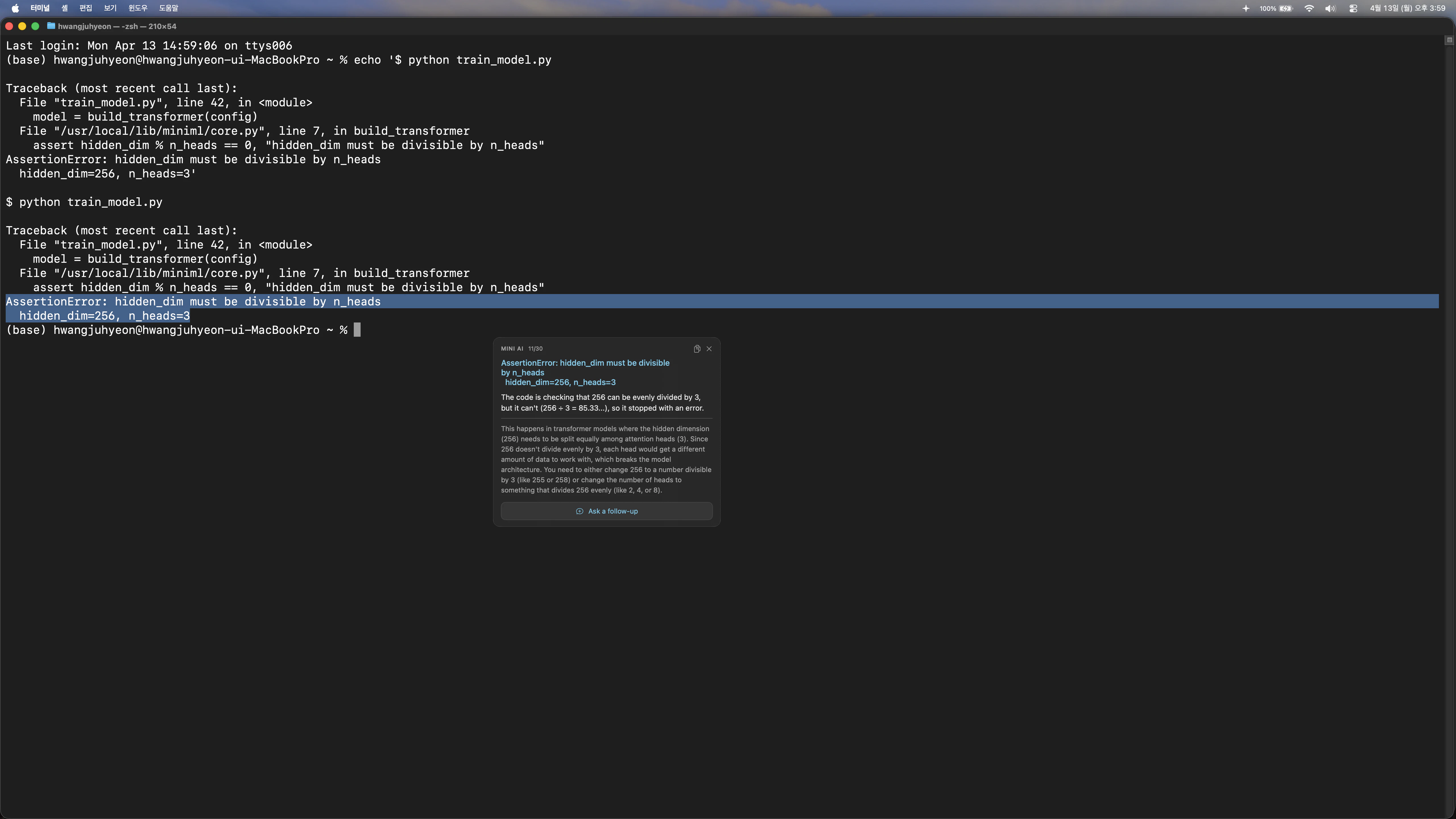
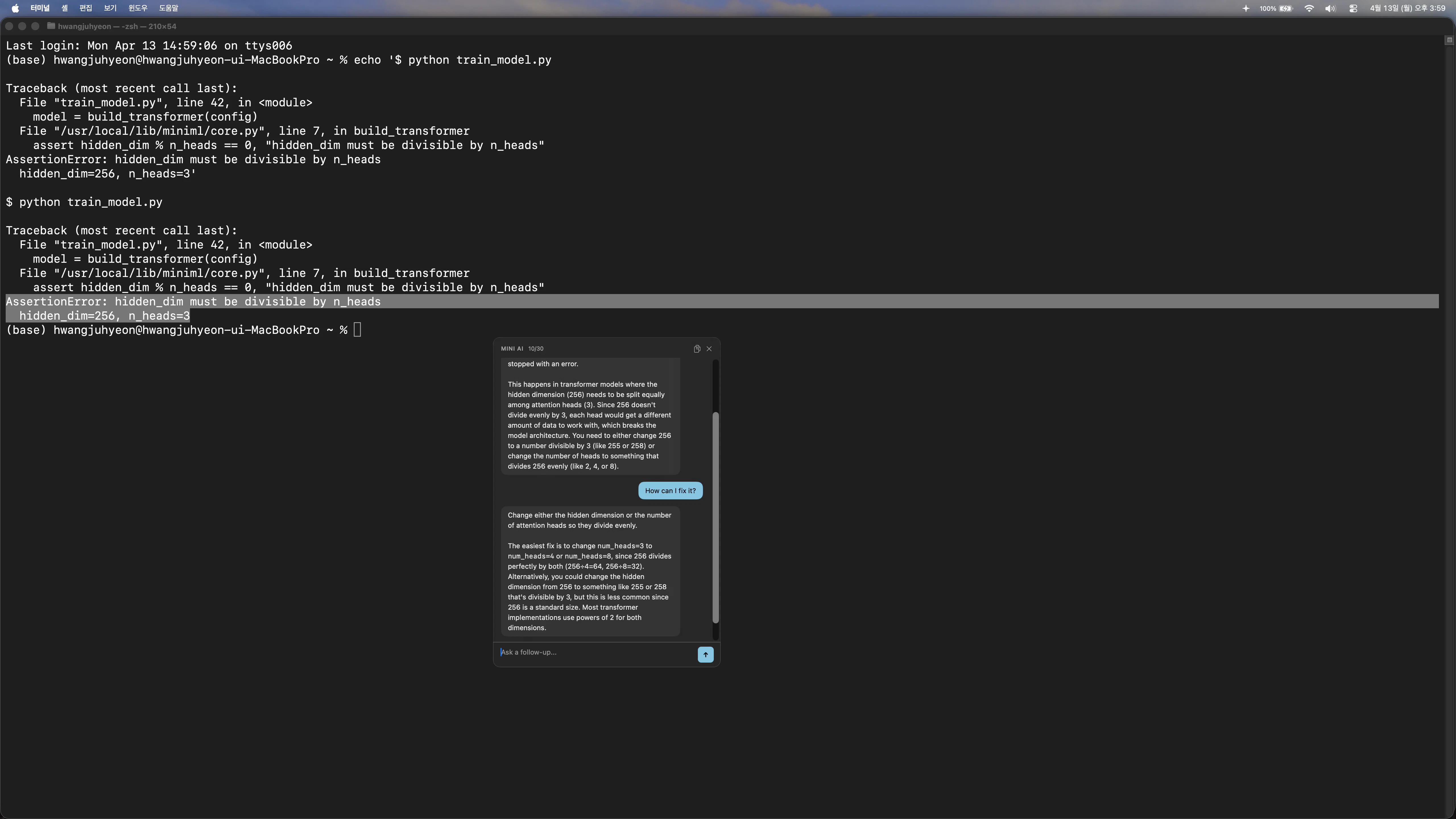
MiniAi is a lightweight AI assistant integrated into the macOS menu bar, designed to streamline the process of understanding complex texts without disrupting your workflow. By simply selecting any text—whether from PDFs, emails, or code snippets—and pressing the ⌥Space key, users receive a clear, concise AI-generated explanation displayed in a floating panel. This eliminates the need to switch apps or copy-paste into external AI tools like ChatGPT, allowing users to stay focused on their work. Developed by a med student frustrated with losing concentration while reading academic papers, MiniAi is tailored for professionals, students, and knowledge workers who frequently need quick clarifications or summaries while maintaining their reading flow. Its ease of use and seamless integration make it an attractive productivity booster for those who value efficiency and minimal interruption.
Screenshots

Pros
- ✓Quick and easy to access explanations with a simple keyboard shortcut
- ✓No need to switch apps or copy-paste, saving time and maintaining focus
- ✓Lightweight, unobtrusive floating panel for immediate insights
- ✓Built-in for macOS, ideal for users who prefer native tools
- ✓Designed specifically for professionals and students handling complex texts
Cons
- ✗Limited to macOS, not available on other platforms
- ✗Dependent on internet connection for AI explanations
- ✗Potentially less powerful than full-featured AI apps with more customization
Use Cases
Pricing
Likely offers a freemium model with basic features available for free and premium plans for enhanced capabilities or integrations, with paid plans possibly starting around $5-$15 per month. Exact details are not publicly confirmed but typical for this category of productivity tools.
Quick Info
Topics
Alternatives
Similar Tools in AI Assistants




Embed Badge
Add this badge to your website to show that MiniAi is featured on Visalytica.
<a href="https://www.visalytica.com/tool/miniai" target="_blank" rel="noopener noreferrer" style="display:inline-flex;align-items:center;gap:6px;padding:6px 14px;background:#7c3aed;color:#fff;border-radius:8px;font-family:-apple-system,system-ui,sans-serif;font-size:13px;font-weight:600;text-decoration:none;transition:background .2s" onmouseover="this.style.background='#6d28d9'" onmouseout="this.style.background='#7c3aed'"><svg width="14" height="14" viewBox="0 0 24 24" fill="none" stroke="currentColor" stroke-width="2.5" stroke-linecap="round" stroke-linejoin="round"><path d="M12 20V10"/><path d="M18 20V4"/><path d="M6 20v-4"/></svg>Featured on Visalytica</a>