
MidiDraft
AI converts audio to MIDI — free, browser-based
About MidiDraft
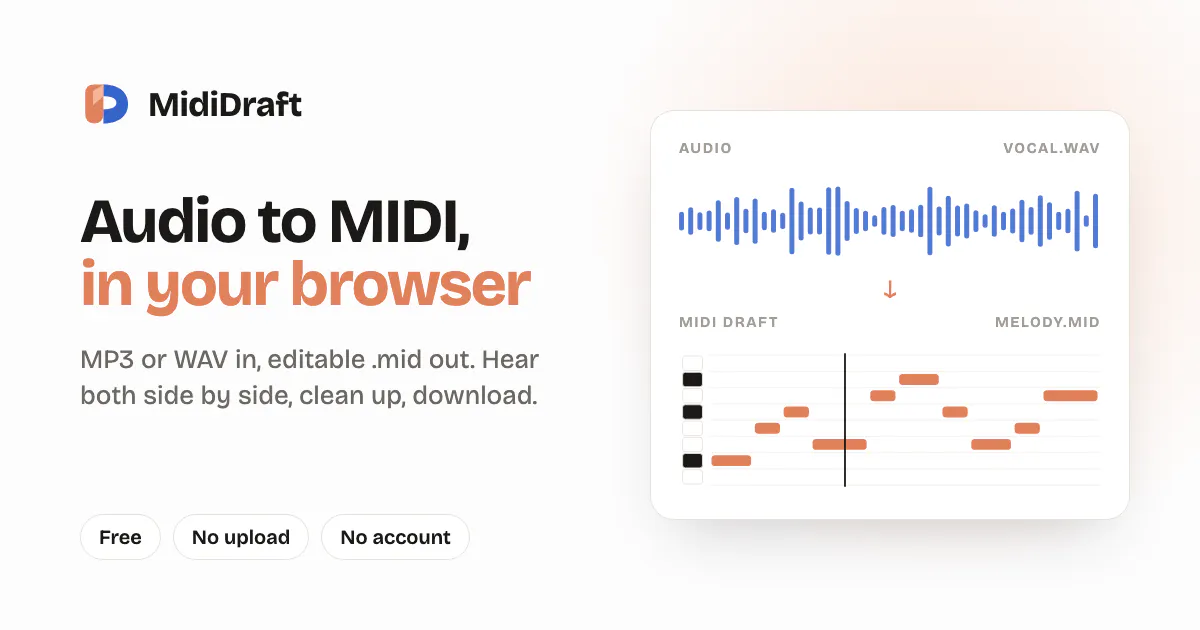
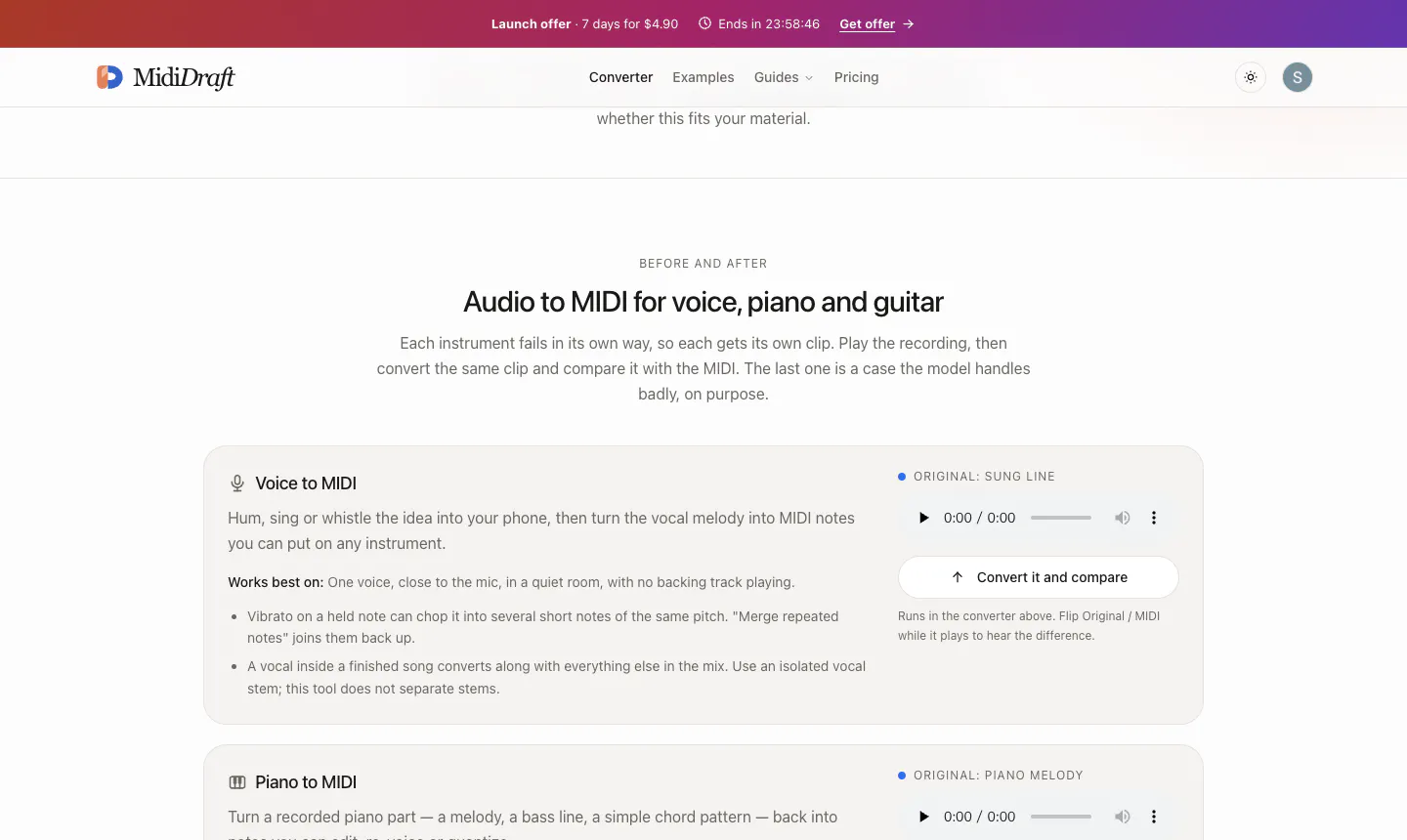
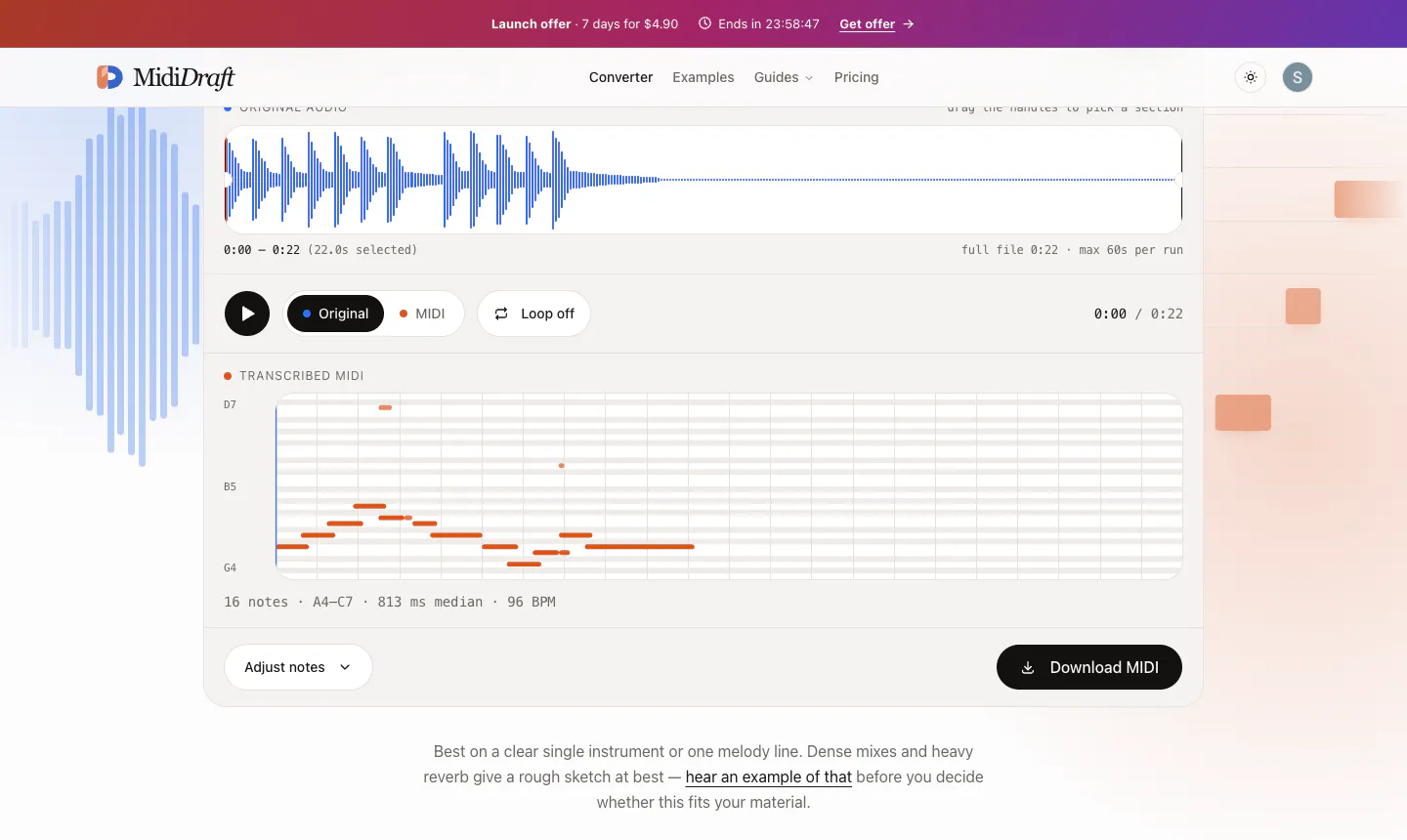
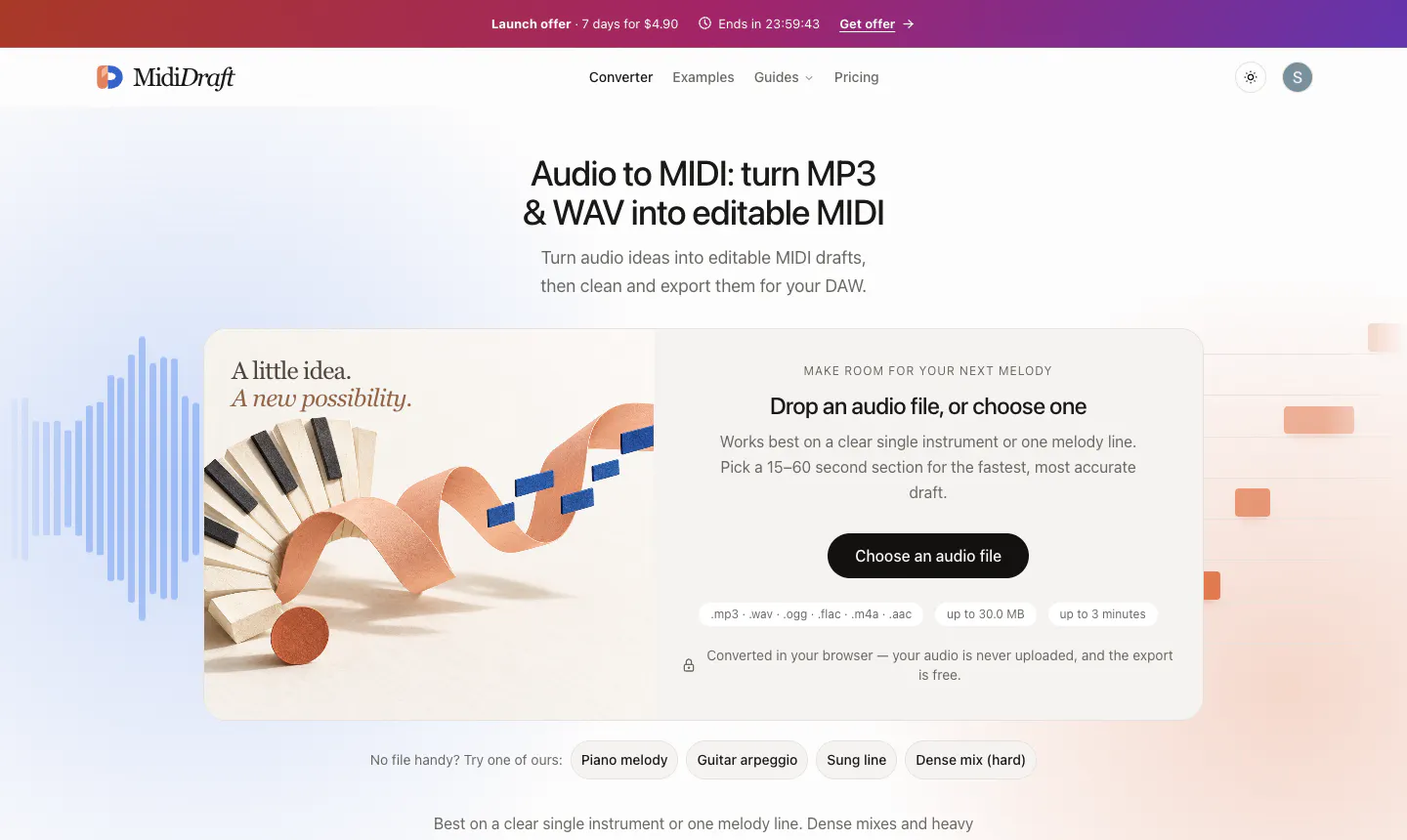
MidiDraft is an innovative, browser-based AI-powered tool designed for musicians, composers, and audio professionals. It converts MP3 and WAV audio files into editable MIDI sequences with ease, all processed locally without the need for uploading files to a server. This privacy-focused approach ensures user data remains secure, making it ideal for those handling sensitive or proprietary audio. Users can preview the original audio alongside the transcribed MIDI, allowing for quick adjustments and fine-tuning. The clean and intuitive interface simplifies note cleanup and editing, streamlining the workflow from raw audio to usable MIDI files. Whether for film scoring, music production, or educational purposes, MidiDraft offers a free, accessible solution that leverages AI to enhance musical creativity and productivity.
Screenshots
Pros
- ✓Local processing ensures privacy and security of audio files
- ✓User-friendly interface with side-by-side audio and MIDI preview
- ✓Free to use, making it accessible for a wide range of users
- ✓Supports common audio formats (MP3, WAV) and exports standard MIDI files
- ✓Ideal for quick transcriptions and note cleanup
Cons
- ✗Limited to audio-to-MIDI conversion, may require manual editing for complex pieces
- ✗Features and capabilities are focused primarily on basic transcription, lacking advanced editing tools
- ✗Performance may vary depending on browser and hardware specifications
Use Cases
Pricing
Pricing not verified
Quick Info
Topics
Makers

Serpit G
Alternatives
Similar Tools in AI Audio & Voice




Embed Badge
Add this badge to your website to show that MidiDraft is featured on Visalytica.
<a href="https://www.visalytica.com/tool/mididraft" target="_blank" rel="noopener noreferrer" style="display:inline-flex;align-items:center;gap:6px;padding:6px 14px;background:#7c3aed;color:#fff;border-radius:8px;font-family:-apple-system,system-ui,sans-serif;font-size:13px;font-weight:600;text-decoration:none;transition:background .2s" onmouseover="this.style.background='#6d28d9'" onmouseout="this.style.background='#7c3aed'"><svg width="14" height="14" viewBox="0 0 24 24" fill="none" stroke="currentColor" stroke-width="2.5" stroke-linecap="round" stroke-linejoin="round"><path d="M12 20V10"/><path d="M18 20V4"/><path d="M6 20v-4"/></svg>Featured on Visalytica</a>