
Mi Speaks 2.0
Books and PDFs read aloud by neural voices, on device
About Mi Speaks 2.0
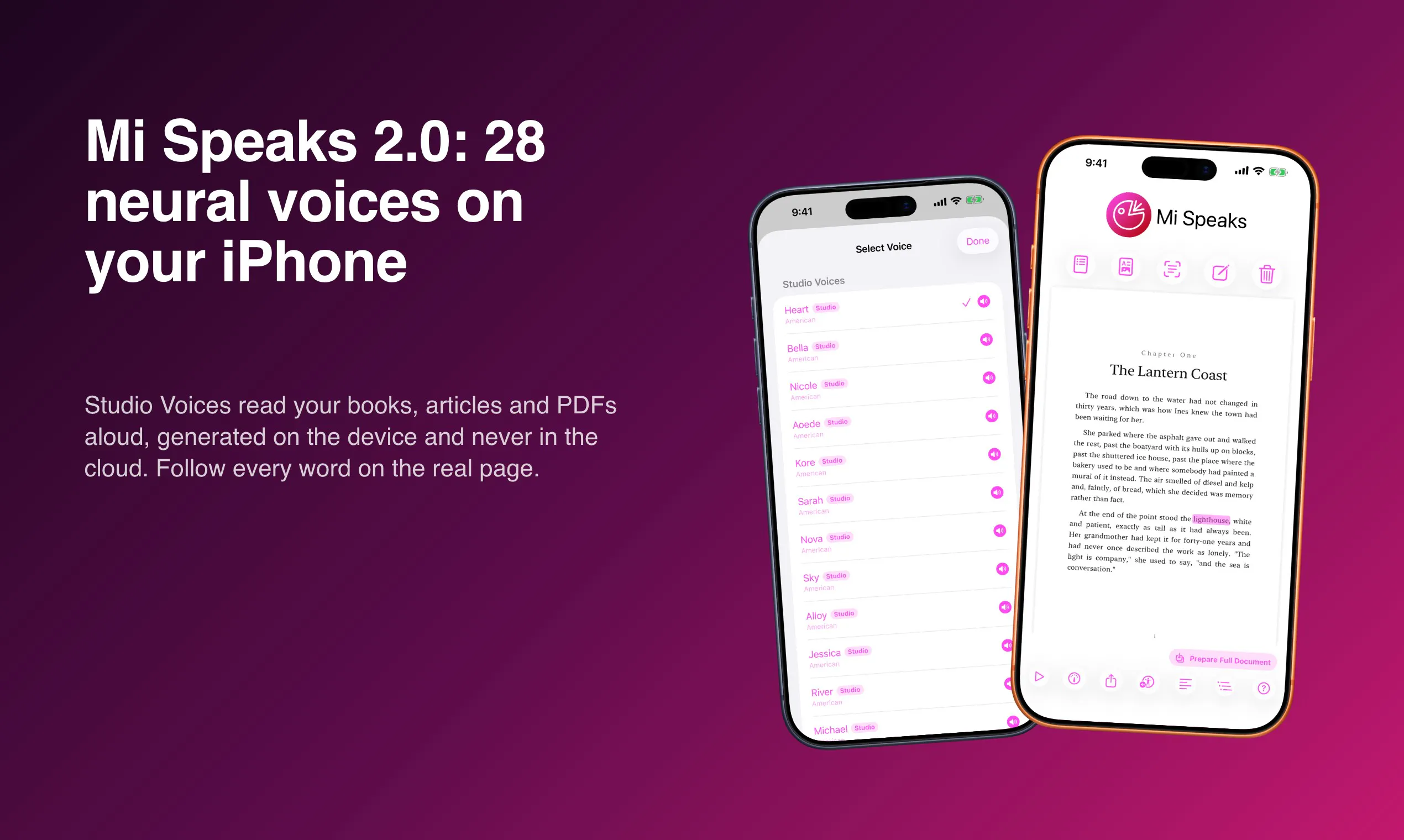
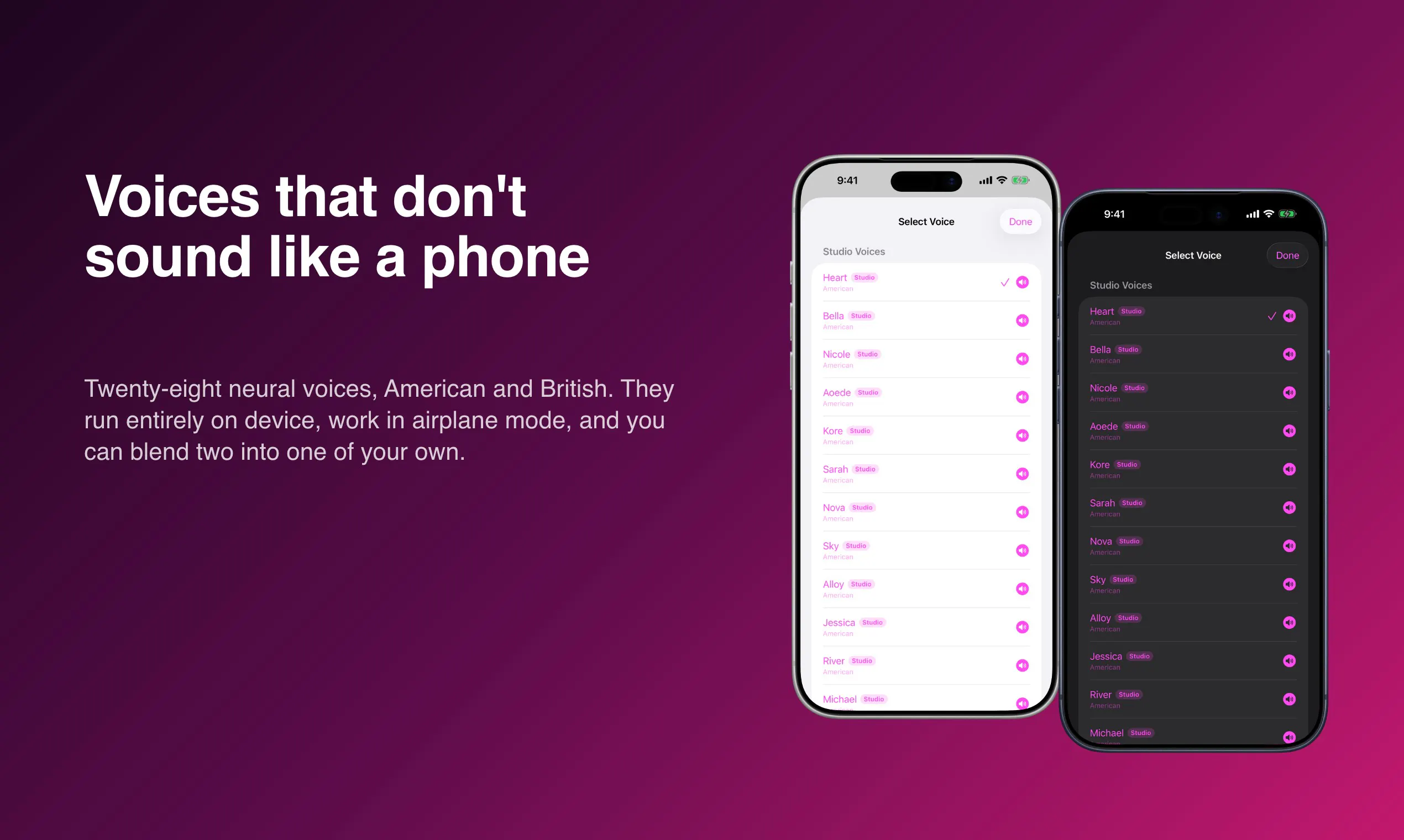
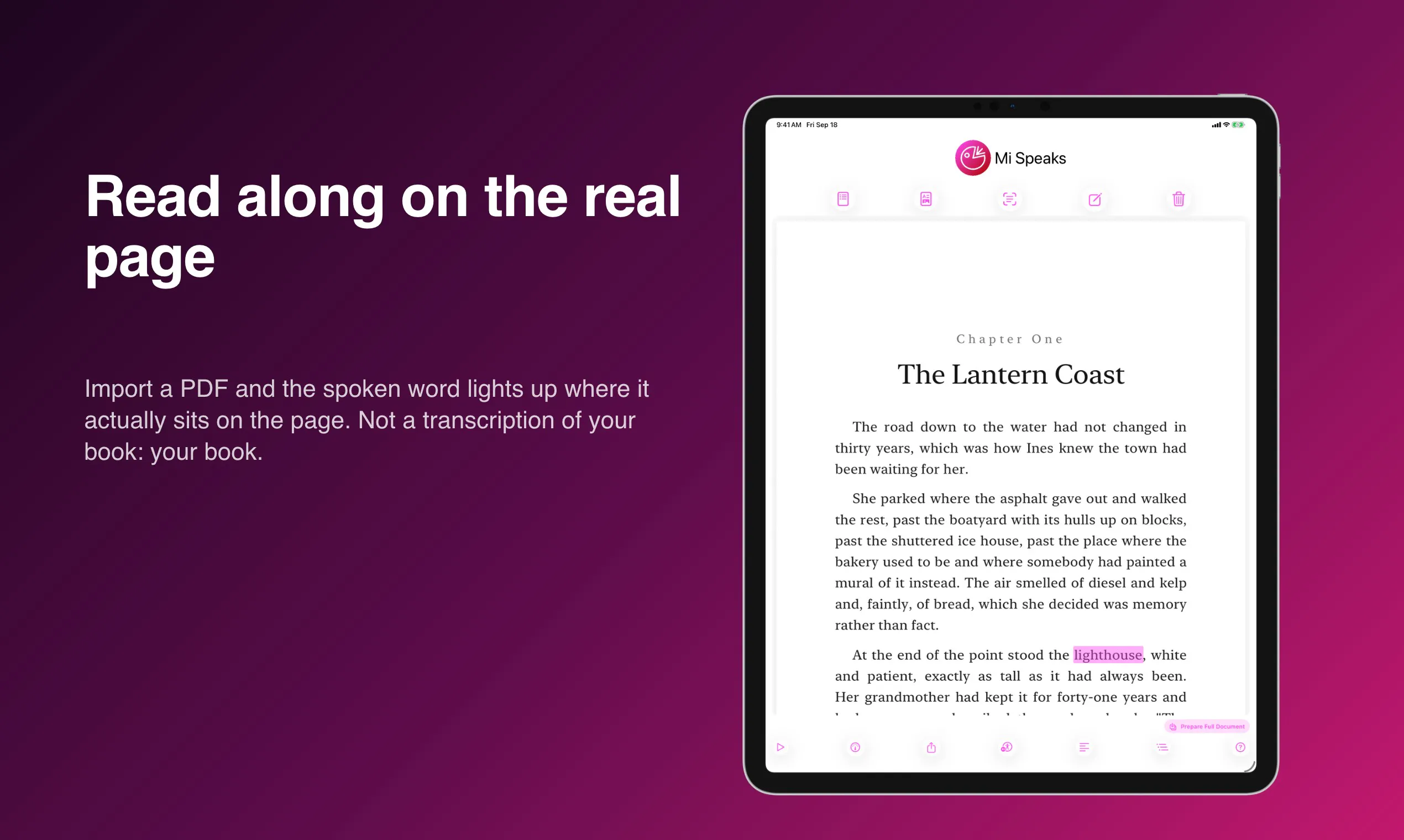
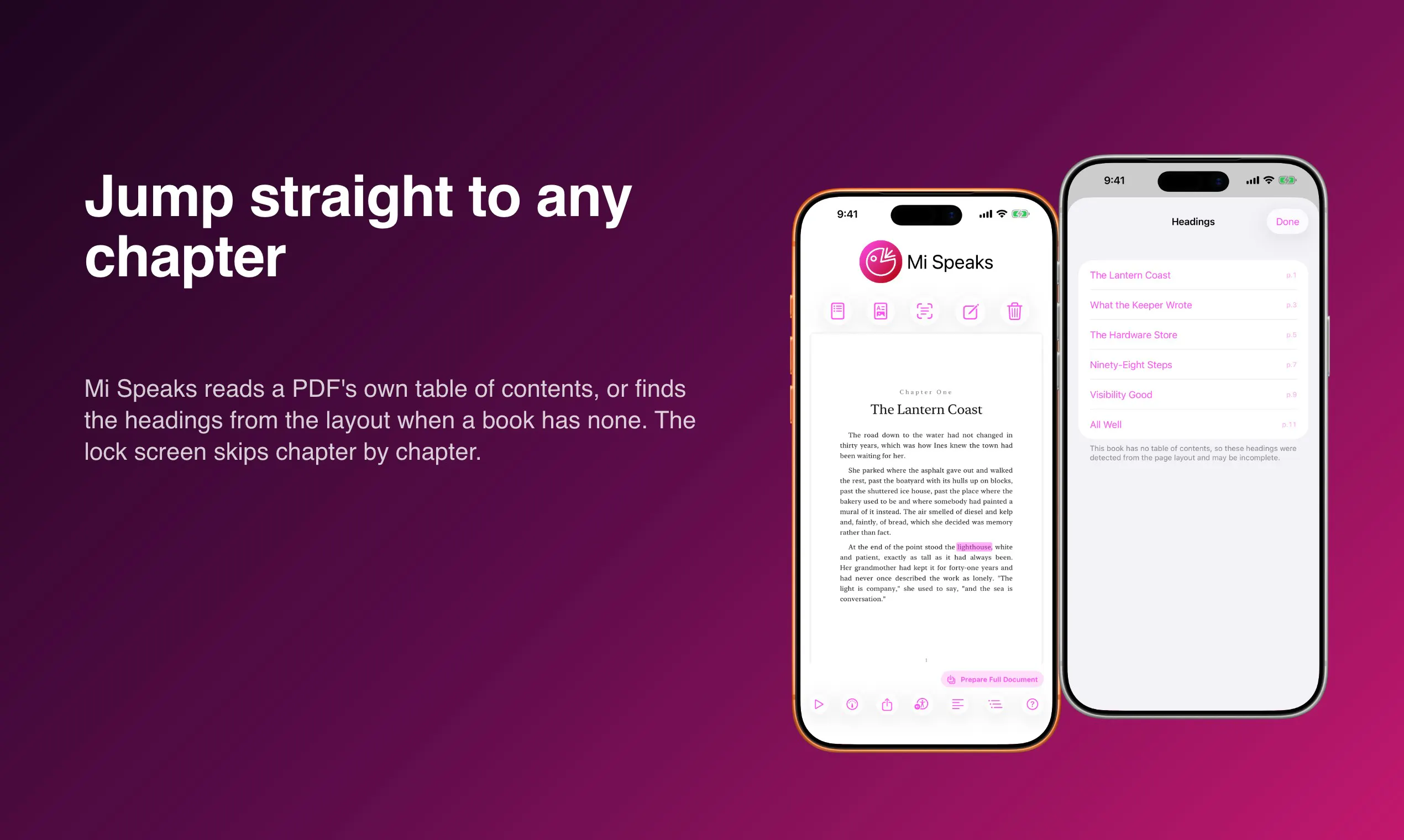
Mi Speaks 2.0 is an innovative iOS app that transforms reading into an auditory experience by reading books, articles, and PDFs aloud with natural neural voices. What sets it apart is its on-device processing, ensuring that no data is uploaded—making it a privacy-focused solution that works even in airplane mode. The latest version introduces 28 neural Studio Voices, including American and British accents, all generated locally on the iPhone. Users can import PDFs, follow along visually with highlighted text, jump to specific chapters, and even prepare entire documents to be played with the screen locked, ideal for multitasking or listening on the go. The free version offers unlimited reading, while Premium unlocks the enhanced neural voices, providing a more natural and engaging listening experience. Perfect for students, professionals, and avid readers seeking a private, high-quality TTS solution, Mi Speaks 2.0 combines convenience, privacy, and realistic voice synthesis in a user-friendly package.
Screenshots
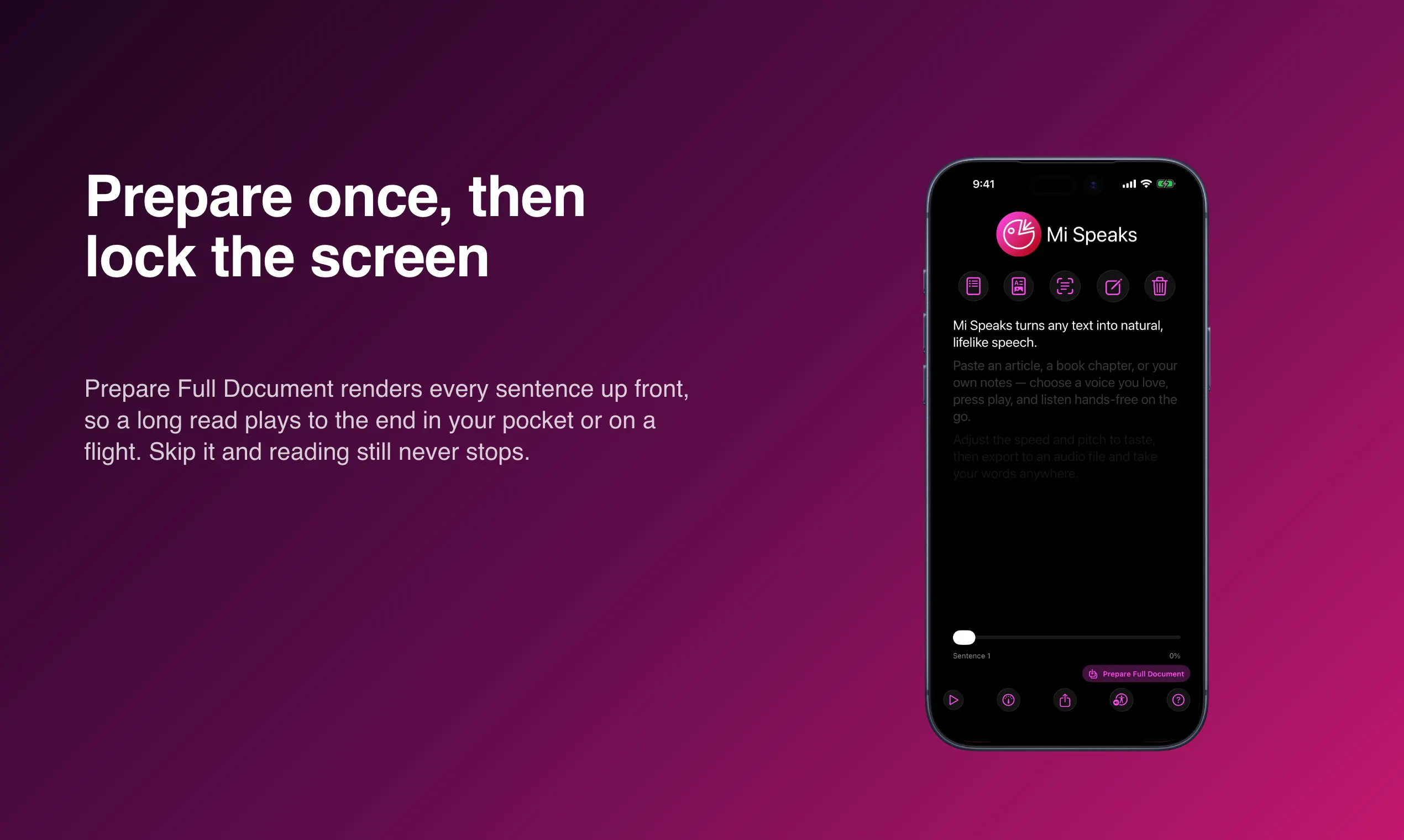
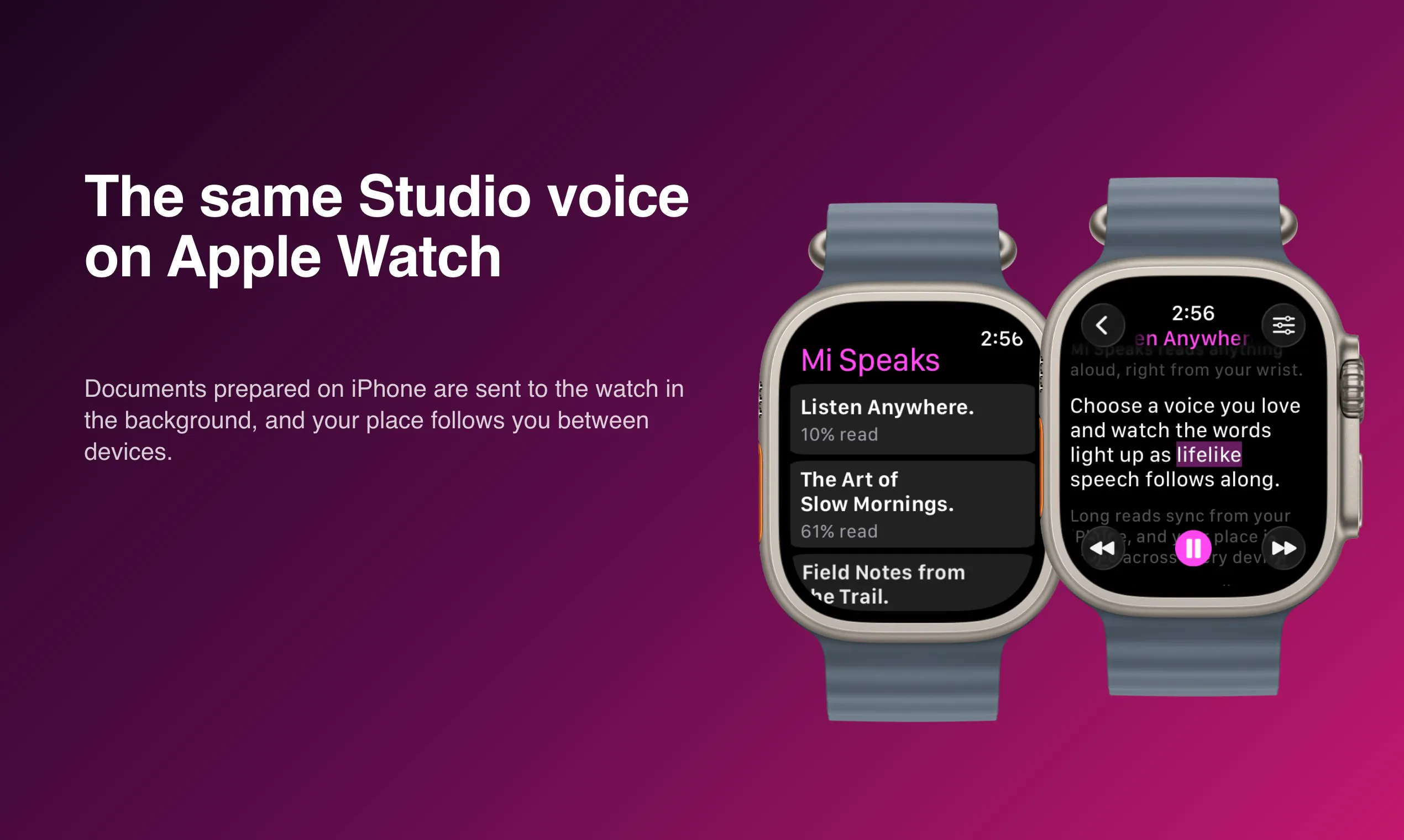
+1 more screenshots
Pros
- ✓On-device neural voice synthesis ensures privacy and offline usability
- ✓Wide selection of natural, high-quality voices (28 Studio Voices)
- ✓Supports reading on PDFs and formatted documents with page highlighting
- ✓Flexible features like chapter navigation and full document playback
- ✓Free version with no length restrictions
Cons
- ✗Premium features (neural voices) require additional purchase
- ✗Limited to iOS devices, restricting cross-platform use
- ✗Some advanced features may have a learning curve for new users
Use Cases
Pricing
Pricing not verified
Quick Info
Topics
Makers

Blaine Miller
@helloblaineAlternatives
Similar Tools in AI Audio & Voice




Embed Badge
Add this badge to your website to show that Mi Speaks 2.0 is featured on Visalytica.
<a href="https://www.visalytica.com/tool/mi-speaks-2-0" target="_blank" rel="noopener noreferrer" style="display:inline-flex;align-items:center;gap:6px;padding:6px 14px;background:#7c3aed;color:#fff;border-radius:8px;font-family:-apple-system,system-ui,sans-serif;font-size:13px;font-weight:600;text-decoration:none;transition:background .2s" onmouseover="this.style.background='#6d28d9'" onmouseout="this.style.background='#7c3aed'"><svg width="14" height="14" viewBox="0 0 24 24" fill="none" stroke="currentColor" stroke-width="2.5" stroke-linecap="round" stroke-linejoin="round"><path d="M12 20V10"/><path d="M18 20V4"/><path d="M6 20v-4"/></svg>Featured on Visalytica</a>