
MergeJPG Images Online
Merge multiple JPG images into one file.
About MergeJPG Images Online
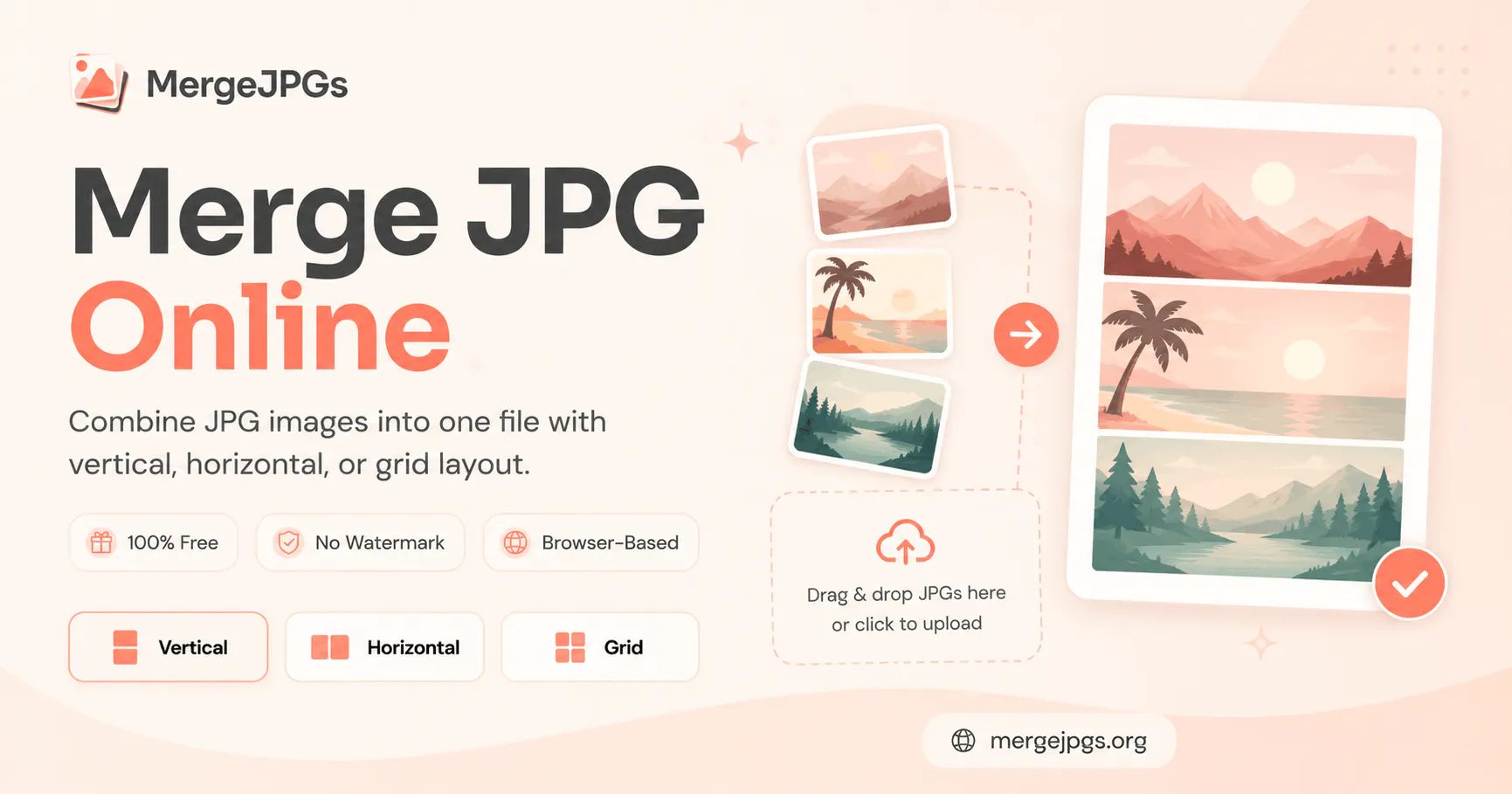
MergeJPG Images Online is a versatile, user-friendly tool designed for quick and effortless merging of multiple JPG images into a single file. Perfect for photographers, designers, and casual users alike, it offers a straightforward interface that allows users to combine images without any hassle. What sets this tool apart is its commitment to privacy and simplicity—there's no need to sign up, and images are processed locally without server uploads, ensuring user data remains private. Additionally, the flexibility in layout options—vertical, horizontal, or grid—enables users to customize their merged images precisely as needed. The ability to export the final result in JPG, PNG, or PDF formats makes it a convenient choice for various projects, from presentations to social media content creation. Its free access and absence of watermarks make it an attractive option for quick, professional-looking results without any financial commitment.
Screenshots
Pros
- ✓No signup or registration required, ensuring quick access
- ✓Local processing guarantees privacy and security
- ✓Multiple layout options for flexible merging
- ✓Supports exporting in JPG, PNG, or PDF formats
- ✓Free to use with no watermarks
Cons
- ✗Limited to JPG image merging; lacks advanced editing features
- ✗No batch processing for large numbers of images
- ✗Interface may be basic for professional users seeking detailed control
Use Cases
Pricing
Likely offers a free, ad-free experience with no sign-up required; premium features or additional formats may be available through optional paid plans, though details are not specified.
Quick Info
Topics
Makers

Merge JPGs
Alternatives
Similar Tools in AI Image & Design




Embed Badge
Add this badge to your website to show that MergeJPG Images Online is featured on Visalytica.
<a href="https://www.visalytica.com/tool/mergejpg-images-online" target="_blank" rel="noopener noreferrer" style="display:inline-flex;align-items:center;gap:6px;padding:6px 14px;background:#7c3aed;color:#fff;border-radius:8px;font-family:-apple-system,system-ui,sans-serif;font-size:13px;font-weight:600;text-decoration:none;transition:background .2s" onmouseover="this.style.background='#6d28d9'" onmouseout="this.style.background='#7c3aed'"><svg width="14" height="14" viewBox="0 0 24 24" fill="none" stroke="currentColor" stroke-width="2.5" stroke-linecap="round" stroke-linejoin="round"><path d="M12 20V10"/><path d="M18 20V4"/><path d="M6 20v-4"/></svg>Featured on Visalytica</a>