
MemoryPet 2.0
Turn your browsers toolbar into an animated usage monitor
About MemoryPet 2.0
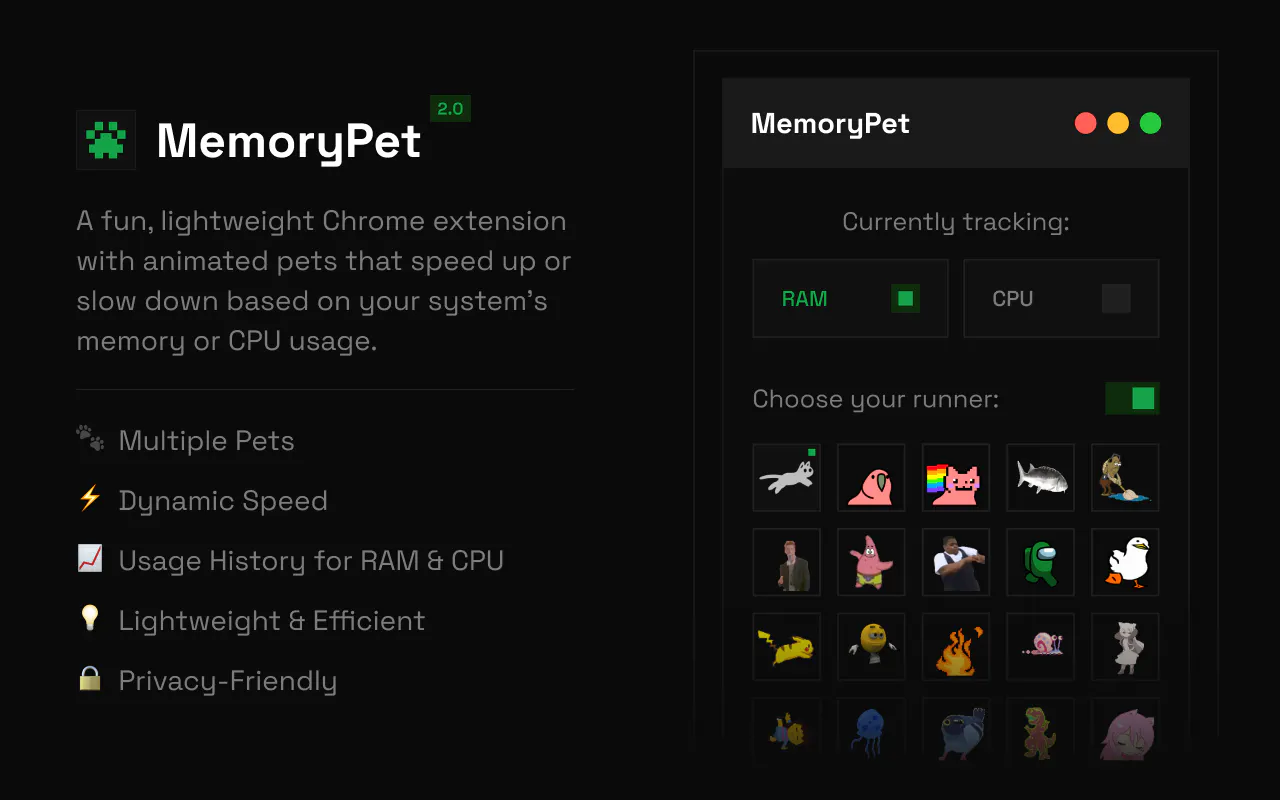
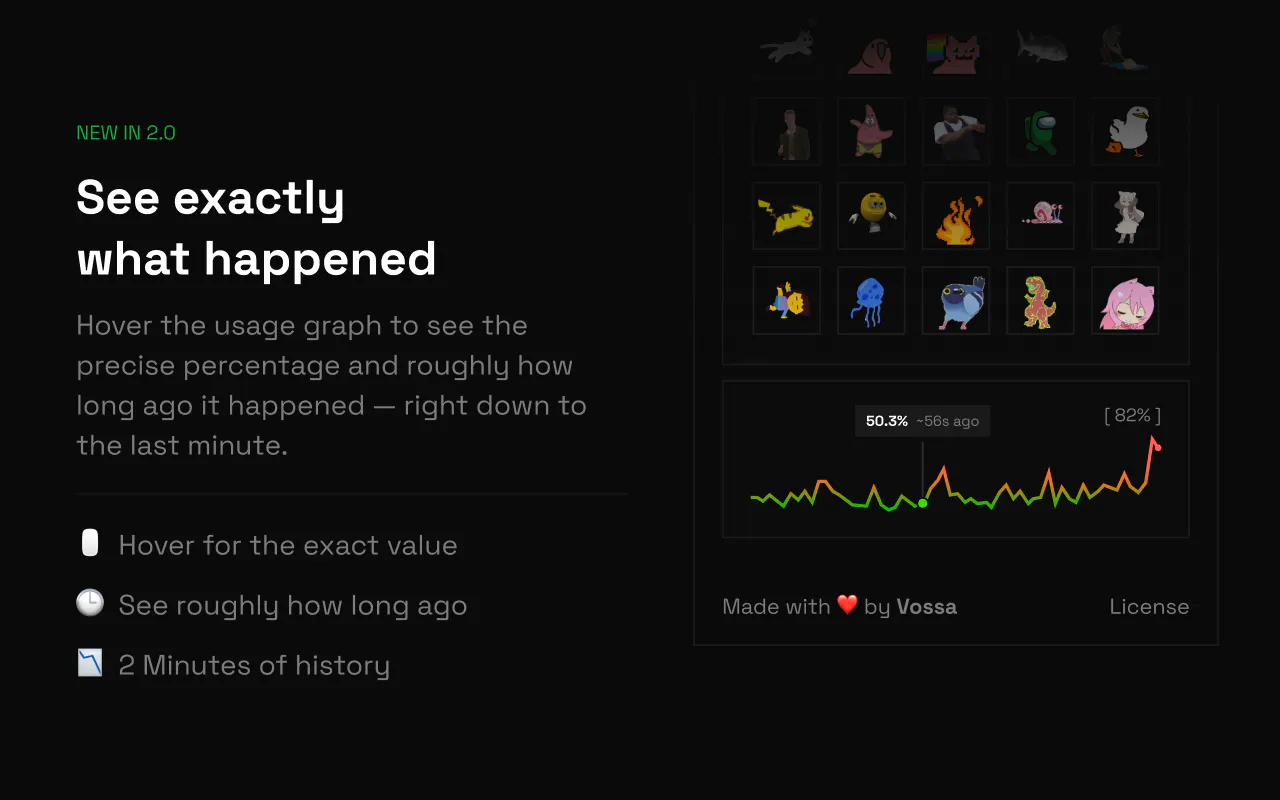
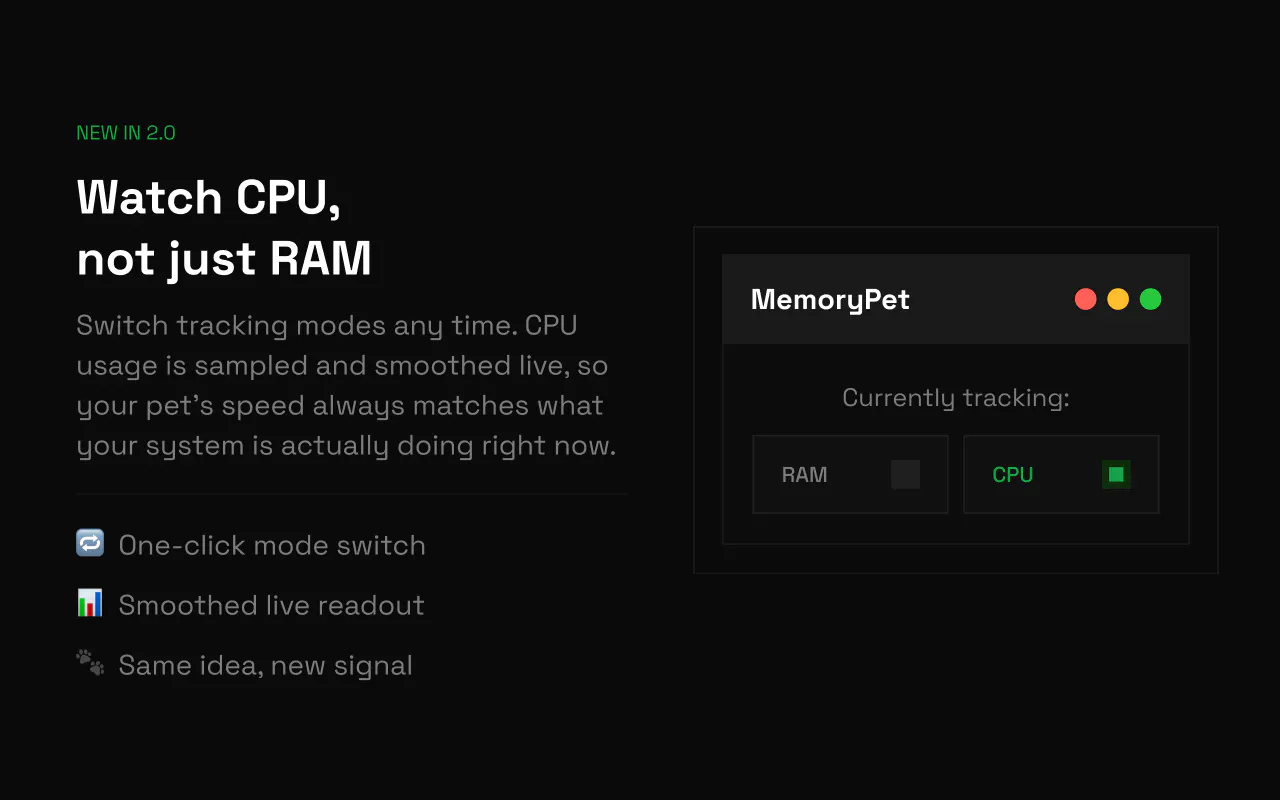
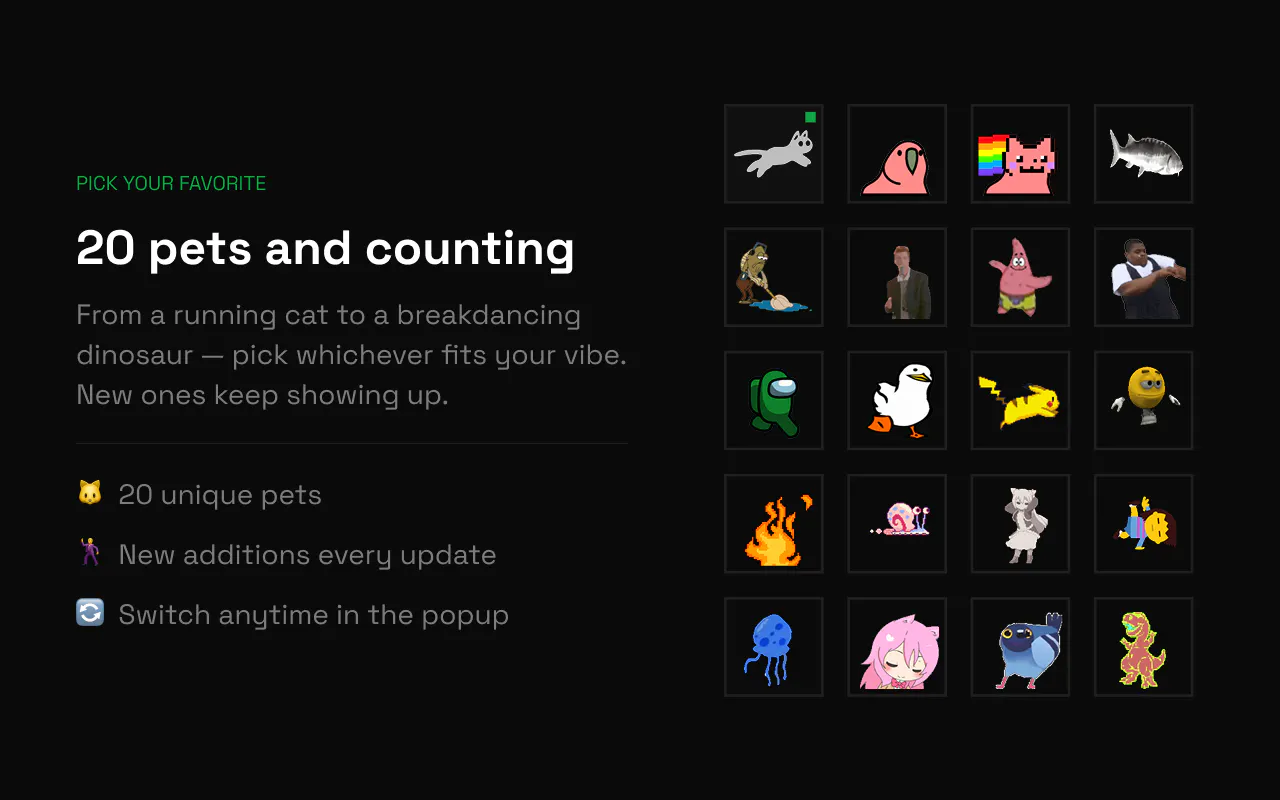
MemoryPet 2.0 transforms your Chrome toolbar into a delightful and functional system monitor. Featuring a tiny animated pet that reacts to your device's memory and CPU usage, it provides an engaging, at-a-glance visualization of your machine's workload. The latest version enhances this experience by adding CPU tracking alongside memory, introducing 8 new pet characters, and offering a hover-able usage graph for more detailed insights. Users can also opt to disable animation entirely, replacing it with a simple live percentage badge for a cleaner look. This tool is ideal for productivity enthusiasts, developers, or anyone who appreciates a playful yet informative way to stay aware of their system performance without breaking focus. Its unique combination of charm and utility makes system monitoring less intrusive and more enjoyable, turning mundane resource checks into a satisfying visual experience.
Screenshots
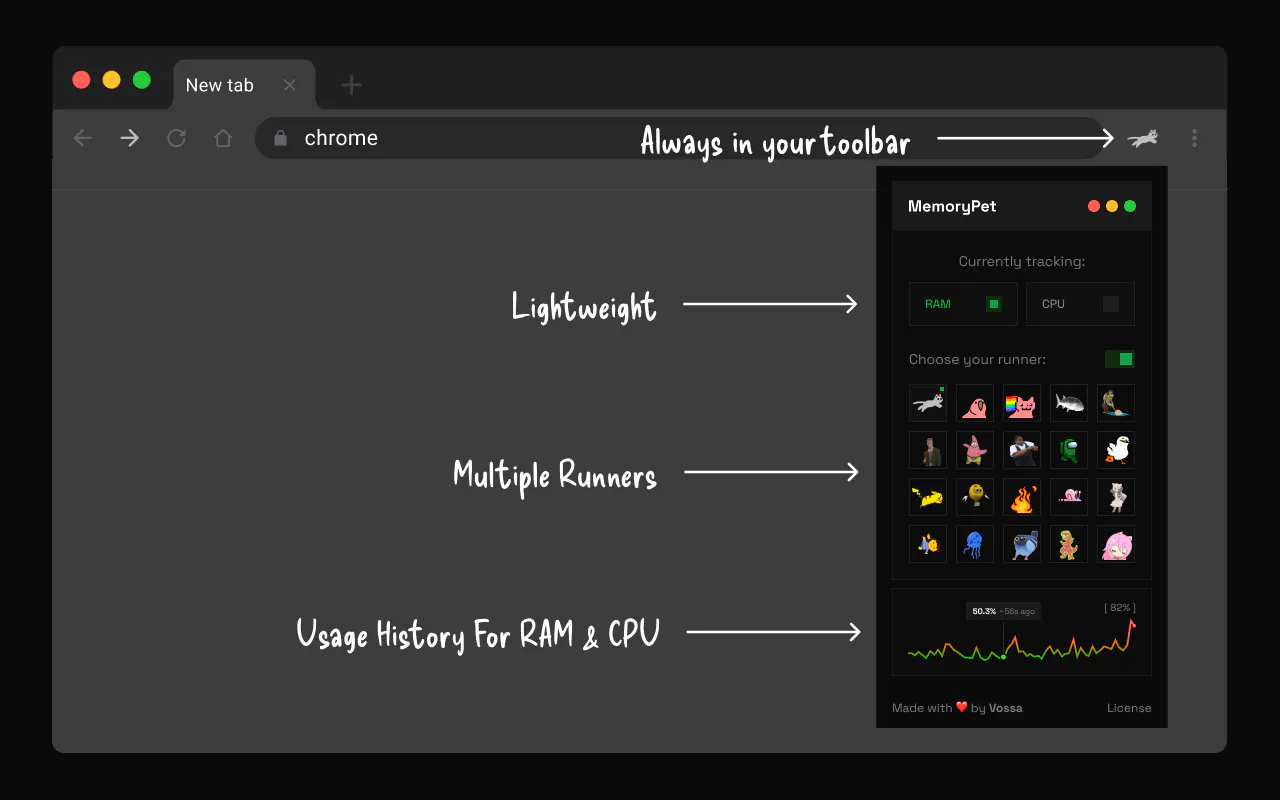
Pros
- ✓Engaging and cute animated pets that make system monitoring fun
- ✓Dual tracking of CPU and memory usage for comprehensive insights
- ✓Customizable display options, including animation toggle and percentage badge
- ✓Hover-able graph for quick, detailed resource view
- ✓Easy to install and simple to use within the Chrome toolbar
Cons
- ✗Limited to Chrome browser, not available on other platforms
- ✗Visual focus may be distracting for some users during intensive tasks
- ✗Lacks advanced customization or detailed analytics features
Use Cases
Pricing
Pricing not verified
Quick Info
Topics
Makers

Veit Voss
Alternatives
Similar Tools in AI Image & Design




Embed Badge
Add this badge to your website to show that MemoryPet 2.0 is featured on Visalytica.
<a href="https://www.visalytica.com/tool/memorypet-2-0" target="_blank" rel="noopener noreferrer" style="display:inline-flex;align-items:center;gap:6px;padding:6px 14px;background:#7c3aed;color:#fff;border-radius:8px;font-family:-apple-system,system-ui,sans-serif;font-size:13px;font-weight:600;text-decoration:none;transition:background .2s" onmouseover="this.style.background='#6d28d9'" onmouseout="this.style.background='#7c3aed'"><svg width="14" height="14" viewBox="0 0 24 24" fill="none" stroke="currentColor" stroke-width="2.5" stroke-linecap="round" stroke-linejoin="round"><path d="M12 20V10"/><path d="M18 20V4"/><path d="M6 20v-4"/></svg>Featured on Visalytica</a>