
Memdex
Turn every AI conversation into reusable local memory
About Memdex
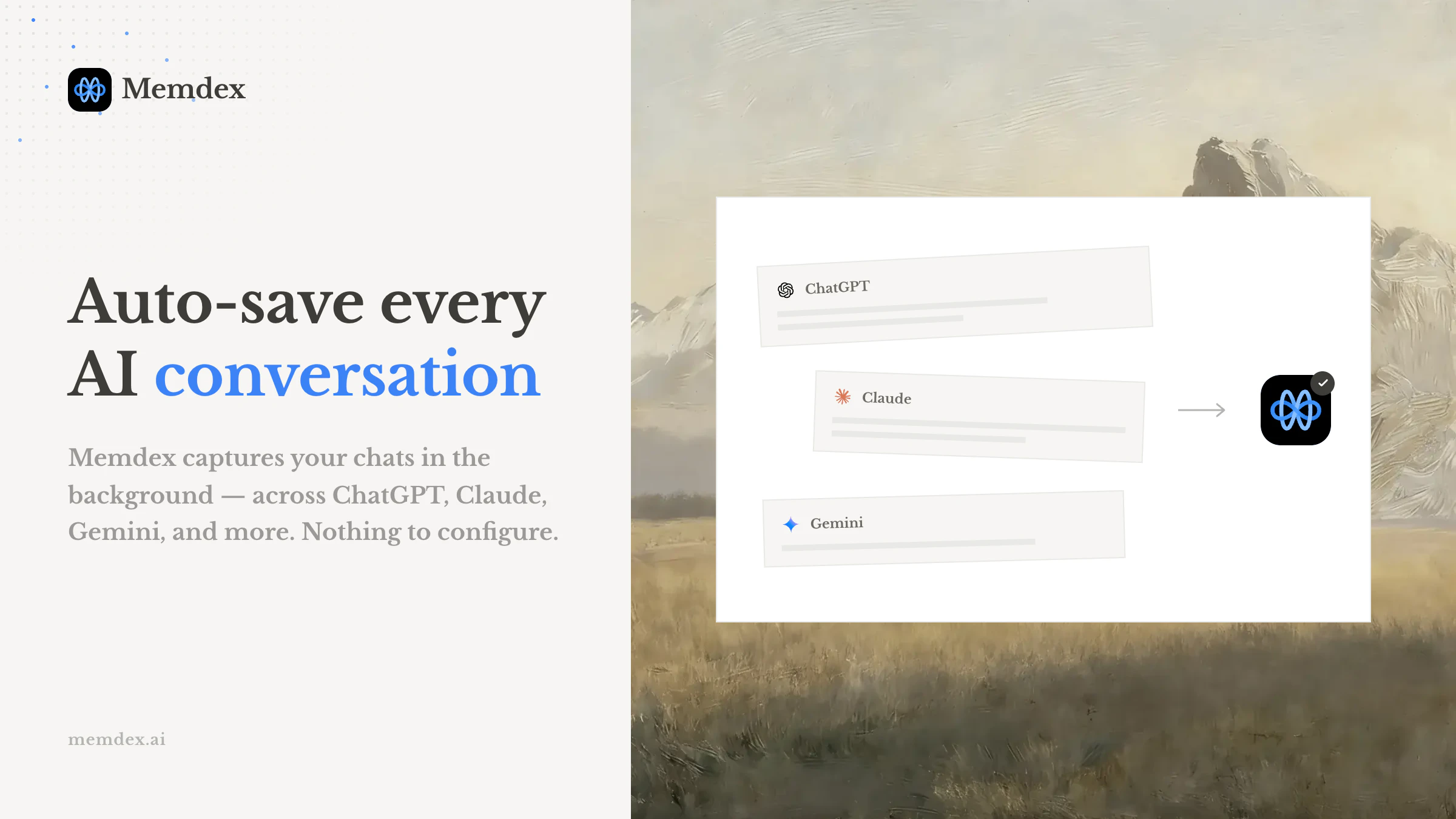
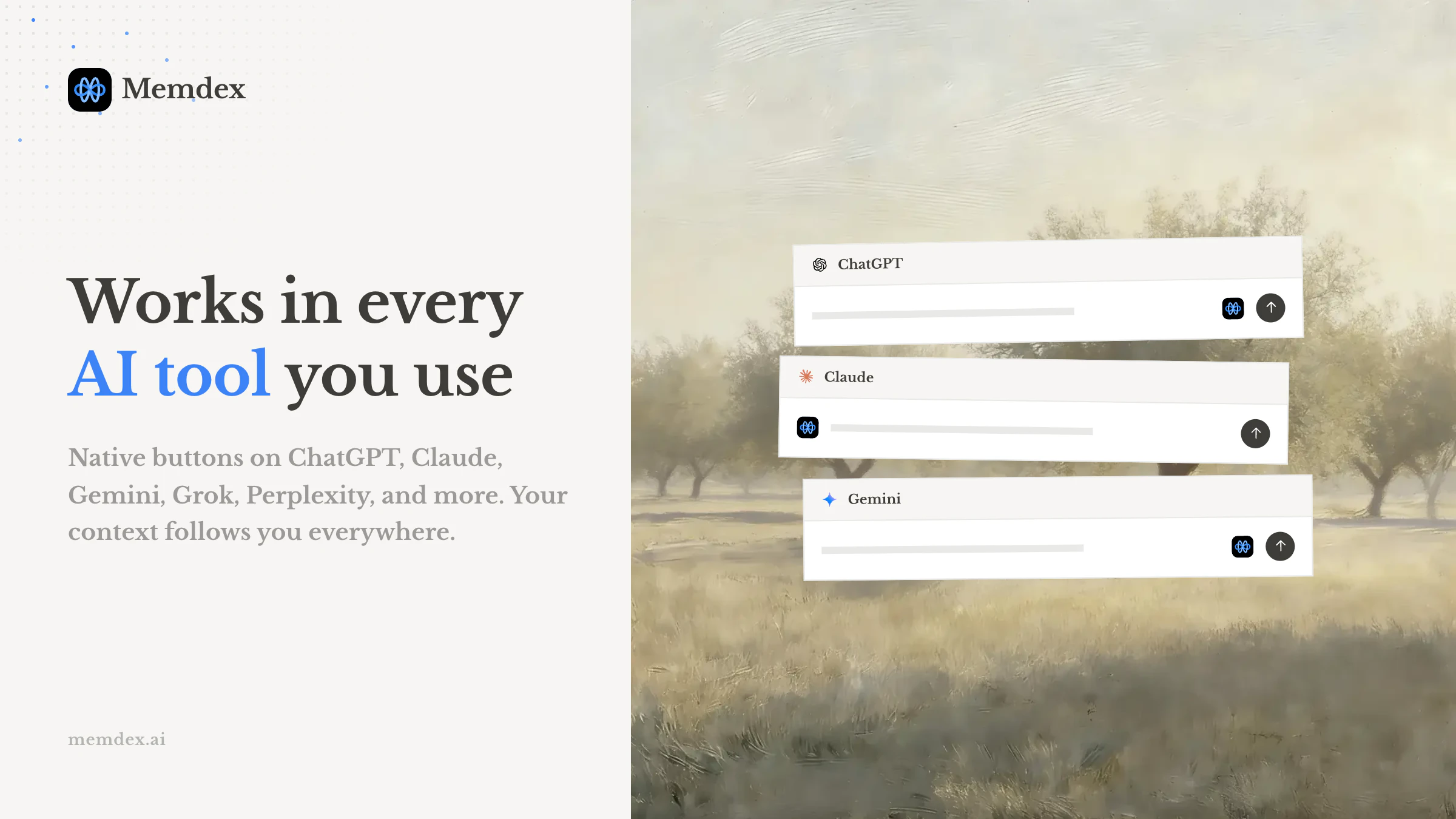
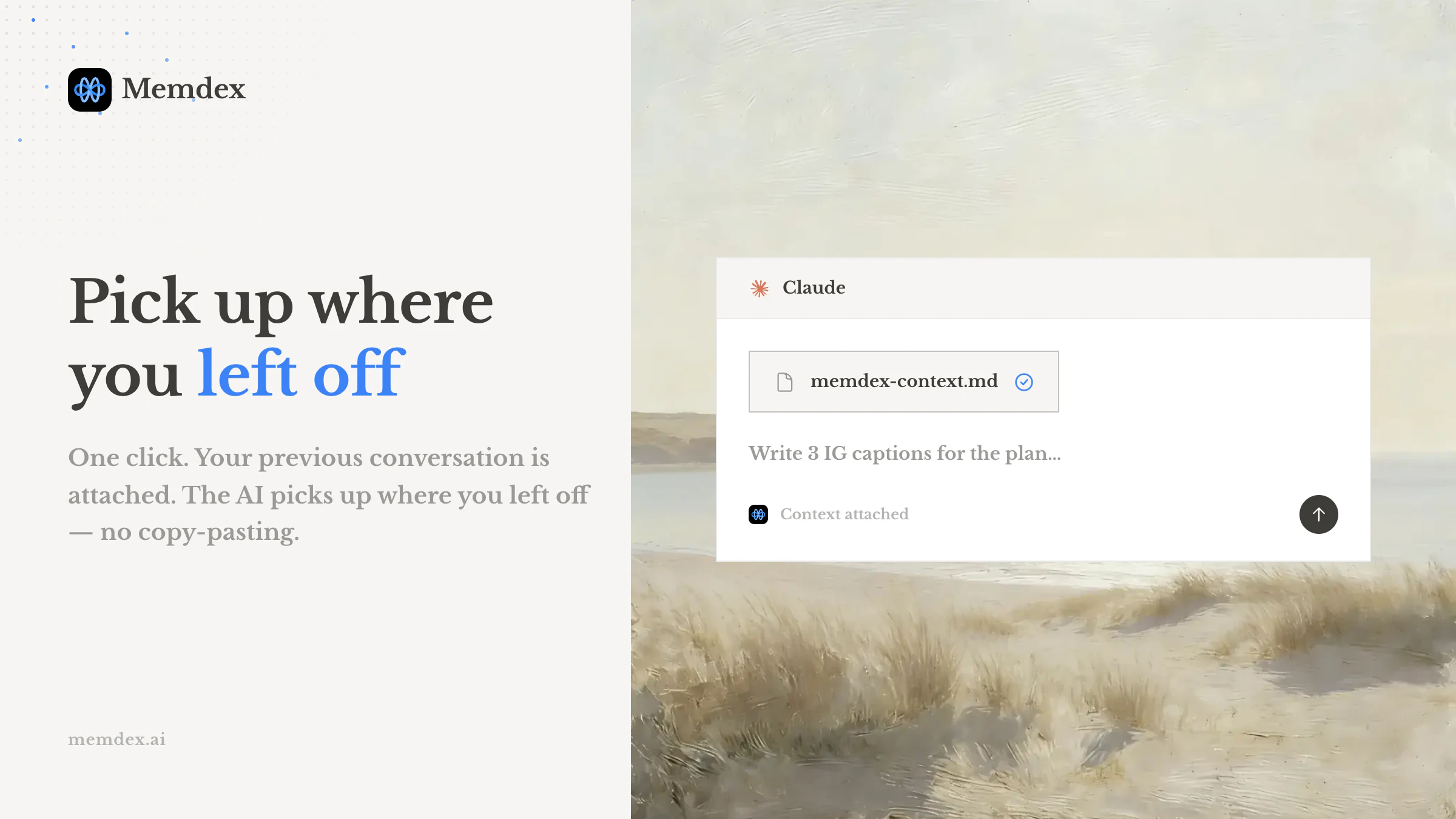
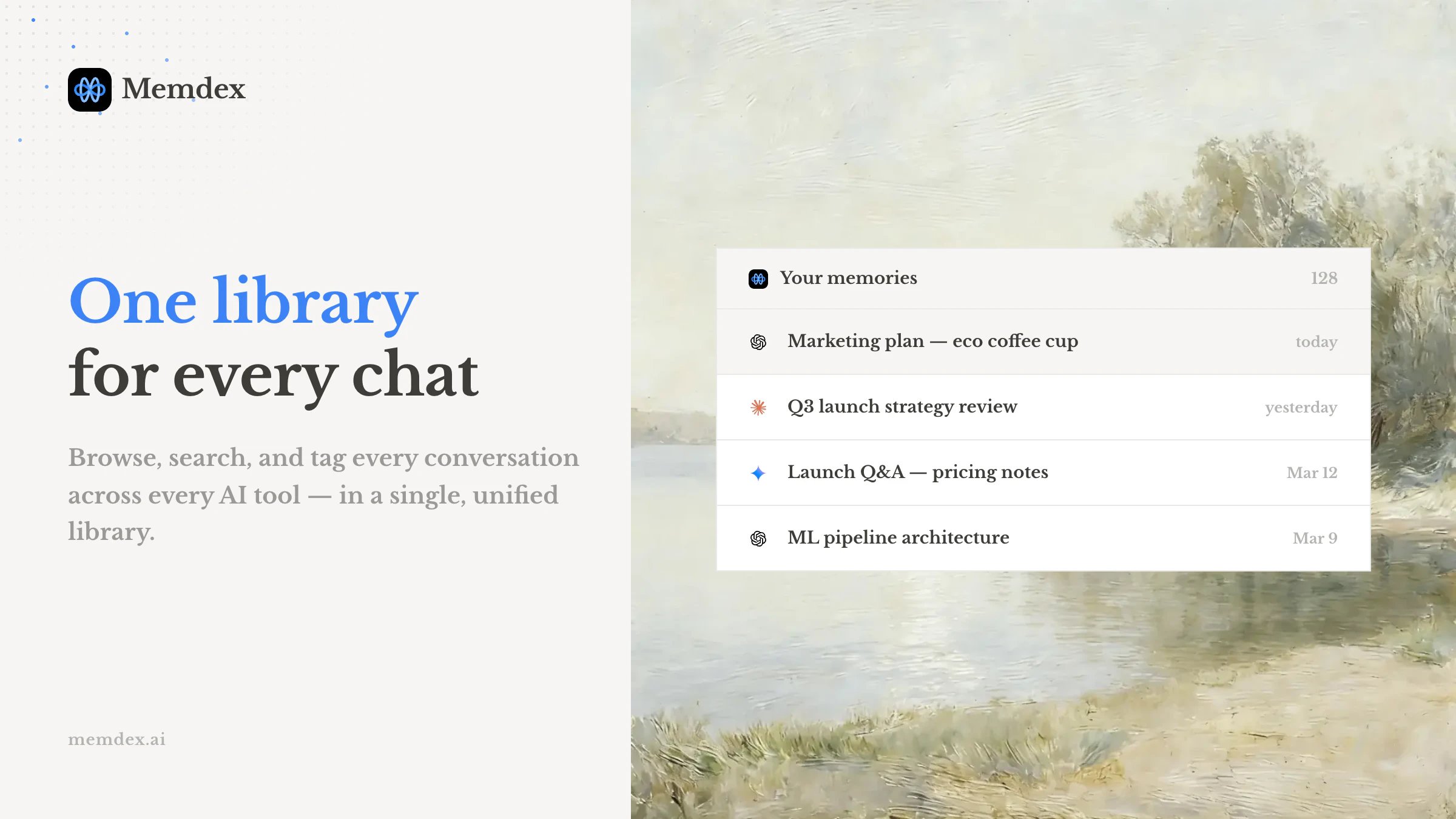
Memdex is a innovative Chrome extension designed to enhance AI interactions by turning every conversation into a reusable, encrypted local memory. It seamlessly captures chats across popular AI platforms like ChatGPT, Claude, and Gemini, storing the data securely on the user's device via IndexedDB—ensuring privacy and data control. The tool highlights relevant past interactions within your prompts, similar to Grammarly's underlining feature, making it easy to inject relevant context with a single click. Its core appeal lies in helping users build a personalized, efficient memory bank for ongoing AI work, whether for research, content creation, or development projects. The free tier allows access to the 10 most recent chats, while a pro version offers unlimited storage, catering to both casual users and power users who need comprehensive memory management.
Screenshots
Pros
- ✓Secure local storage with encryption, ensuring user privacy
- ✓Easy to use with one-click injection of relevant chat history
- ✓Supports multiple AI platforms like ChatGPT, Claude, and Gemini
- ✓Free tier provides valuable memory management for casual users
- ✓Enhances productivity by making conversation context reusable
Cons
- ✗Limited free storage (10 chats) may not suit heavy users
- ✗Requires Chrome browser extension, which may not appeal to all users
- ✗Potential learning curve for managing and organizing stored chats
Use Cases
Pricing
Likely operates on a freemium model, offering a free plan with limited chat storage and a paid Pro plan for unlimited memory management. Exact pricing details are not specified but are expected to start around a modest monthly fee for enhanced features.
Quick Info
Topics
Similar Tools in AI Assistants




Embed Badge
Add this badge to your website to show that Memdex is featured on Visalytica.
<a href="https://www.visalytica.com/tool/memdex" target="_blank" rel="noopener noreferrer" style="display:inline-flex;align-items:center;gap:6px;padding:6px 14px;background:#7c3aed;color:#fff;border-radius:8px;font-family:-apple-system,system-ui,sans-serif;font-size:13px;font-weight:600;text-decoration:none;transition:background .2s" onmouseover="this.style.background='#6d28d9'" onmouseout="this.style.background='#7c3aed'"><svg width="14" height="14" viewBox="0 0 24 24" fill="none" stroke="currentColor" stroke-width="2.5" stroke-linecap="round" stroke-linejoin="round"><path d="M12 20V10"/><path d="M18 20V4"/><path d="M6 20v-4"/></svg>Featured on Visalytica</a>