
MeetNote
AI meeting notes for Google Meet, no bot joins your call
About MeetNote
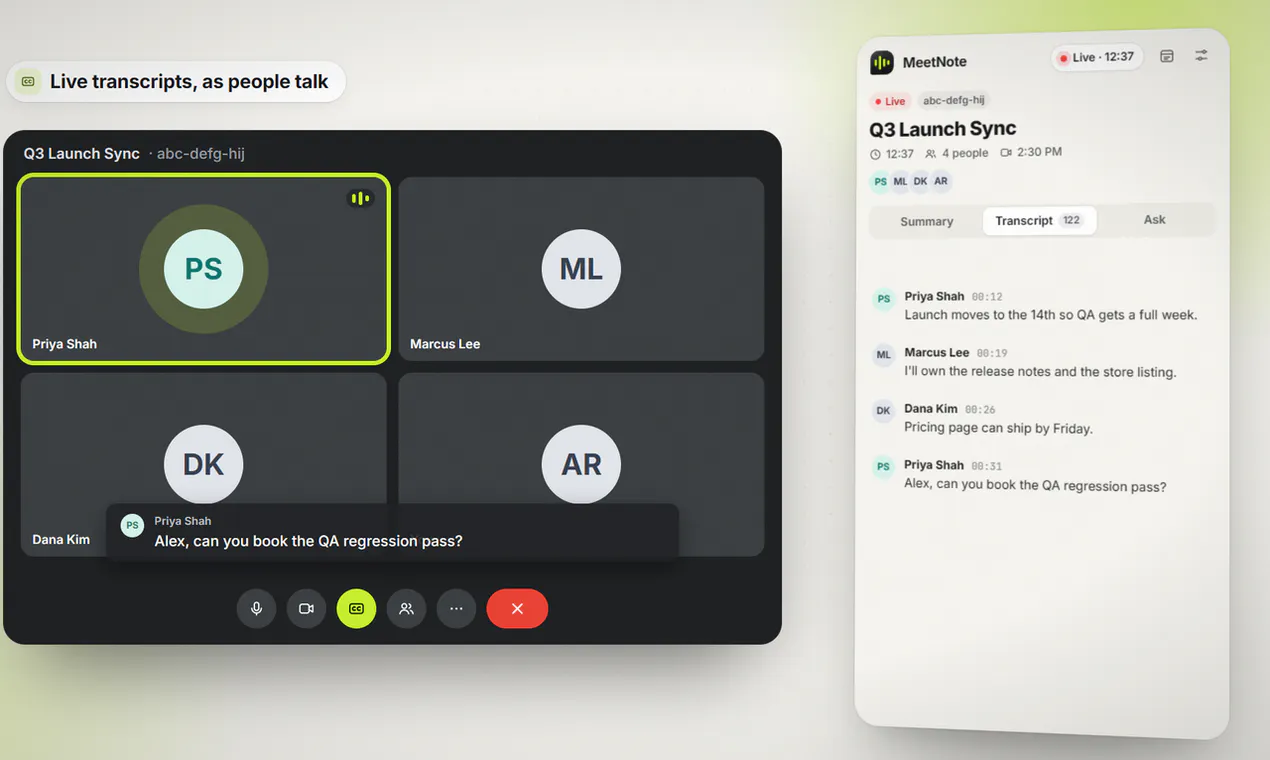
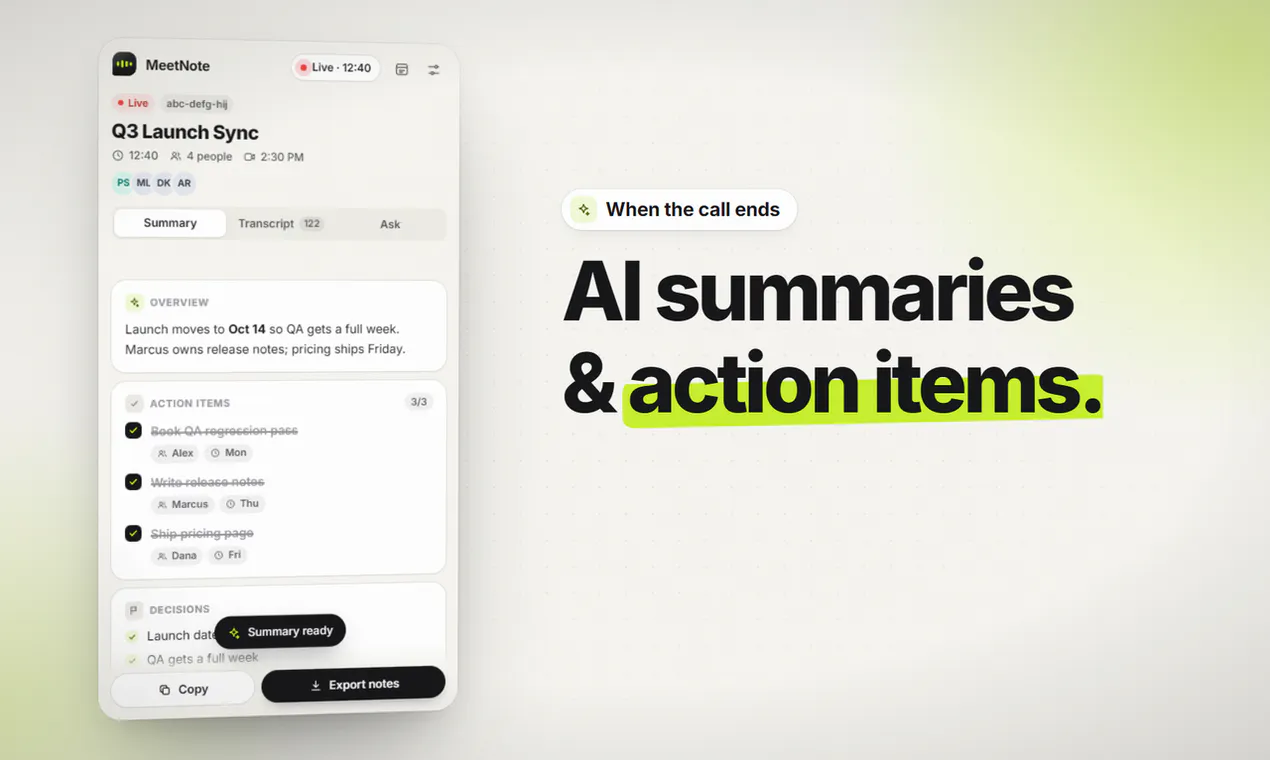
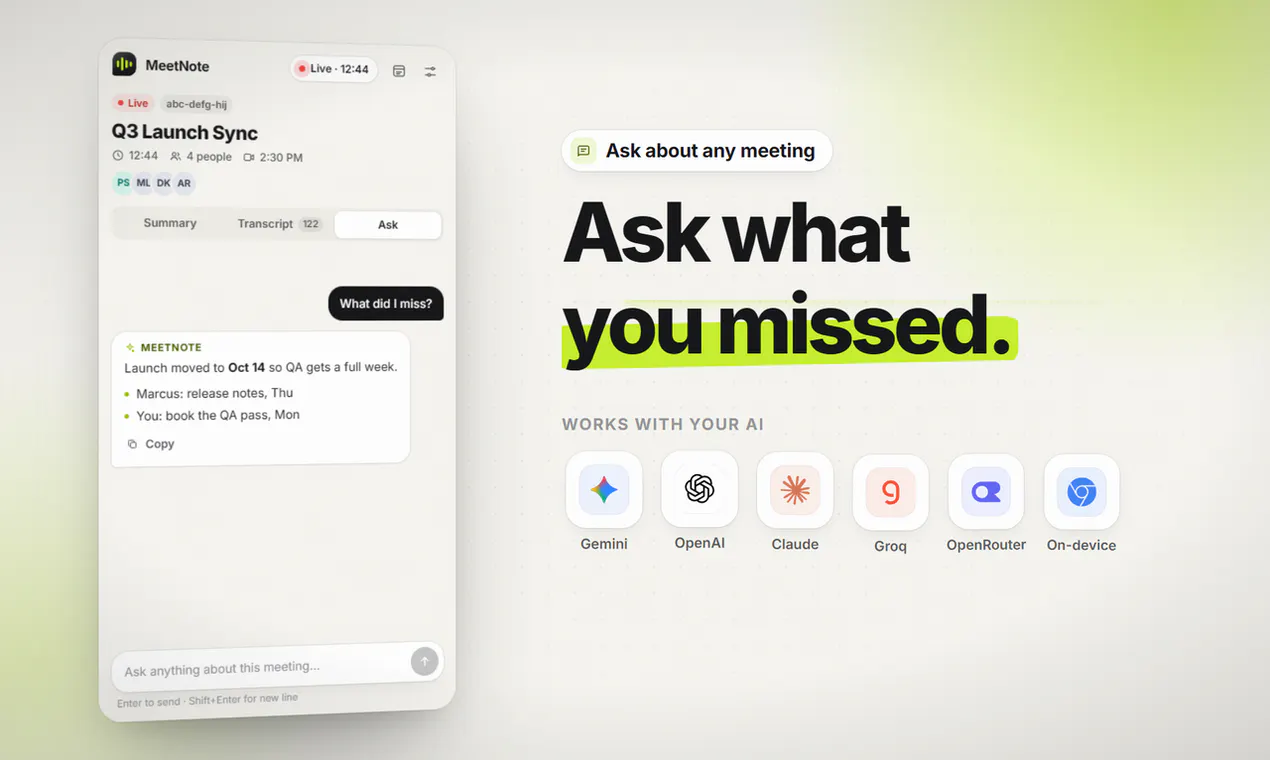
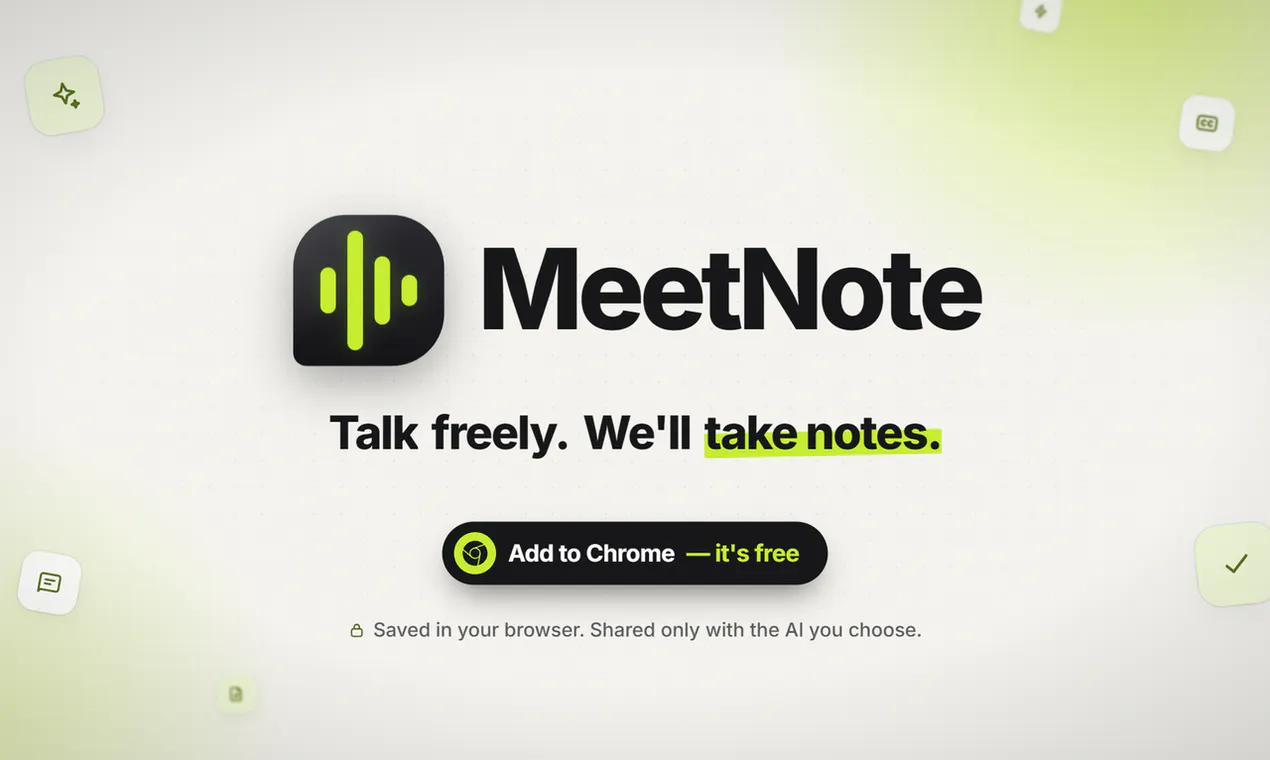
MeetNote is a streamlined Chrome extension designed to enhance productivity during Google Meet calls by providing real-time transcription and post-call summaries. Unlike typical meeting tools that require bots or sign-ups, MeetNote operates entirely within your browser, ensuring privacy and simplicity. It captures live transcripts directly in Chrome's side panel, allowing users to follow along effortlessly. Once the call concludes, MeetNote offers concise summaries, key decisions, and actionable items, making meeting documentation quick and efficient. Its on-device or AI options give users flexibility and control over their data, appealing to those prioritizing privacy and ease of use. Ideal for professionals, teams, and remote workers, MeetNote aims to eliminate the hassle of manual note-taking while maintaining full confidentiality.
Screenshots
Pros
- ✓No bot or sign-up required, ensuring privacy and ease of use
- ✓Live transcription directly within Chrome's side panel
- ✓Post-call summaries, decisions, and action items for quick follow-up
- ✓Options to run AI locally for enhanced data control
- ✓Notes remain stored only in the user's browser
Cons
- ✗Limited information on advanced features or integrations
- ✗Potential accuracy depends on audio quality and speech clarity
- ✗No details on pricing or subscription plans
Use Cases
Pricing
Pricing not verified
Quick Info
Topics
Makers

Mike Lyndon Bigcas
Similar Tools in AI Assistants




Embed Badge
Add this badge to your website to show that MeetNote is featured on Visalytica.
<a href="https://www.visalytica.com/tool/meetnote" target="_blank" rel="noopener noreferrer" style="display:inline-flex;align-items:center;gap:6px;padding:6px 14px;background:#7c3aed;color:#fff;border-radius:8px;font-family:-apple-system,system-ui,sans-serif;font-size:13px;font-weight:600;text-decoration:none;transition:background .2s" onmouseover="this.style.background='#6d28d9'" onmouseout="this.style.background='#7c3aed'"><svg width="14" height="14" viewBox="0 0 24 24" fill="none" stroke="currentColor" stroke-width="2.5" stroke-linecap="round" stroke-linejoin="round"><path d="M12 20V10"/><path d="M18 20V4"/><path d="M6 20v-4"/></svg>Featured on Visalytica</a>