
Media Sharing
Let AI agents put screenshots and videos on pull requests
About Media Sharing
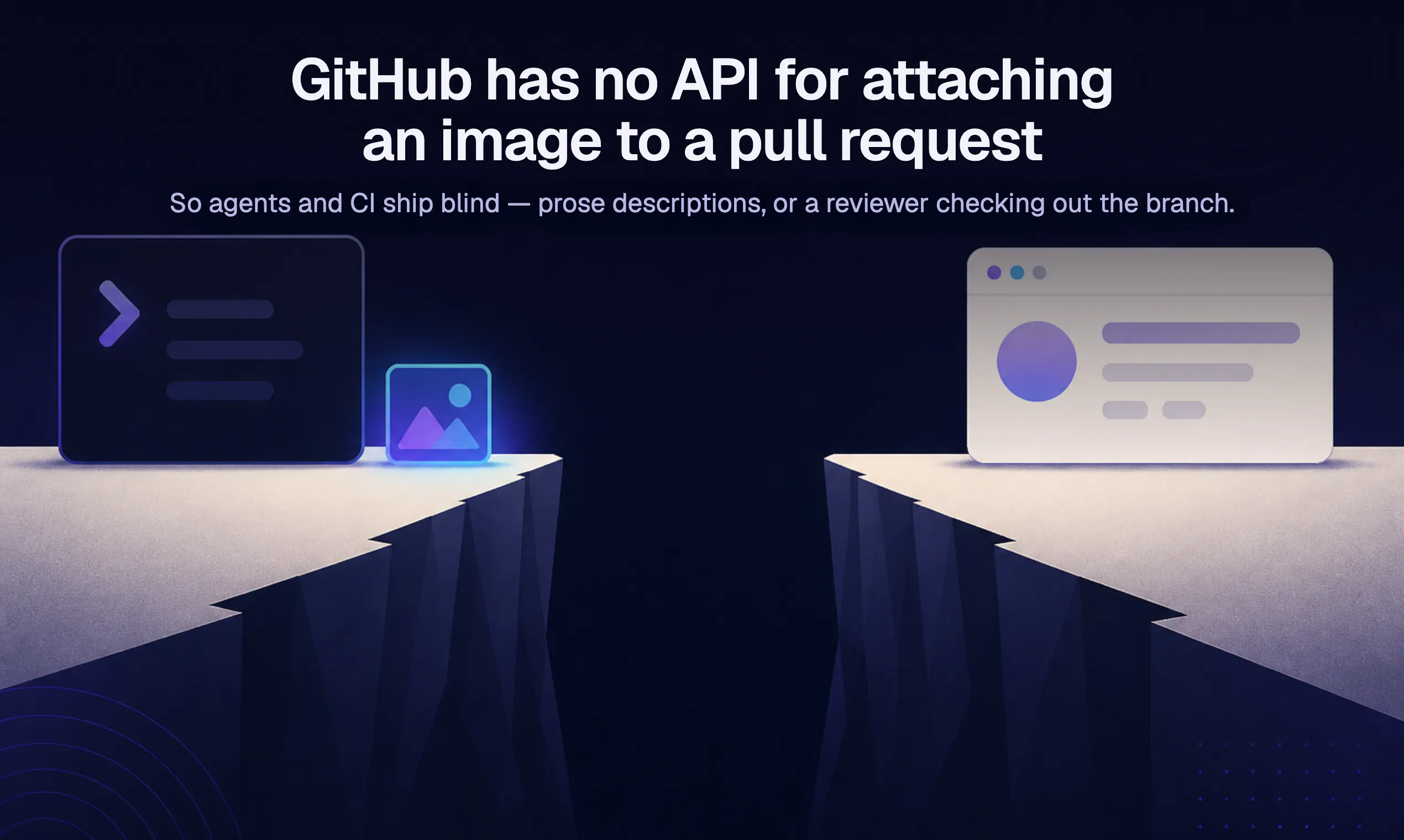
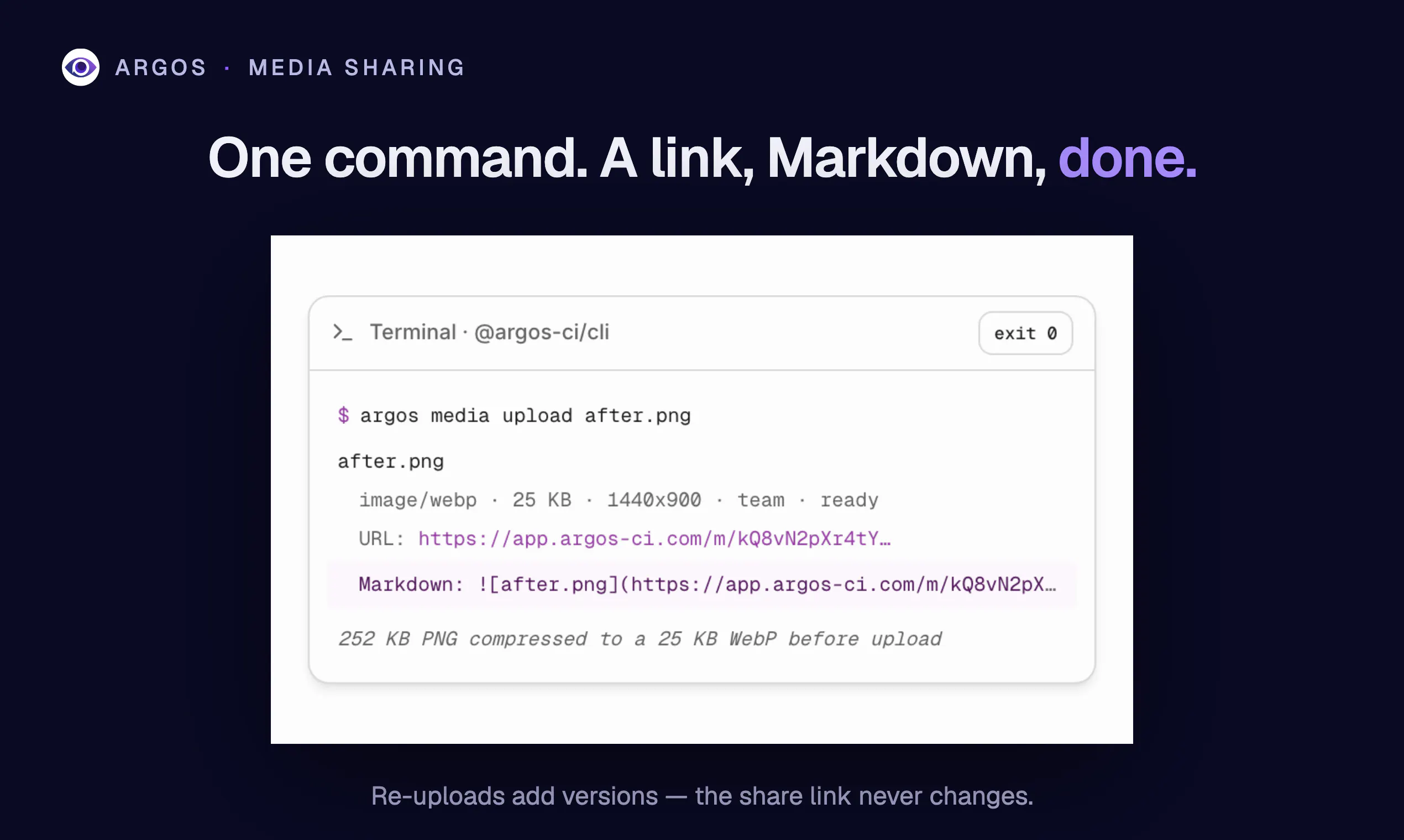
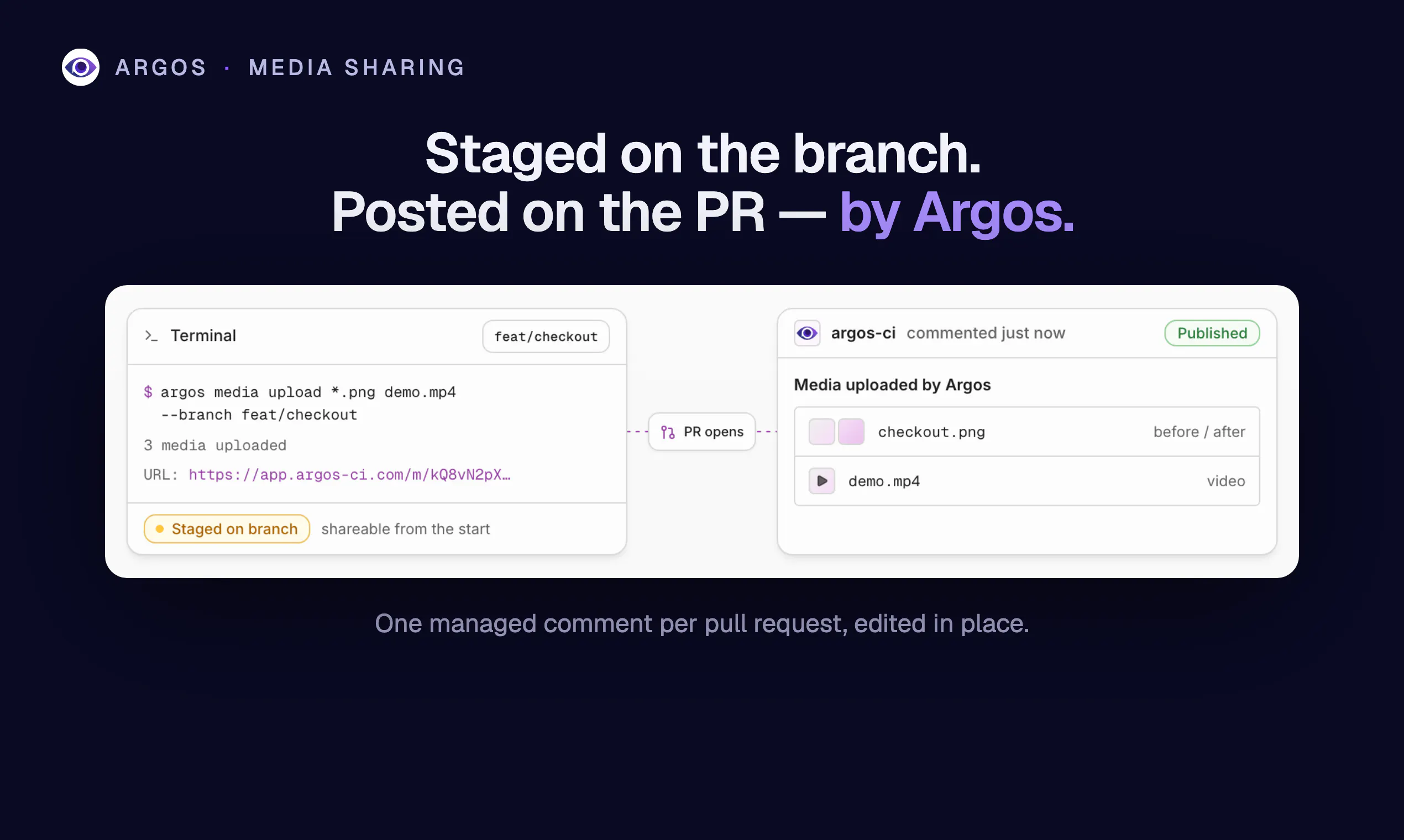
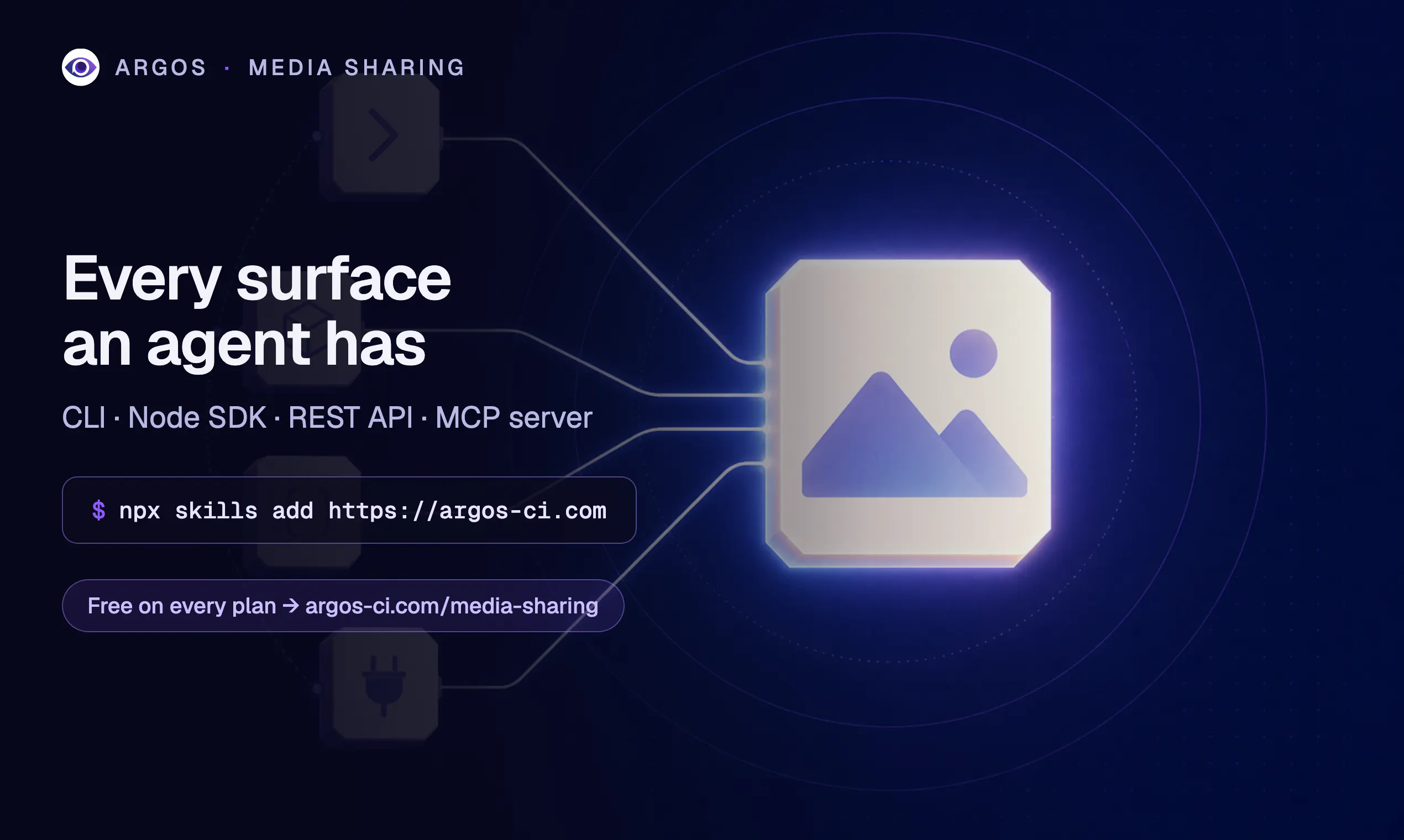
Media Sharing is a innovative tool designed to streamline the process of attaching visual content to GitHub pull requests. By addressing the lack of native API support for images and videos on GitHub, it enables developers and teams to effortlessly share screenshots and recordings through a simple command. This generated share link, complete with Markdown formatting, is automatically posted to the PR, making collaboration more visual and clear. The tool is particularly valuable for teams that rely heavily on visual feedback, bug reports, or design reviews within their development workflows. Its automation reduces manual effort, saves time, and enhances communication clarity, especially in fast-paced development environments. Overall, Media Sharing empowers developers to improve documentation and review processes with minimal friction, leveraging AI-driven simplicity to enhance productivity.
Screenshots

Pros
- ✓Automates the process of attaching images and videos to pull requests
- ✓Easy-to-use command that generates shareable links with Markdown ready-to-paste
- ✓Reduces manual effort and speeds up visual communication
- ✓Integrates seamlessly into existing GitHub workflows
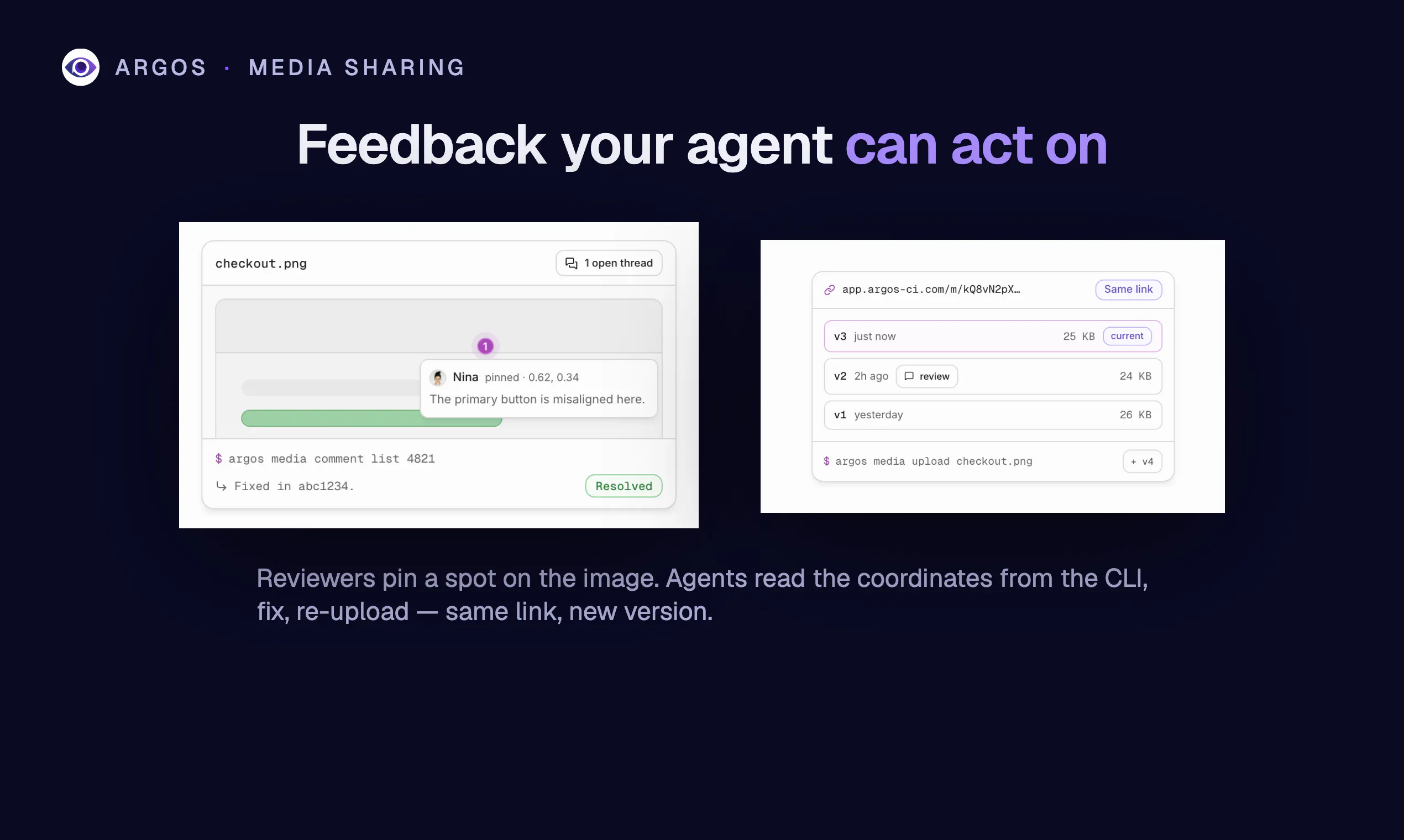
- ✓Enhances collaboration by making visual feedback more accessible
Cons
- ✗Limited information on pricing and subscription plans
- ✗Currently lacks detailed documentation or user guides
- ✗Depends on AI agents, which may introduce complexity for some users
Use Cases
Pricing
Likely adopts a freemium model, offering basic features for free with premium plans possibly starting around $10-$20/month, though specific details are not publicly confirmed.
Quick Info
Topics
Makers

Jeremy Sfez
Alternatives
Similar Tools in AI Image & Design




Embed Badge
Add this badge to your website to show that Media Sharing is featured on Visalytica.
<a href="https://www.visalytica.com/tool/media-sharing" target="_blank" rel="noopener noreferrer" style="display:inline-flex;align-items:center;gap:6px;padding:6px 14px;background:#7c3aed;color:#fff;border-radius:8px;font-family:-apple-system,system-ui,sans-serif;font-size:13px;font-weight:600;text-decoration:none;transition:background .2s" onmouseover="this.style.background='#6d28d9'" onmouseout="this.style.background='#7c3aed'"><svg width="14" height="14" viewBox="0 0 24 24" fill="none" stroke="currentColor" stroke-width="2.5" stroke-linecap="round" stroke-linejoin="round"><path d="M12 20V10"/><path d="M18 20V4"/><path d="M6 20v-4"/></svg>Featured on Visalytica</a>