
mectrics
Your Mac's vitals in the menu bar. Free and open source.
About mectrics
mectrics is a sleek, open-source utility designed for macOS users who want real-time insights into their system's health directly from the menu bar. It offers a customizable interface where users can monitor detailed metrics such as CPU, memory, battery, network, disk usage, GPU activity, temperature, and fans. Its standout feature, Compact Health, simplifies the display into a single icon that remains unobtrusive until it detects an issue, making it ideal for users who prefer minimalism without sacrificing vital information. Compatible with macOS 15 and later, mectrics is perfect for developers, power users, and anyone keen on maintaining optimal system performance without invasive tools. Its open-source nature encourages community contributions and transparency, making it a trustworthy choice for those who value privacy and customization.
Screenshots
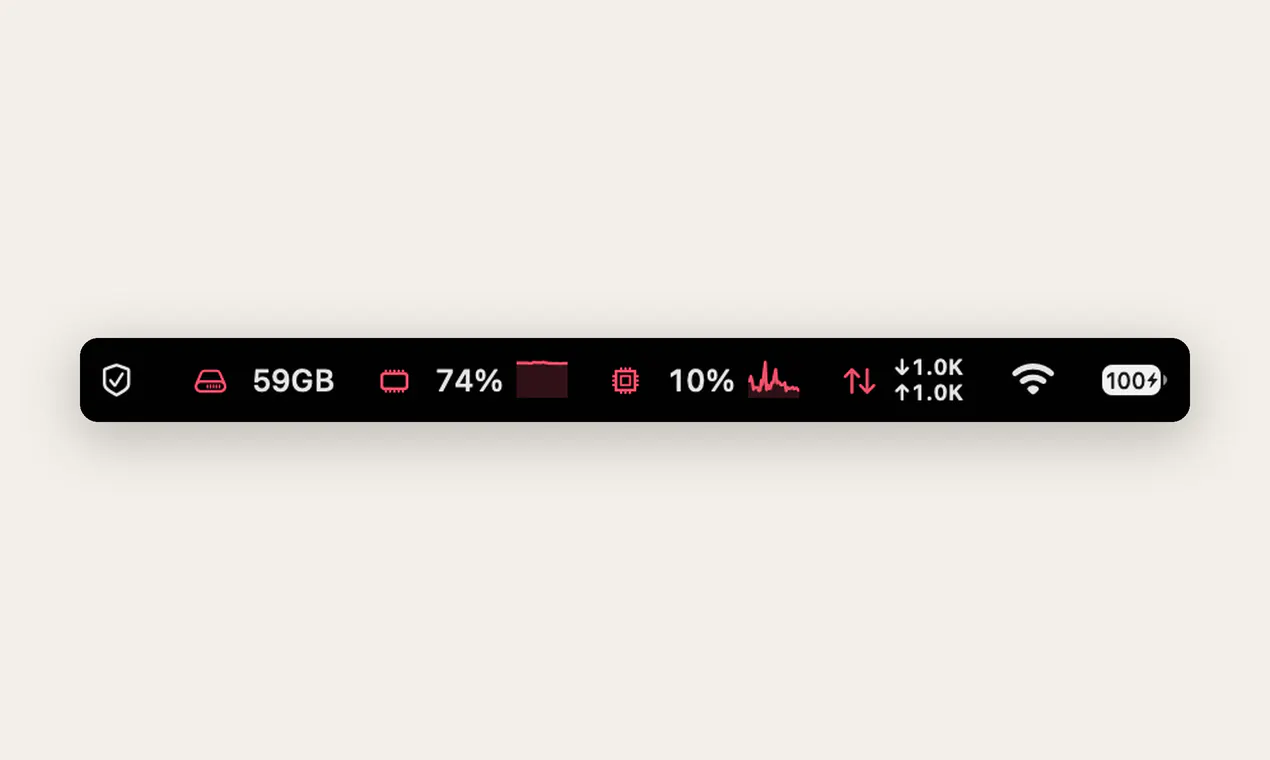
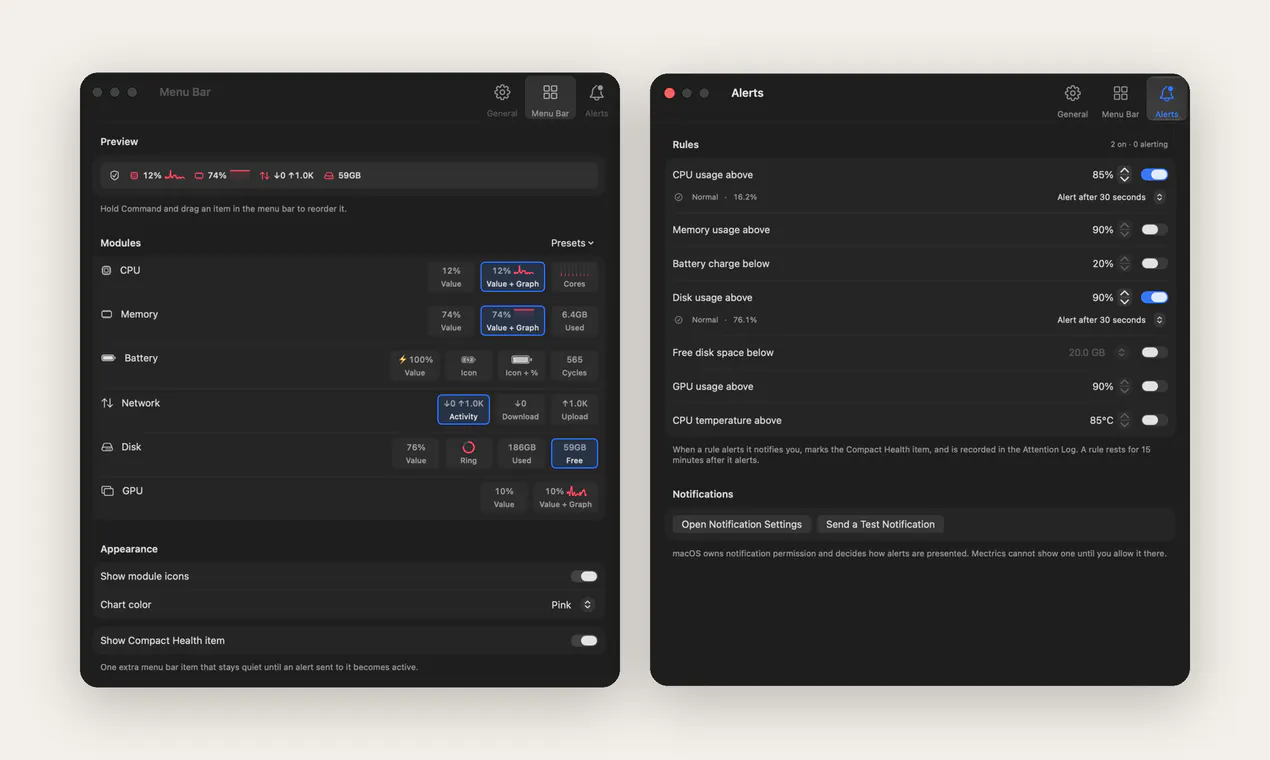
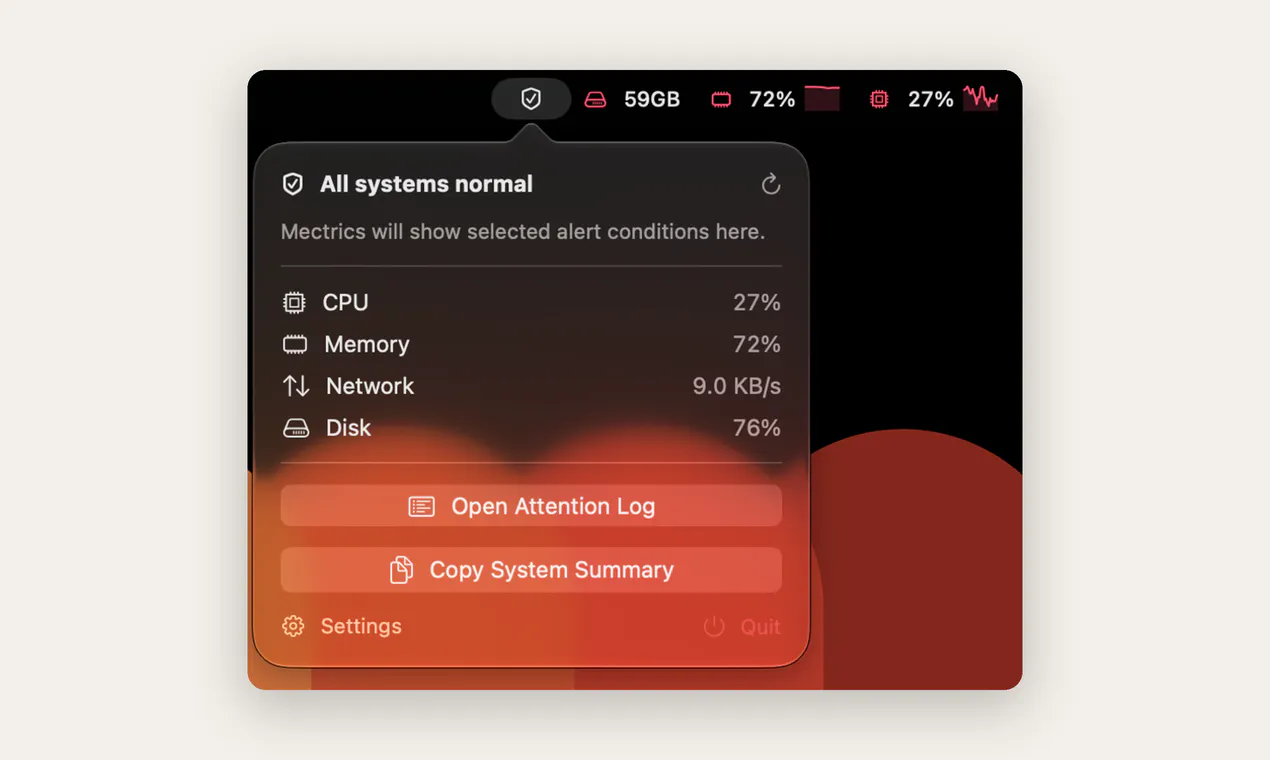
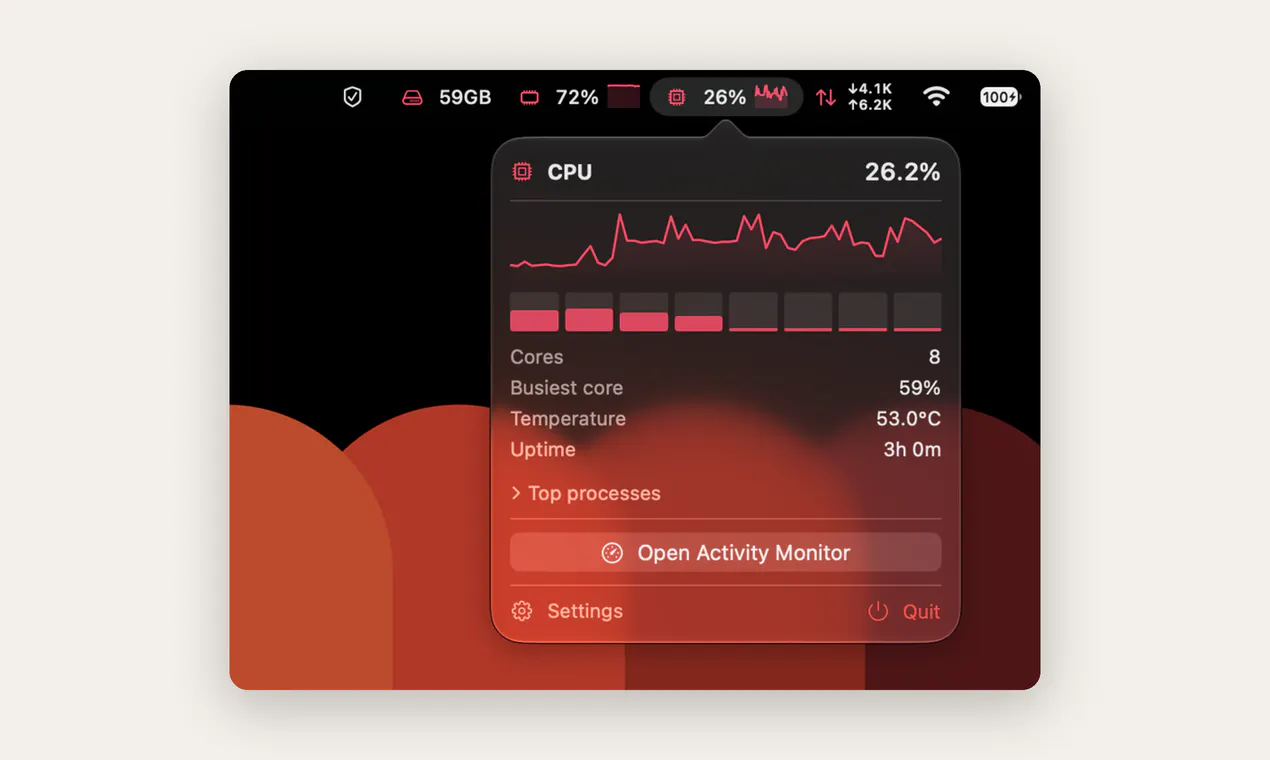
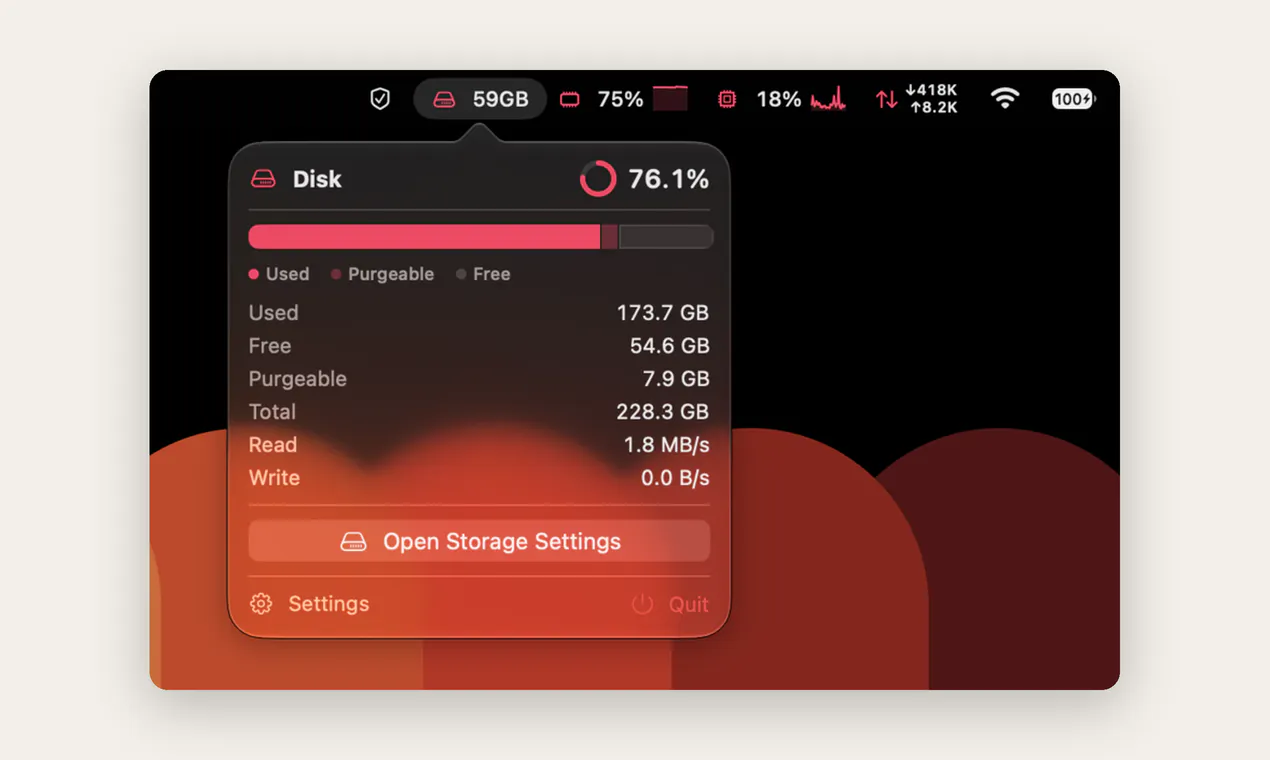
Pros
- ✓Open-source, free to use and customize
- ✓Highly customizable display options for monitoring metrics
- ✓Compact and unobtrusive design with the 'Compact Health' feature
- ✓Real-time system health insights accessible from the menu bar
- ✓Supports macOS 15+ with a wide range of system metrics
Cons
- ✗Lacks advanced analytics or historical data visualization
- ✗May require some technical knowledge to customize fully
- ✗Limited user interface beyond system monitoring
Use Cases
Pricing
mectrics is free and open source, making it accessible for all users without subscription costs or premium tiers.
Quick Info
Topics
Makers

Faruk KAMÇICI
Alternatives
Similar Tools in AI Assistants




Embed Badge
Add this badge to your website to show that mectrics is featured on Visalytica.
<a href="https://www.visalytica.com/tool/mectrics" target="_blank" rel="noopener noreferrer" style="display:inline-flex;align-items:center;gap:6px;padding:6px 14px;background:#7c3aed;color:#fff;border-radius:8px;font-family:-apple-system,system-ui,sans-serif;font-size:13px;font-weight:600;text-decoration:none;transition:background .2s" onmouseover="this.style.background='#6d28d9'" onmouseout="this.style.background='#7c3aed'"><svg width="14" height="14" viewBox="0 0 24 24" fill="none" stroke="currentColor" stroke-width="2.5" stroke-linecap="round" stroke-linejoin="round"><path d="M12 20V10"/><path d="M18 20V4"/><path d="M6 20v-4"/></svg>Featured on Visalytica</a>