
MCPHub
AI-native launchpad for MCP servers
About MCPHub
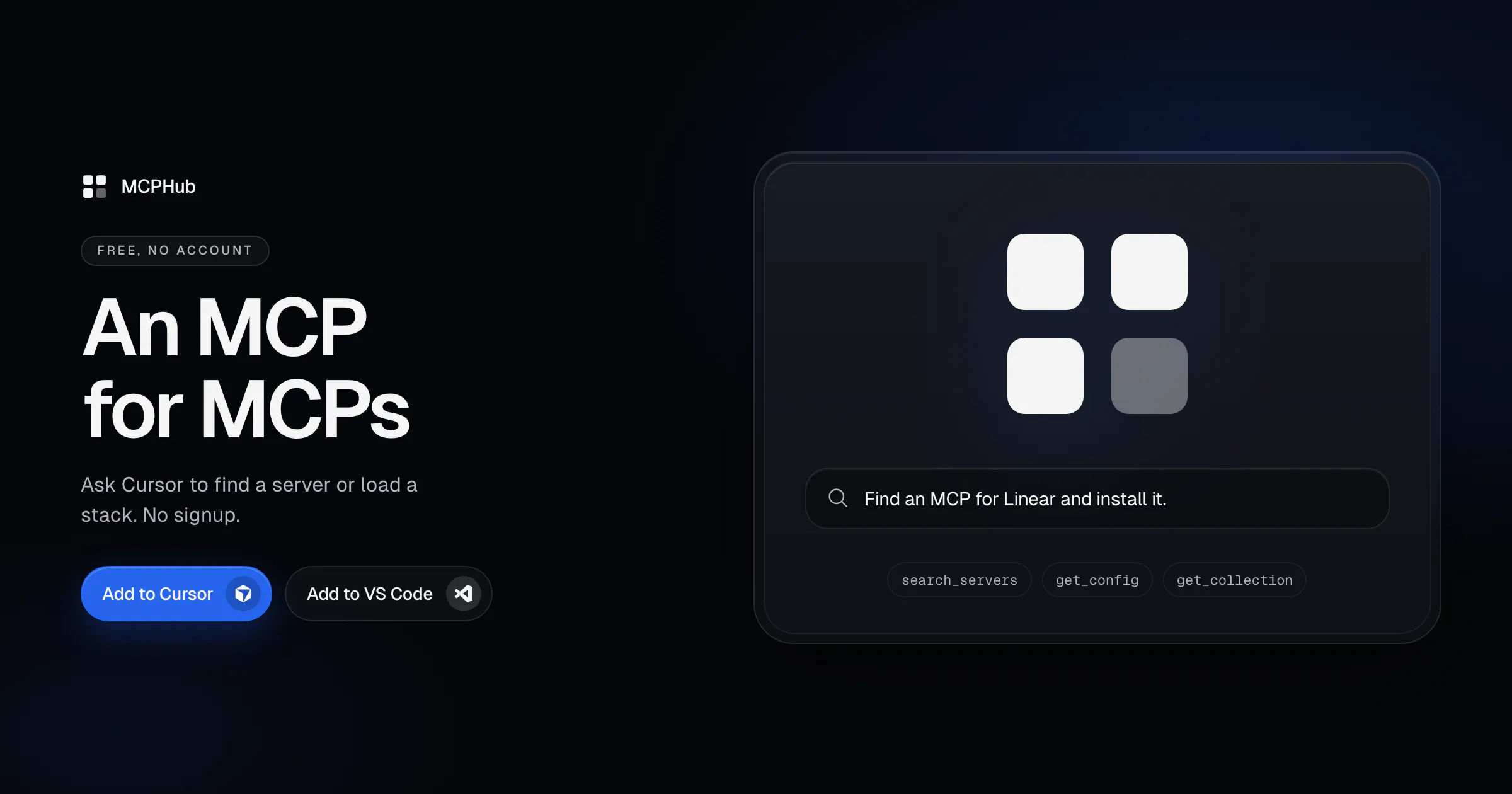
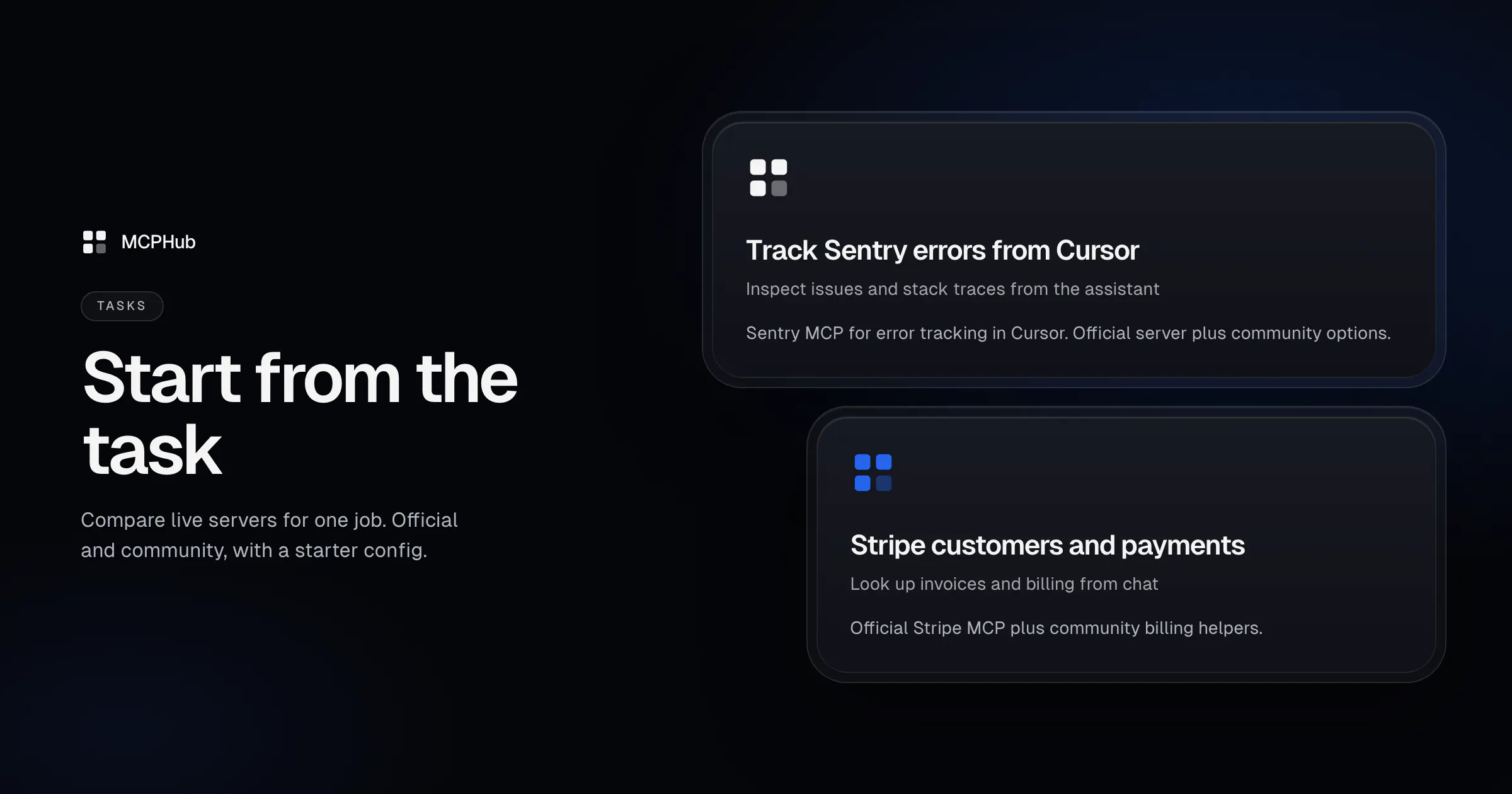
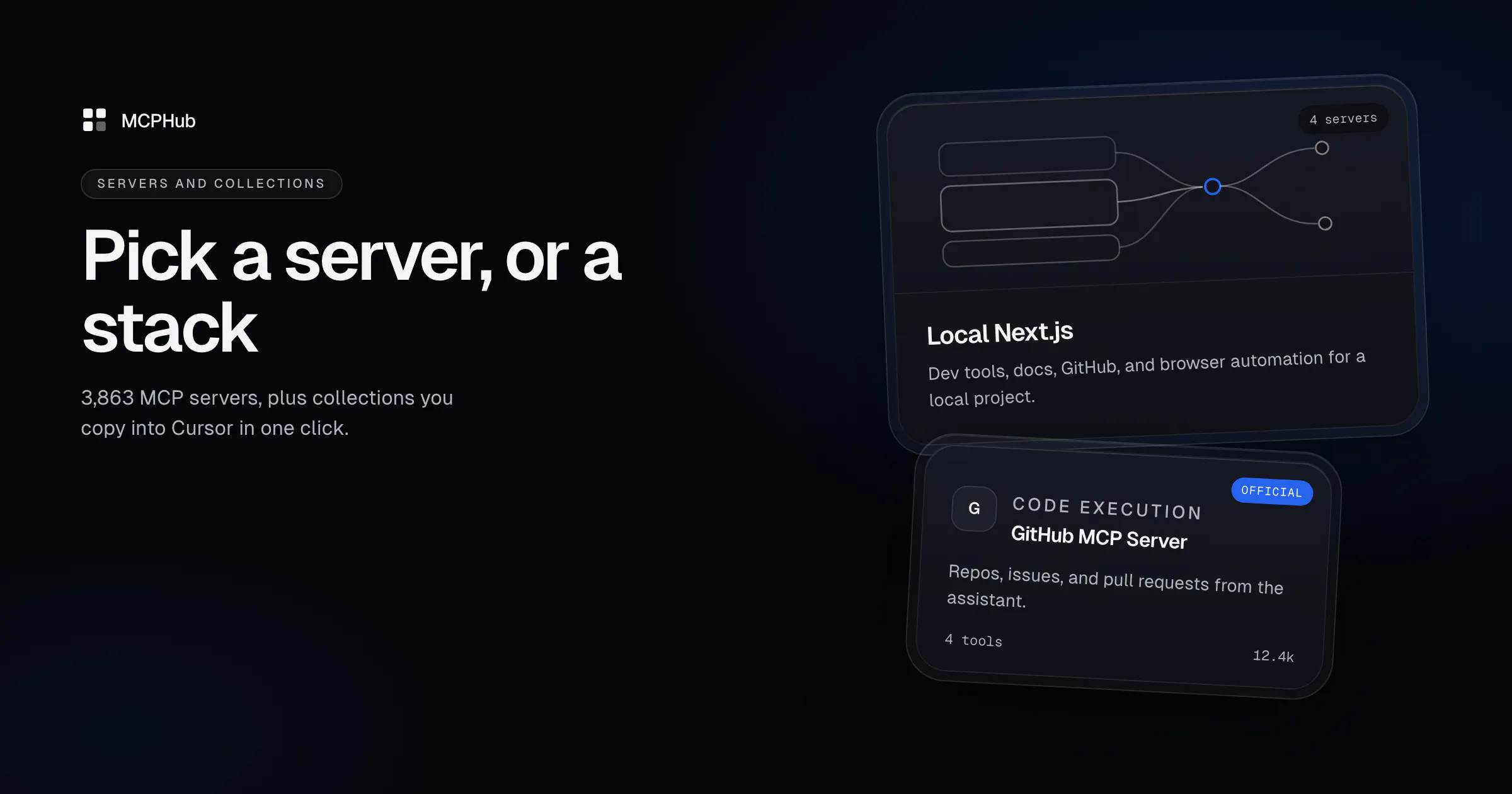
MCPHub is an AI-native launchpad designed specifically for MCP (Multi-Client Protocol) servers, making it an invaluable tool for developers and AI enthusiasts working with MCP ecosystems. By integrating with popular code editors like Cursor, Claude, or VS Code, users can effortlessly discover, load, and manage MCP servers, collections, and configurations through simple commands. Its extensive catalog of approximately 4,000 MCP servers, combined with features like comparison task pages, merged stacks for Next.js, SEO, and Shopify, makes it a comprehensive resource for optimizing multi-server workflows. Its ability to inspect remote MCPs directly in the playground provides an added layer of convenience for testing and debugging. As a free, no-account-required tool, MCPHub lowers the barrier to entry for those needing quick access to MCP server data, making it ideal for developers, AI researchers, and system integrators looking to streamline their multi-server management.
Screenshots
Pros
- ✓Extensive catalog of around 4,000 MCP servers for broad coverage
- ✓Seamless integration with popular code editors like Cursor, Claude, and VS Code
- ✓User-friendly commands to find servers, load collections, and copy configs
- ✓Includes task pages for comparing official and community options
- ✓Free to use with no account required
Cons
- ✗Limited information on advanced customization or filtering features
- ✗Potential learning curve for users unfamiliar with MCP concepts
- ✗No details on support or update frequency
Use Cases
Pricing
Pricing not verified
Quick Info
Topics
Makers

Ildar Timerbaev
Similar Tools in AI Assistants




Embed Badge
Add this badge to your website to show that MCPHub is featured on Visalytica.
<a href="https://www.visalytica.com/tool/mcphub" target="_blank" rel="noopener noreferrer" style="display:inline-flex;align-items:center;gap:6px;padding:6px 14px;background:#7c3aed;color:#fff;border-radius:8px;font-family:-apple-system,system-ui,sans-serif;font-size:13px;font-weight:600;text-decoration:none;transition:background .2s" onmouseover="this.style.background='#6d28d9'" onmouseout="this.style.background='#7c3aed'"><svg width="14" height="14" viewBox="0 0 24 24" fill="none" stroke="currentColor" stroke-width="2.5" stroke-linecap="round" stroke-linejoin="round"><path d="M12 20V10"/><path d="M18 20V4"/><path d="M6 20v-4"/></svg>Featured on Visalytica</a>