
MCP-Builder.ai
The fastest way to connect your data with your AI Tools.
About MCP-Builder.ai
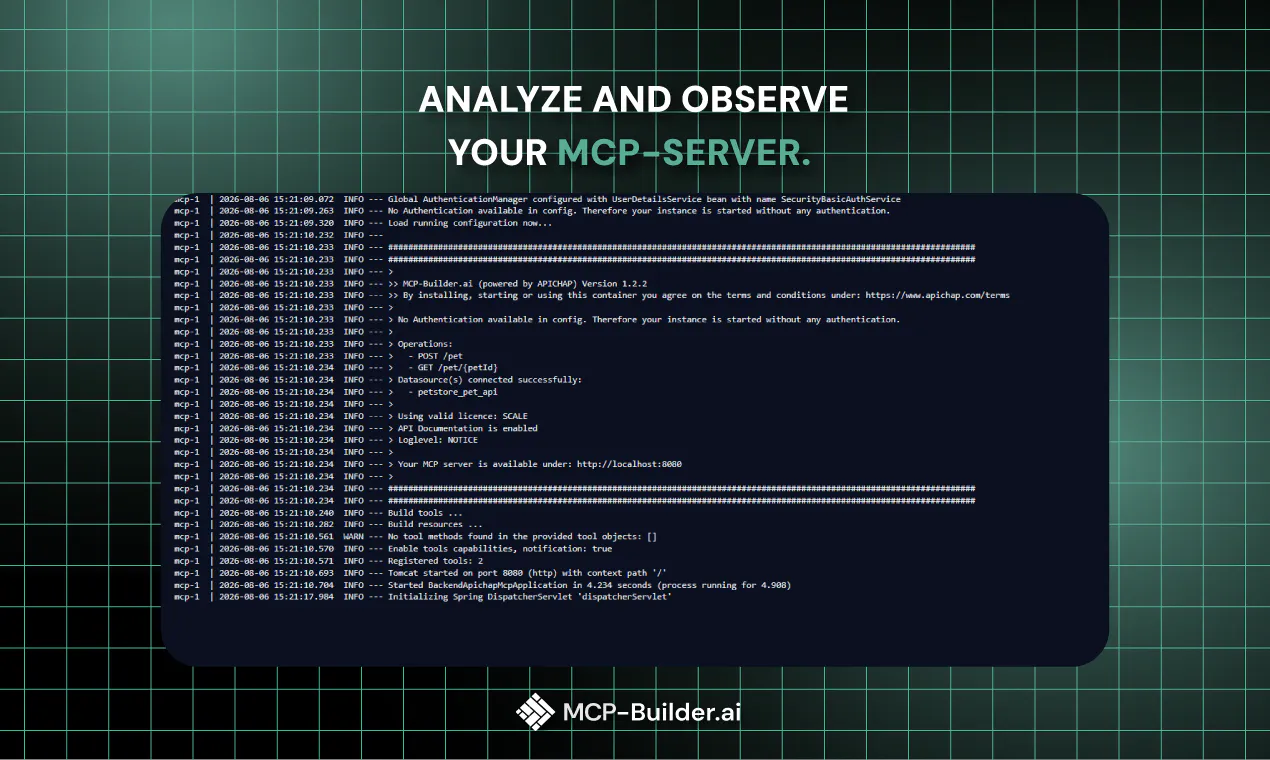
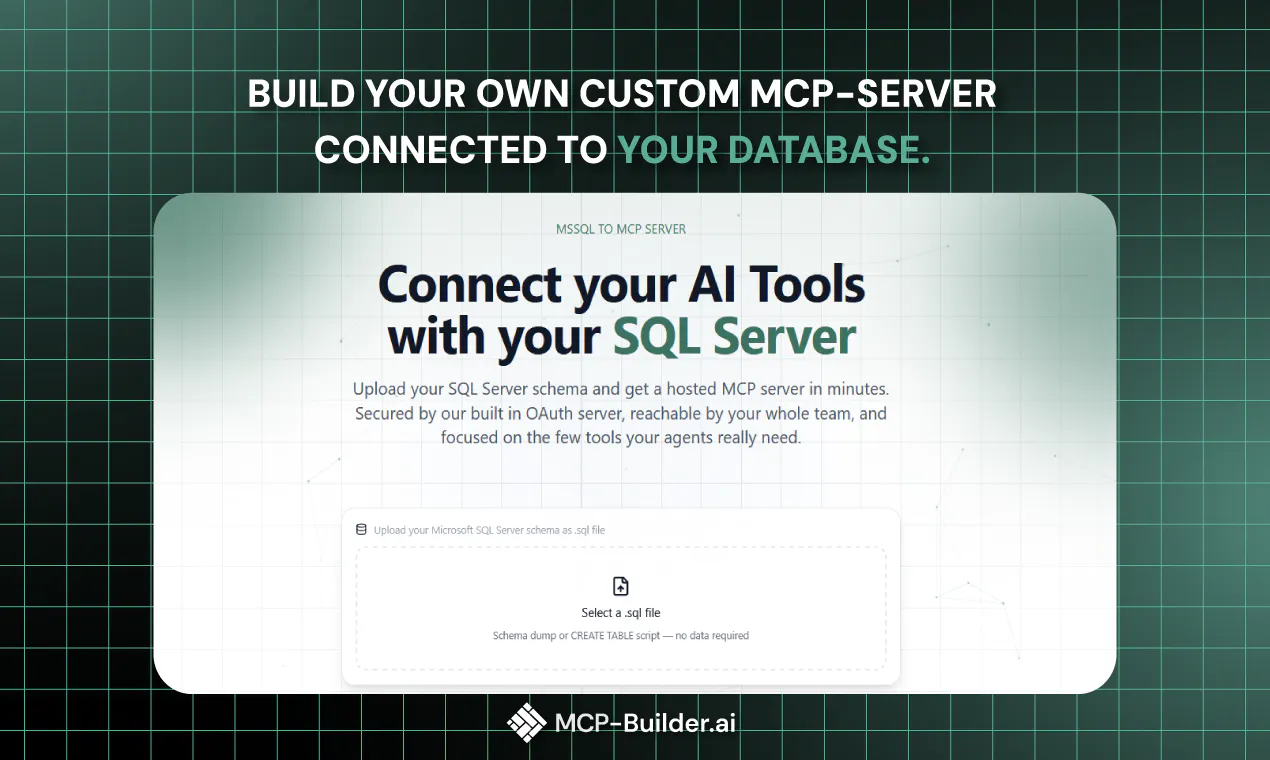
MCP-Builder.ai is a cutting-edge platform designed for developers and data professionals who need to quickly connect their data sources with AI tools. It simplifies the process of building and hosting MCP servers, eliminating the need for complex deployment, infrastructure setup, or security configurations. By describing the desired connections—such as databases, APIs, third-party apps, or files—users can have a secure, ready-to-use MCP server in minutes. Once set up, users can generate an MCP URL and integrate it seamlessly with popular AI clients like Claude, ChatGPT, or Cursor, enabling smooth data interactions and automation. This tool stands out for its ease of use, speed, and security, making it ideal for teams looking to streamline data integrations with minimal technical overhead.
Screenshots




Pros
- ✓Fast and effortless setup without infrastructure or security concerns
- ✓Supports a wide range of data connection types including databases, APIs, and files
- ✓Secure hosting with minimal configuration needed
- ✓Easy integration with popular AI tools via MCP URL
- ✓Designed for developers and data professionals seeking rapid deployment
Cons
- ✗Limited information on pricing and plans
- ✗Potentially less customizable than self-managed solutions
- ✗User base and community support details are not specified
Use Cases
Pricing
Pricing not verified
Quick Info
Topics
Makers

Michael Weissenboeck
Similar Tools in AI Assistants




Embed Badge
Add this badge to your website to show that MCP-Builder.ai is featured on Visalytica.
<a href="https://www.visalytica.com/tool/mcp-builder-ai" target="_blank" rel="noopener noreferrer" style="display:inline-flex;align-items:center;gap:6px;padding:6px 14px;background:#7c3aed;color:#fff;border-radius:8px;font-family:-apple-system,system-ui,sans-serif;font-size:13px;font-weight:600;text-decoration:none;transition:background .2s" onmouseover="this.style.background='#6d28d9'" onmouseout="this.style.background='#7c3aed'"><svg width="14" height="14" viewBox="0 0 24 24" fill="none" stroke="currentColor" stroke-width="2.5" stroke-linecap="round" stroke-linejoin="round"><path d="M12 20V10"/><path d="M18 20V4"/><path d="M6 20v-4"/></svg>Featured on Visalytica</a>