
MCP Bridge by Appfactor
Connect any API to any AI agent
About MCP Bridge by Appfactor
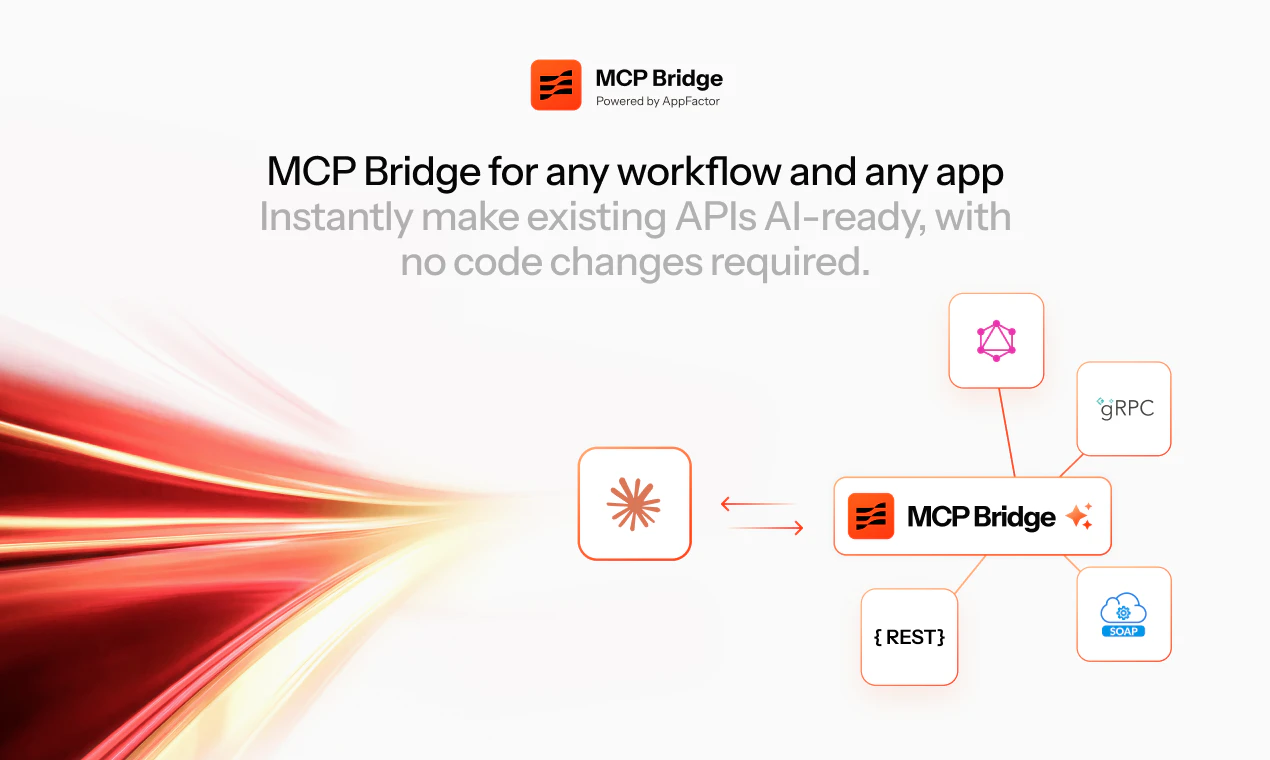
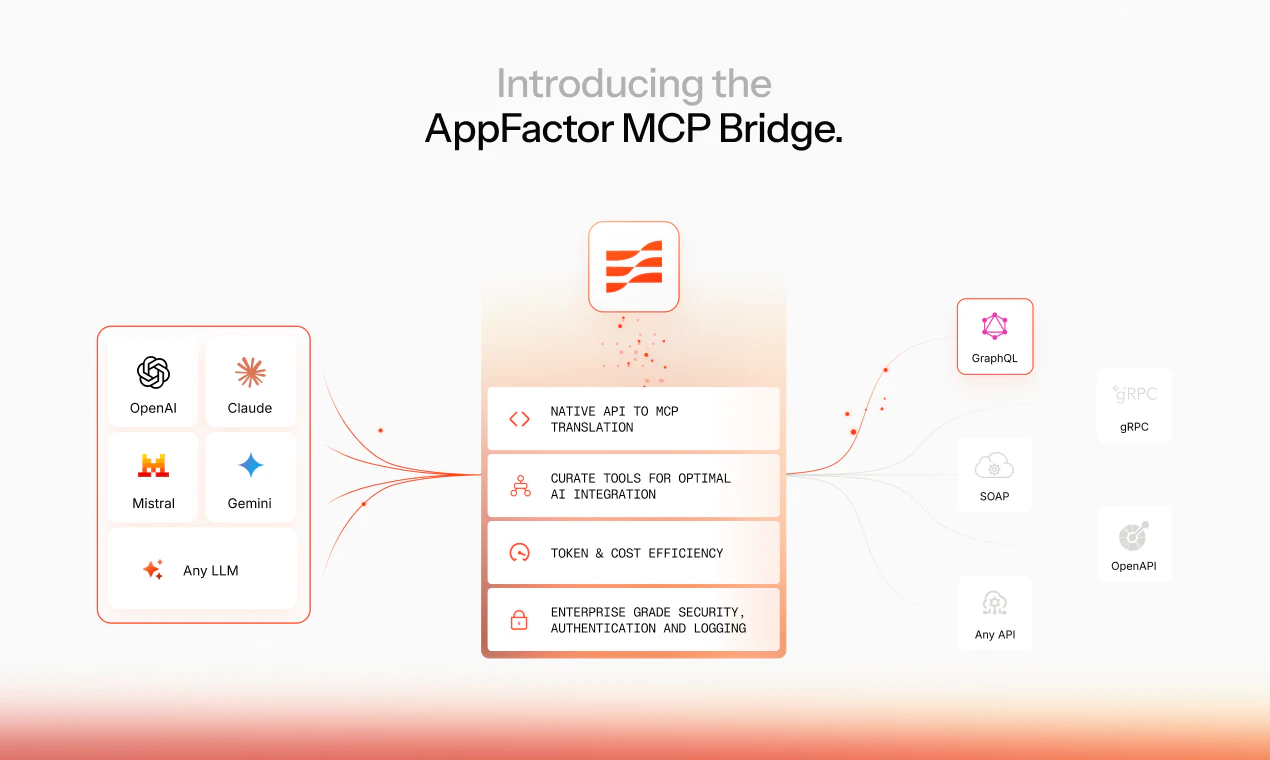
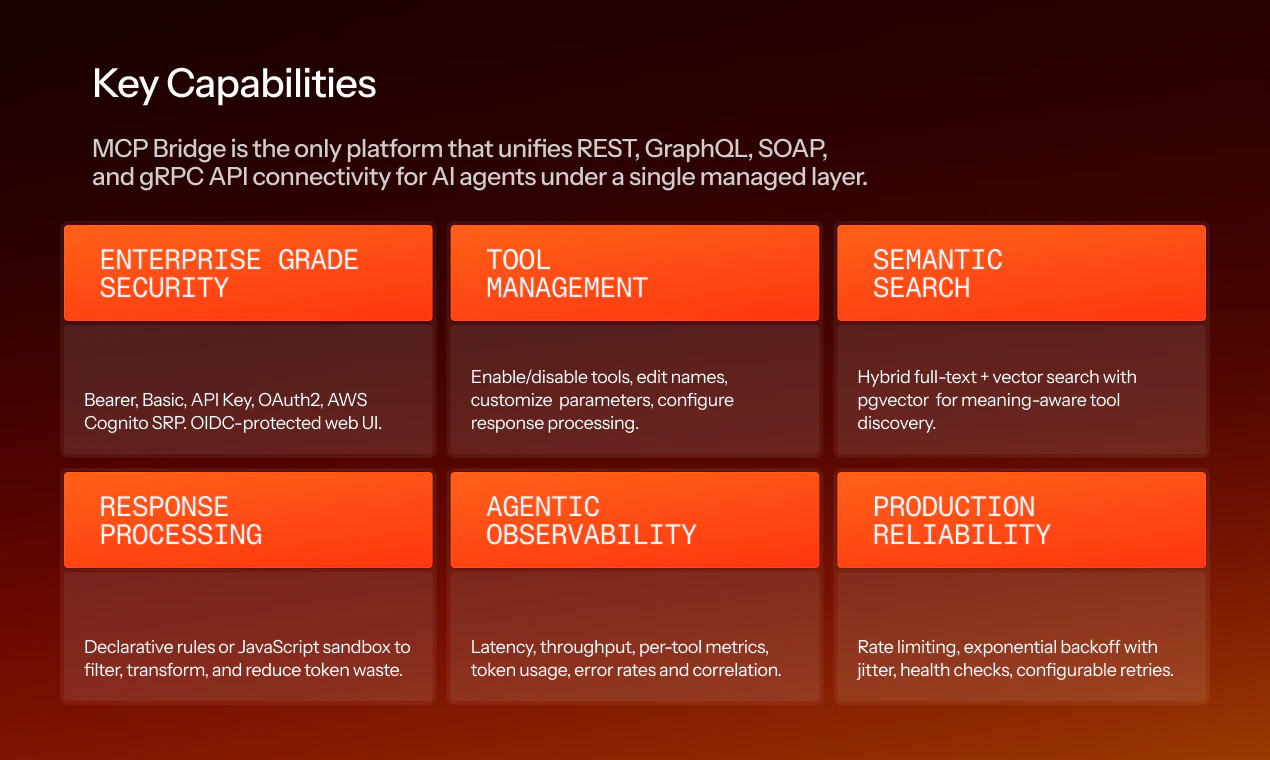
MCP Bridge by Appfactor is an innovative API integration platform designed for developers and AI practitioners seeking seamless connectivity between AI agents and enterprise APIs. It allows users to point MCP Bridge at any REST, GraphQL, SOAP, or gRPC API, automatically generating comprehensive MCP tool definitions with typed schemas, authentication, rate limiting, and response processing. This streamlines the process of enabling large language models (LLMs) to interact with complex enterprise systems through a single, standardized interface. What sets MCP Bridge apart is its ability to abstract diverse API protocols into a unified connection point, significantly reducing integration complexity and development time. This makes it particularly valuable for organizations looking to empower their AI agents with real-time access to internal or third-party APIs without extensive custom coding.
Screenshots


+1 more screenshots
Pros
- ✓Supports multiple API protocols including REST, GraphQL, SOAP, and gRPC
- ✓Automated generation of typed schemas and auth configurations
- ✓Simplifies API integration for AI applications
- ✓Reduces development effort and speeds up deployment
- ✓Enables consistent, standardized API access for LLM agents
Cons
- ✗Limited information on pricing tiers and plans
- ✗Potential learning curve for complex API configurations
- ✗Depends on quality and stability of underlying APIs
Use Cases
Pricing
Likely operates on a freemium or subscription model, with free tiers for basic usage and paid plans for enterprise features, higher rate limits, and advanced configurations. Specific pricing details are not publicly available.
Quick Info
Topics
Alternatives
Similar Tools in AI Assistants




Embed Badge
Add this badge to your website to show that MCP Bridge by Appfactor is featured on Visalytica.
<a href="https://www.visalytica.com/tool/mcp-bridge-by-appfactor" target="_blank" rel="noopener noreferrer" style="display:inline-flex;align-items:center;gap:6px;padding:6px 14px;background:#7c3aed;color:#fff;border-radius:8px;font-family:-apple-system,system-ui,sans-serif;font-size:13px;font-weight:600;text-decoration:none;transition:background .2s" onmouseover="this.style.background='#6d28d9'" onmouseout="this.style.background='#7c3aed'"><svg width="14" height="14" viewBox="0 0 24 24" fill="none" stroke="currentColor" stroke-width="2.5" stroke-linecap="round" stroke-linejoin="round"><path d="M12 20V10"/><path d="M18 20V4"/><path d="M6 20v-4"/></svg>Featured on Visalytica</a>