
Mastros - Whatsapp Scraper
WhatsApp Scraper group members, messages contacts
About Mastros - Whatsapp Scraper
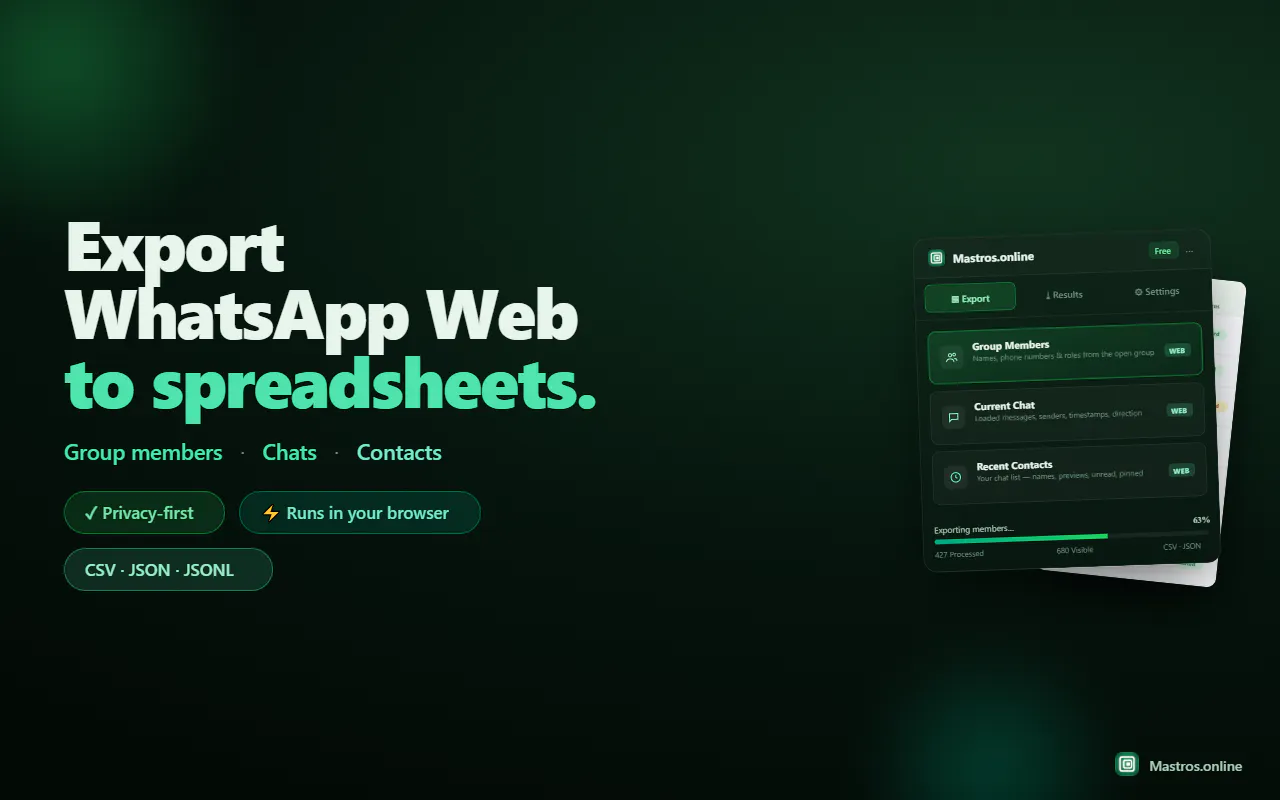
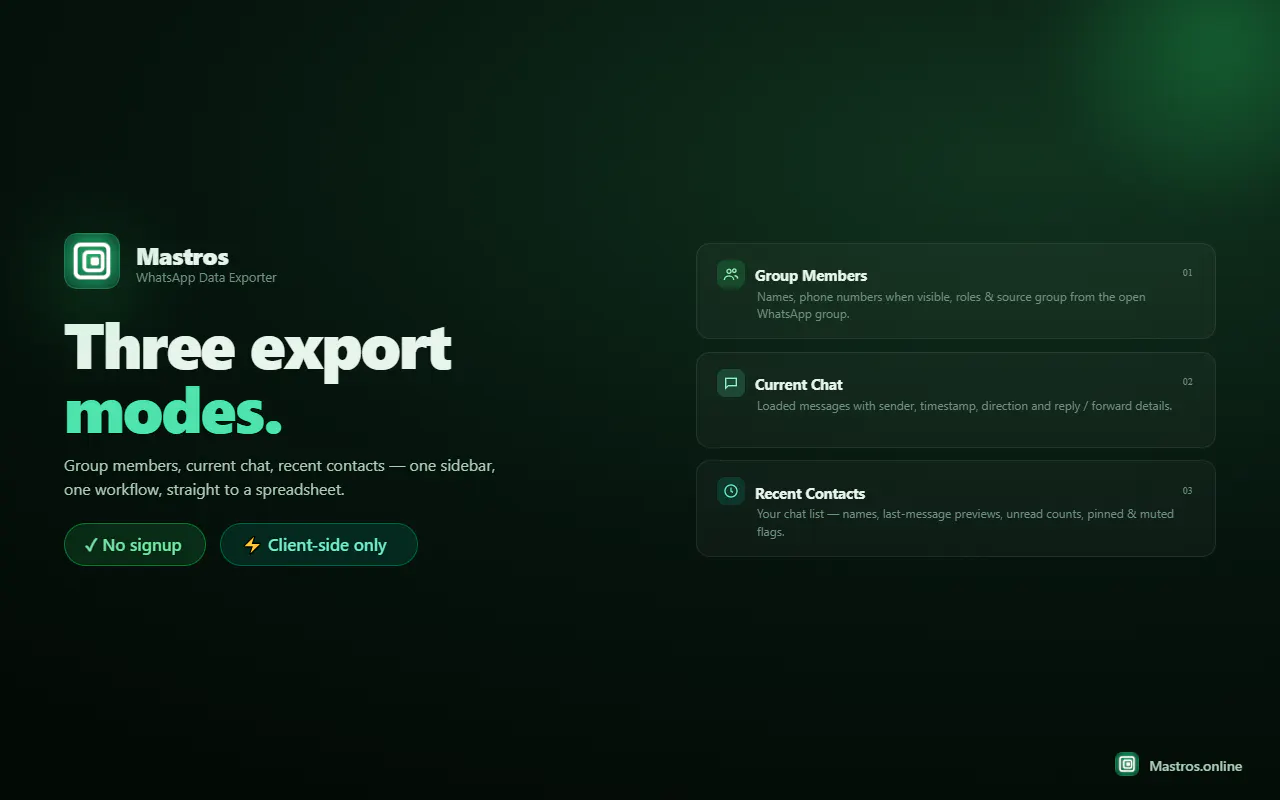
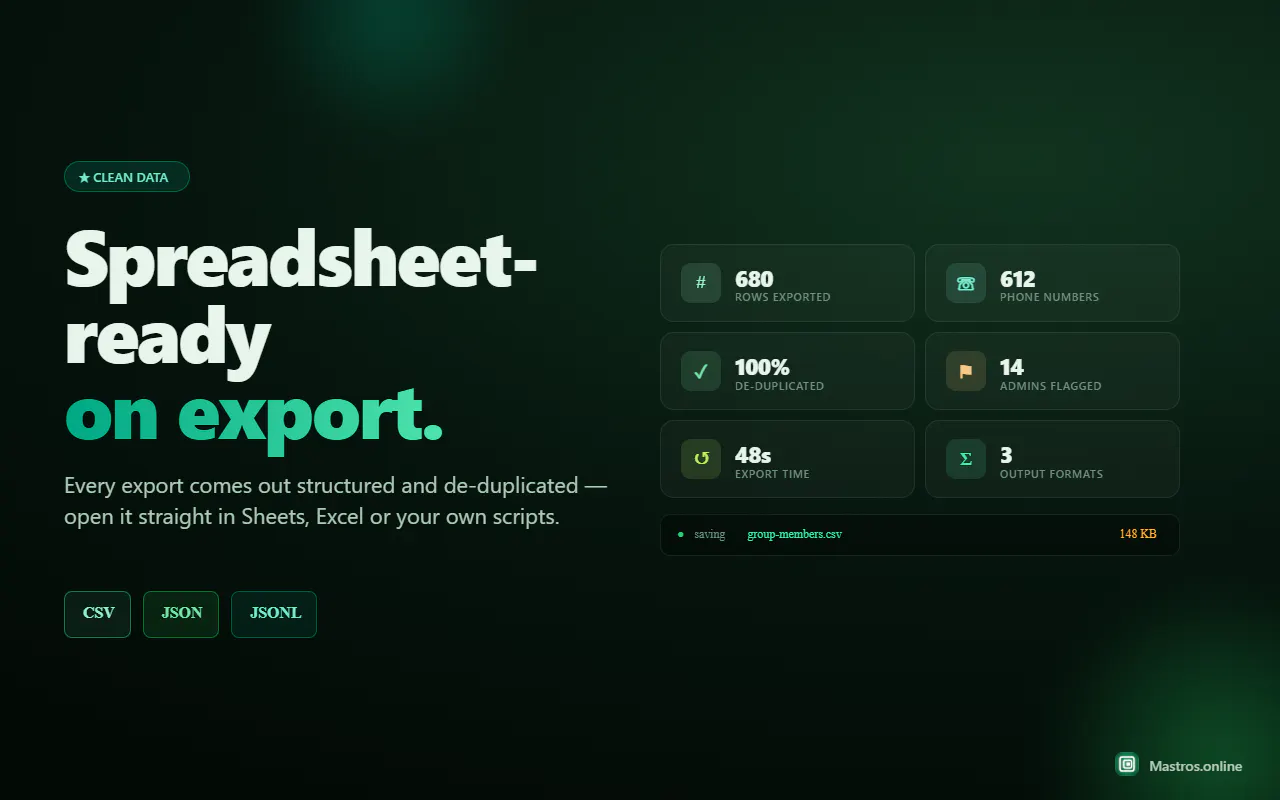
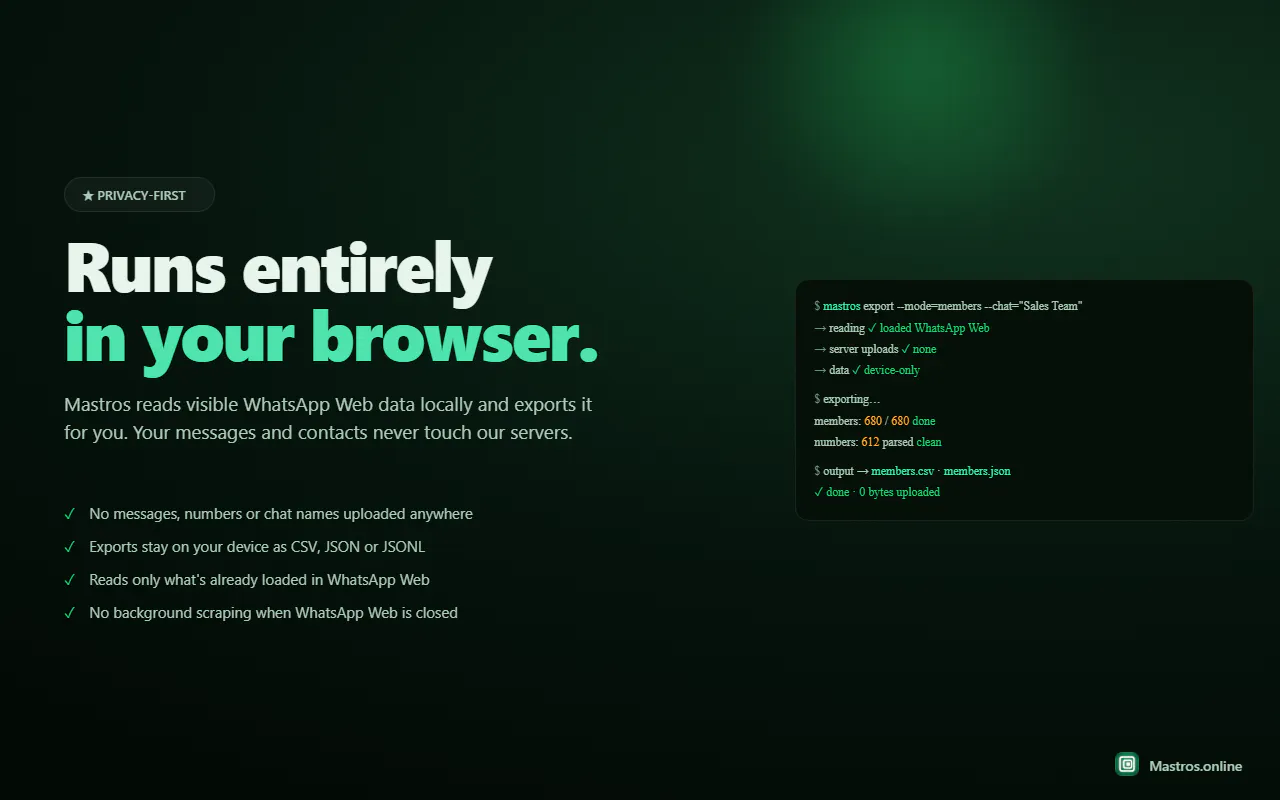
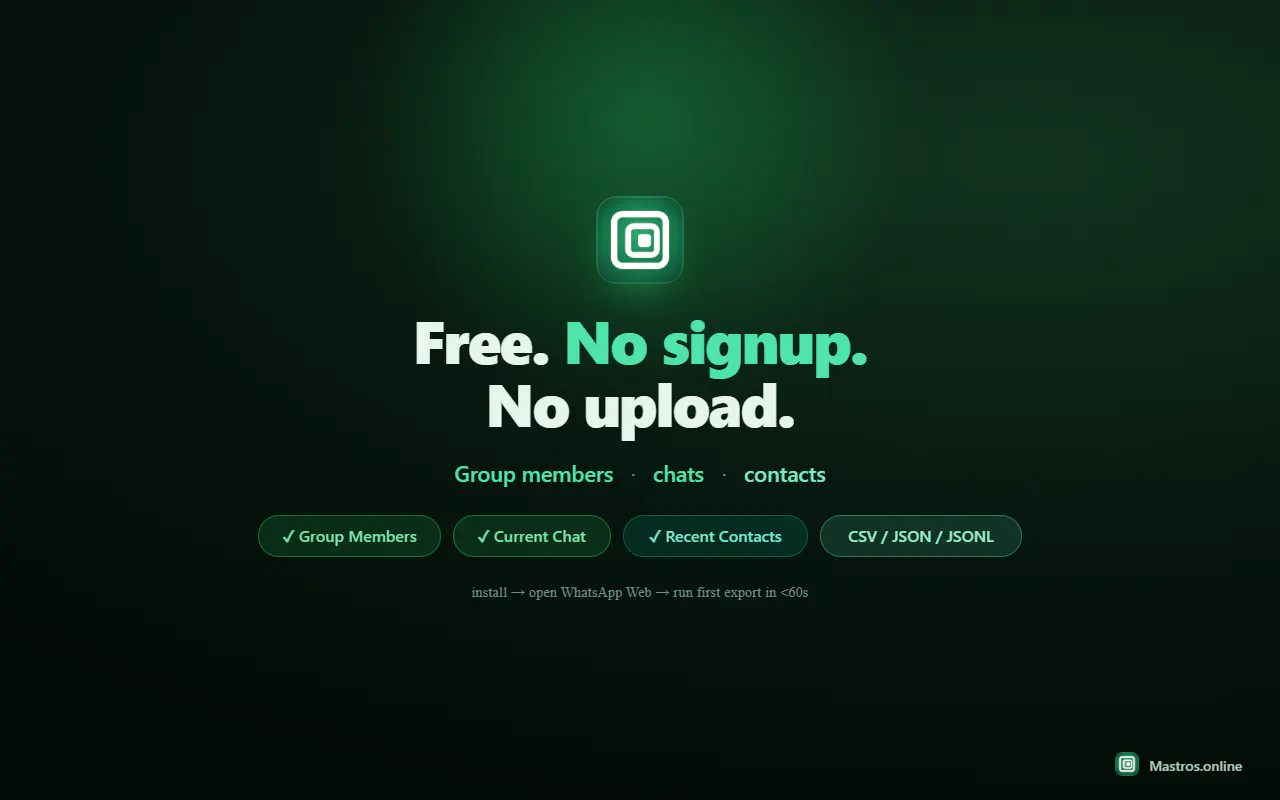
Mastros is a browser-based WhatsApp scraper designed for data collection and analysis. It enables users to extract and save information such as group members, contacts, and messages into formats like Excel, CSV, or JSON. Unlike many scraping tools, Mastros operates purely in your browser, ensuring that it only reads data without sending messages or engaging in any disruptive activity. This makes it suitable for marketers, researchers, or social media managers who need to analyze WhatsApp groups and contacts ethically and efficiently. Its user-friendly interface and focus on privacy make it a compelling choice for those looking to gather structured data from WhatsApp without risking account bans or privacy breaches. The tool's ability to seamlessly export data in multiple formats enhances its utility for further analysis or integration into CRM systems or marketing workflows.
Screenshots
Pros
- ✓Runs directly in the browser, avoiding server-side concerns
- ✓Extracts multiple data types: group members, contacts, messages
- ✓Exports data into versatile formats like Excel, CSV, JSON
- ✓Reads data without sending messages, ensuring privacy and safety
- ✓User-friendly interface suitable for non-technical users
Cons
- ✗Limited to read-only access, so no message sending or automation
- ✗Potential challenges with WhatsApp's evolving security measures
- ✗Lack of advanced filtering or analytical features within the tool
Use Cases
Pricing
Likely operates on a freemium model with basic features available for free and premium plans offering additional data limits or functionalities. Exact pricing details are not specified, but such tools typically start around $10-$30 per month.
Quick Info
Topics
Makers

Mastro
Alternatives
Similar Tools in Marketing & SEO




Embed Badge
Add this badge to your website to show that Mastros - Whatsapp Scraper is featured on Visalytica.
<a href="https://www.visalytica.com/tool/mastros-whatsapp-scraper" target="_blank" rel="noopener noreferrer" style="display:inline-flex;align-items:center;gap:6px;padding:6px 14px;background:#7c3aed;color:#fff;border-radius:8px;font-family:-apple-system,system-ui,sans-serif;font-size:13px;font-weight:600;text-decoration:none;transition:background .2s" onmouseover="this.style.background='#6d28d9'" onmouseout="this.style.background='#7c3aed'"><svg width="14" height="14" viewBox="0 0 24 24" fill="none" stroke="currentColor" stroke-width="2.5" stroke-linecap="round" stroke-linejoin="round"><path d="M12 20V10"/><path d="M18 20V4"/><path d="M6 20v-4"/></svg>Featured on Visalytica</a>