MashuPack
Turn codebases into a clean file for Claude and ChatGPT
About MashuPack
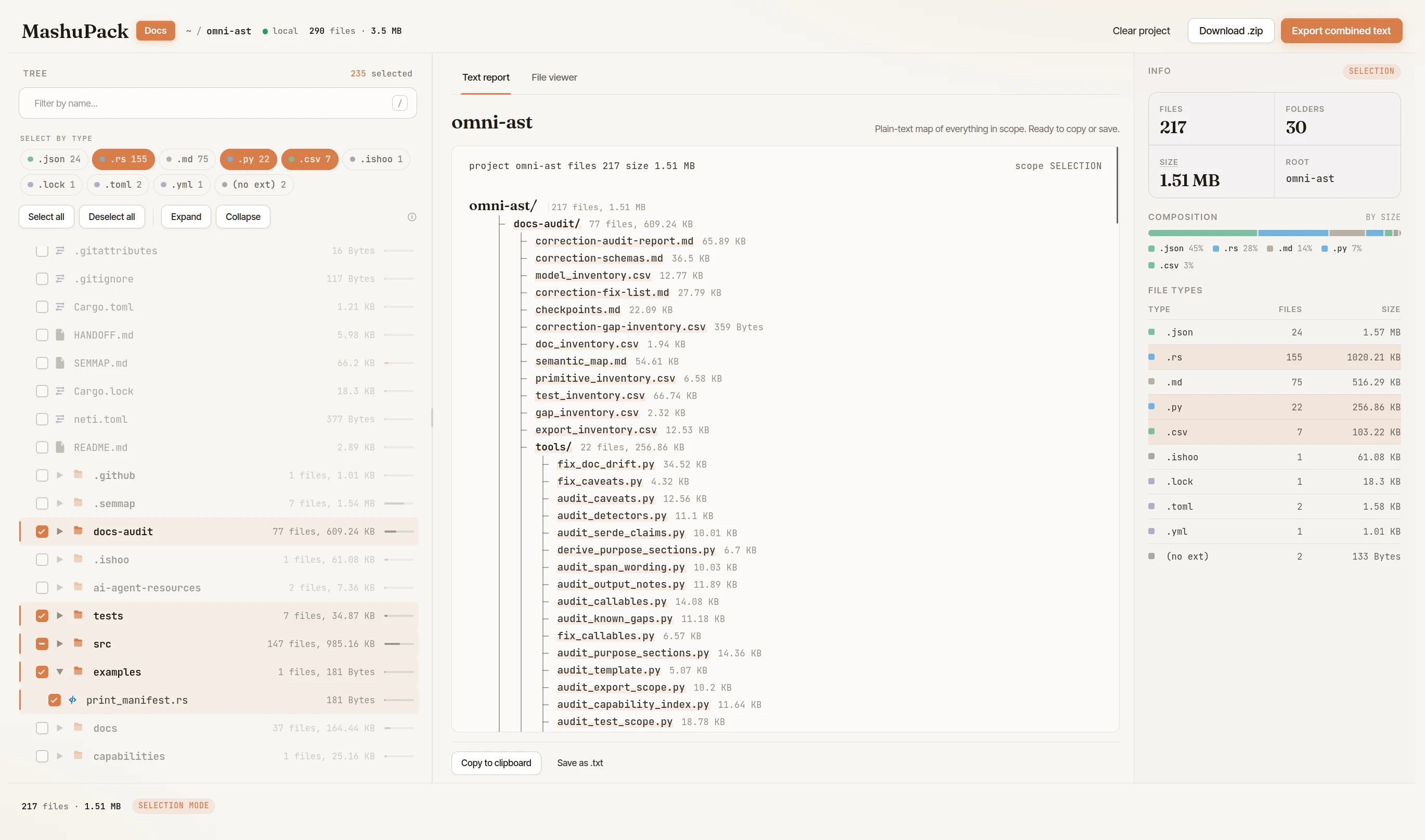
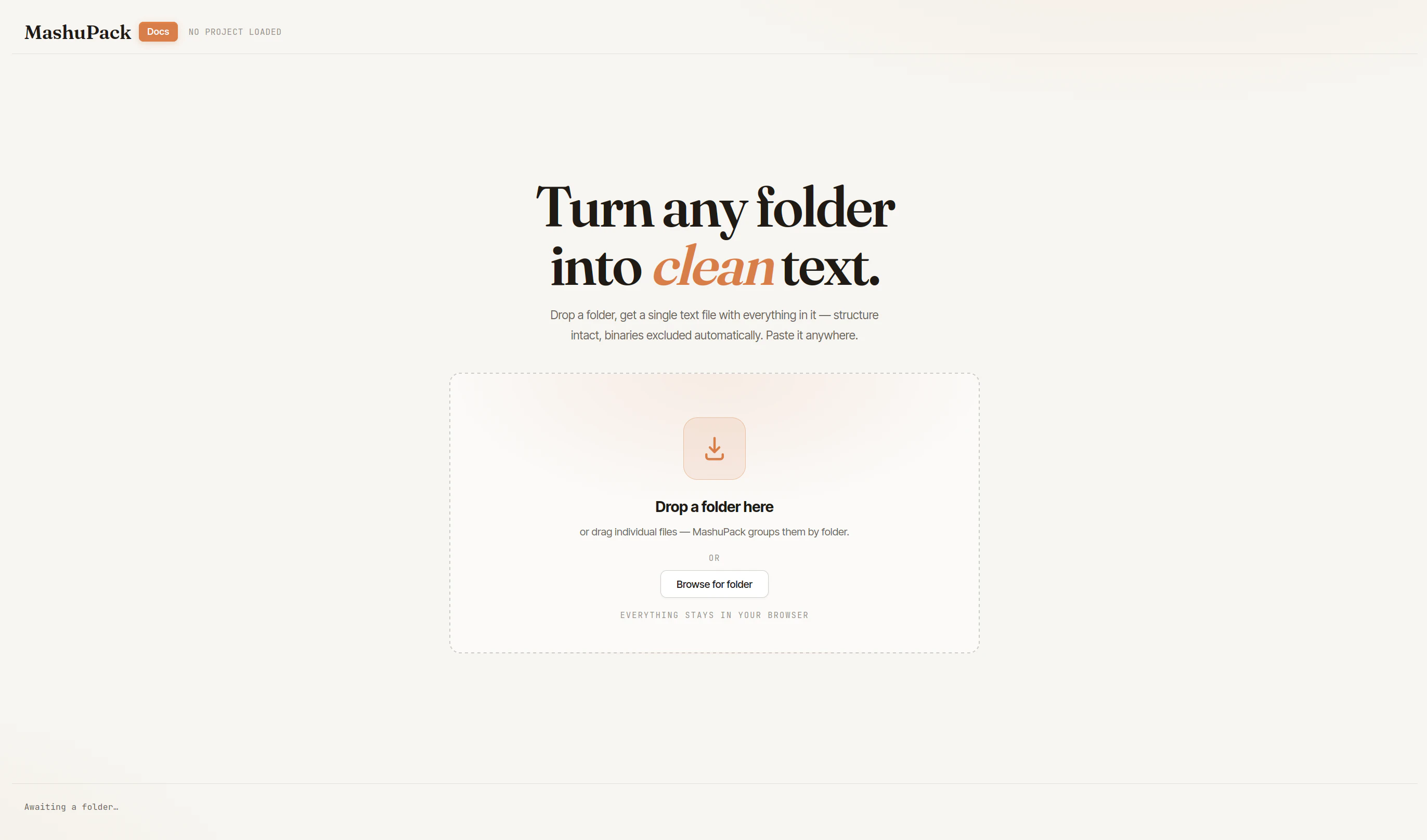
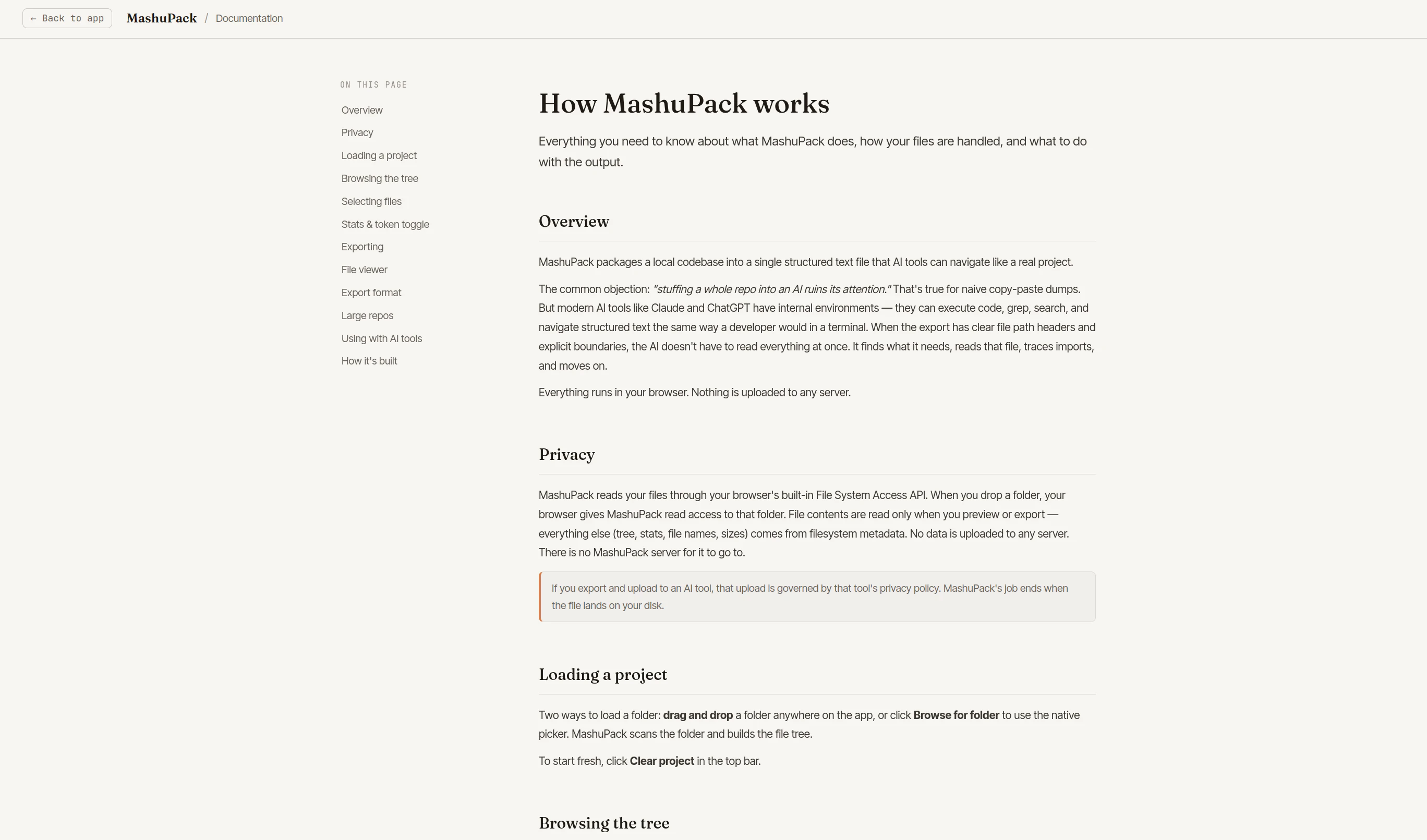
MashuPack is a streamlined browser-based tool designed to simplify the process of preparing code snippets for AI models like ChatGPT, Claude, and Gemini. It allows users to select specific parts of a code repository and compile them into a clean, portable text file, effectively overcoming common challenges such as file count limits, upload friction, and messy context assembly. Perfect for developers and AI practitioners who need precise, organized code contexts, MashuPack enhances productivity by making code sharing more intentional and manageable. Its intuitive interface and focus on context control make it a valuable addition to AI workflows, especially when working within the constraints of large language models that require clean, focused input.
Screenshots
Pros
- ✓Simplifies extraction and compilation of code snippets for AI prompts
- ✓Improves workflow efficiency by reducing context clutter
- ✓Browser-based with no installation required
- ✓Enhances control over what code is shared with AI models
Cons
- ✗Limited information on specific pricing or free tier options
- ✗May require manual selection which could be time-consuming for large repositories
- ✗Potential limitations on the size or complexity of selected code chunks
Use Cases
Pricing
Likely operates on a freemium model with a free tier for basic use and paid plans offering additional features or higher usage limits, though specific details are not publicly confirmed.
Quick Info
Topics
Similar Tools in AI Assistants




Embed Badge
Add this badge to your website to show that MashuPack is featured on Visalytica.
<a href="https://www.visalytica.com/tool/mashupack" target="_blank" rel="noopener noreferrer" style="display:inline-flex;align-items:center;gap:6px;padding:6px 14px;background:#7c3aed;color:#fff;border-radius:8px;font-family:-apple-system,system-ui,sans-serif;font-size:13px;font-weight:600;text-decoration:none;transition:background .2s" onmouseover="this.style.background='#6d28d9'" onmouseout="this.style.background='#7c3aed'"><svg width="14" height="14" viewBox="0 0 24 24" fill="none" stroke="currentColor" stroke-width="2.5" stroke-linecap="round" stroke-linejoin="round"><path d="M12 20V10"/><path d="M18 20V4"/><path d="M6 20v-4"/></svg>Featured on Visalytica</a>