
Manus Preferred Browser
Run Manus web tasks from a fixed signed-in Chrome session
About Manus Preferred Browser
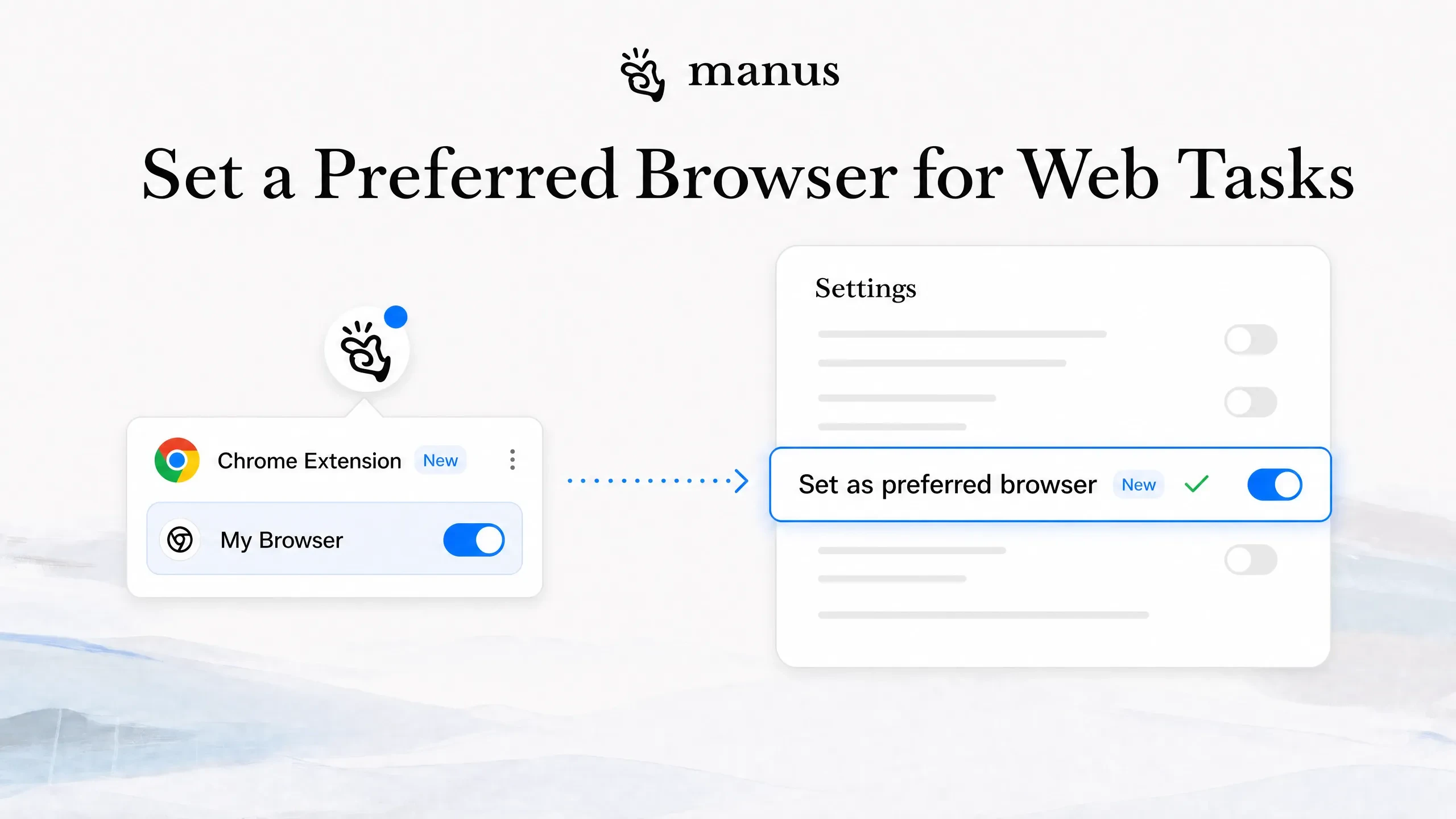
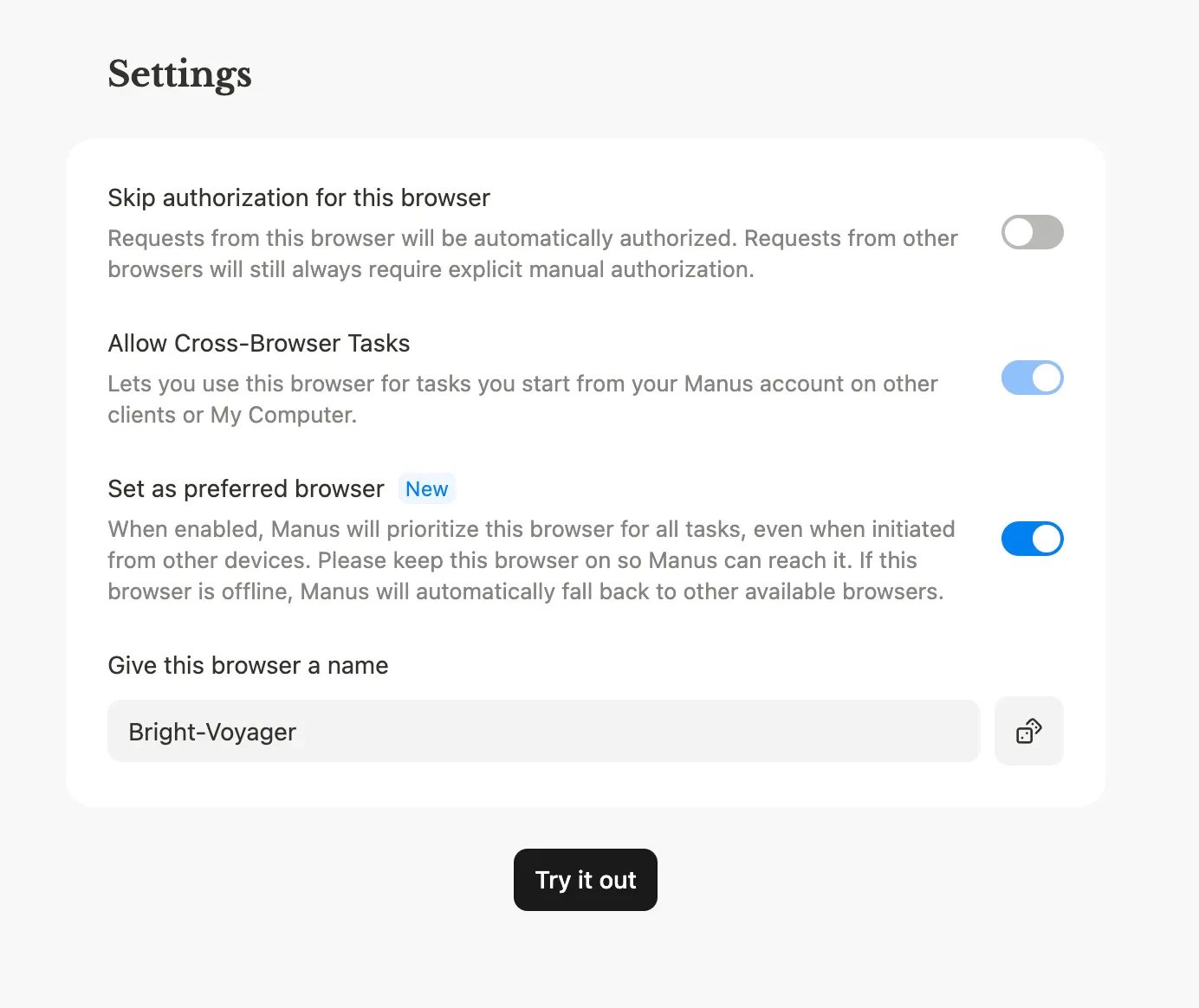
Manus Preferred Browser is a specialized tool designed for teams and power users who manage recurring web workflows. It enables users to run web automation tasks within a designated Chrome browser environment that remains signed in, with all extensions and network settings preserved across sessions. This consistency simplifies complex web tasks, reduces login hassles, and ensures a stable environment for automation. Ideal for those handling repetitive web data entry, research, or testing, Manus Browser Operator enhances efficiency by maintaining a fixed, reliable browsing setup. Its seamless integration with existing workflows makes it a valuable addition for teams seeking to streamline web automation without sacrificing customization or security.
Screenshots
Pros
- ✓Maintains a consistent Chrome environment across multiple devices
- ✓Preserves sign-ins, extensions, and network configurations
- ✓Simplifies recurring web automation tasks
- ✓Ideal for team workflows and collaborative projects
- ✓Reduces setup time for complex web tasks
Cons
- ✗Limited information on pricing and subscription plans
- ✗Requires users to manage a dedicated Chrome environment
- ✗Potentially complex setup for non-technical users
Use Cases
Pricing
Likely operates on a subscription model with tiered plans, possibly including a free trial or basic tier, but specific pricing details are not publicly disclosed.
Quick Info
Topics
Alternatives
Similar Tools in Productivity




Embed Badge
Add this badge to your website to show that Manus Preferred Browser is featured on Visalytica.
<a href="https://www.visalytica.com/tool/manus-preferred-browser" target="_blank" rel="noopener noreferrer" style="display:inline-flex;align-items:center;gap:6px;padding:6px 14px;background:#7c3aed;color:#fff;border-radius:8px;font-family:-apple-system,system-ui,sans-serif;font-size:13px;font-weight:600;text-decoration:none;transition:background .2s" onmouseover="this.style.background='#6d28d9'" onmouseout="this.style.background='#7c3aed'"><svg width="14" height="14" viewBox="0 0 24 24" fill="none" stroke="currentColor" stroke-width="2.5" stroke-linecap="round" stroke-linejoin="round"><path d="M12 20V10"/><path d="M18 20V4"/><path d="M6 20v-4"/></svg>Featured on Visalytica</a>