
Mantel
Stop confusing your Claude Code sessions & terminal windows
About Mantel
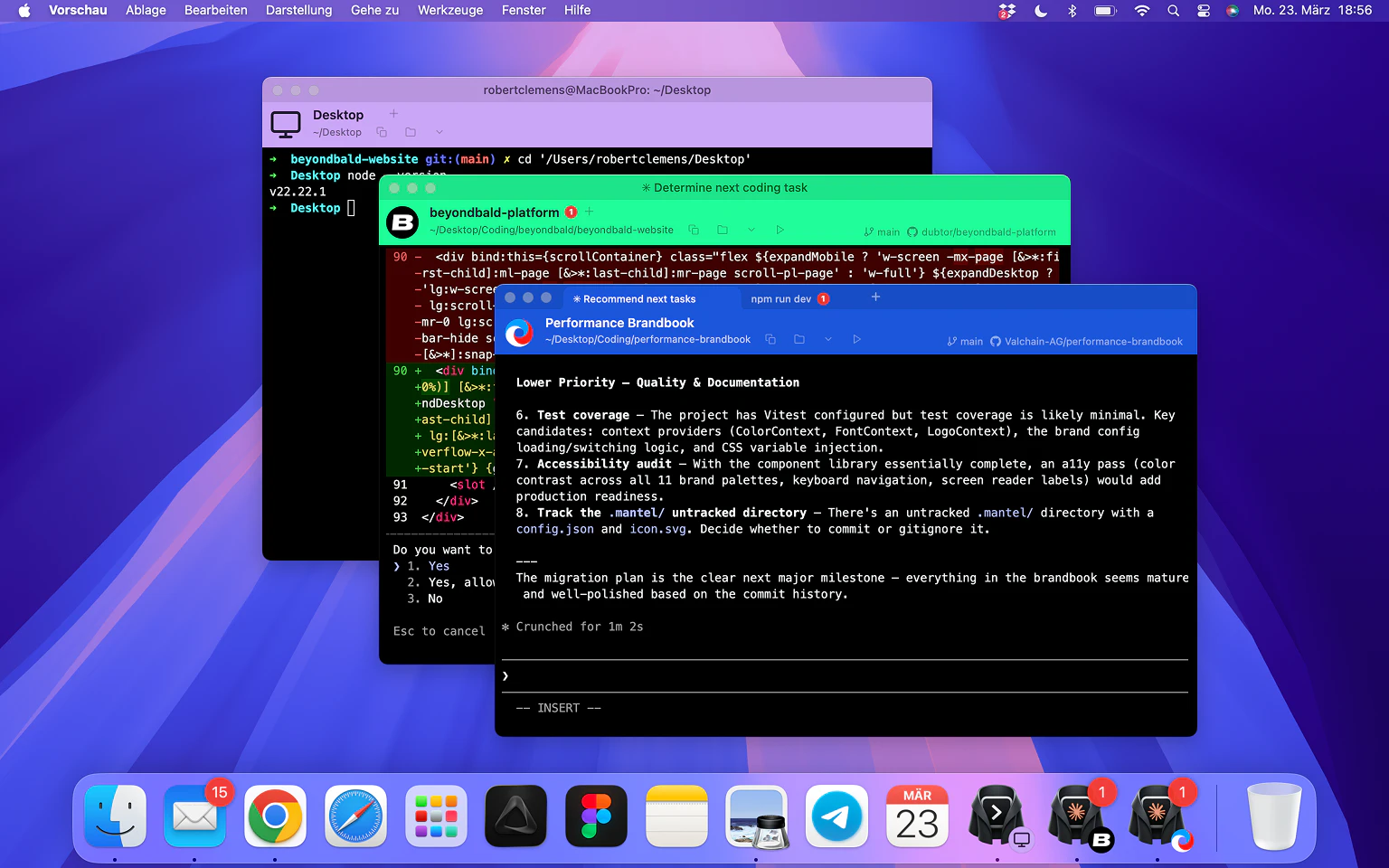
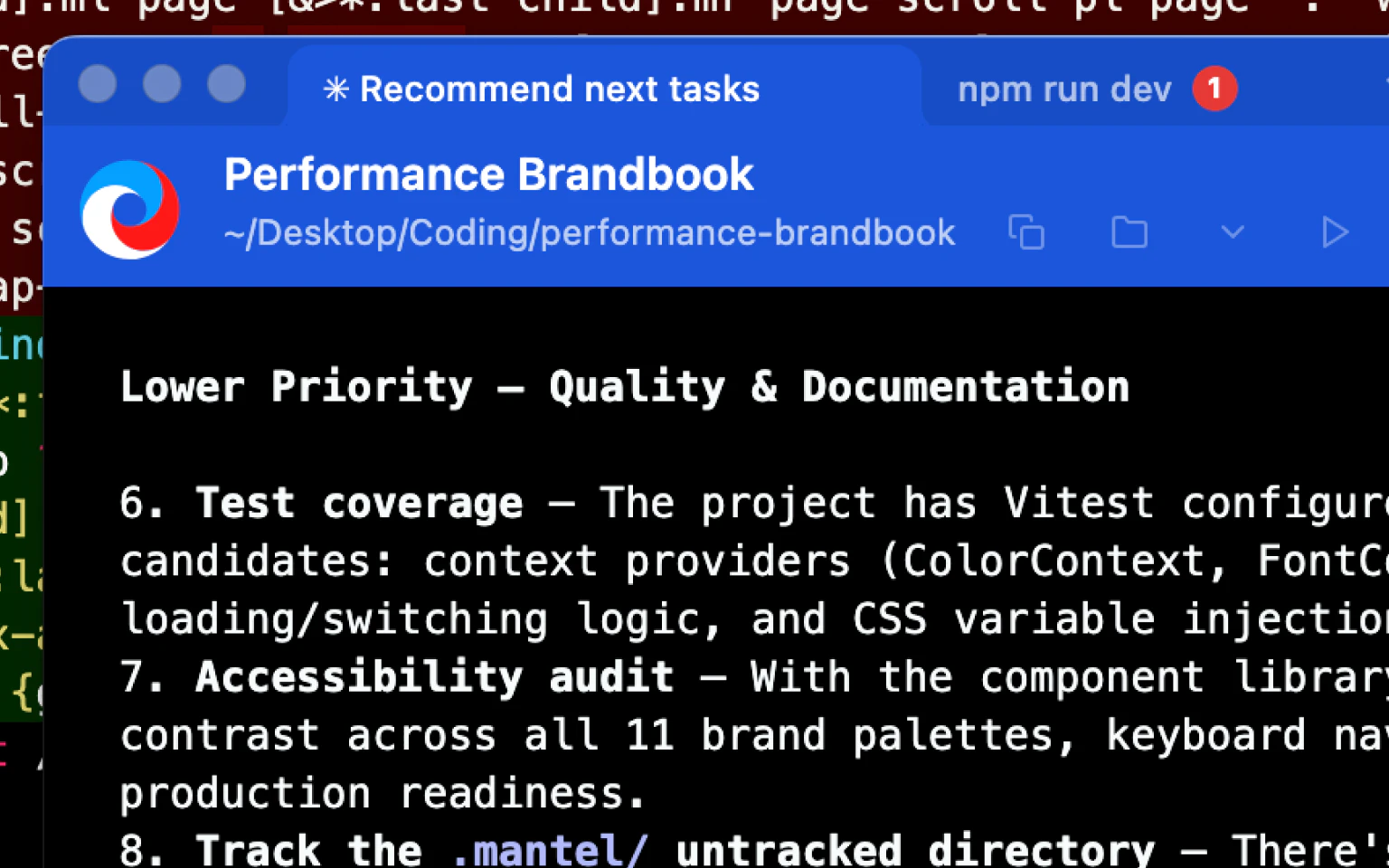
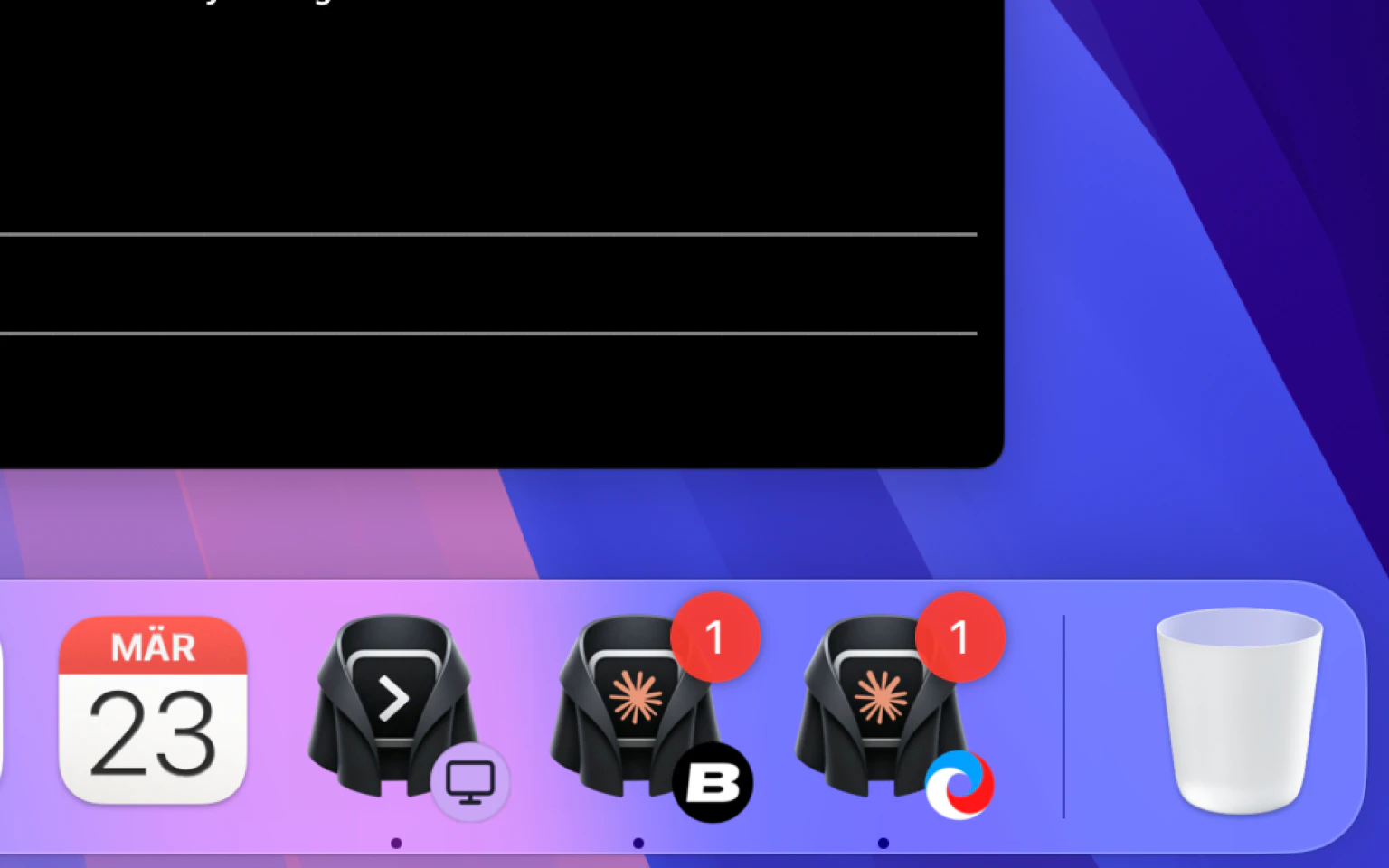
Mantel is a streamlined macOS terminal enhancement designed specifically for developers who work with multiple terminal sessions, such as Claude Code or other coding environments. Its primary feature is the ability to assign distinct colors, icons, and names to each project or session, making it easier to differentiate between numerous open windows. This is particularly beneficial for developers managing multiple projects simultaneously or running complex workflows, where traditional terminal windows can quickly become confusing. Mantel integrates seamlessly with the Mac environment, providing a familiar terminal experience while adding vital visual cues that help maintain focus and sanity during intensive coding sessions. Its lightweight nature ensures it doesn’t bloat the workflow, making it a valuable tool for developers seeking clarity and organization without sacrificing performance or usability.
Screenshots
Pros
- ✓Enhanced window differentiation through per-project colors, icons, and names
- ✓Seamless and familiar Mac terminal experience
- ✓Reduces confusion and improves workflow organization
- ✓Lightweight and easy to integrate into existing setups
Cons
- ✗Limited to macOS, excluding Windows and Linux users
- ✗Features may be basic for advanced terminal customization needs
- ✗No information on free trial or pricing details available
Use Cases
Pricing
Likely offers a freemium model with basic features free and premium plans possibly starting around $10-$15/month, though specific pricing details are not publicly confirmed.
Quick Info
Topics
Alternatives
Similar Tools in Developer Tools




Embed Badge
Add this badge to your website to show that Mantel is featured on Visalytica.
<a href="https://www.visalytica.com/tool/mantel" target="_blank" rel="noopener noreferrer" style="display:inline-flex;align-items:center;gap:6px;padding:6px 14px;background:#7c3aed;color:#fff;border-radius:8px;font-family:-apple-system,system-ui,sans-serif;font-size:13px;font-weight:600;text-decoration:none;transition:background .2s" onmouseover="this.style.background='#6d28d9'" onmouseout="this.style.background='#7c3aed'"><svg width="14" height="14" viewBox="0 0 24 24" fill="none" stroke="currentColor" stroke-width="2.5" stroke-linecap="round" stroke-linejoin="round"><path d="M12 20V10"/><path d="M18 20V4"/><path d="M6 20v-4"/></svg>Featured on Visalytica</a>