
Mambo
The DB client that previews before it commits.
About Mambo
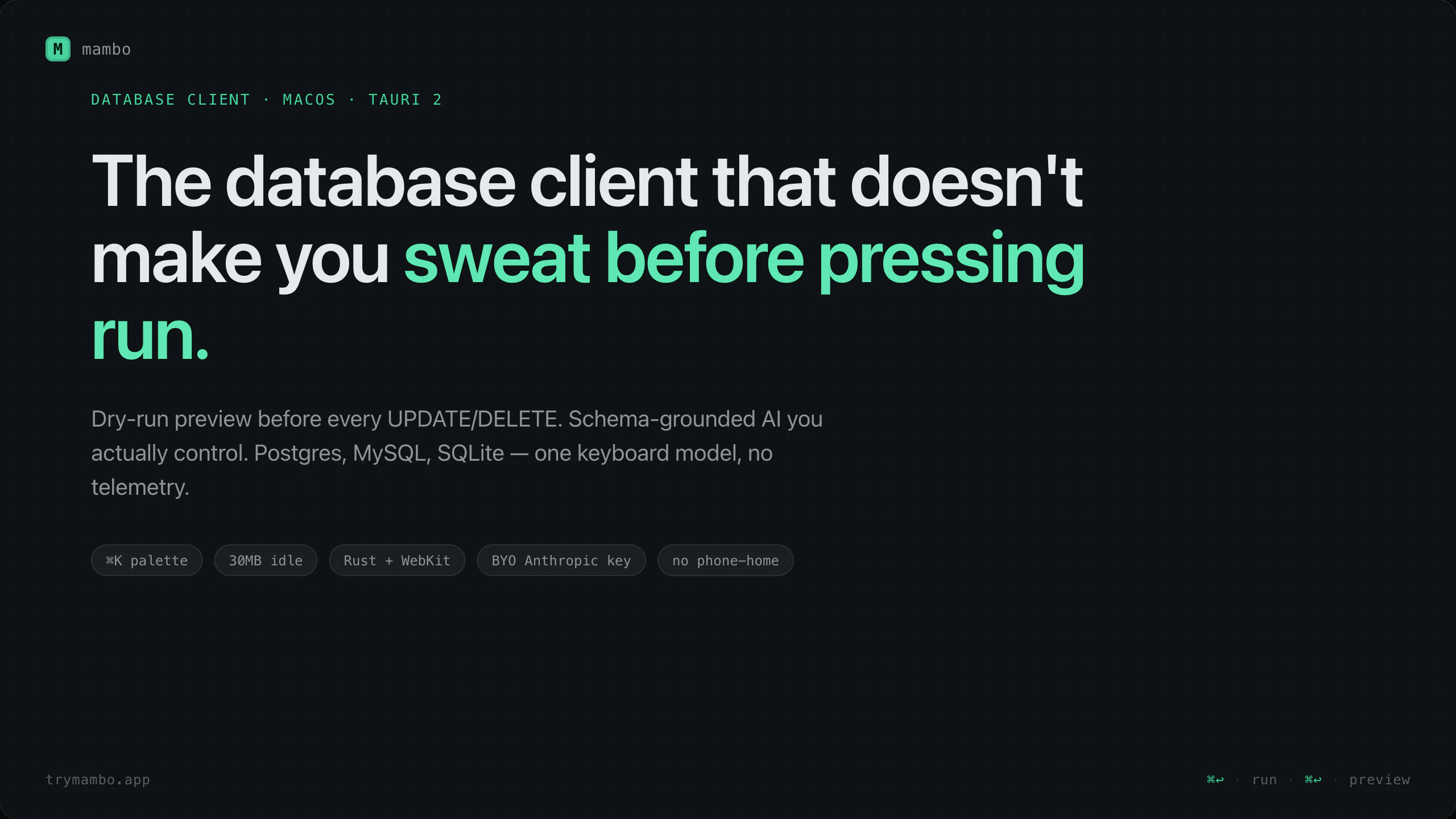
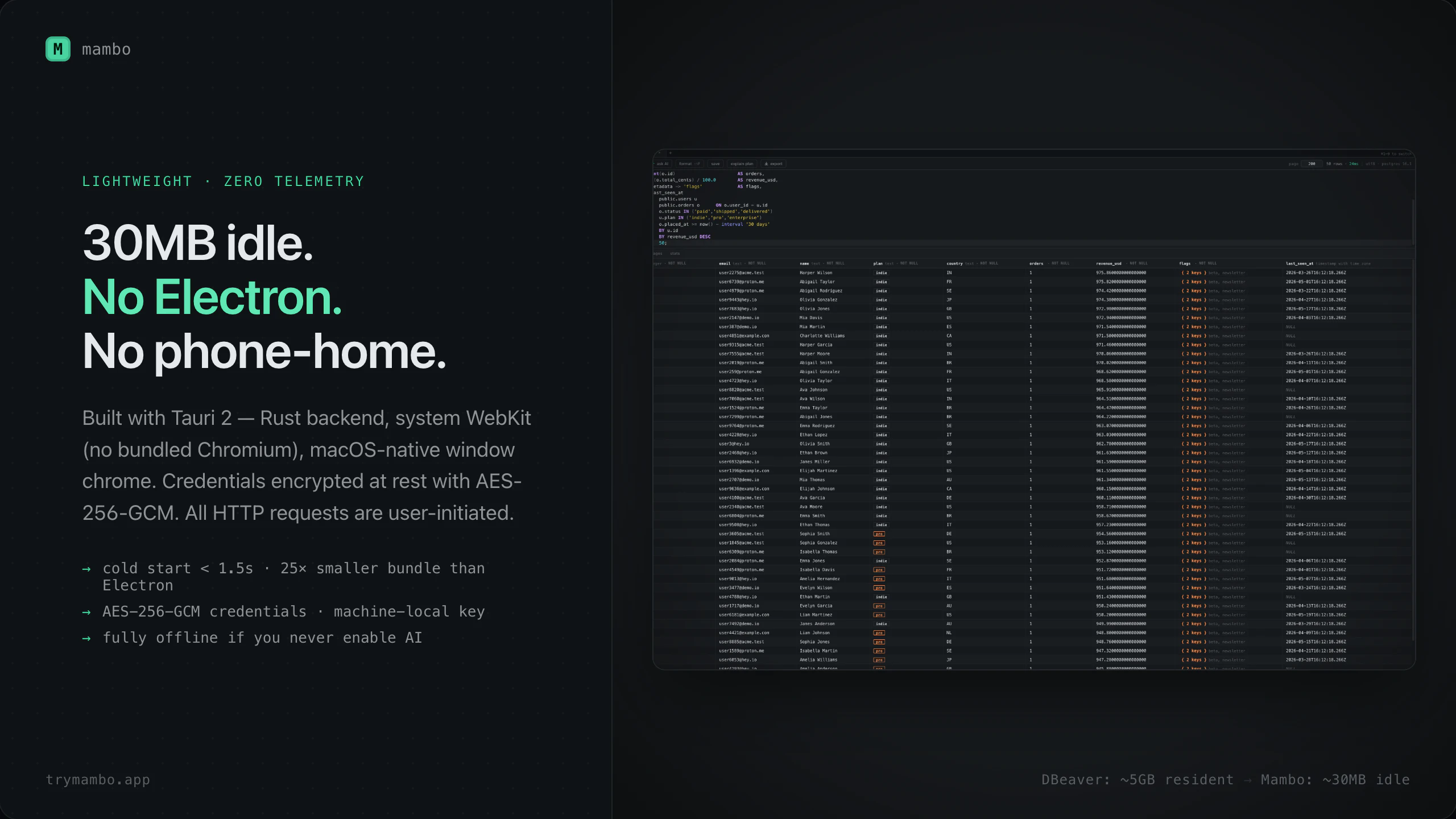
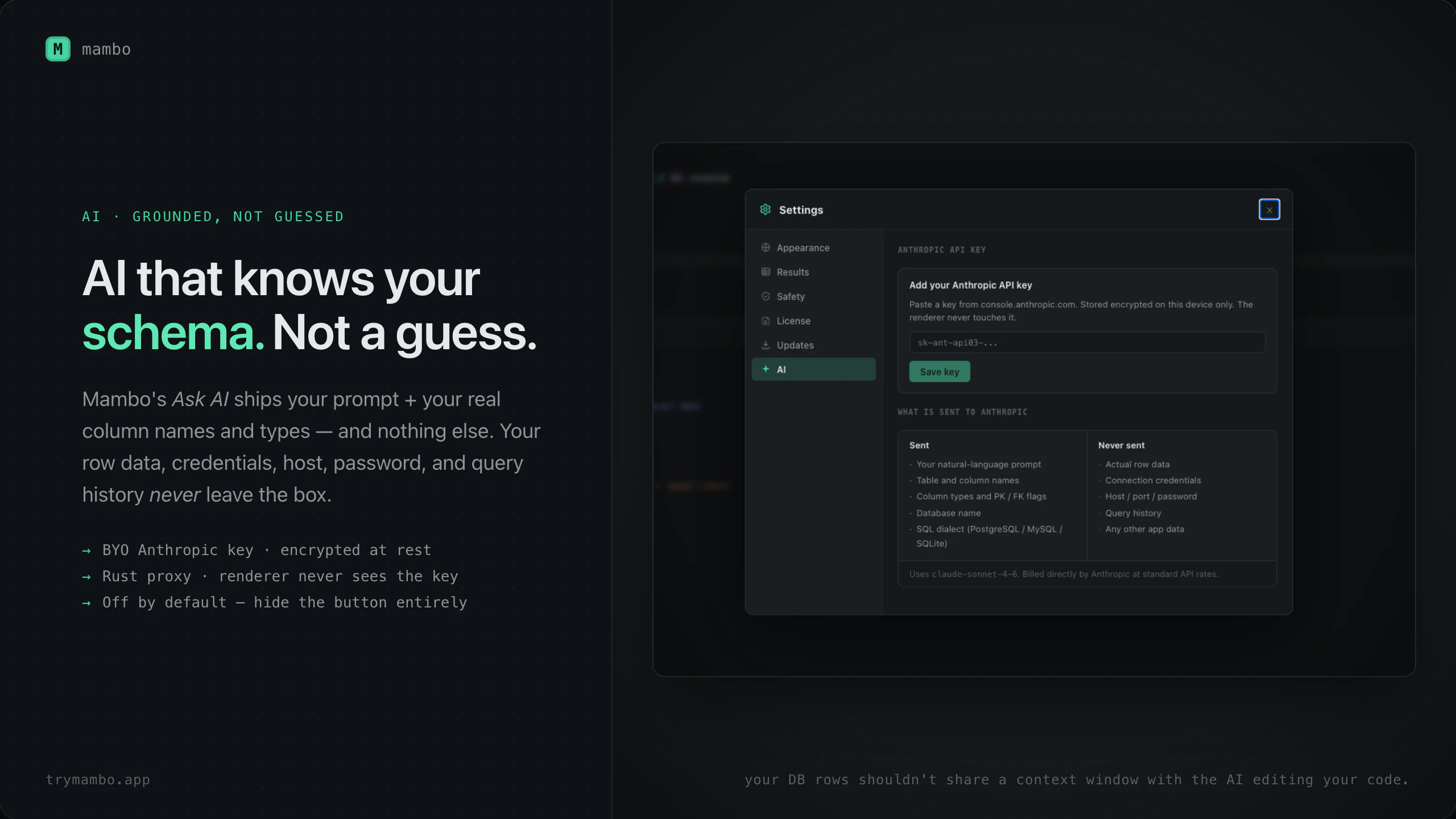
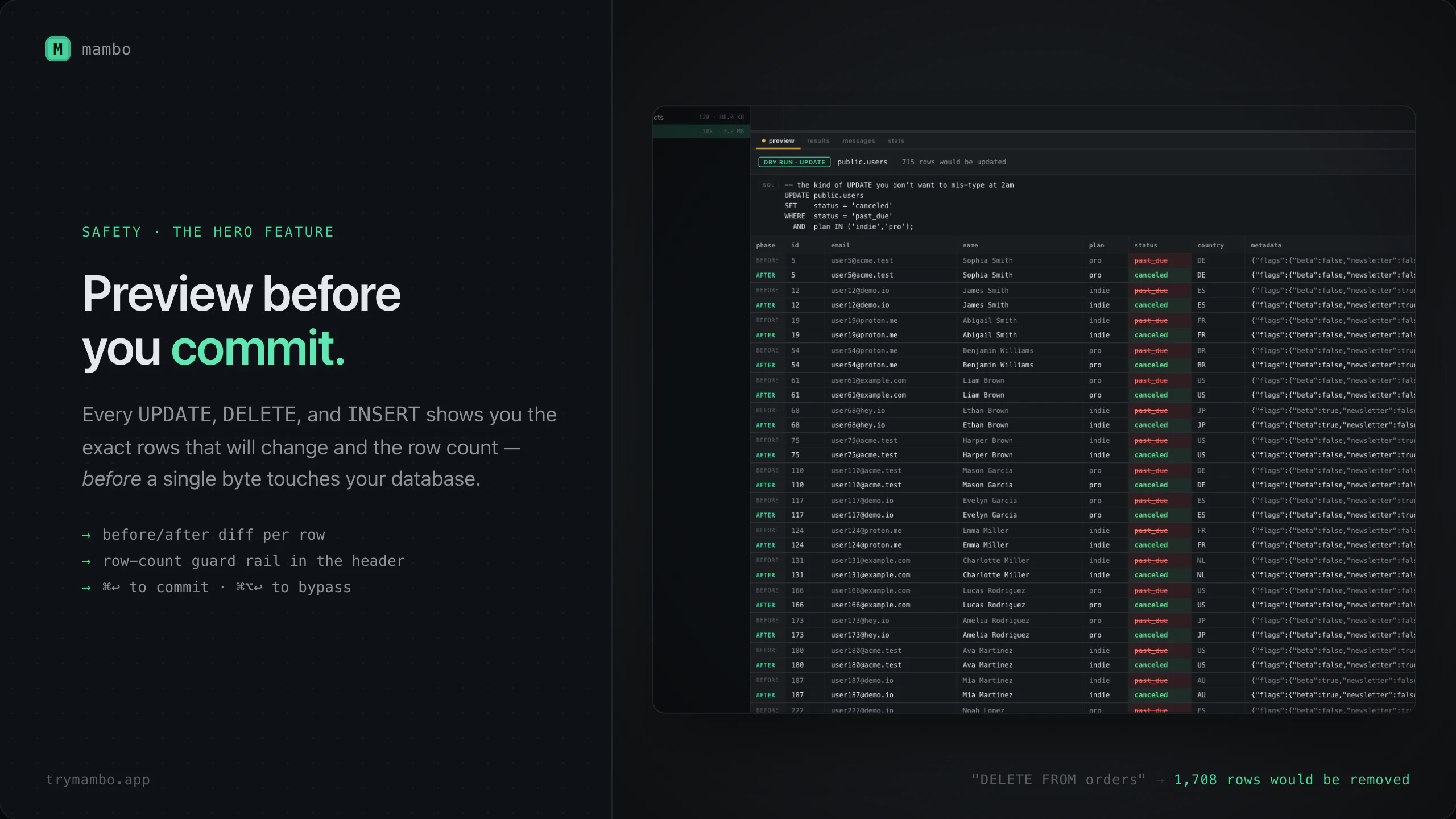
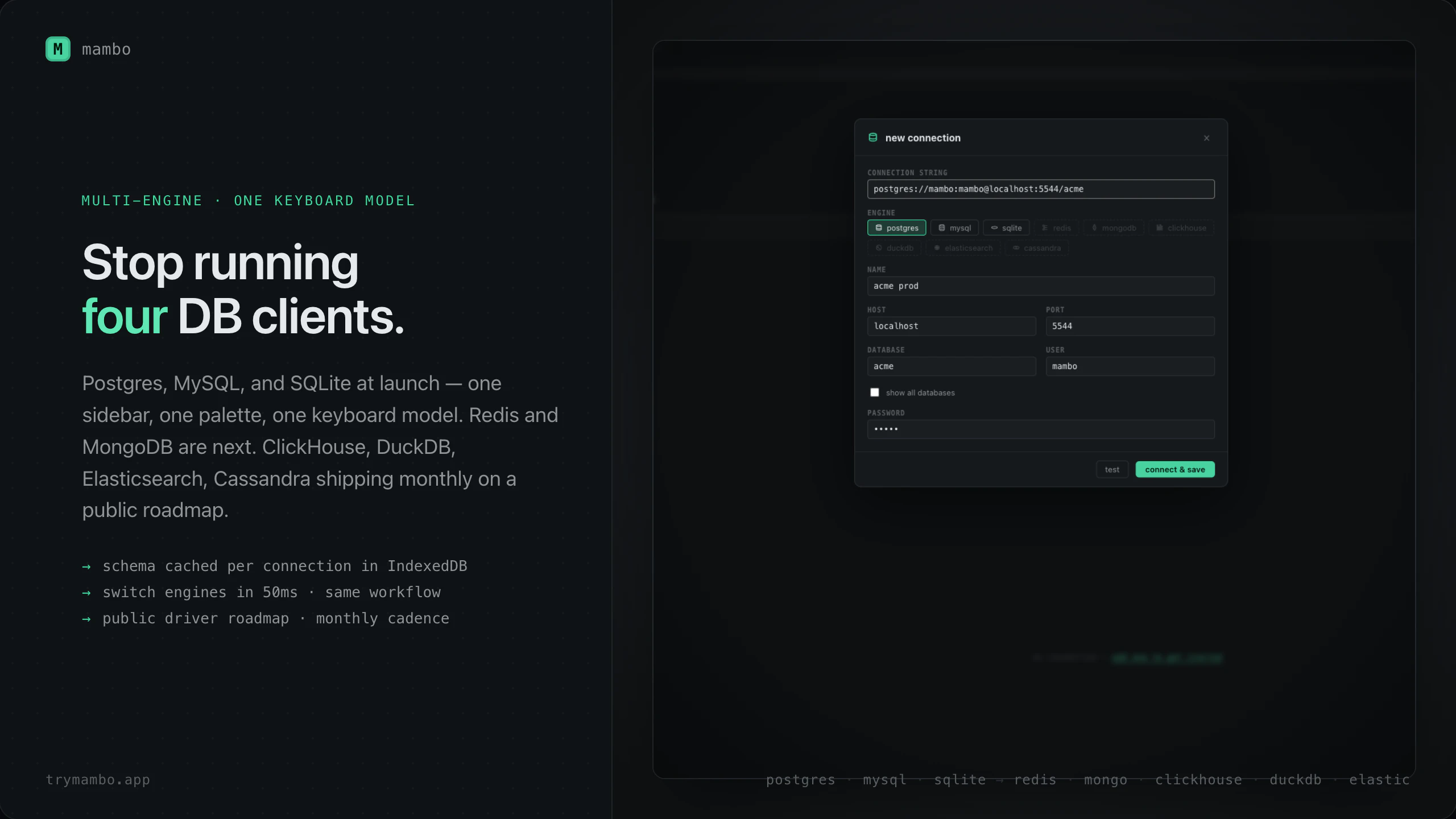
Mambo is a modern, keyboard-centric database client designed specifically for macOS users. It supports multiple database engines at launch, including Postgres, MySQL, and SQLite, making it a versatile tool for developers managing different database types. One of Mambo's standout features is its dry-run preview for every UPDATE and DELETE operation, allowing users to see exactly which rows will be affected before executing changes — a significant safety net for data integrity. Built with an emphasis on security and control, it integrates schema-grounded AI that users can operate with their own Anthropic API keys, which are securely encrypted at rest. The app is developed using Tauri, resulting in a lightweight footprint (around 30MB) with zero telemetry, respecting user privacy. Its intuitive, keyboard-first interface makes it ideal for power users who value efficiency and precision in database management. Overall, Mambo combines safety, control, and performance in a sleek package for macOS developers and data professionals.
Screenshots
+1 more screenshots
Pros
- ✓Supports multiple database engines (Postgres, MySQL, SQLite) at launch
- ✓Dry-run previews for UPDATE and DELETE operations enhance safety
- ✓Keyboard-first, efficient user interface for power users
- ✓Secure, schema-grounded AI integration with user-controlled API keys
- ✓ Lightweight (around 30MB) with zero telemetry and privacy focus
Cons
- ✗Limited database support currently (only three engines at launch)
- ✗New product with potentially fewer features compared to more mature clients
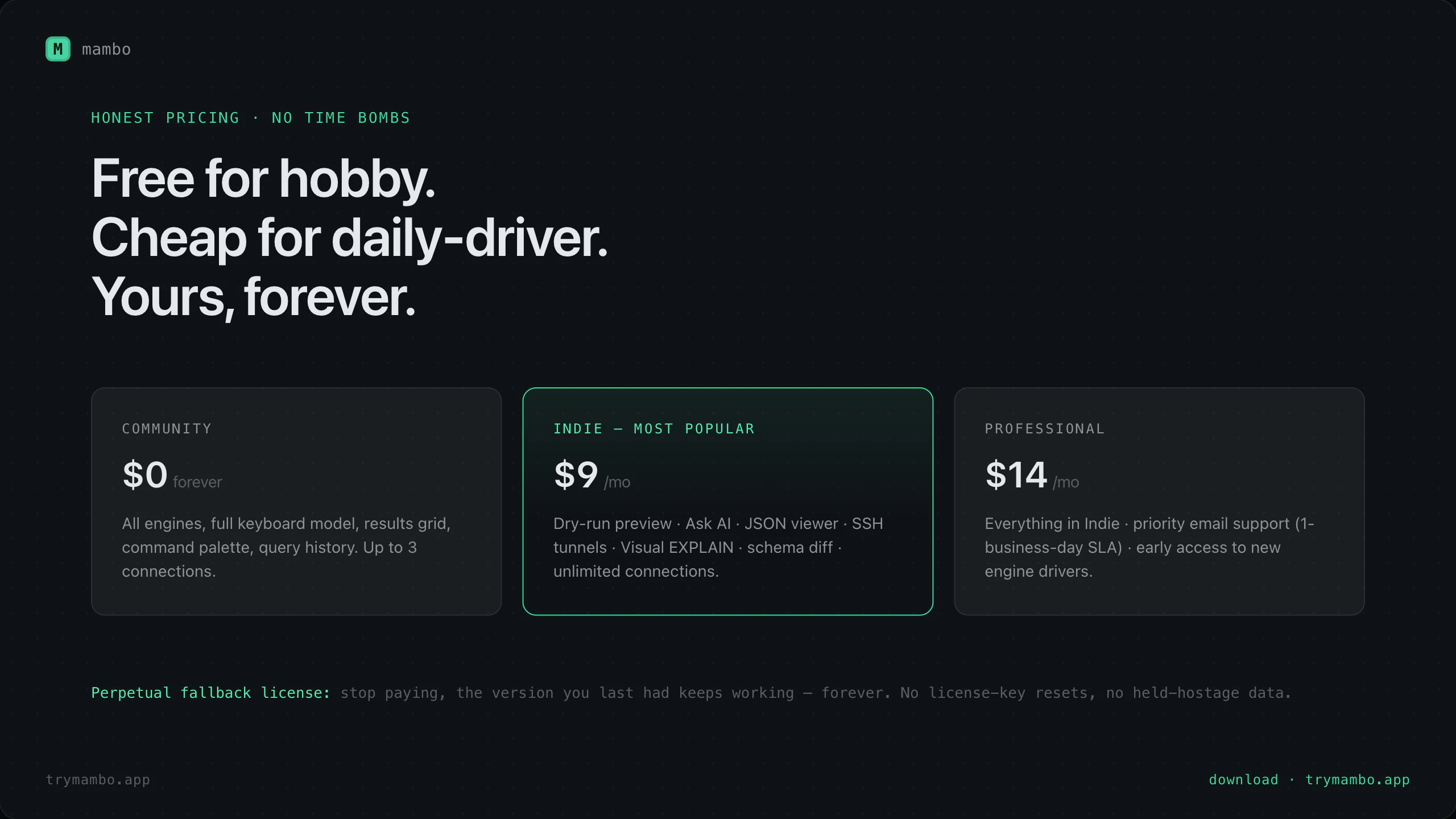
- ✗No free tier or detailed pricing info publicly available yet
Use Cases
Pricing
Likely uses a freemium or subscription-based model, but specific pricing details are not publicly provided. The emphasis on security and lightweight design suggests a paid plan with possible free trial or limited free tier.
Quick Info
Topics
Similar Tools in Developer Tools




Embed Badge
Add this badge to your website to show that Mambo is featured on Visalytica.
<a href="https://www.visalytica.com/tool/mambo" target="_blank" rel="noopener noreferrer" style="display:inline-flex;align-items:center;gap:6px;padding:6px 14px;background:#7c3aed;color:#fff;border-radius:8px;font-family:-apple-system,system-ui,sans-serif;font-size:13px;font-weight:600;text-decoration:none;transition:background .2s" onmouseover="this.style.background='#6d28d9'" onmouseout="this.style.background='#7c3aed'"><svg width="14" height="14" viewBox="0 0 24 24" fill="none" stroke="currentColor" stroke-width="2.5" stroke-linecap="round" stroke-linejoin="round"><path d="M12 20V10"/><path d="M18 20V4"/><path d="M6 20v-4"/></svg>Featured on Visalytica</a>